

loading...
Use the color inspector to extract colors and palettes from any image, then use them to create AI-generated logos, posters, product images, and ads with GlobalGPT.
Upload an image to start inspecting colors
Upload an image to identify its dominant colors, extract precise values, and turn visual inspiration into a practical palette.
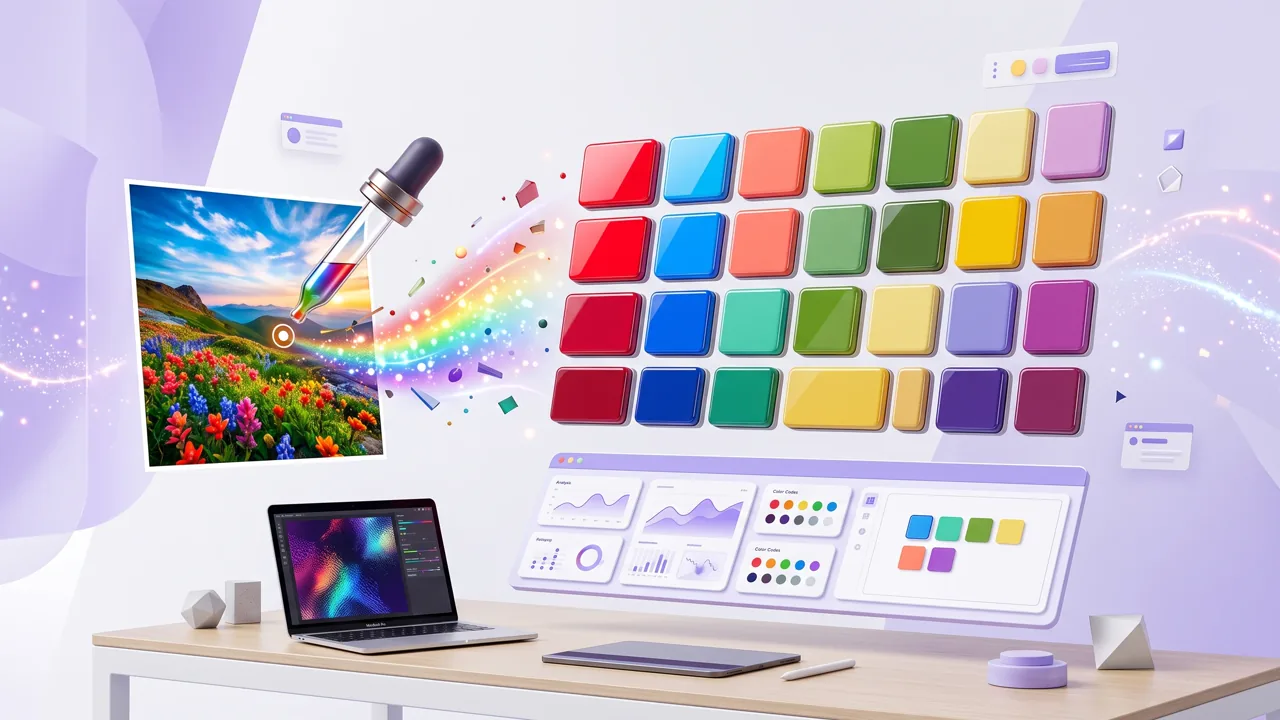
An AI image color inspector looks at the whole image to find key colors and palettes, while a normal color picker only selects one pixel color.
An AI Color Inspector helps you find the main colors in an image. Upload an image and instantly detect the key colors used across the image.
After detecting colors, the AI automatically creates a clean color palette you can reuse for posters, product ads, social media visuals, or AI image prompts.
Use the extracted palette as the visual direction for the next GlobalGPT creation tool.
Use product colors to create clean AI product images and ad visuals.
Turn your extracted palette into posters, campaign visuals, and social posts.
Create ad creatives and campaign visuals with a consistent look.
Build simple brand visuals, logo ideas, and branded image styles.
Get key colors in seconds.
Extract clean palettes from uploads.
After inspecting the color, copy HEX, RGB, or HSL values, then keep creating.
All-in-One AI Creation Platform
Start with GlobalGPT's AI Color Inspector to extract colors from any image, then continue creating with AI image generation, video generation, coding tools, and AI agents — all in one platform.

Jessica Park
UI Designer
“I used GlobalGPT's AI Color Inspector to get a color palette from a product photo, then used the same palette to create matching ad visuals.”
2 Days Ago

Mark Thompson
Brand Designer
“The AI color analyzer helped me extract brand colors from a logo image and turn them into visual directions for social media posts and AI image prompts.”
1 Week Ago

Anna Chen
Web Developer
“I like that it is more than a color inspector from image uploads. After the palette is ready, I can continue creating posters, product images, and video ideas inside GlobalGPT.”
3 Days Ago
A regular color picker selects pixels. AI Color Inspector not only takes the color of a single point, but also analyzes the overall visual style, main color, auxiliary color, and color palette, and serves subsequent creations.
A color inspector helps you find colors faster, create palettes from images, keep brand colors consistent, and copy color codes for design, web, and creative projects.
Use HEX for websites, RGB for digital screens, and HSL/HSB when you need more control over hue, saturation, and brightness.
Yes. GlobalGPT supports AI video creation along with AI image generation and other creative tools. After using AI Color Inspector to define a visual style, you can use GlobalGPT's video tools to create scenes with a consistent color mood.
Yes. You can try AI Color Inspector for free. Some advanced AI creation features may require registration or a paid plan after the free trial is used.