

Explore product colorways
Compare alternate hues for a bag, shoe, or accessory before committing to a design direction. Keep construction details in the brief.
Prompt Guide
Model
Reference Image
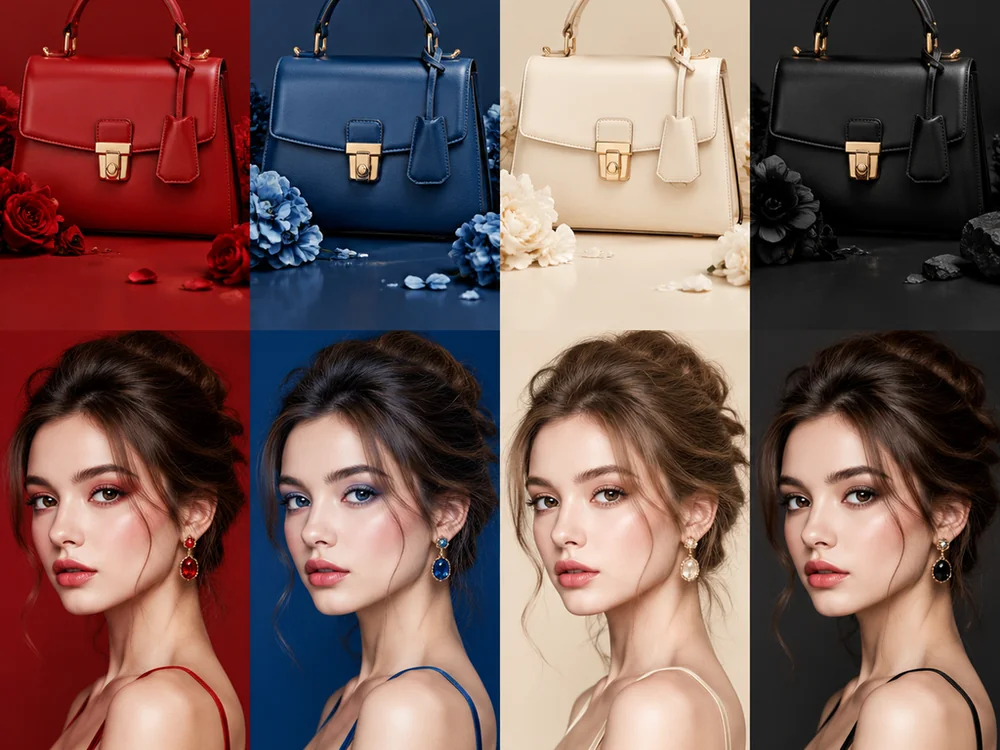
Explore a different palette for clothing and accessories. An AI recolor image brief works best when it specifies color, material, and the lighting you want to preserve.
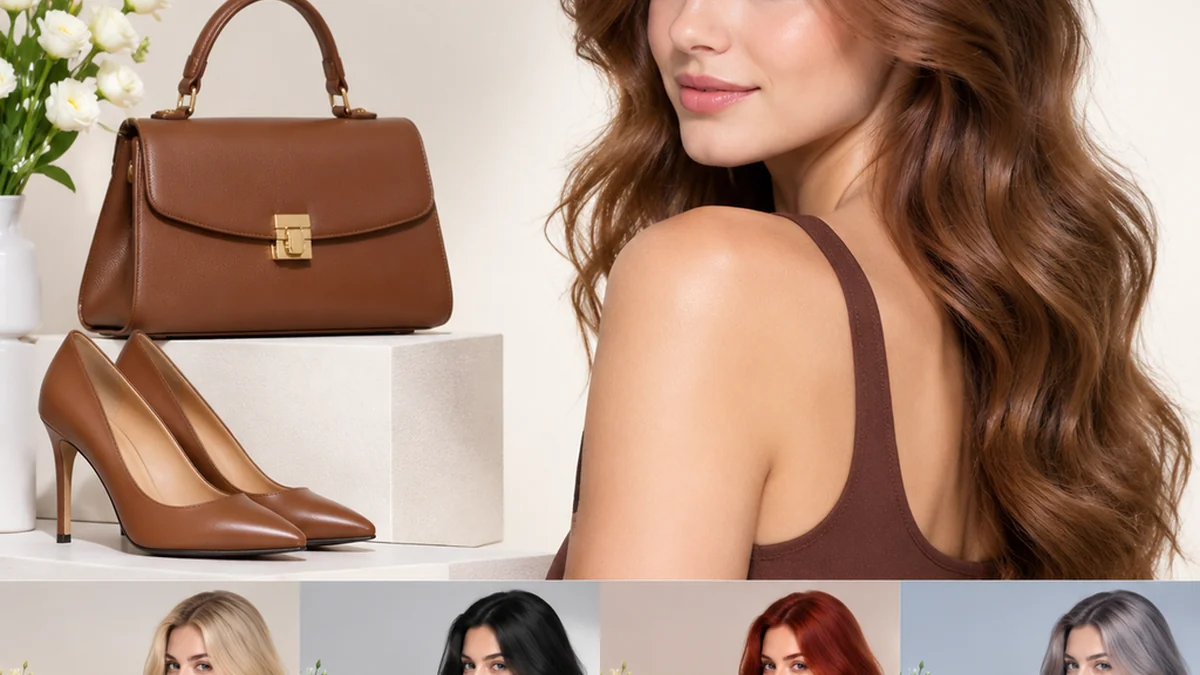
Keep an AI recolor image request focused on a single change, then inspect color edges, material texture, and the surrounding scene.
Choose the garment, accessory, or object to recolor. Describe it clearly when the photo contains several similar items.
Name a color family and finish, such as muted sage fabric or glossy navy leather. Avoid changing unrelated details in the same request.
Ask to retain folds, stitching, reflections, and shadows. Those details help the new shade belong to the original scene.
Check hair, skin, backgrounds, and neighboring objects for color spill. Treat generated palettes as visual concepts rather than exact product proofs.
Generated concept images illustrate prompt directions; they are not measured before-and-after editing tests.
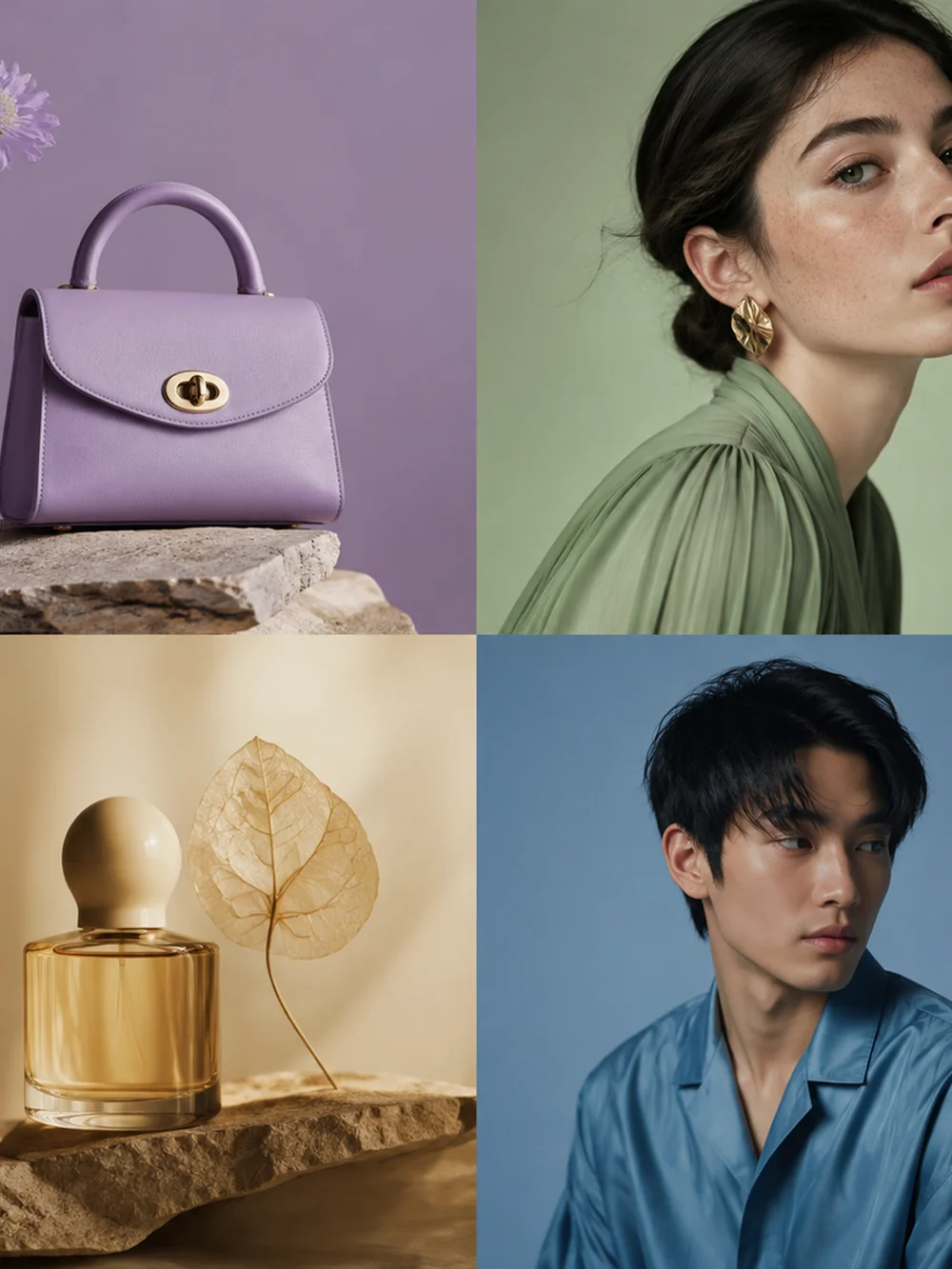 Fashion
Explore lilac, sage, ochre, and blue in a fashion palette concept. Coordinate accessories and clothing while keeping each material and silhouette easy to read.
Try This Prompt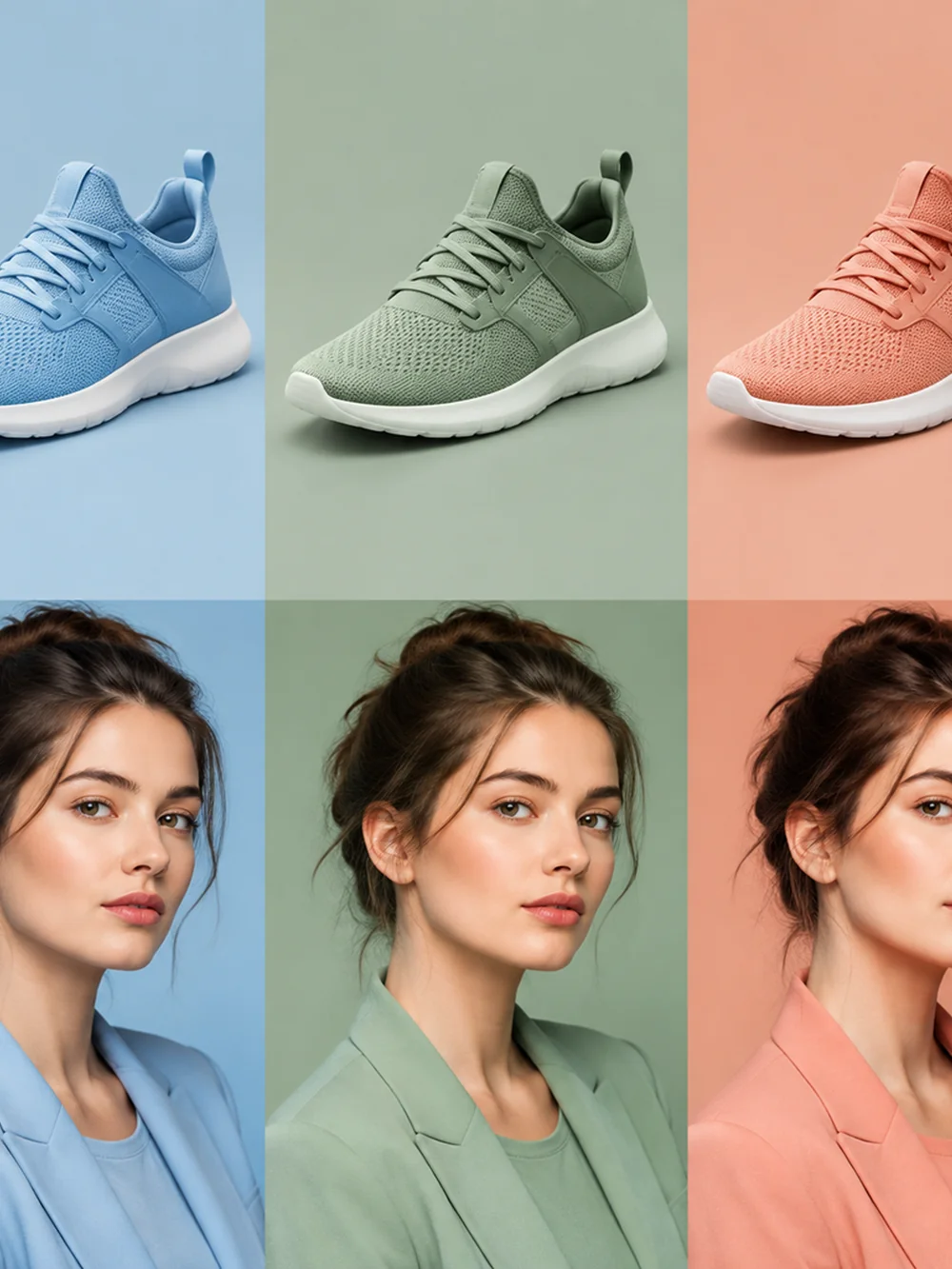 Products
Create a pastel sneaker palette concept in blue, sage, and peach. Pair the colorways with coordinated clothing references under consistent soft light.
Try This Prompt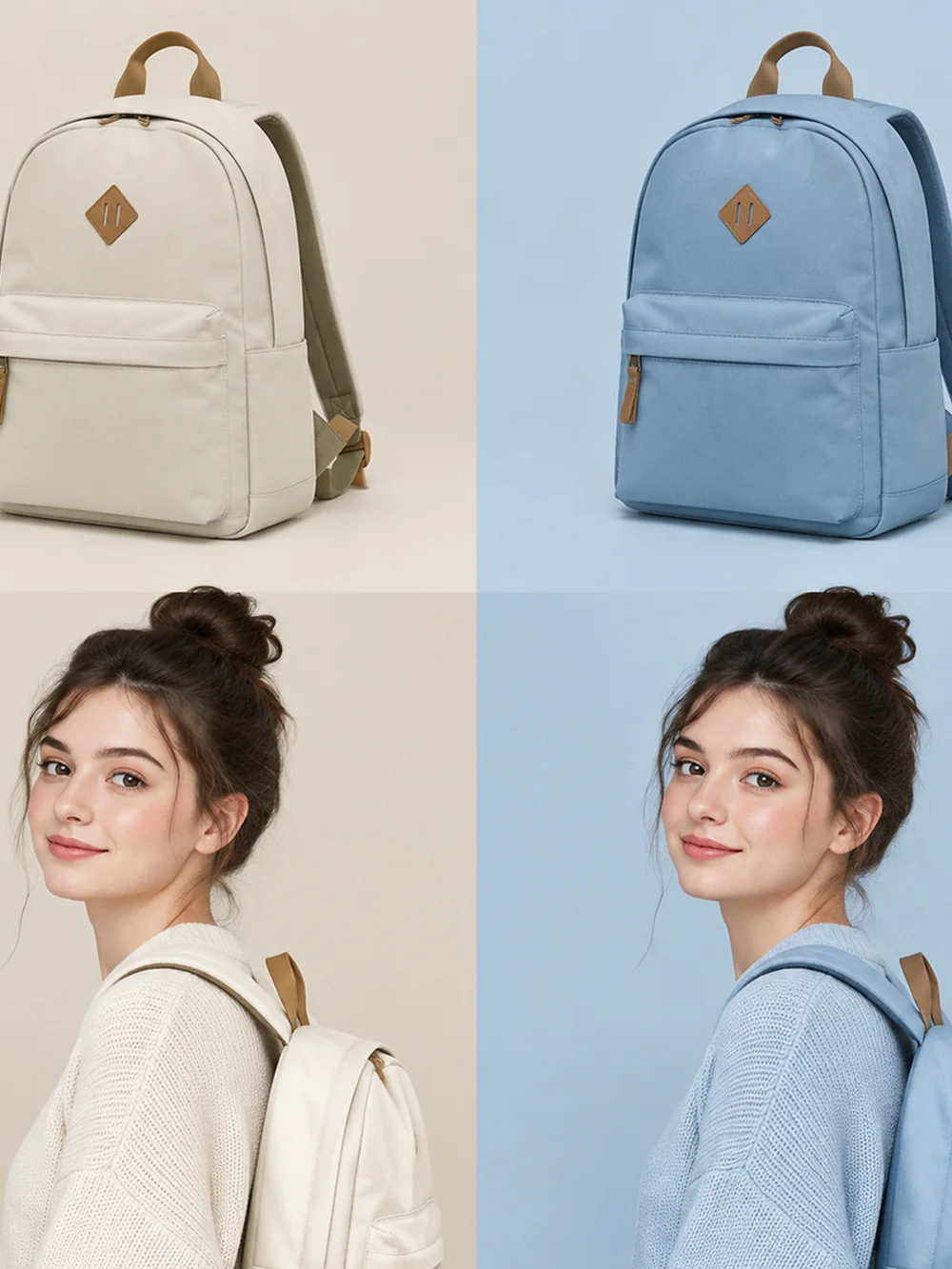 Products
Compare cream and pale blue backpack color concepts with matching clothing accents. Preserve the basic product shape and use a clean editorial arrangement.
Try This Prompt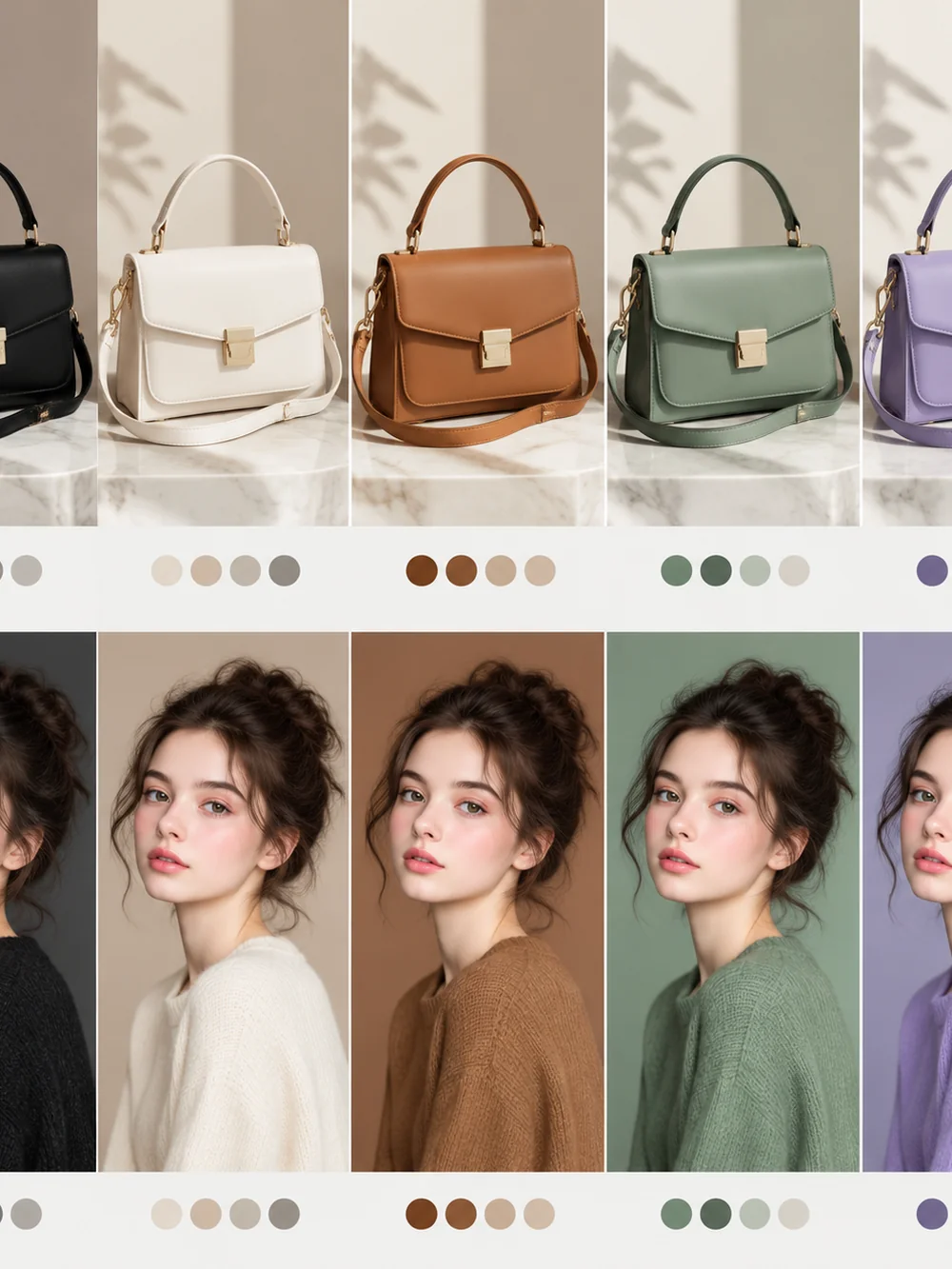 Accessories
Explore neutral, tan, sage, and lilac handbag colorways alongside coordinated portrait concepts. Keep leather highlights and bag shapes readable across the board.
Try This Prompt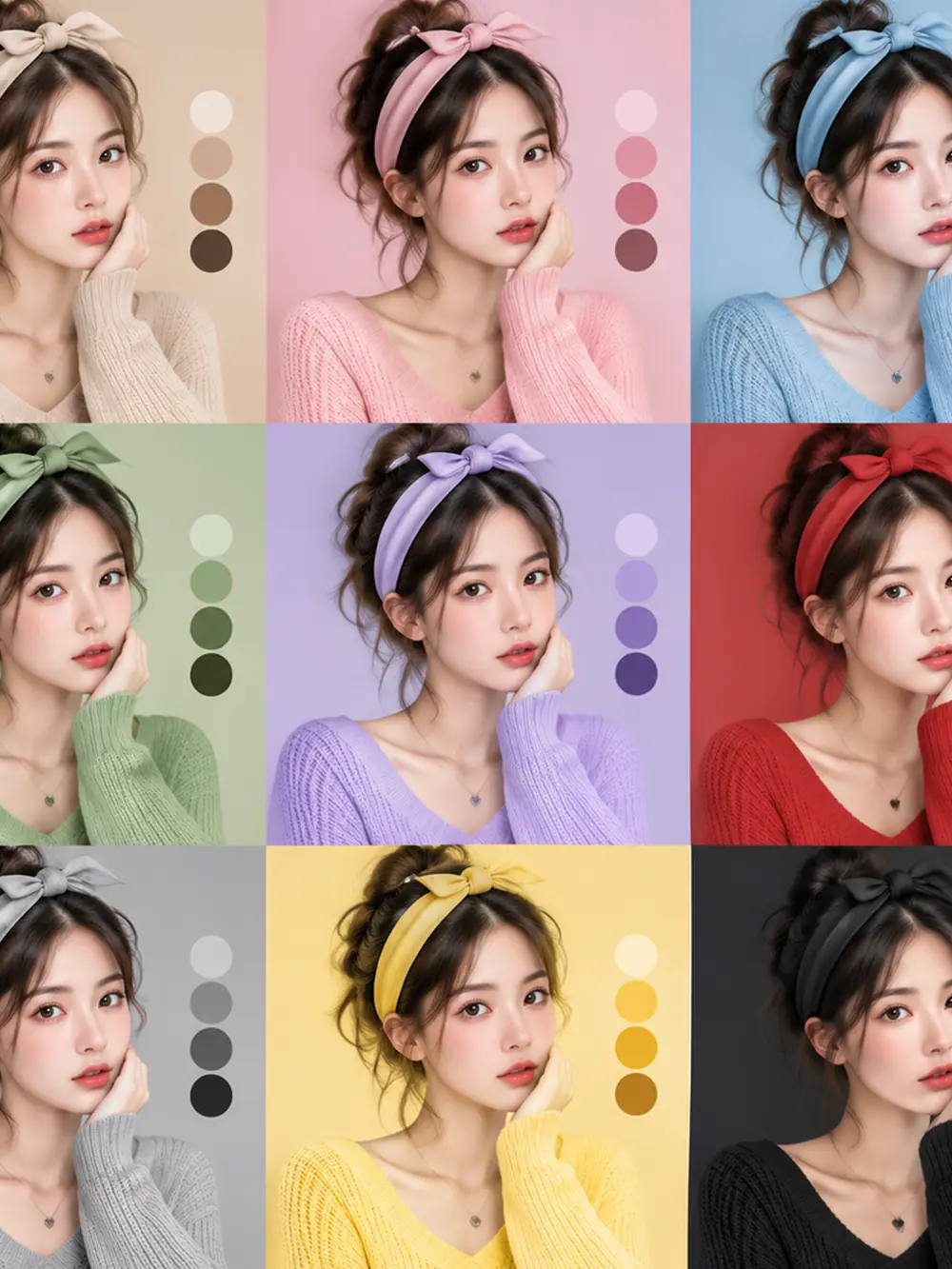 Fashion
Create a grid of colorful wardrobe concepts around a consistent portrait direction. Explore warm and cool shades with a simple background and clear clothing boundaries.
Try This Prompt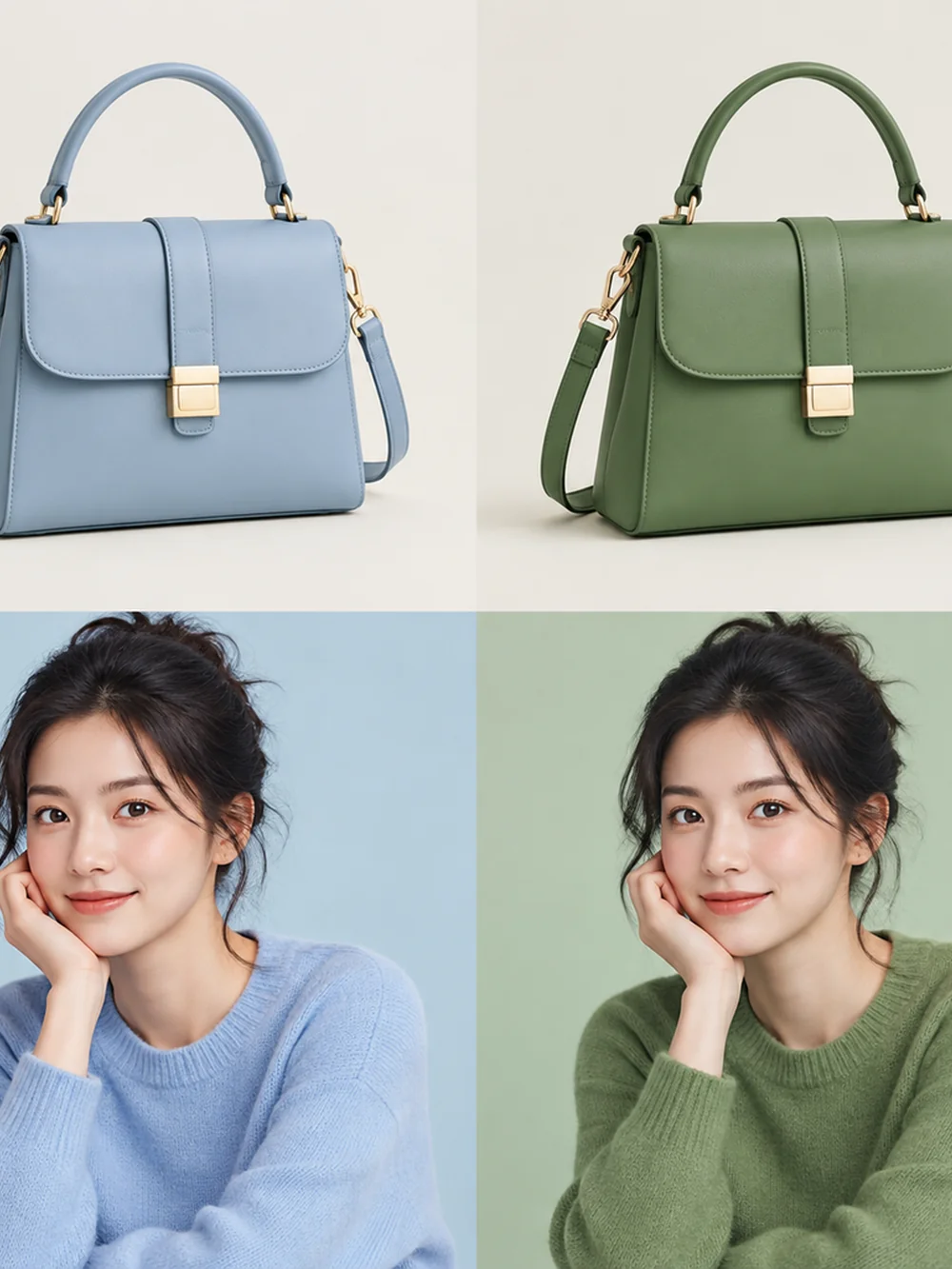 Accessories
Compare a blue handbag and sweater concept with a sage alternative. Preserve the accessory structure and use soft light to show material texture.
Try This Prompt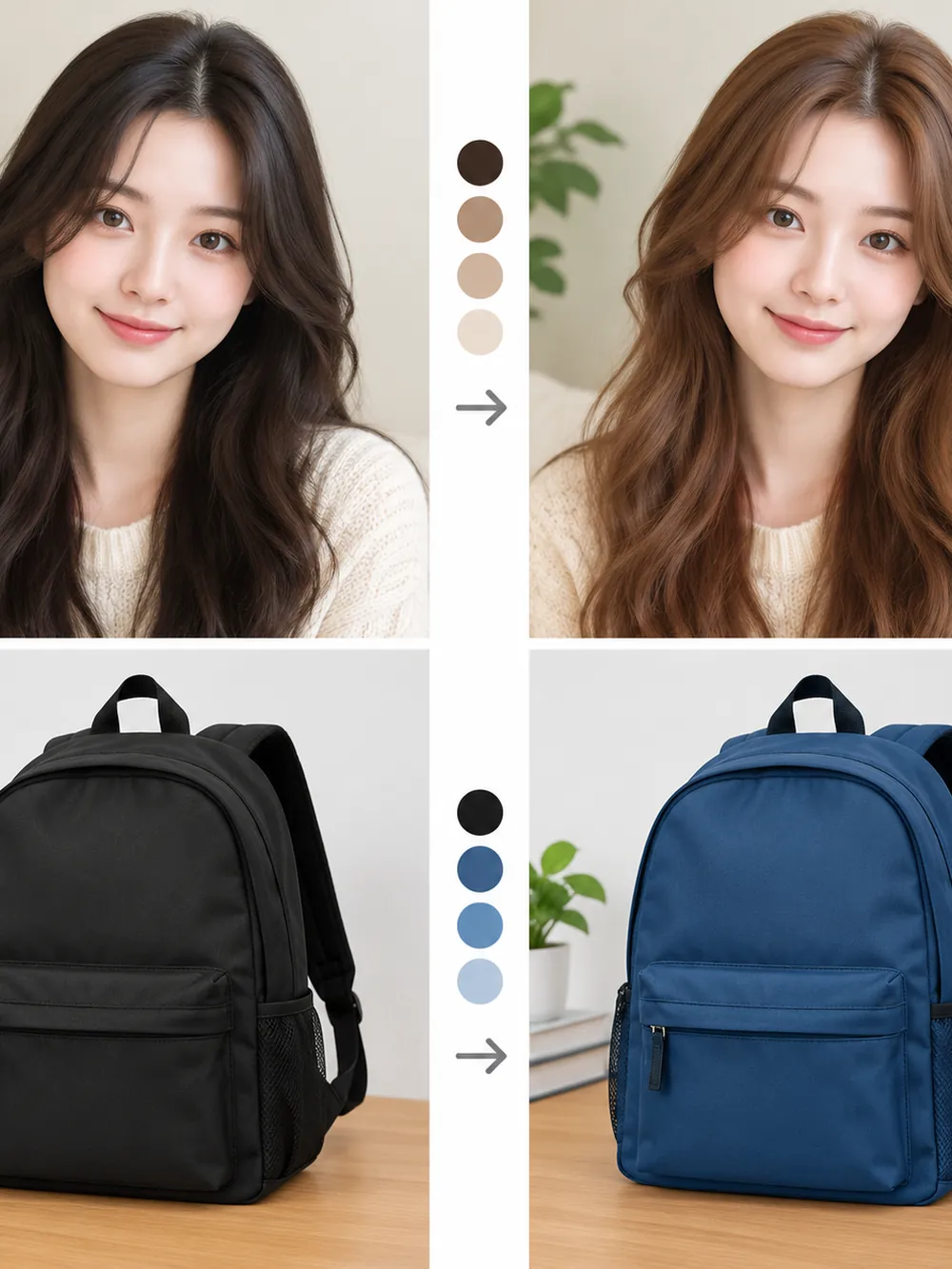 Mixed Palette
Explore dark and warm hair tones alongside black and navy backpack concepts. Present the ideas clearly as separate palette studies, not a measured editing test.
Try This Prompt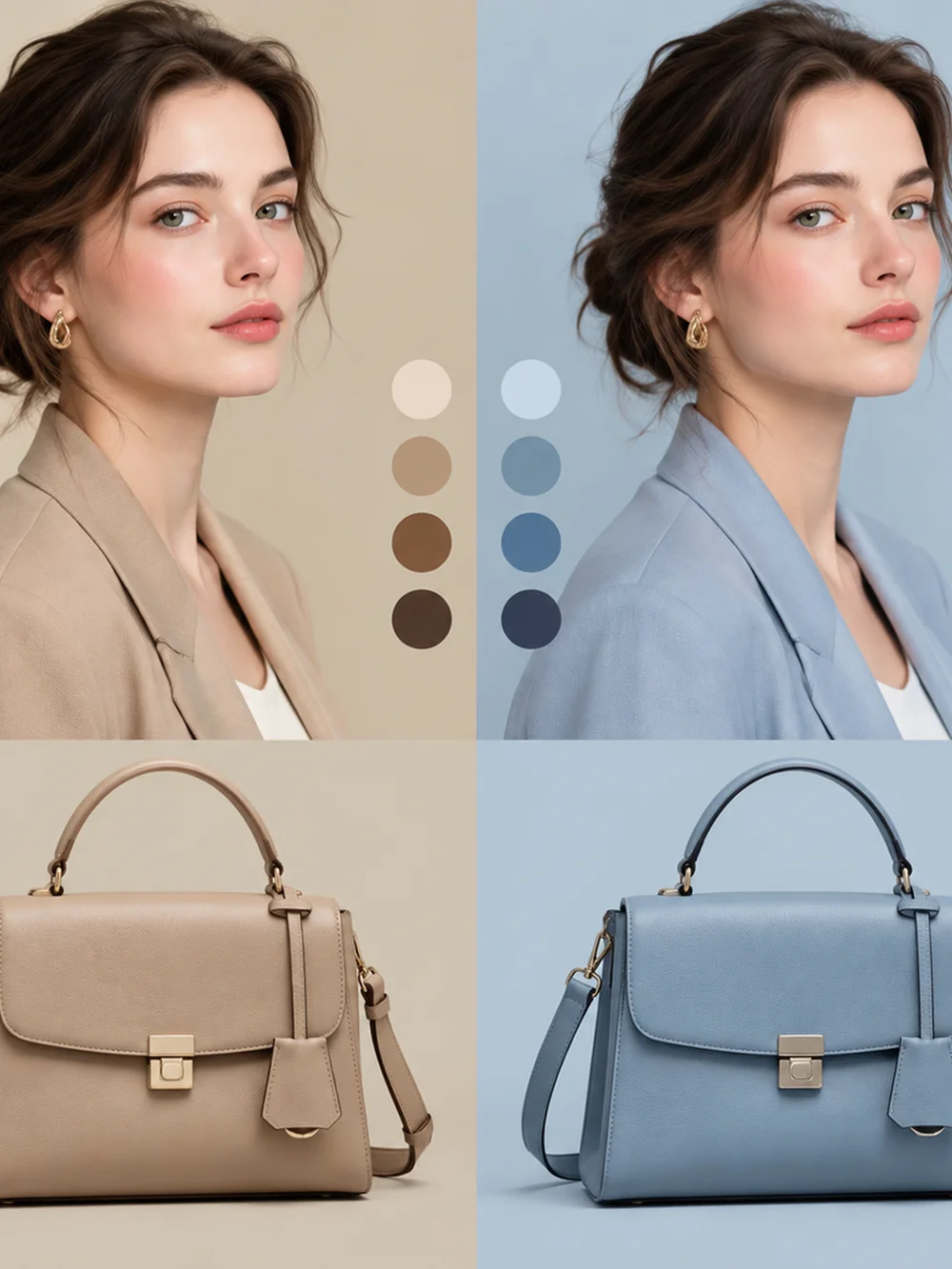 Accessories
Create coordinated beige and powder-blue fashion concepts with matching handbags. Keep the mood elegant, the background simple, and the material details visible.
Try This Prompt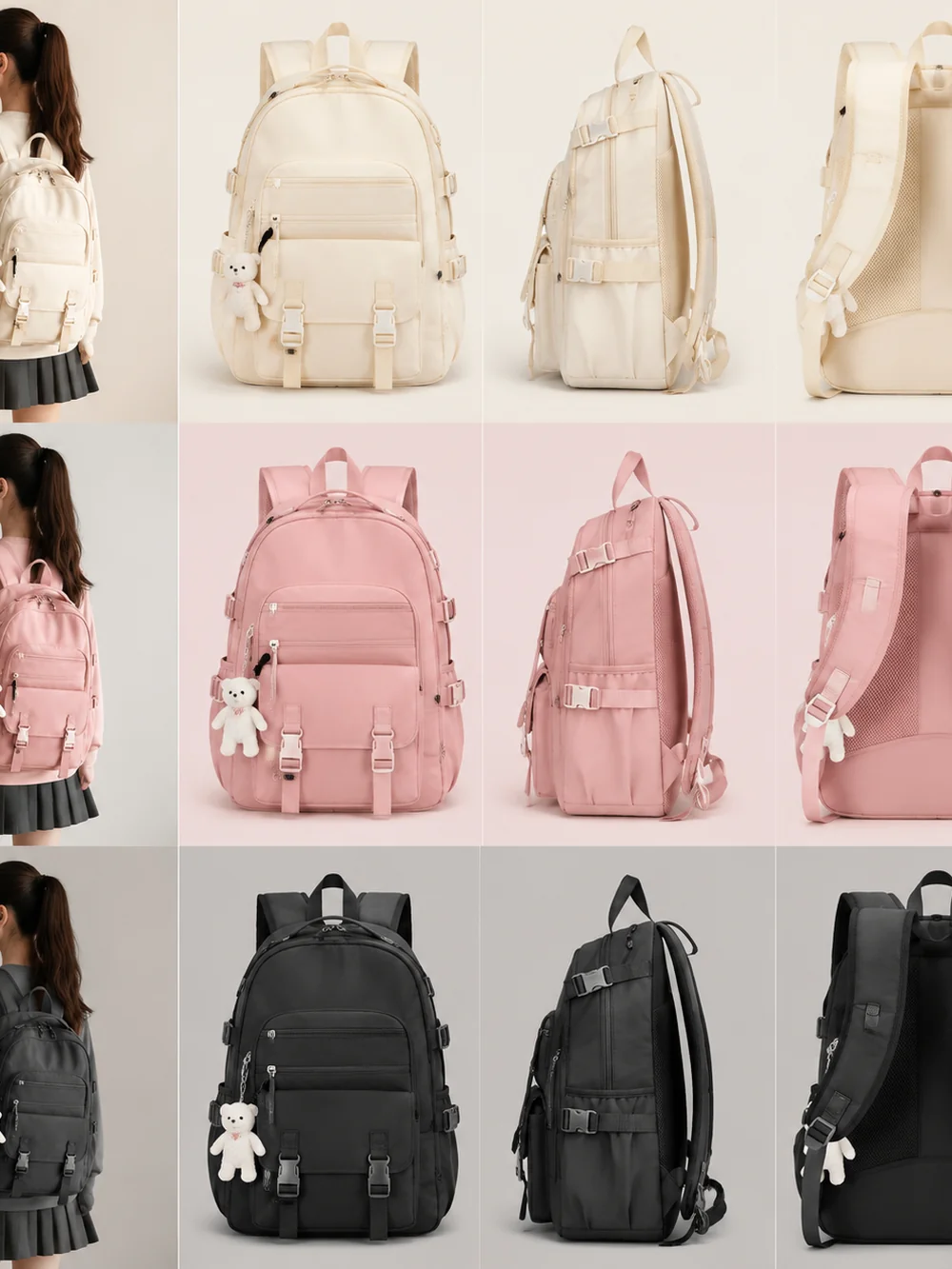 Products
Explore cream, pink, and black backpack colorways in a clean collection board. Keep each silhouette readable and the product lighting consistent.
Try This Prompt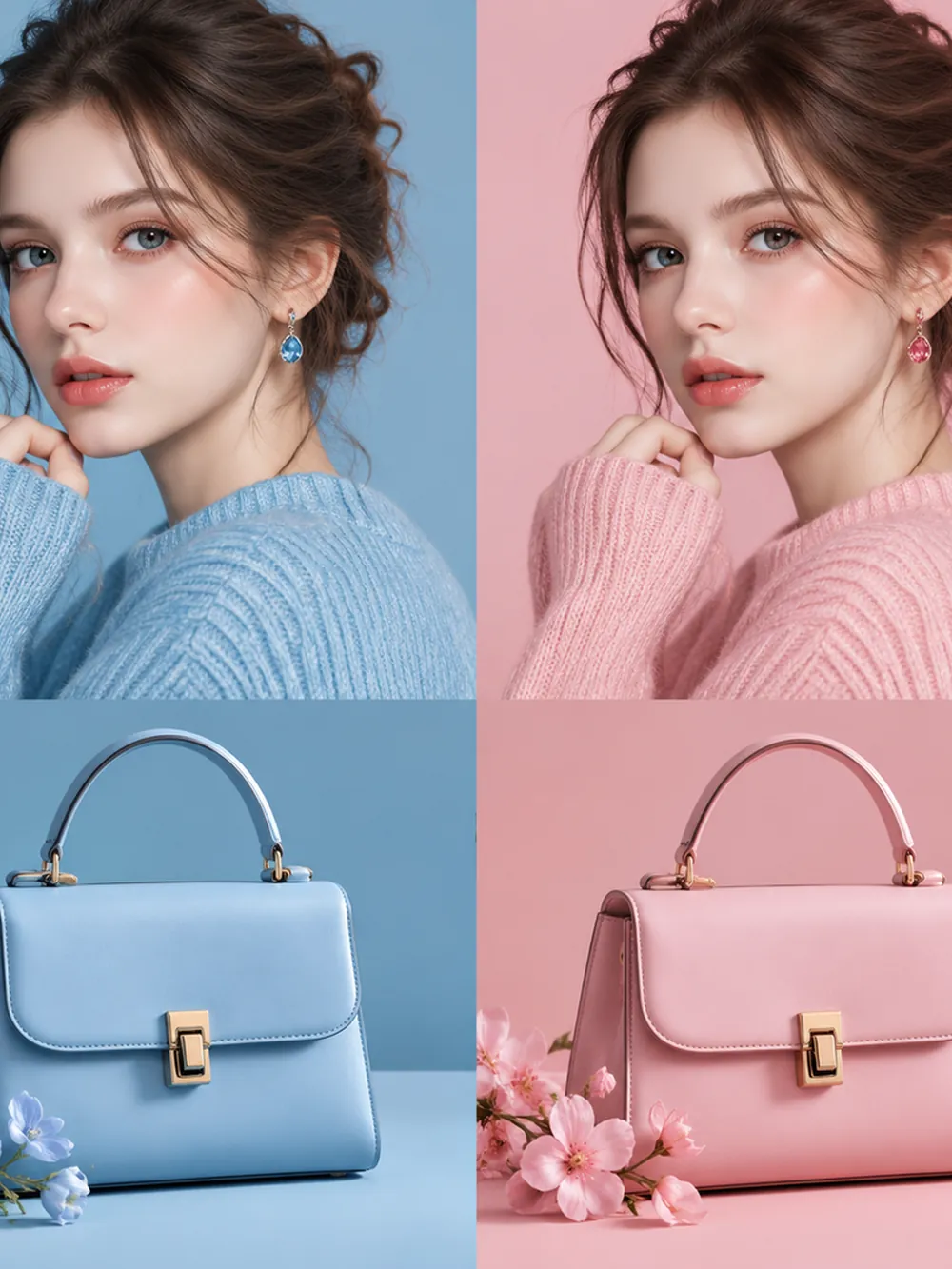 Fashion
Compare blue and blush outfit concepts with matching handbags. Use soft portrait light and preserve visible knit and leather textures across the palette study.
Try This PromptPlan your AI recolor image concept around a specific product or wardrobe choice. Use the result to explore a direction, then verify the details that matter.
Compare alternate hues for a bag, shoe, or accessory before committing to a design direction. Keep construction details in the brief.
Test warm, cool, neutral, or pastel clothing ideas while watching for unwanted shifts in skin tone and facial details.
Describe the surface as knit, leather, plastic, or another material so the color change has a clear texture reference.
Name the intended target and surrounding elements that should stay unchanged. This is especially useful near similarly colored objects.
Use a consistent palette vocabulary across several concept images. Review the set together before selecting a final direction.
A generated image is a visual proposal. For production, verify colors in the appropriate design and proofing workflow.
Choose between exploratory color proposals and edits that need controlled masks or production color values.
| Criteria | Prompt-Guided Edit | Manual Photo Editing | Color-Managed Design |
|---|---|---|---|
| Best starting point | Early product or wardrobe palette exploration | Precise recoloring of selected parts of a photo | Artwork that must follow a production color specification |
| Control to expect | Describe a shade and review unintended changes | Use selections and adjustments to control local color | Use the required color workflow and proofing process |
| What to review | Object shape, texture, color boundaries, and nearby skin | Selection edges, highlights, shadows, and saturation | Output profiles, reference values, and a production proof |
Fictional scenarios; stars are illustrative, not customer ratings.
Explore a bag in burgundy, navy, and sage before choosing a direction. Keep the leather texture visible and compare the seams and hardware across each proposal.
Try a warmer color on a sweater while keeping the face and background unchanged. Review cuffs, hair edges, and fabric shading where colors meet.
Bring several accessory concepts into a shared seasonal palette. Treat the outputs as visual proposals and verify production colors in the final design workflow.
Selected Arena entries, updated Oct 5, 2026. General preference scores; model variants may differ from those in GlobalGPT. These are not tests of this specific task.
| Rank | Model | Arena Rating | Votes | Rank Range | Price / Image |
|---|---|---|---|---|---|
| #1 | gpt-image-2 (medium) OpenAI / Proprietary | 1461.78 | 212326 | #1-#1 | 0 |
| #2 | grok-imagine-image-2.0 (low) SpaceXAI / Proprietary | 1439 | 5936 | #2-#2 | - |
| #3 | mai-image-2.6-preview Microsoft AI / Proprietary | 1416.85 | 9013 | #3-#4 | - |
| #4 | muse-image Meta / Proprietary | 1404.9 | 66921 | #3-#5 | - |
Source: Arena Leaderboard
An AI recolor image workflow uses a written instruction to propose a different color for a visible object or scene. It is useful for exploring palettes, while detailed review is still needed to protect texture and surrounding colors.
You can name a shade or provide a color reference in your brief. Generated output should not be treated as a guaranteed print or manufacturing match; lighting, material, display settings, and the model can change its appearance.
Identify one target object and name the details to preserve. For example, ask for a sage sweater while keeping the person, skin tone, background, fabric folds, and existing light direction unchanged.
No. The gallery shows generated palette concepts, including coordinated objects and clothing. It does not document controlled source-image edits or guarantee that a real product will look identical after a color change.