

Roblox Image Creator Presets
Start with an avatar, GFX, thumbnail or world scene that already has a clear visual direction, then change the outfit, environment or palette.
Create a blocky avatar, game thumbnail, GFX scene or world concept online. Start from a preset, edit the prompt and use an eligible free image trial even without design skills.
Prompt Guide
Model
Reference Image
Start with one subject, one setting and a clear visual style.
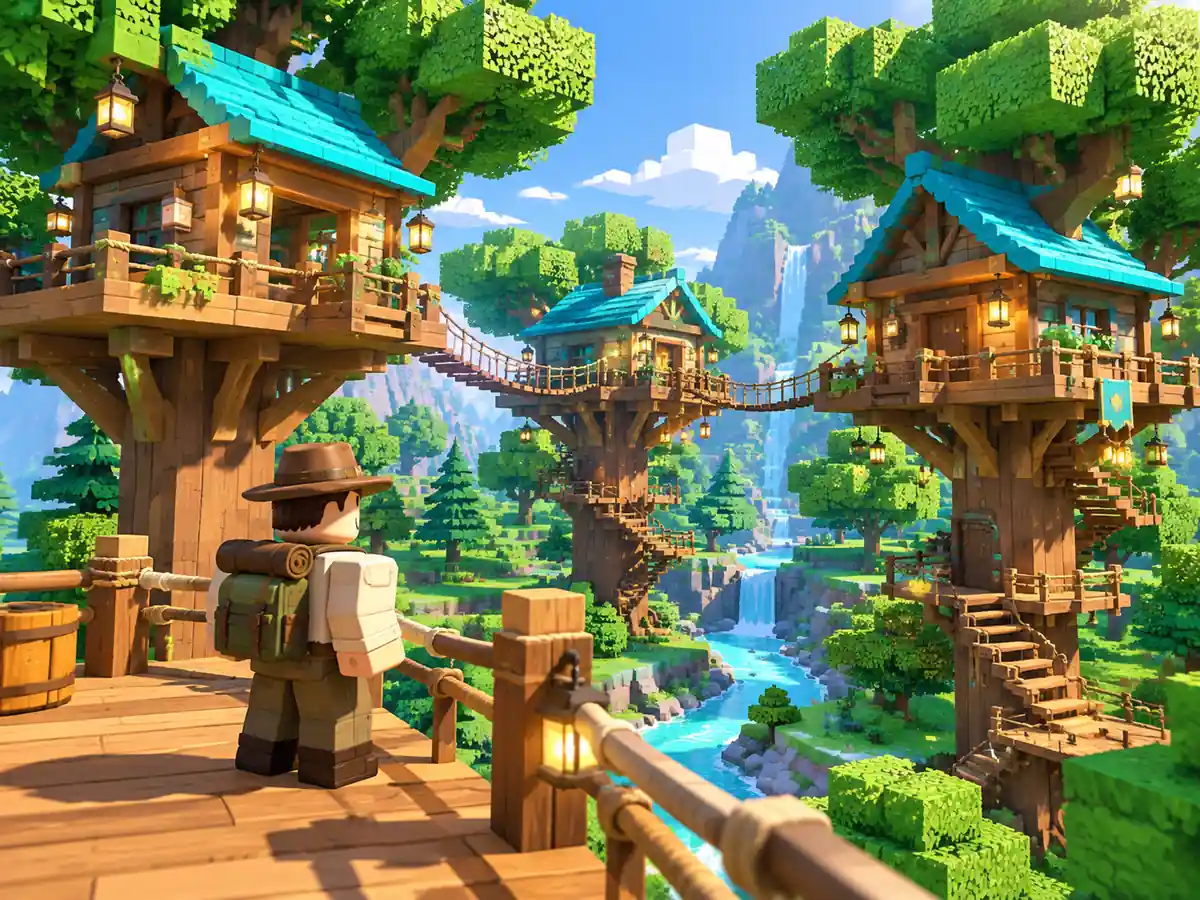
Choose the forest treehouse, museum puzzle or builder preset. Describe the character or scene you want to make, then select your image ratio. Use portrait for a full-body character and landscape for a wider setting.
Describe the outfit, pose, colors, setting and lighting. Try: blocky explorer in a museum, mint puzzle tiles, dinosaur skeleton, bright daylight. Change one detail at a time to compare directions.
Choose an available image model and generate. Check the face, limbs, small details and crop, then refine the prompt or save your preferred result. Add final lettering in your design editor and review the image at its intended display size.
Explore distinctive characters and lively adventure scenes. Adapt each prompt to create a similar image; results vary by model and settings.
 Character & Roleplay Ideas
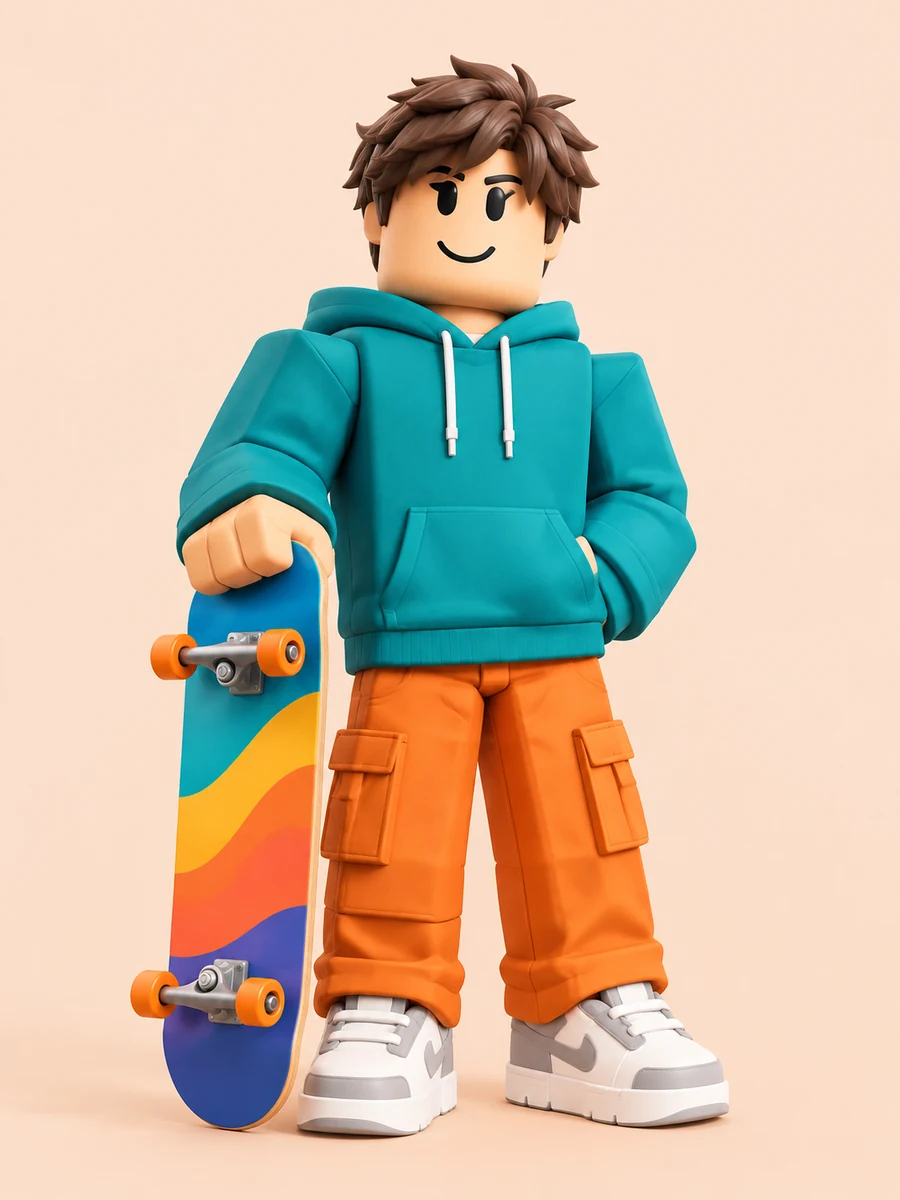
A Roblox-inspired blocky skater with brown hair, a teal hoodie, orange cargo trousers and white sneakers holds a colorful skateboard at their side. Full body on a pale peach studio background, clear silhouette, portrait 3:4.
Create a Similar Image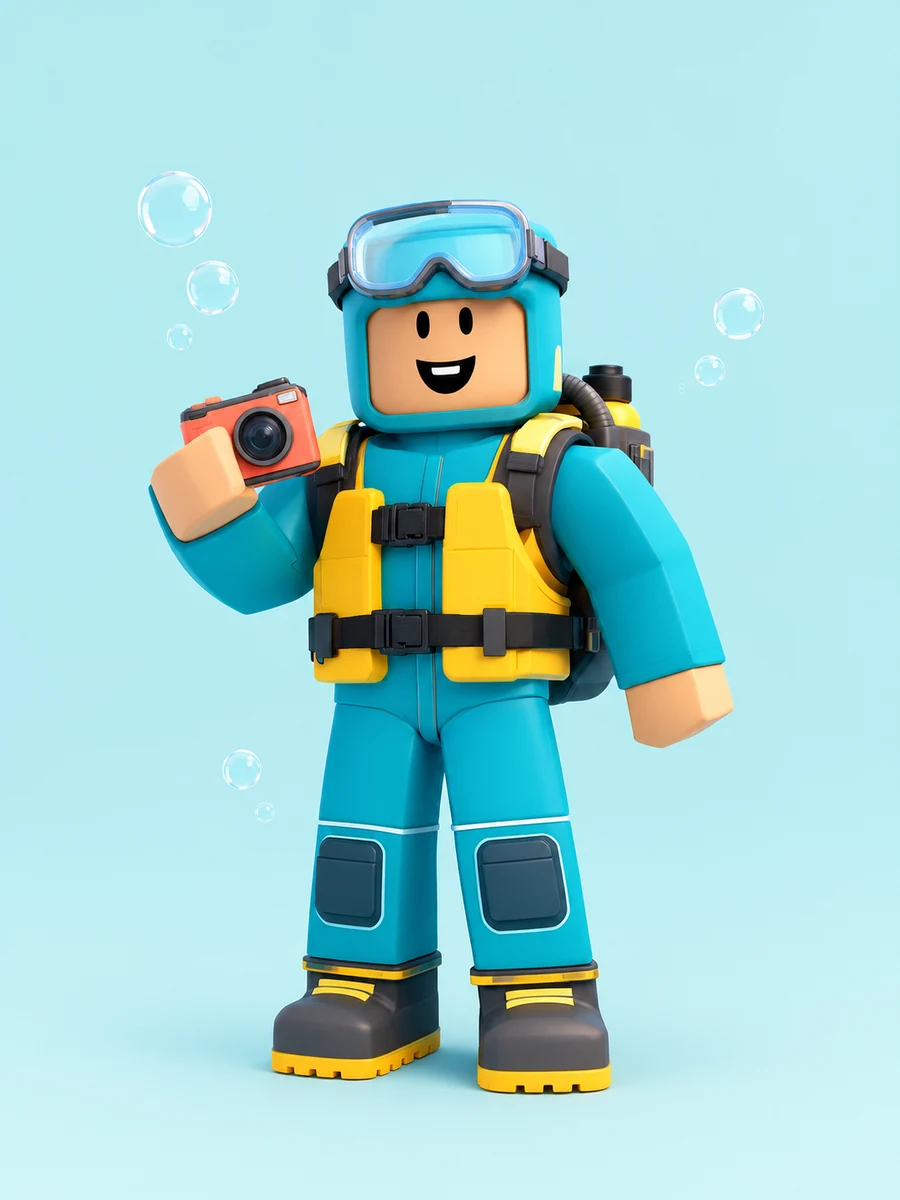 Character & Roleplay Ideas
A smiling blocky ocean explorer in a turquoise diving suit, yellow buoyancy vest and goggles holds a small coral camera. Compact backpack, chunky boots, pale aqua background and a few bubbles. Full-body Roblox-inspired character concept, portrait 3:4.
Create a Similar Image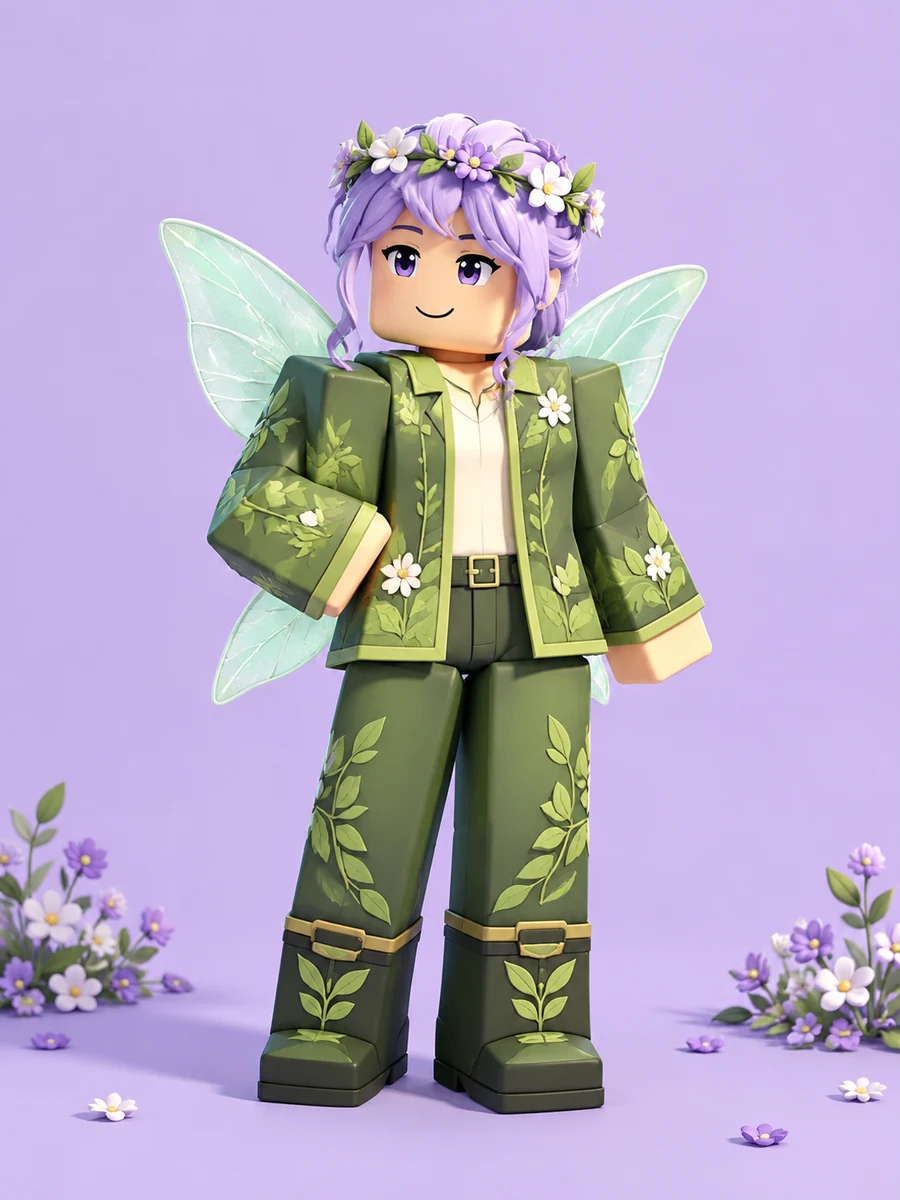 Character & Roleplay Ideas
A Roblox-inspired blocky garden fairy with lavender hair, a flower crown, mint wings and a fully covering green leaf-pattern outfit. Full body with boots visible, pale lavender background, small floral accents and bright soft light, portrait 3:4.
Create a Similar Image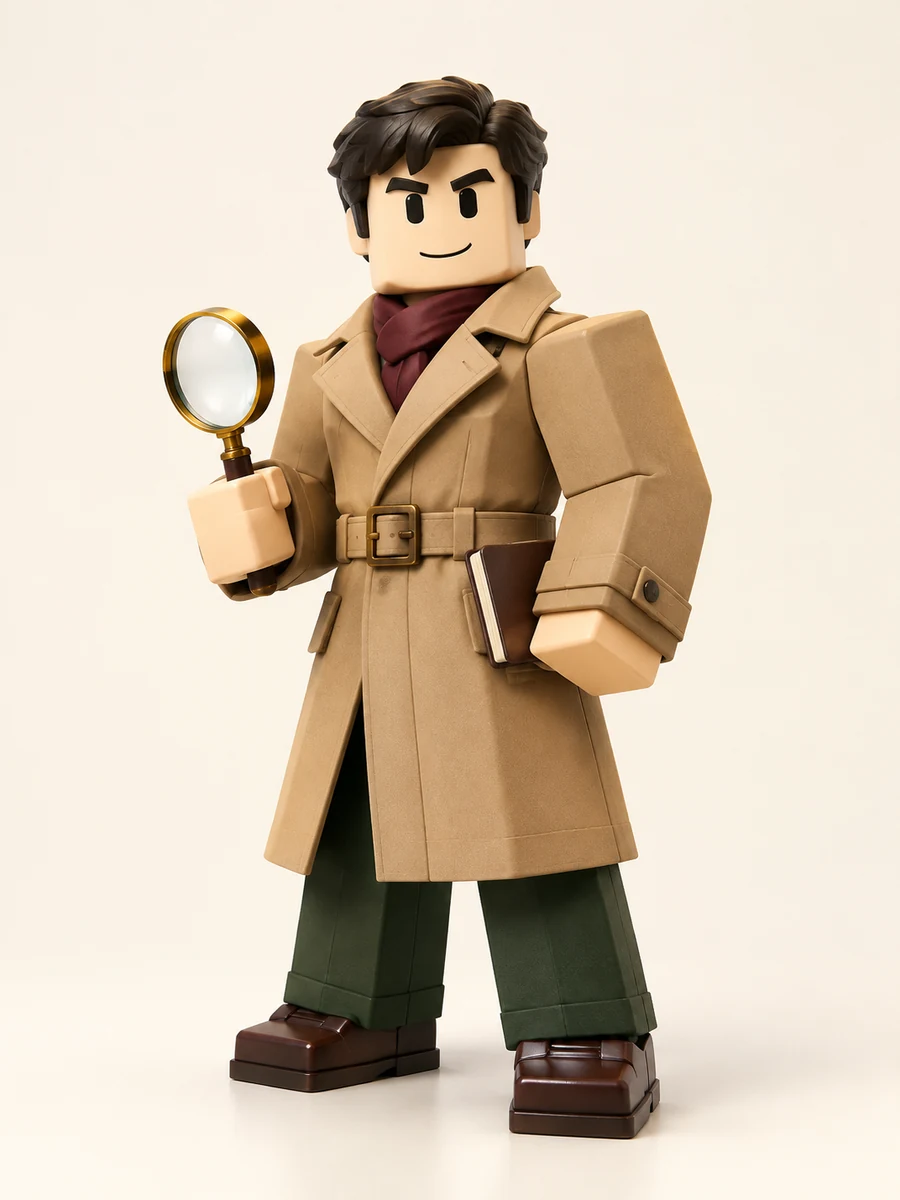 Character & Roleplay Ideas
A Roblox-inspired blocky detective in a camel trench coat, burgundy scarf, dark green trousers and brown shoes holds a brass magnifying glass and a plain notebook. Friendly square face, full-body three-quarter view, warm ivory studio background, portrait 3:4.
Create a Similar Image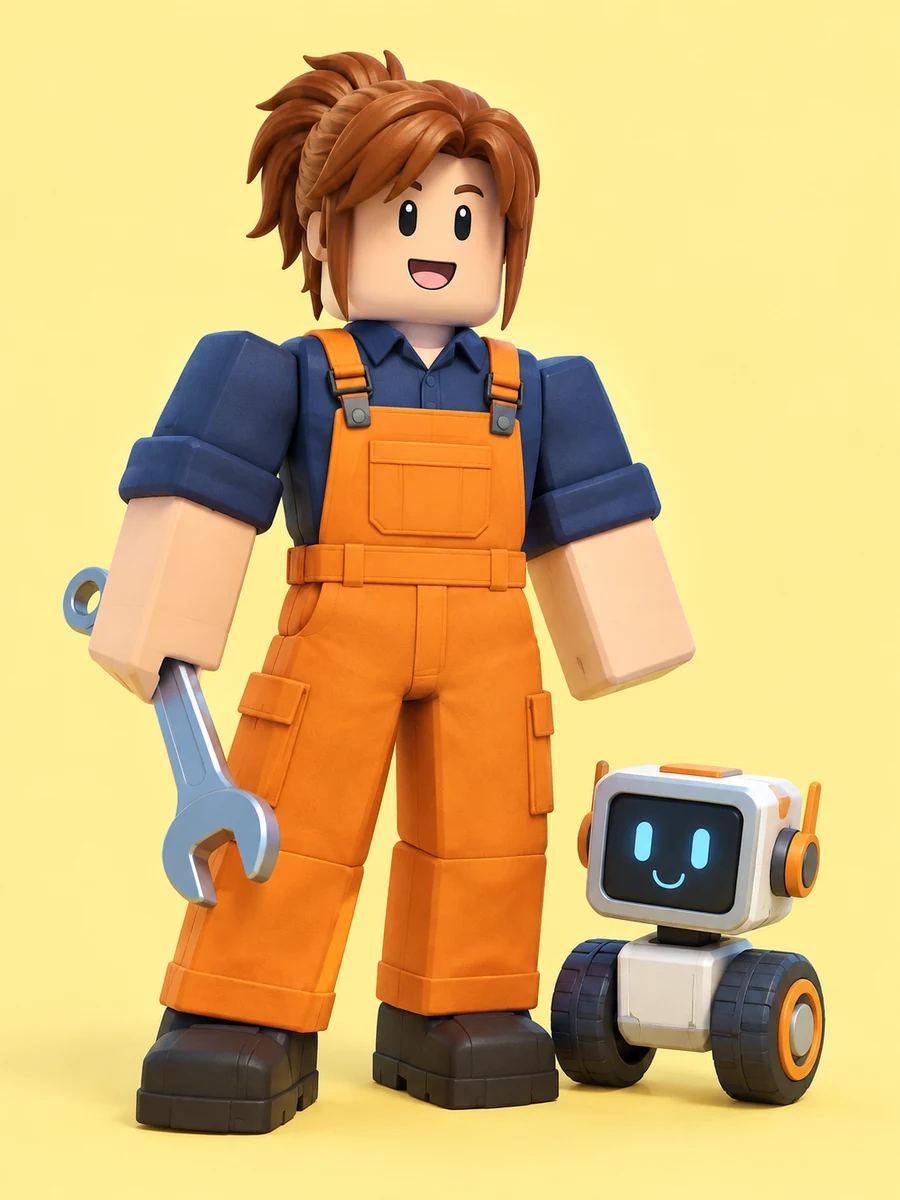 Character & Roleplay Ideas
A cheerful Roblox-inspired blocky mechanic in navy sleeves, orange overalls and dark boots holds a silver wrench beside a small cube-shaped robot on two wheels. Bright pale yellow background, both figures fully visible, portrait 3:4.
Create a Similar Image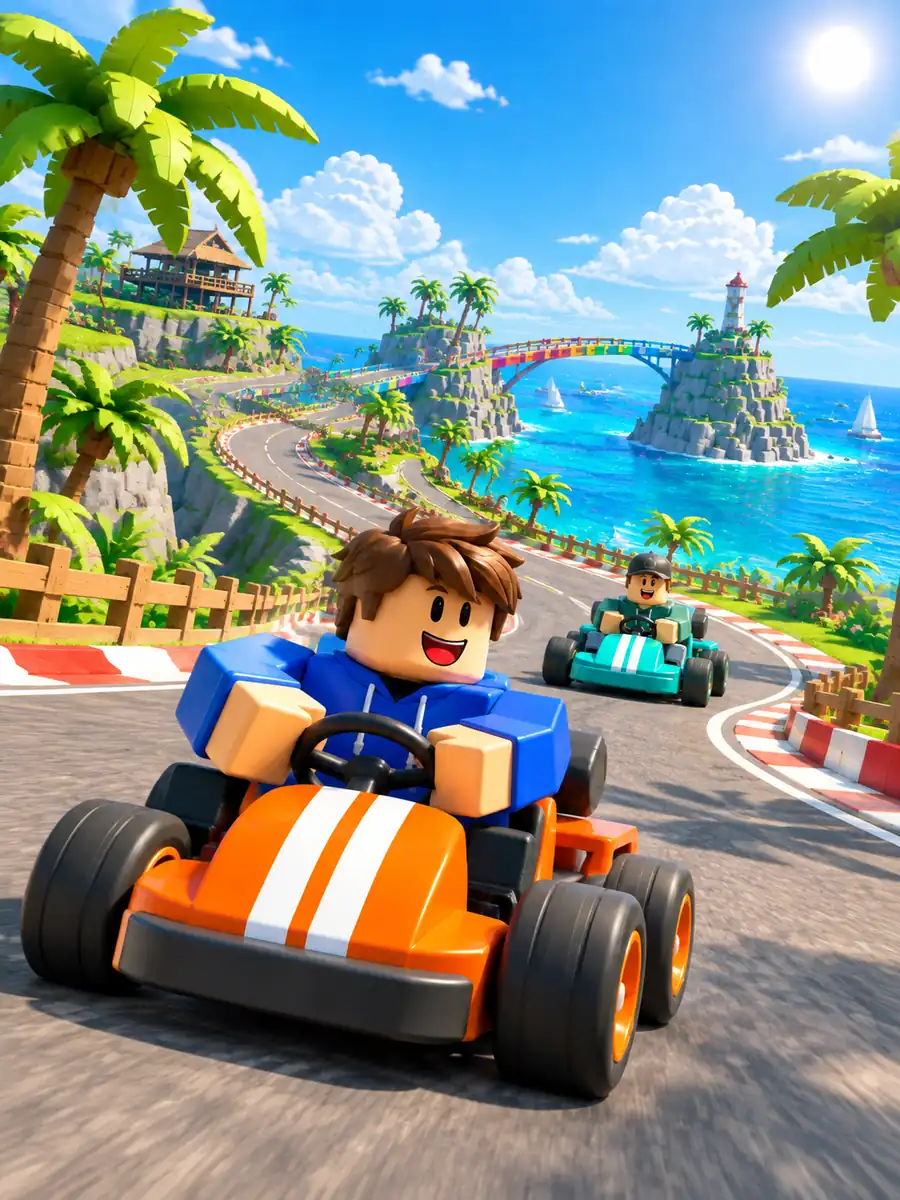 Adventure Scene Ideas
A Roblox-inspired driver races an orange go-kart in the foreground while a turquoise kart follows a winding island track. Tall palms frame the scene, with a blue ocean, distant bridge and bright sky above. Complete lead kart, energetic 3D game artwork, portrait 3:4.
Create a Similar Image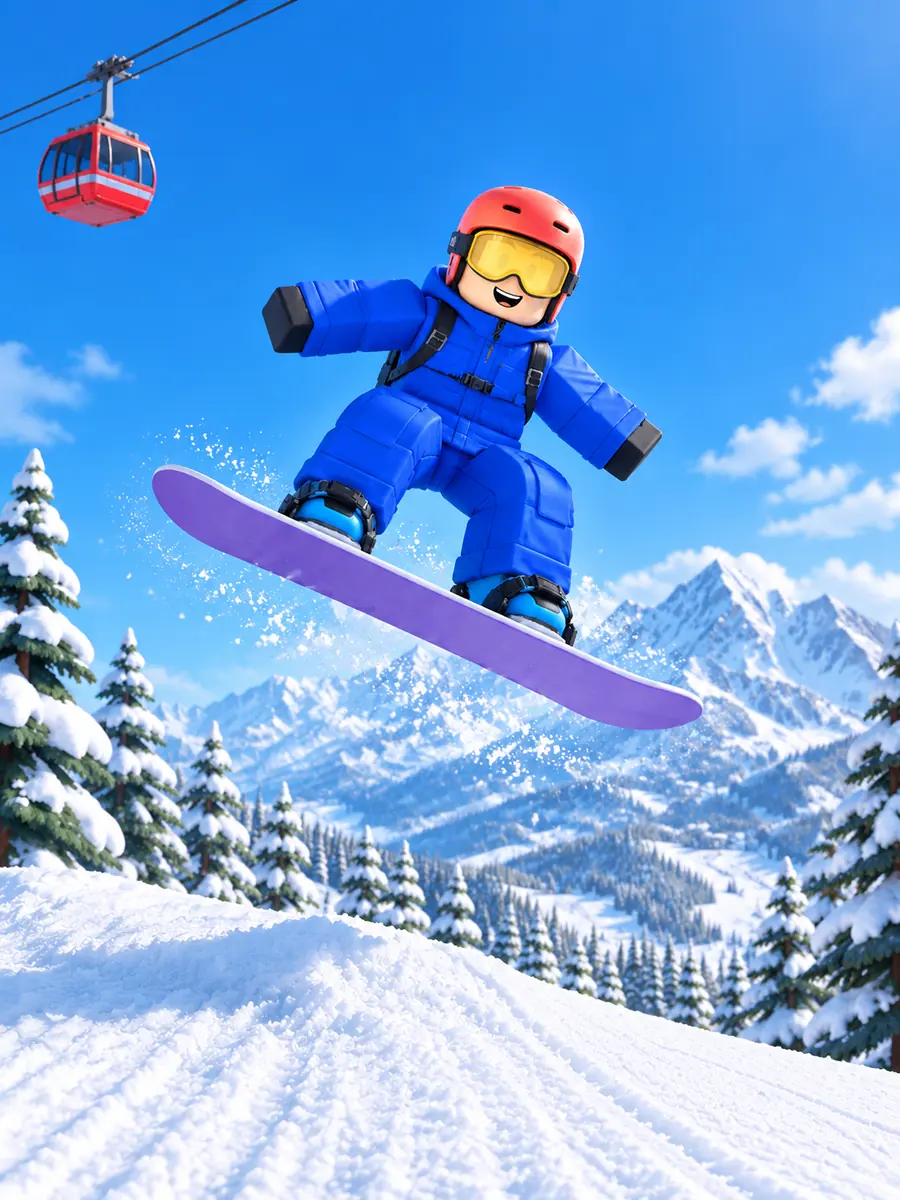 Adventure Scene Ideas
A Roblox-inspired snowboarder in a cobalt snowsuit, coral helmet and yellow goggles jumps above a snowy ramp on a purple snowboard. Both boots attach to the same board, all equipment stays in frame, red cable car and alpine pines behind, portrait 3:4.
Create a Similar Image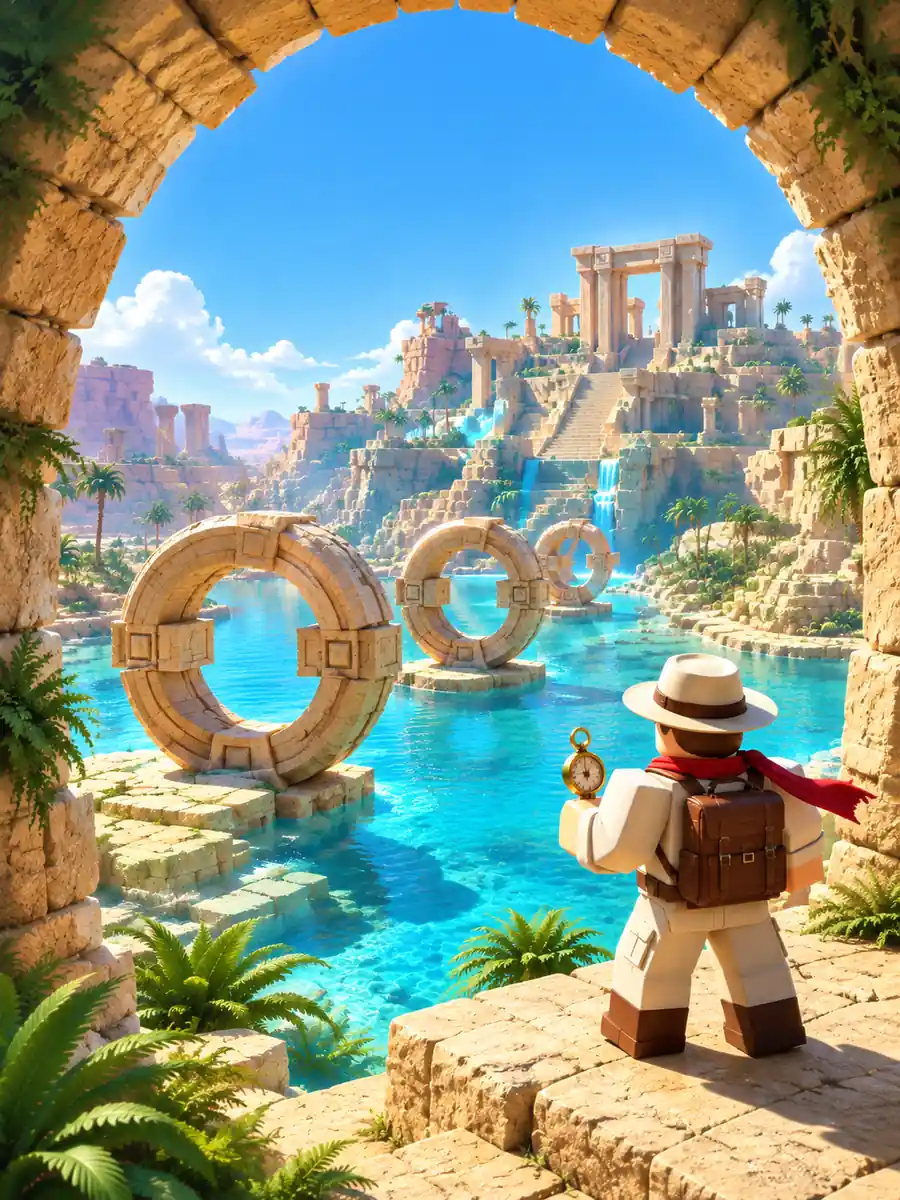 Adventure Scene Ideas
A Roblox-inspired explorer in a cream outfit and red scarf stands beneath a sandstone arch, looking toward three giant stone rings across a turquoise oasis. Stepped ruins and palms in the distance, full character, warm noon light and layered depth, portrait 3:4.
Create a Similar ImageStart with an avatar, GFX, thumbnail or world scene that already has a clear visual direction, then change the outfit, environment or palette.
Keep a recognizable hairstyle, outfit palette and accessories across prompts when building profile art or a character concept.
Use square for a profile image, portrait for a full-body character and widescreen for a thumbnail idea. Add final lettering in your design editor.
Test a treehouse camp, museum puzzle level or desert treasure trail to communicate atmosphere, palette and landmarks before building.
Visualize wings, swords, bags and outfit details before modeling. Describe shape, material and color to create reference artwork you can refine with a 3D artist.
Keep your prompt and ratio consistent while trying the available image models. Compare blocky proportions, facial detail and scene readability to choose the result that fits your idea.
You can create Roblox-inspired avatar art, profile pictures, thumbnail concepts, blocky environments and accessory reference images from a written prompt. Describe the subject, outfit, pose and setting to guide the result. GlobalGPT is an independent creative tool and is not affiliated with or endorsed by Roblox.
The available image models support reference-image input. Open the image workspace and check the selected model’s upload controls, then use an image you have permission to upload. State which hairstyle, outfit or colors should stay consistent. Generated details can change, so compare the result with your reference.
This Roblox AI image generator creates flat images and visual concepts. It does not export rigged characters, meshes, wearable accessories or Roblox Studio project files. Use an image as a design reference, then create and validate the actual asset with the appropriate 3D tools and Roblox workflow.
Use the results as artwork or concept material for a thumbnail or icon, then prepare the final crop and resolution required by the upload destination. Keep the image accurate to your experience and check current Roblox rules, your selected model’s terms and any rights in referenced content. Approval and commercial-use rights are not automatic.
Eligible accounts can use the available model trials. Sign in to check your current trial allowance, credits and plan limits before generating; availability can vary by account and model. You can browse the examples and adapt their prompts first.