

loading...
Turn any photo into a pencil sketch, clean line drawing, or ink-style artwork online. Upload a JPG or PNG, adjust the sketch intensity, preview the result, and download your finished sketch in seconds.
Upload an image to start
Sketch preview will appear here
Upload a photo and recreate it as a detailed sketch for portraits, gifts, concepts, and creative projects.
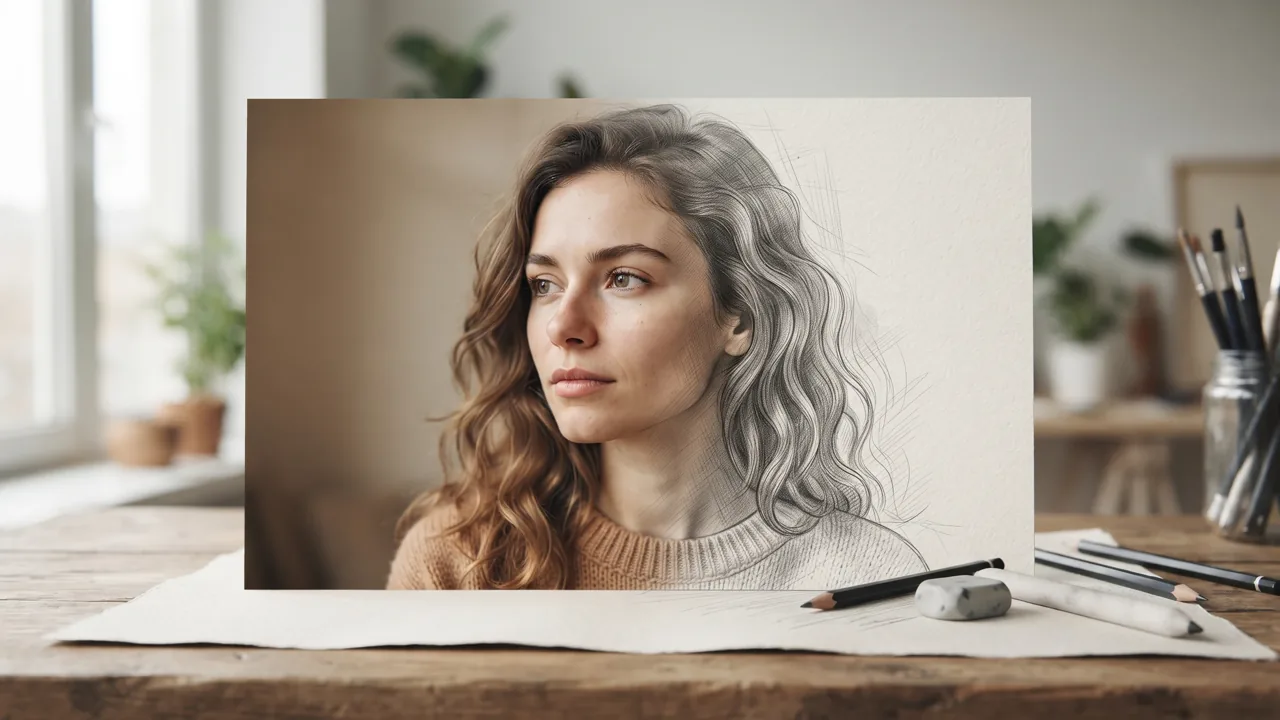
Free Photo to Sketch is an online converter that turns uploaded images into pencil-style sketches, clean line drawings, and ink-inspired artwork. It works well for portraits, pets, products, landscapes, and simple objects. Instead of editing every line by hand, you can upload a photo, adjust the sketch intensity, and create a drawing-style result for social posts, design drafts, coloring pages, art references, or personal keepsakes.
Create a classic pencil sketch effect with soft shading, clear edges, and a natural hand-drawn look for portraits, pets, and personal photos.
Convert photos into clean line drawings for coloring pages, stickers, product outlines, icons, and simple design references.
Use the sketch intensity control to make the result softer, darker, more detailed, or more minimal based on your creative goal.
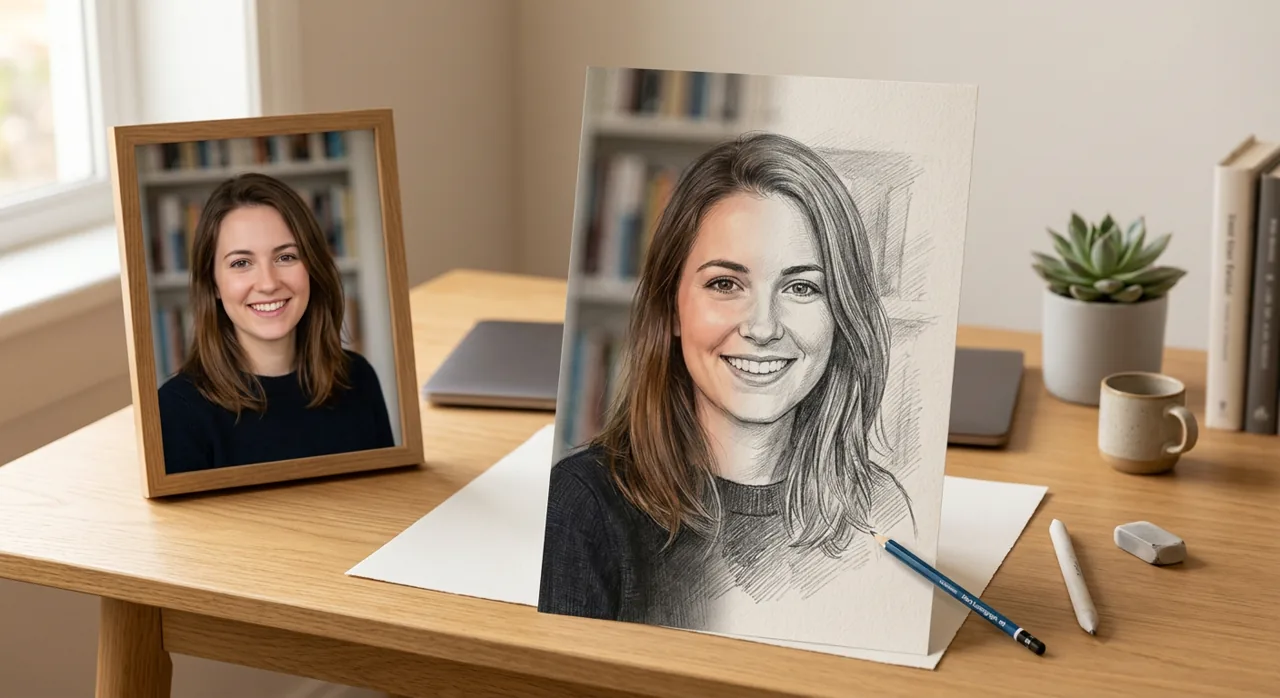
Upload a portrait photo and turn it into a clean pencil-style drawing in seconds. This example helps users immediately understand the core photo-to-sketch conversion result.
Convert a photo into a sketch in three simple steps.
Choose a clear JPG or PNG image. Portraits, pet photos, product shots, and bright landscapes usually create the cleanest sketch results.
Move the intensity slider to control contrast, shading, and outline strength. Use a lighter setting for soft pencil art or a stronger setting for bold line art.
Preview the result, convert again if needed, and download your finished sketch for creative projects, posts, printables, or reference work.
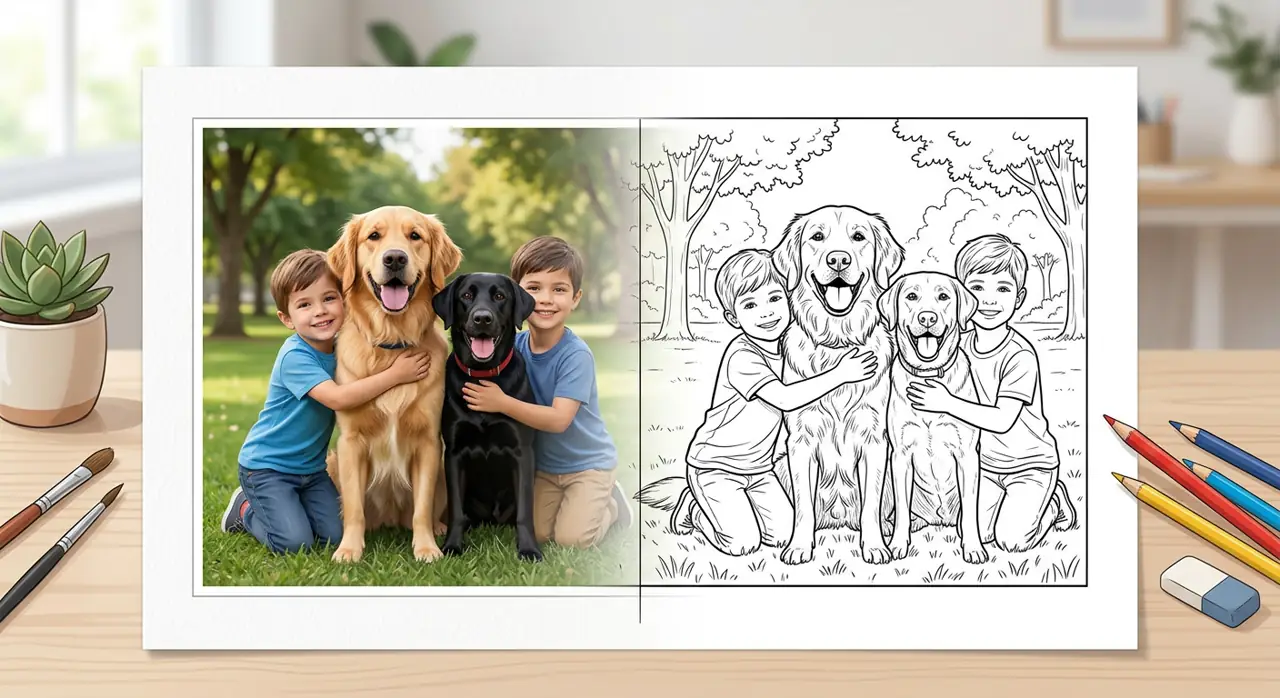
Convert pet photos into simple line art that can be used for coloring pages, craft projects, profile illustrations, or quick creative references.
Create drawing-style images for personal, creative, educational, and design projects.
Turn profile pictures and family photos into soft pencil sketches for gifts, keepsakes, avatars, or personal artwork.
Convert pet photos into charming sketch artwork for prints, stickers, cards, and social posts.
Create clean product line drawings for mockups, instruction visuals, catalogs, and design exploration.
Use a stronger line effect to make coloring-page style images from portraits, objects, or everyday scenes.
Generate a quick sketch base to study composition, shadows, form, and line structure before drawing by hand.
Create eye-catching sketch effects for posts, profile images, story backgrounds, thumbnails, and creative campaigns.
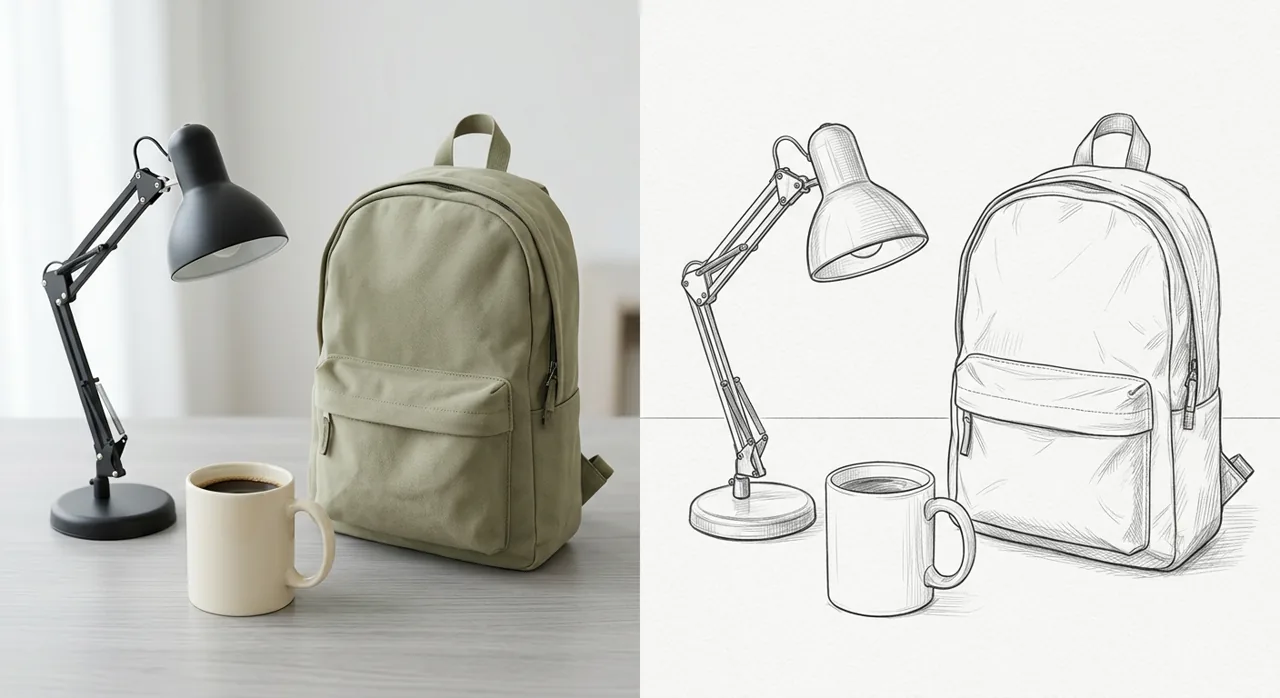
Turn product photos into clean outline sketches for concept previews, design notes, e-commerce visuals, or creative presentation materials.
Experience the power of advanced AI technology
Upload a photo and generate a sketch preview quickly without installing desktop editing software.
Create pencil sketches, picture-to-drawing effects, clean line art, and ink-style outlines from your images.
Adjust the sketch intensity to control how soft, bold, detailed, or minimal the final result looks.
Use your sketch for portraits, product outlines, coloring pages, concept drafts, design ideas, and social content.
Create a drawing-style version of a photo without learning layers, brushes, masks, or advanced editing tools.
Open the tool online whenever you need a quick sketch effect for a photo or design reference.
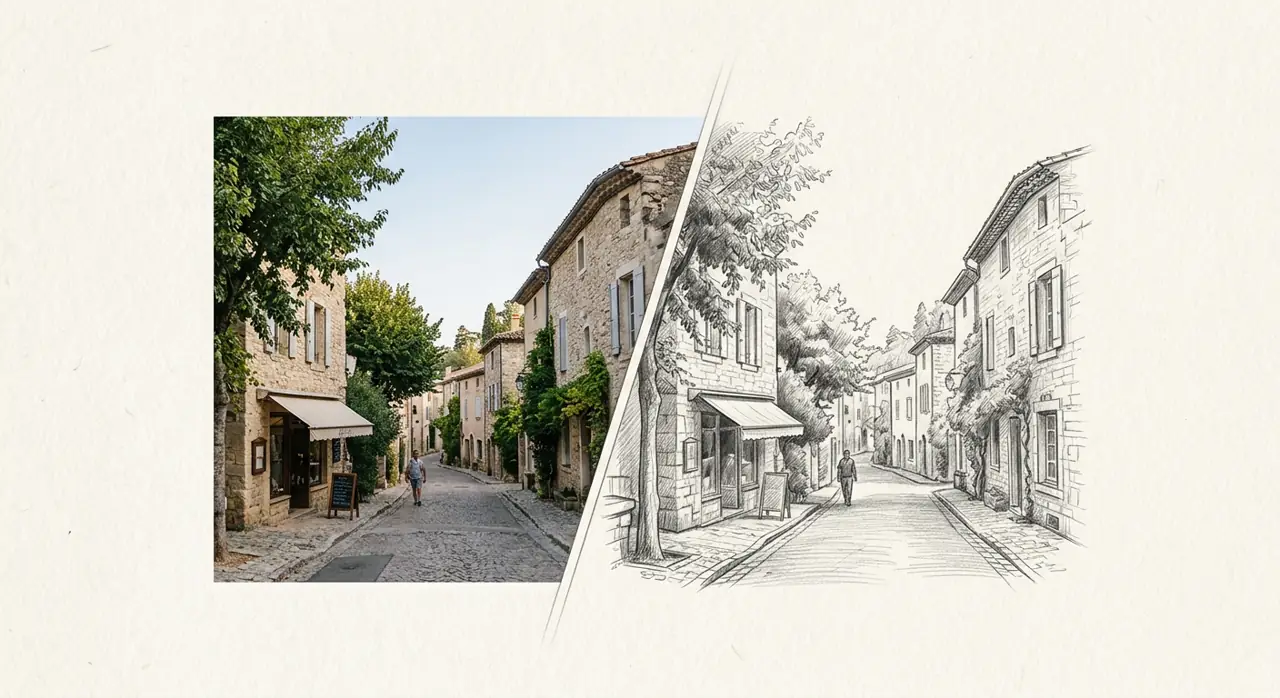
Use landscape photos, travel shots, buildings, or scenery as input and create detailed pencil sketch references for art, design, and inspiration.
No cost to use
Control the sketch effect
Start converting instantly
Join thousands of satisfied users worldwide

Digital Artist
"I used it to turn a portrait reference into a clean pencil sketch before starting a digital painting. The intensity slider made it easy to keep the details I needed without overworking the image."
2024-01-15

Graphic Designer
"For quick client mockups, this is much faster than drawing outlines from scratch. I can upload a product photo, make a clean sketch version, and test a few layout ideas right away."
2024-01-10

Art Student
"As an art student, I like using it to study shapes and shading from photos. The sketches are simple enough to trace the structure but still keep the important details."
2024-01-05
Find answers to common questions about our tool
Transform your photos into stunning artwork today. Our Free Photo to Sketch converter is ready to help you create professional-quality sketches in seconds.