

Keep a Clear Reference
Use a well-lit portrait with one clearly visible face. Ask the model to preserve the hairstyle, clothing color, head angle and defining accessories; review the result for changes.
Prompt Guide
Model
Reference Image
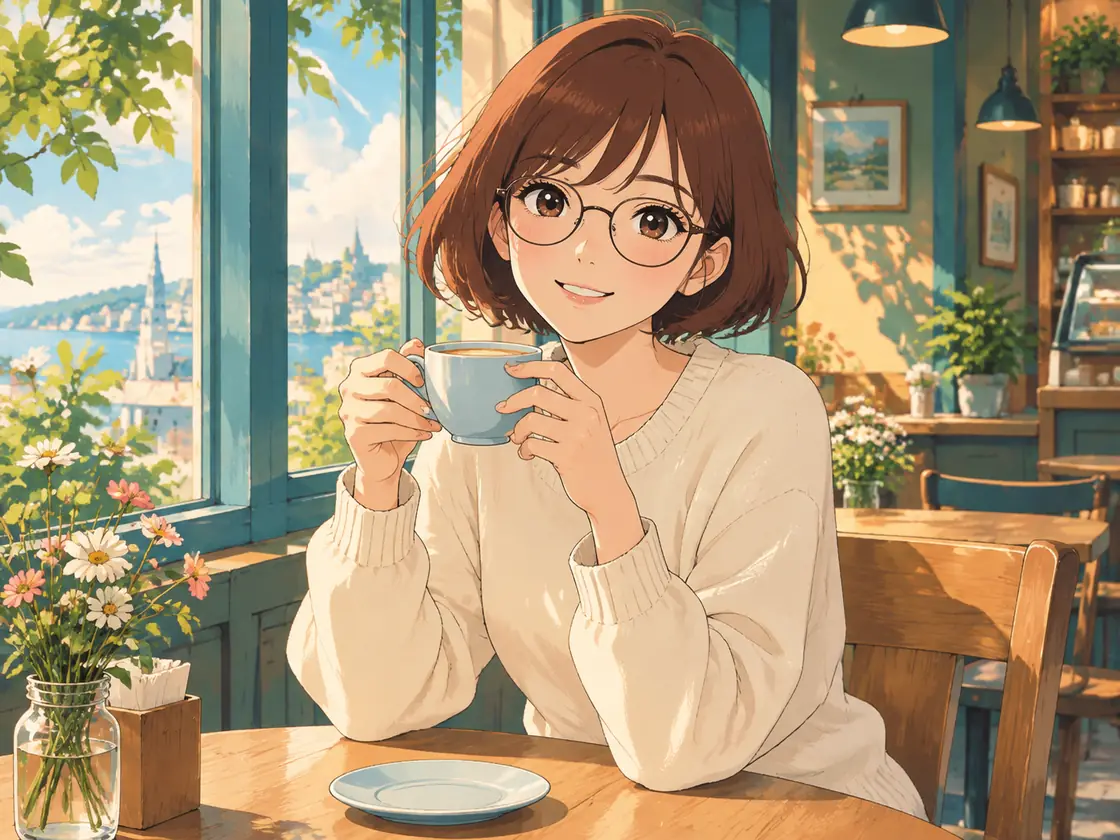
Go from a photo to an expressive anime portrait, playful 3D character or charming illustrated avatar. Choose a style, then use your own photo in a reference-enabled image workflow. This gallery shows AI-created style concepts, not verified before-and-after transformations.
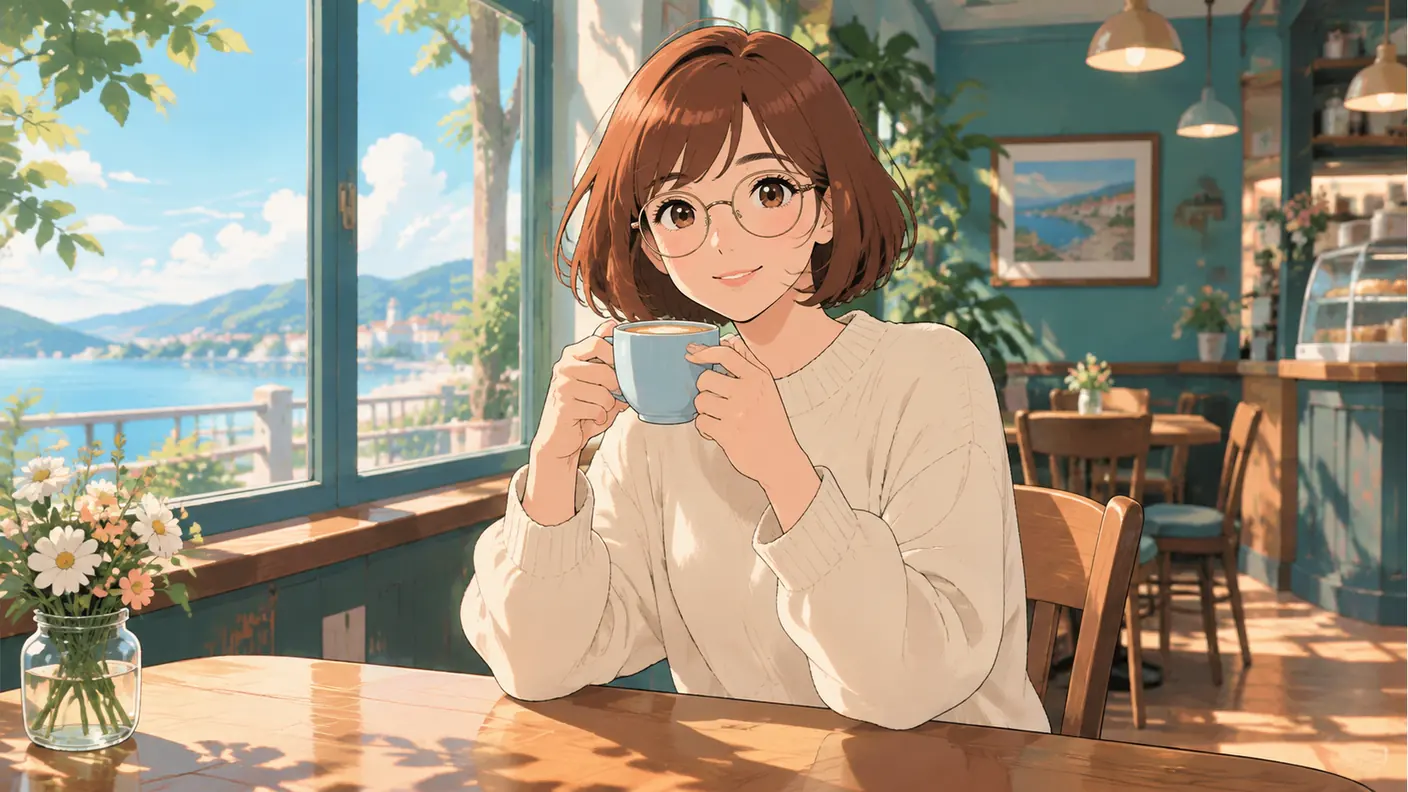
Explore distinct visual styles below. These AI-generated concepts are inspiration; results depend on your model, reference and prompt.
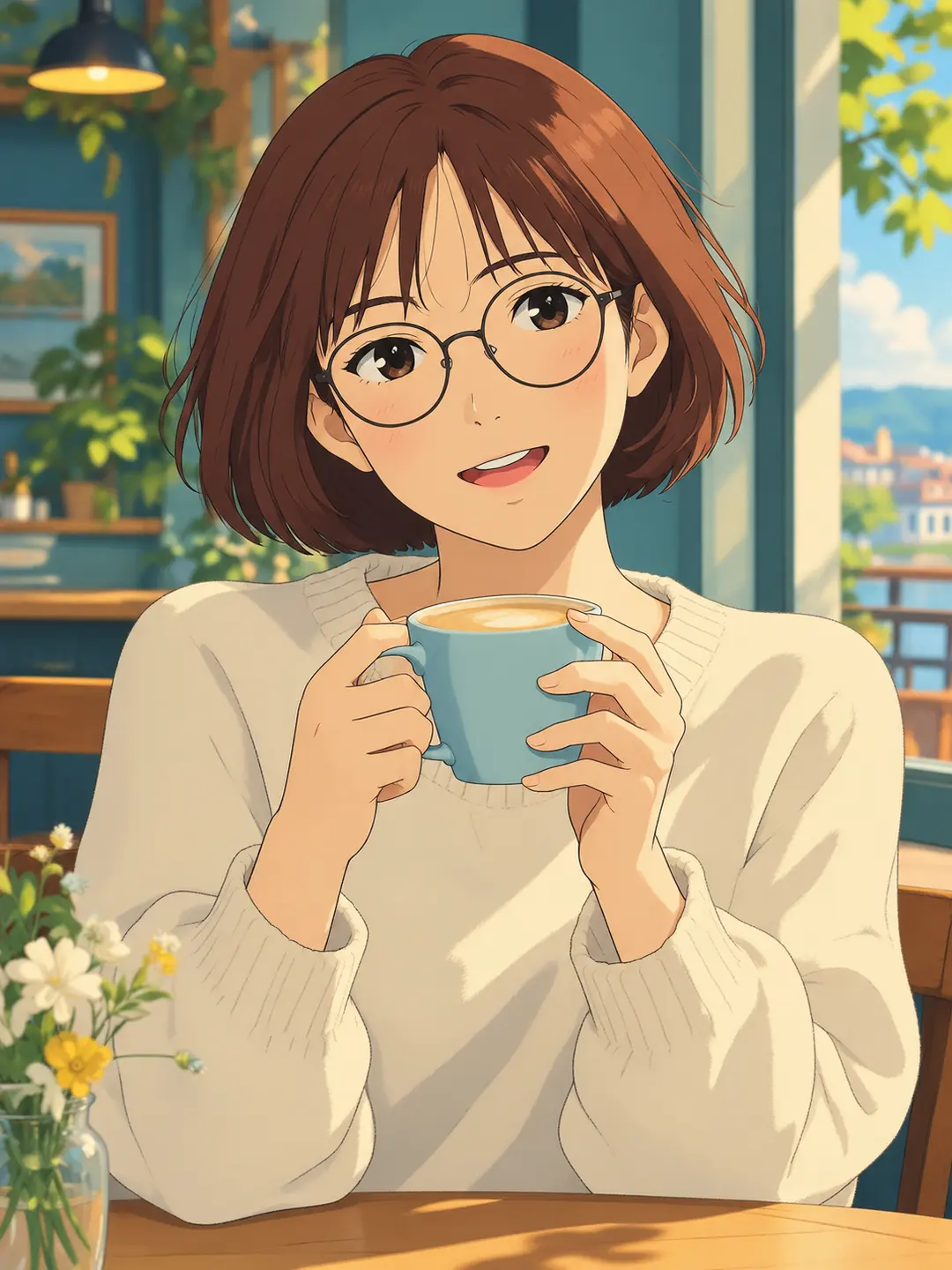 Anime
AnimeUse the uploaded photo as a reference. Turn its subject into polished anime artwork with flowing ink lines, expressive eyes and elegant cel shading. Preserve recognizable hair, accessories, colors and key identity cues; for a pet, preserve its markings and ears. Keep the complete head and main subject inside a portrait 3:4 composition. One finished artwork, no before/after collage, no text or watermark.
Create a Similar Image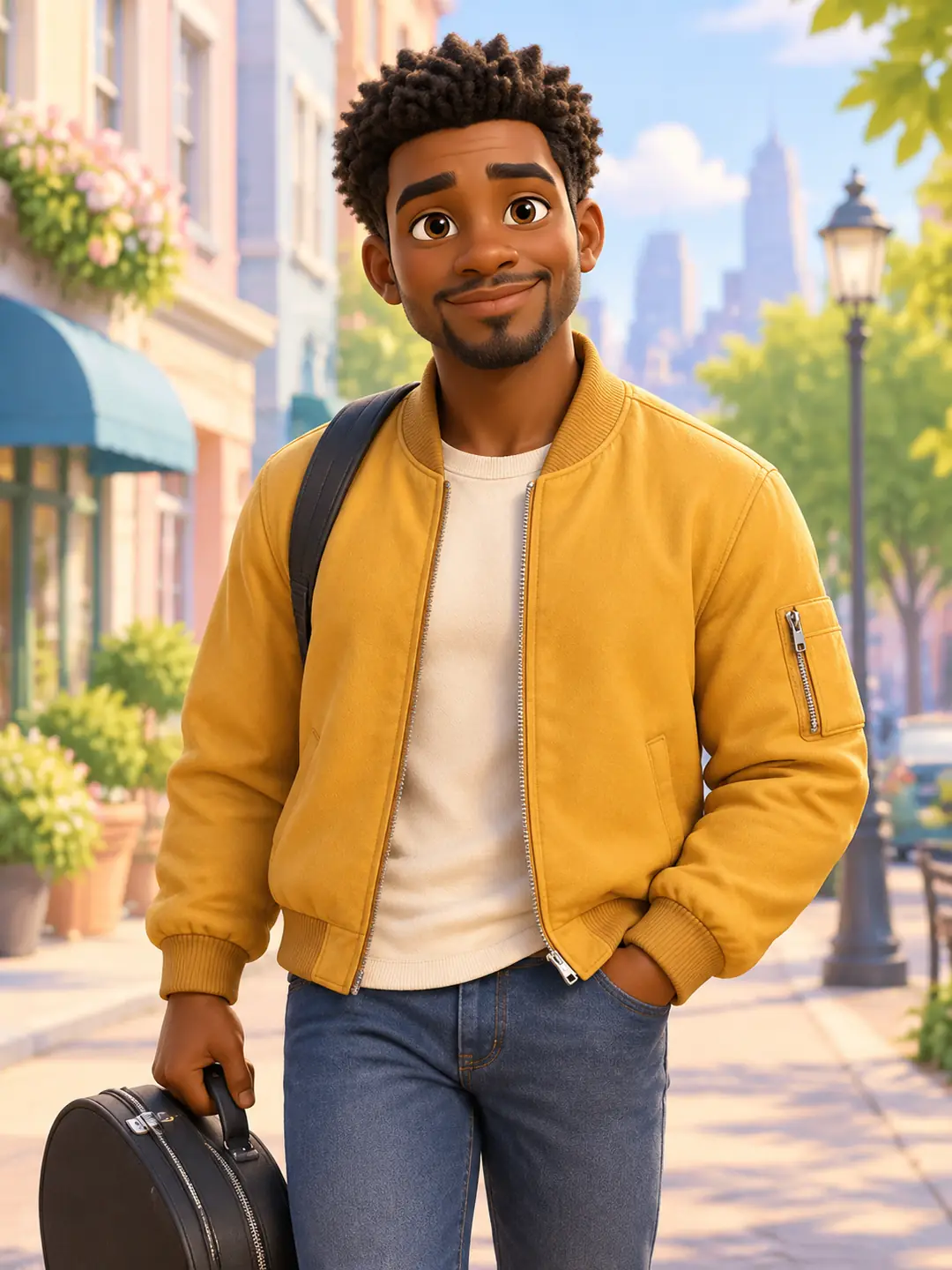 3D Animation
Use the uploaded photo as a reference. Turn its subject into an appealing 3D animated character with sculpted shapes, expressive eyebrows and soft cinematic light. Preserve recognizable hair, accessories, colors and key identity cues; for a pet, preserve its markings and ears. Keep the complete head and main subject inside a portrait 3:4 composition. One finished artwork, no before/after collage, no text or watermark.
Create a Similar Image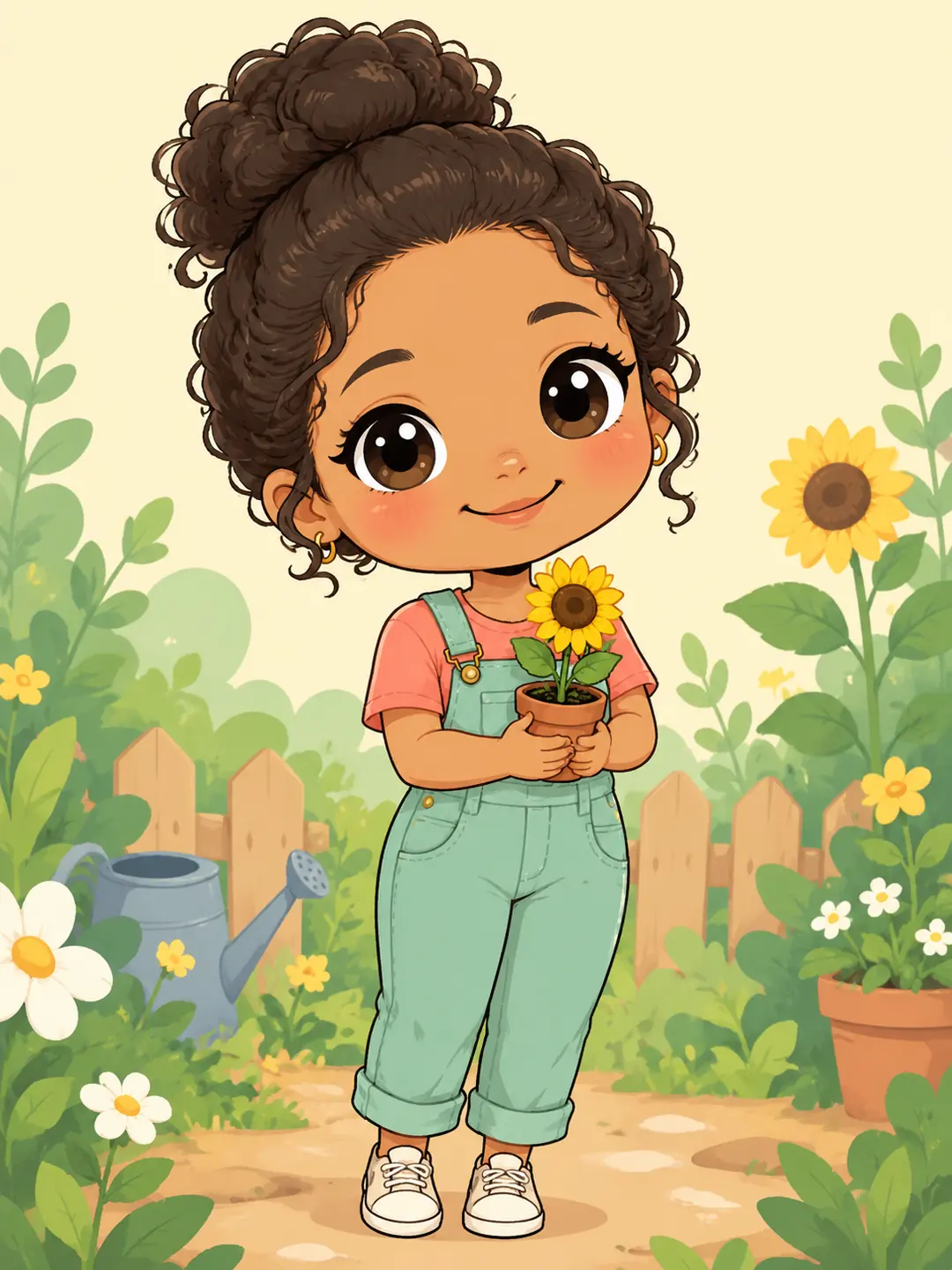 Chibi
ChibiUse the uploaded photo as a reference. Turn its subject into a cute full-body chibi cartoon with a large rounded head, tiny body and clean pastel colors. Preserve recognizable hair, accessories, colors and key identity cues; for a pet, preserve its markings and ears. Keep the complete head and main subject inside a portrait 3:4 composition. One finished artwork, no before/after collage, no text or watermark.
Create a Similar Image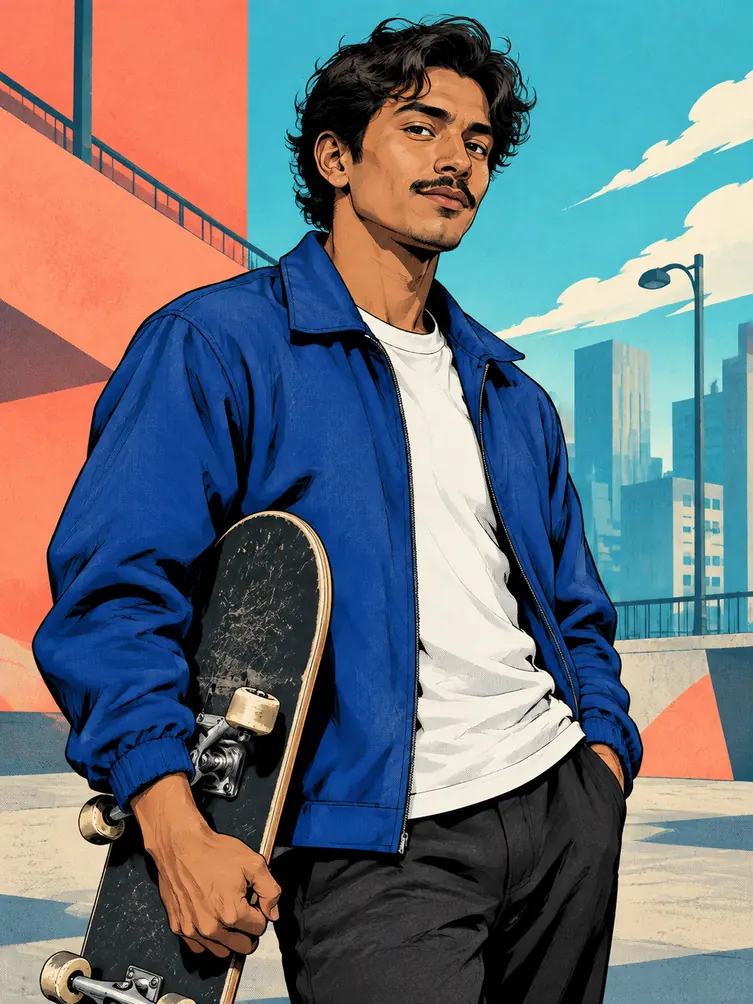 Comic Art
Use the uploaded photo as a reference. Turn its subject into graphic novel artwork with crisp black ink, controlled halftones and bold coral/cyan colors. Preserve recognizable hair, accessories, colors and key identity cues; for a pet, preserve its markings and ears. Keep the complete head and main subject inside a portrait 3:4 composition. One finished artwork, no before/after collage, no text or watermark.
Create a Similar Image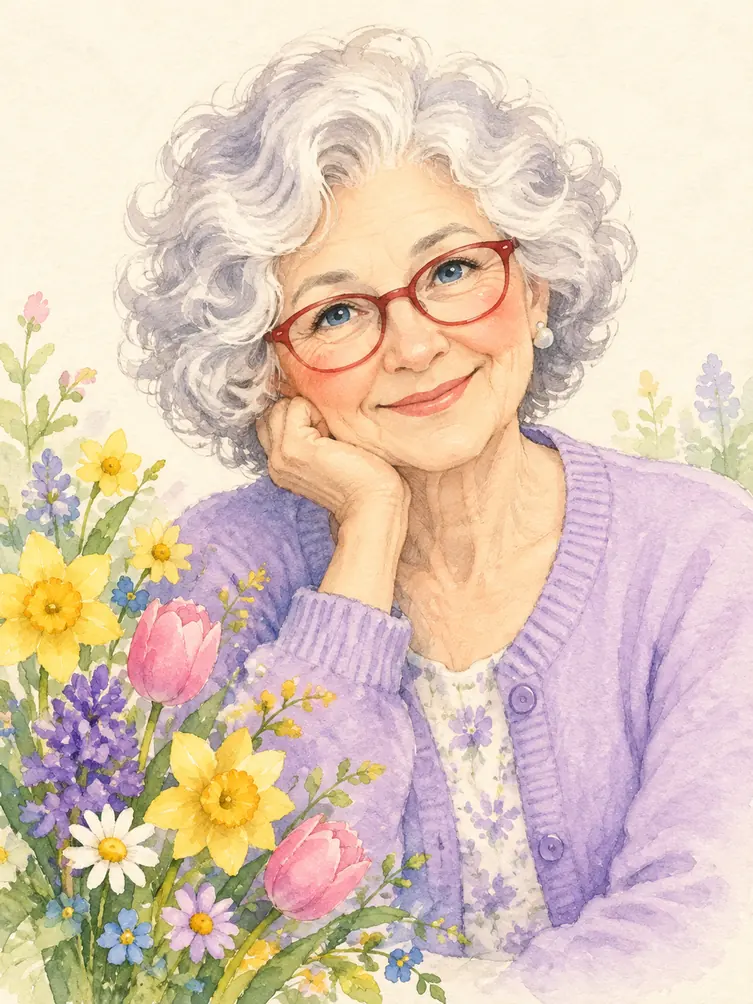 Watercolor
Use the uploaded photo as a reference. Turn its subject into a charming watercolor storybook character with expressive simplified features and visible pigment texture. Preserve recognizable hair, accessories, colors and key identity cues; for a pet, preserve its markings and ears. Keep the complete head and main subject inside a portrait 3:4 composition. One finished artwork, no before/after collage, no text or watermark.
Create a Similar Image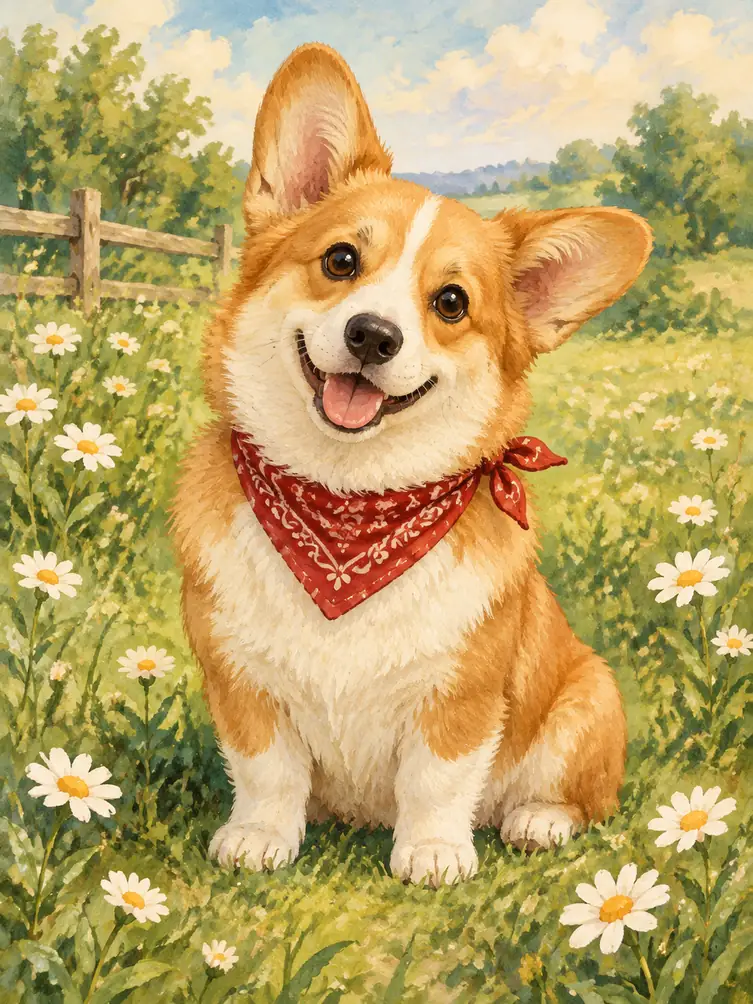 Pet Cartoons
Use the uploaded photo as a reference. Turn its subject into a warm gouache storybook pet cartoon with rounded shapes, friendly eyes and soft brush textures. Preserve recognizable hair, accessories, colors and key identity cues; for a pet, preserve its markings and ears. Keep the complete head and main subject inside a portrait 3:4 composition. One finished artwork, no before/after collage, no text or watermark.
Create a Similar ImageUse a well-lit portrait with one clearly visible face. Ask the model to preserve the hairstyle, clothing color, head angle and defining accessories; review the result for changes.
Compare anime linework, dimensional 3D characters, playful chibi proportions, graphic comics and painted textures. Pick a distinctive style for your portrait or pet.
Keep the face large enough to read at avatar size. Check glasses, eyes, hands and the hair silhouette before cropping or sharing the final image.
Use a photo you have permission to edit. A sharp, evenly lit portrait with an unobstructed face is a useful starting point. Choose an image model with reference-image controls.
Name one style and the details to retain. For example: turn this portrait into a clean 2D cartoon; keep the short curly hair, teal shirt, smile and head angle.
Generate the photo to cartoon result and compare it with the original. Adjust one style or facial detail at a time, then choose a crop that suits an avatar or profile image.
Photo to cartoon conversion uses an input photo to guide a stylized image. The result may use drawn outlines, soft 3D forms or painted textures. A reference-enabled model can preserve recognizable details, but it can still change facial features, accessories and proportions. Compare the output with the original before using it.
The available image model catalog includes reference-image inputs. Open the selected model’s image workflow and use its available upload controls. The gallery previews are examples, not your input photo. If an upload option is unavailable in your current view, open the selected model’s dedicated image workflow.
Explore anime, 3D animation, chibi, comic, watercolor and storybook pet styles. The gallery contains AI-created style concepts rather than before-and-after tests. Use your own permitted reference photo in a compatible model workflow and check whether the result preserves the details you care about.
Exact likeness is not guaranteed. Ask the model to preserve the head angle, hair, clothing and distinctive accessories, then inspect the face and any visible hands. A tighter crop may help you compare details. If the result drifts, refine a specific instruction rather than adding several competing styles.
Check your account’s current trial allowance and the credit requirement for the selected model before generating. Viewing examples does not guarantee unlimited free generations. Account access, model availability and offers can change; this page does not promise generation without signing in or a fixed free allowance.