

loading...
Convert selected PDF pages into editable PowerPoint slides, with controls for slide size, images, and speaker notes.
Free to use·Max 10MB·Output: PowerPoint·Files deleted after conversion
Convert a PDF into an editable PowerPoint deck so you can update content, rearrange slides, and keep working.
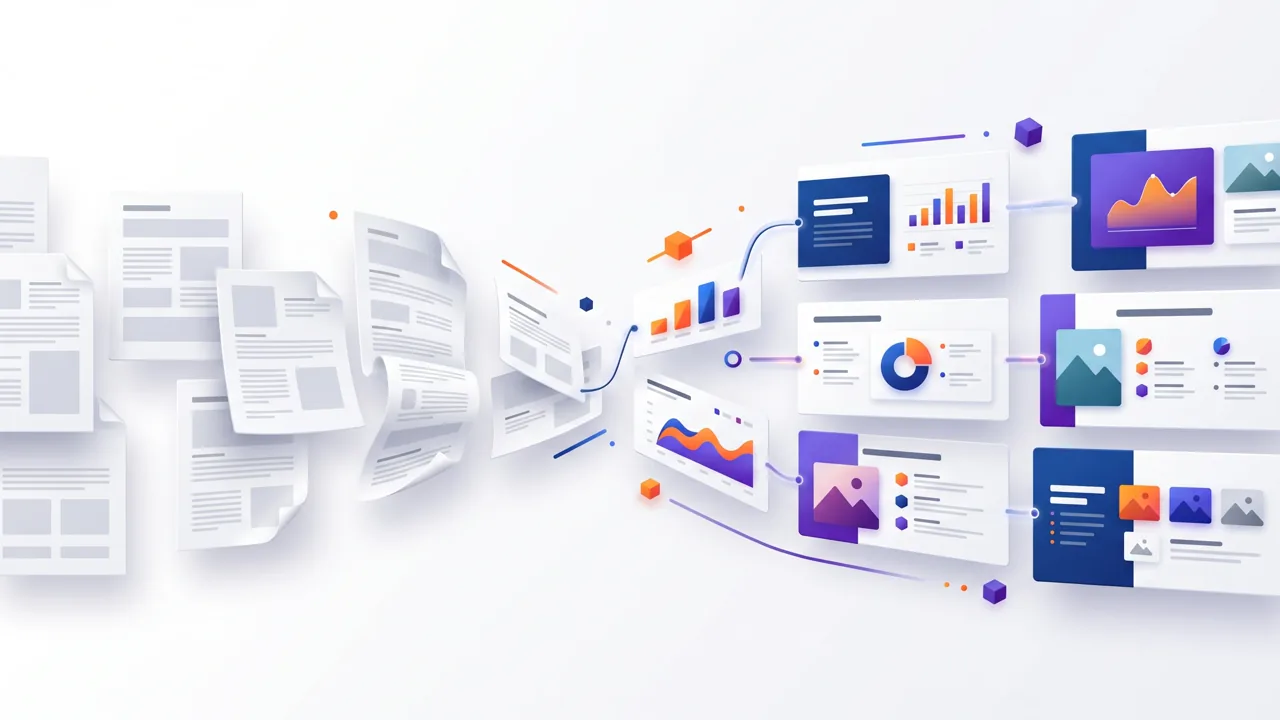
A PDF to PPT converter turns PDF pages into a PowerPoint file you can review and edit. Use GlobalGPT to choose the pages you need, select a slide ratio, preserve images when supported, and send source text to speaker notes when available. Simple PDFs with selectable text usually produce the best results. Scanned pages, embedded fonts, formulas, tables, and complex multi-column layouts may require OCR or manual adjustment after conversion.
Turn selected PDF pages into PowerPoint slides you can review and edit.
Set the slide ratio, keep images when supported, and send source text to speaker notes.
Your PDF is used only to build the PowerPoint file and is deleted after conversion.
Use the PDF to PPT converter in three steps: choose a file, set the available options, and download your PowerPoint.
Upload one PDF within the displayed file and page limits.
Choose the page range and any supported slide, image, or speaker-note options.
Review the preview when available, start the conversion, and download the generated PowerPoint file.
Discover how professionals use our tool across different industries
Convert annual reports, business plans, and strategic documents into dynamic PowerPoint presentations for board meetings, investor pitches, and executive briefings. Transform static PDFs into engaging slides with editable charts, graphs, and content perfect for customization and delivery.
Transform textbooks, research papers, and educational PDFs into interactive classroom presentations and e-learning content. Create engaging lecture slides, student presentations, and training materials with proper formatting, visual aids, and educational structure for effective knowledge transfer.
Convert marketing brochures, product catalogs, and campaign materials into compelling PowerPoint presentations. Create customizable sales decks, pitch presentations, and marketing proposals with consistent branding, impactful visuals, and persuasive content structure for client meetings.
Transform academic papers, research findings, and technical documentation into professional conference presentations and symposium slides. Convert complex data, methodology sections, and results into visually appealing slides perfect for academic conferences, peer reviews, and research dissemination.
Experience the power of advanced AI technology
Your files are processed securely and automatically deleted
Convert PDFs to PowerPoint presentations in minutes
Maintains original formatting, fonts, and image quality
Join thousands of satisfied users worldwide

Project Manager
"Fantastic tool! Converted our project reports to presentations seamlessly. The formatting was preserved perfectly."
1 week ago

University Lecturer
"Great for converting research papers into lecture slides. Saves me hours of manual work every semester."
3 days ago

Sales Director
"Perfect for turning our sales materials into interactive presentations. The quality is impressive!"
2 days ago
Find answers to common questions about our tool
Transform your PDF documents into editable presentations with our free, secure converter