

How to Use GPT Image 2 to Create High-End Visuals Instantly
From fashion campaigns to cinematic scenes — learn how GPT Image 2 turns simple prompts into production-level images.
Drop your image here
or click to browse
Supports JPG, PNG, WebP
Upload an image to preview
How to Use GPT Image 2 for Any Style — From Ads to Storytelling
GPT Image 2 is not just an image generator — it’s a visual production engine. With the right prompt, you can create anything from product ads and social media content to cinematic scenes and character designs. This guide shows you exactly how to use GPT Image 2 across different real-world scenarios.
What You Can Do with GPT Image 2
Multi-Style Image Generation – Create images across completely different styles — fashion, product, food, storytelling, and more.
Prompt-Based Control – Describe lighting, mood, composition, and GPT Image 2 will translate it into precise visuals.
Production-Level Output – Generate images that look like real ads, thumbnails, or concept art — ready to use instantly.
GPT Image 2 Examples: What You Can Actually Create
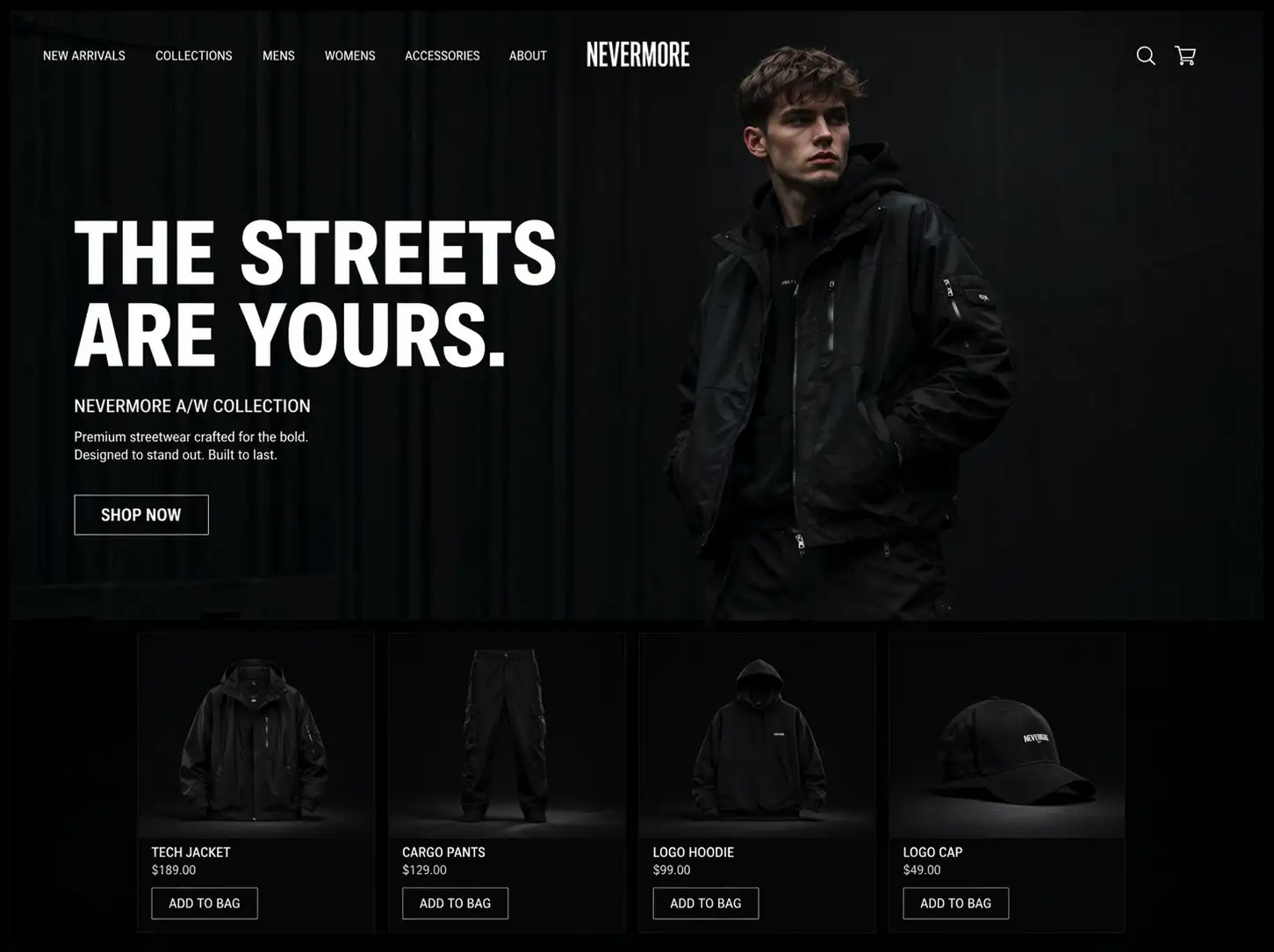
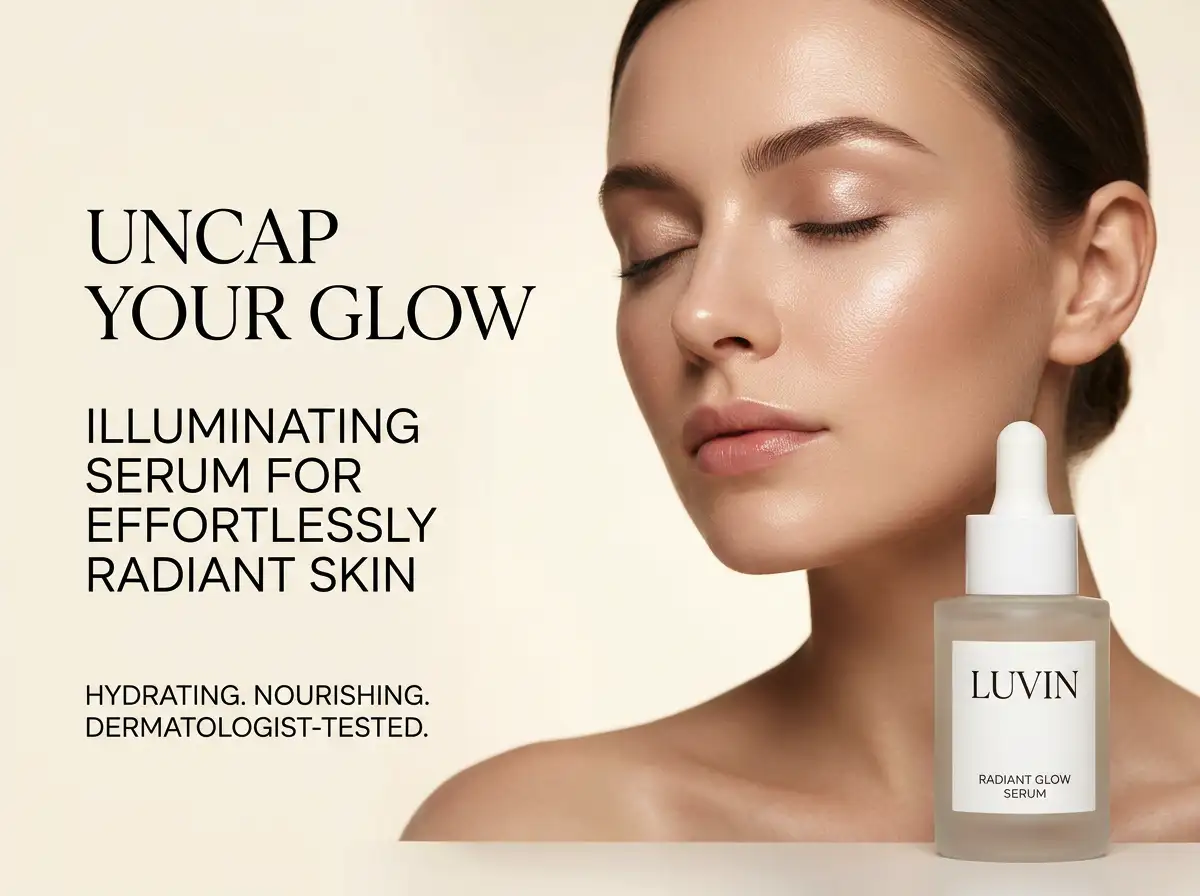
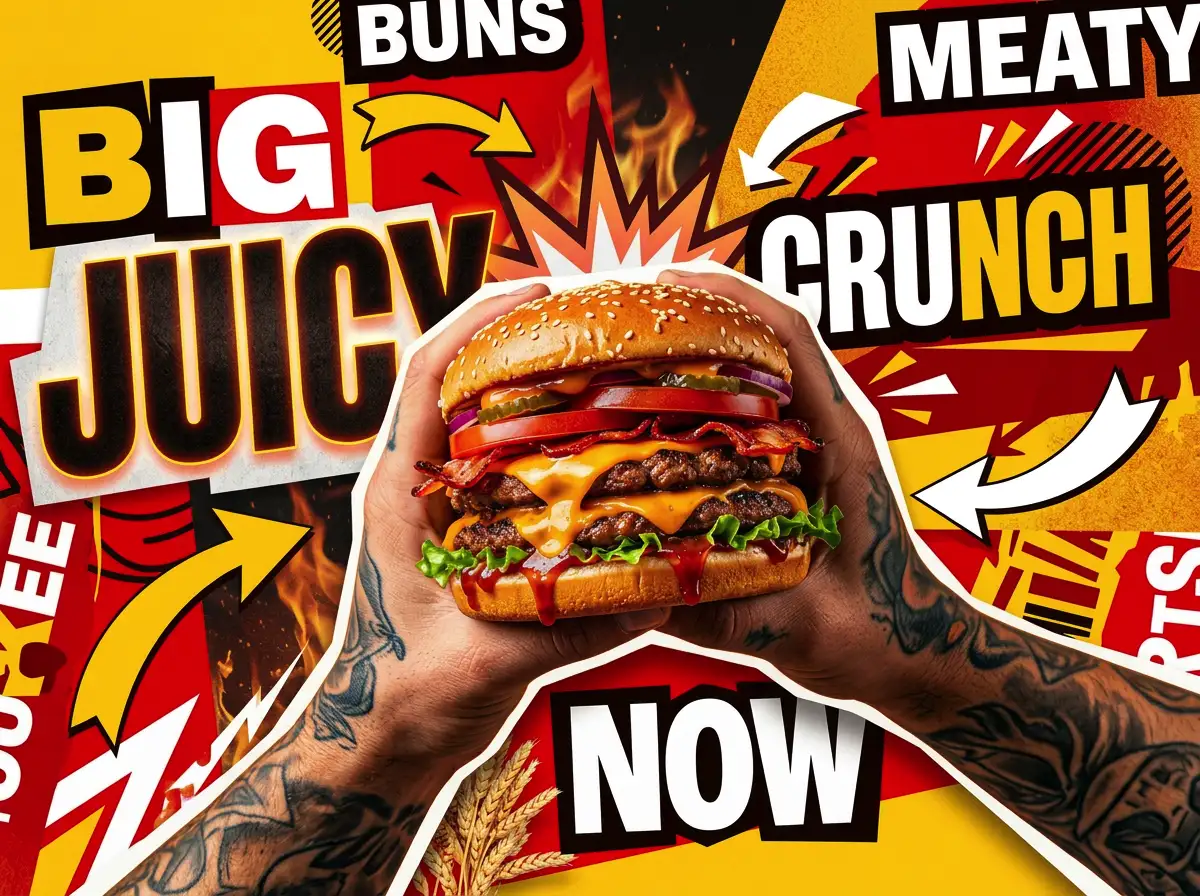
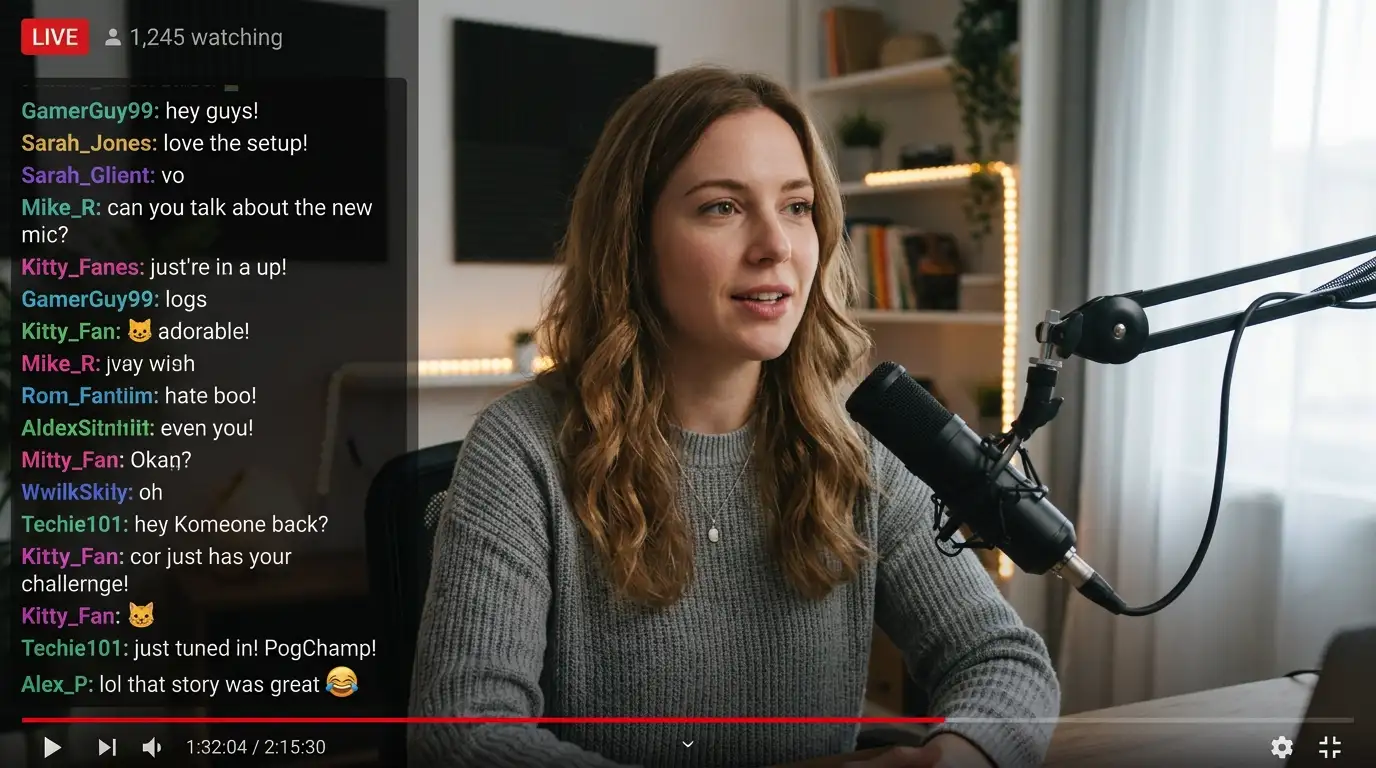
Create Content Scenes with GPT Image 2
YouTube-style livestream screenshot of a creator speaking on camera, natural expression, looking slightly off-camera, podcast microphone in foreground, cozy home studio lighting, practical desk setup, slightly cluttered background, realistic live chat overlay on the left with dense small text, mixed short messages, emojis, varied usernames, red LIVE badge, bottom progress bar, subtle interface icons, photorealistic, authentic screen capture feel, not a mockup.
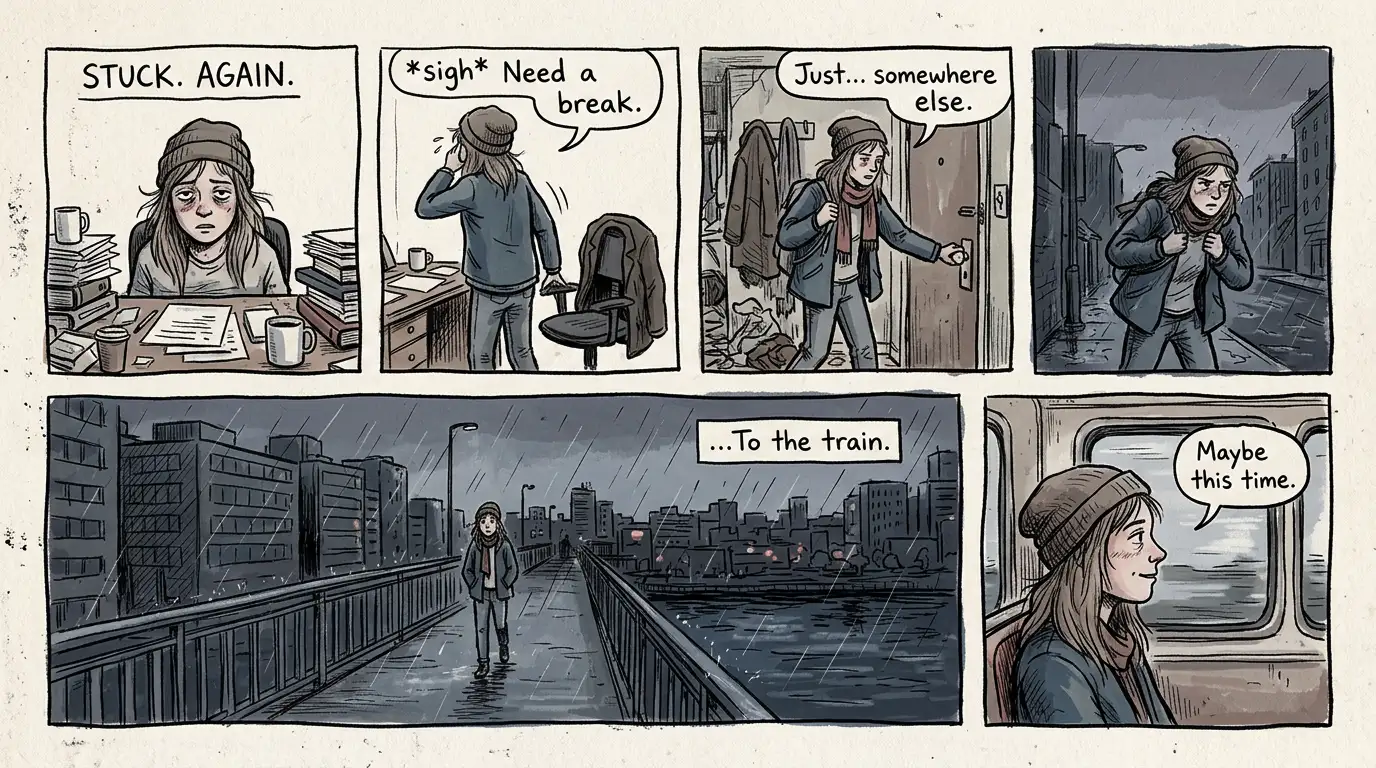
Create Storytelling Art with GPT Image 2
Indie graphic novel style comic page, 4 to 6 panels with clear left-to-right storytelling, cinematic scene continuity, evolving character actions, rough hand-drawn ink lines, visible pencil texture, cross-hatching shading, off-white paper background, zine aesthetic, slight print imperfections, irregular panel borders, minimal English dialogue, muted colors, emotional atmosphere, not glossy, not clean digital.
Create Character Sheets with GPT Image 2
Anime character design sheet, modern character reference page, stylish young character in contemporary urban techwear, sleek black and gray palette, layered clothing with subtle functional details, clean silhouette, full body turnaround front side and back, expression sheet with natural emotions, close-up outfit and accessory details, clean grid layout, light background, sharp anime lineart, soft shading, high readability, premium game character design aesthetic.
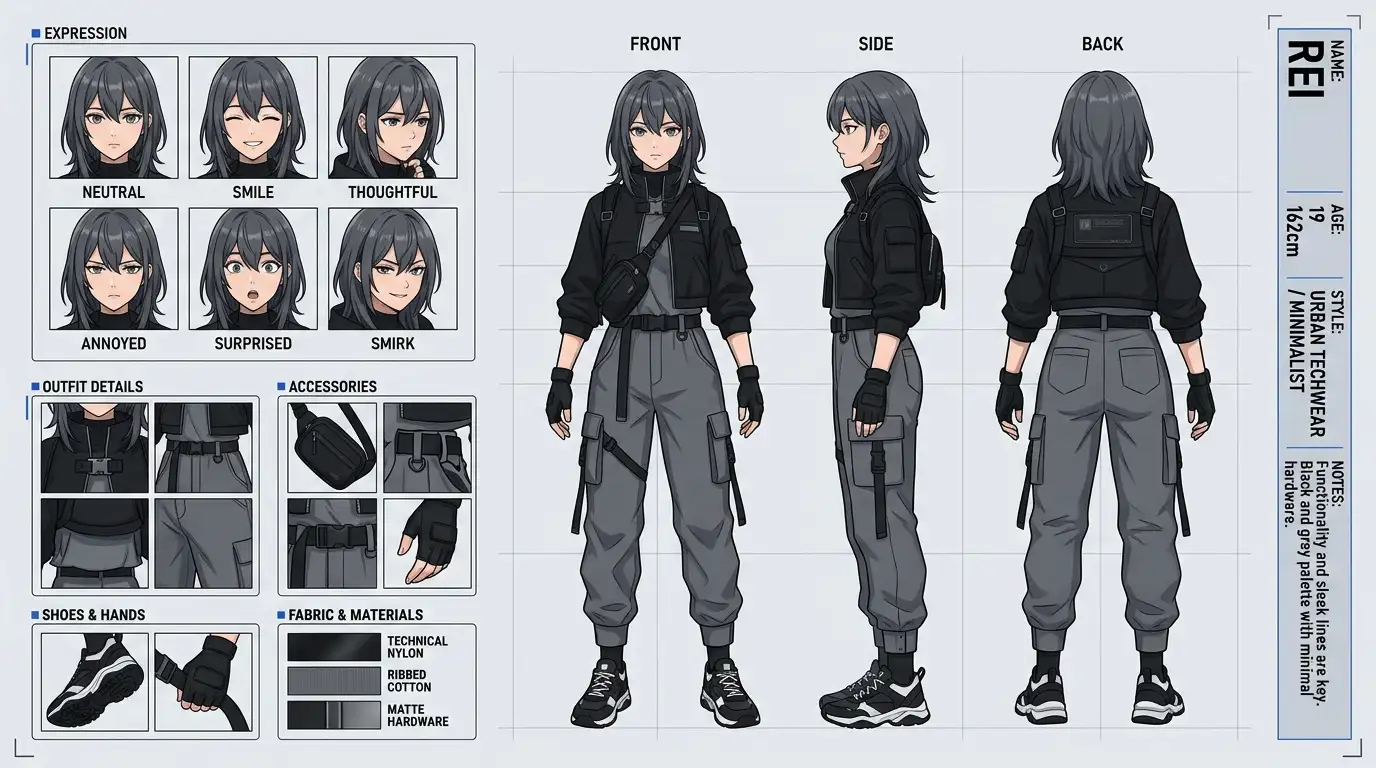
How to Use GPT Image 2
Write a clear prompt describing the image you want to create, including the subject, style, lighting, and mood.
Choose a model and refine your prompt with extra details if you want more control over composition, quality, or visual style.
Click Create to generate your image, then iterate, download, or reuse the result for content, ads, storytelling, or design work.
Create More with GPT Image 2
From product ads and creator visuals to comics and character sheets, GPT Image 2 helps you turn simple prompts into polished images for real creative work.