

loading...
Use GlobalGPT AI Translator to translate text, emails, documents, and website copy into clear, natural language. Paste your content, choose the languages, and get a translation that keeps the original meaning and tone.
Choose the language you want to translate to
Choose a style for domain-specific accuracy
Enter text to translate
AI-translated version of your text
Translated text will appear here
See how multilingual text, business documents, and everyday communication come together in one place. Paste your content, pick a target language, and read the translated version next to your original before you use it anywhere.
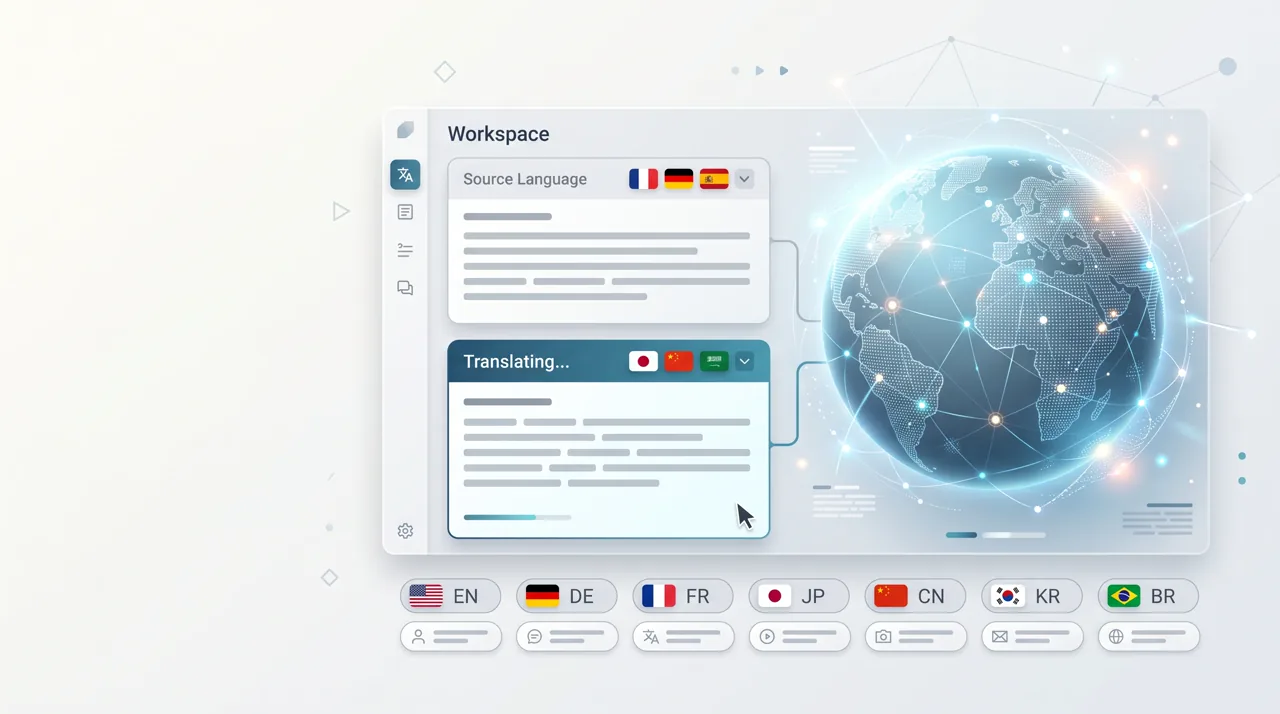
An AI Translator is an online translation tool that helps you translate text between languages while keeping the meaning, tone, and context clear. GlobalGPT AI Translator is useful for emails, documents, study notes, product descriptions, website copy, and everyday messages. Instead of translating word by word, the AI translator reads the full sentence and suggests natural wording for the target language.
Translate text with an AI translator that keeps sentence meaning, tone, and context easier to understand in the target language.
Use the AI translator for work emails, reports, study notes, product copy, and long-form drafts that need clear multilingual wording.
Translate content for international readers, then review the result before publishing, sending, or reusing it in another tool.
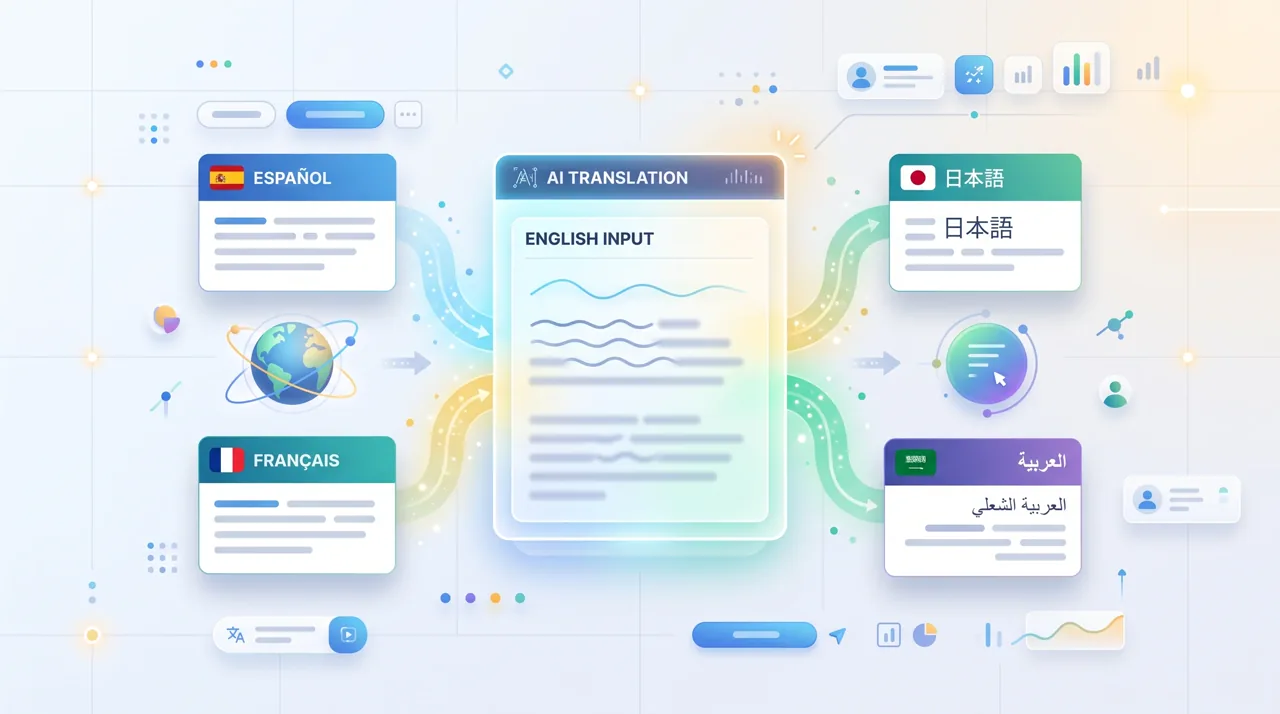
Translate text online in three simple steps.
Paste the text, email, document excerpt, or website copy you want to translate into the AI translator editor.
Select the target language you need. The source language is worked out from the text you paste, and the translation style option keeps the wording in line with your content type.
Read the translated result, adjust any wording that needs your context, then copy the final text for work, study, content, or travel.
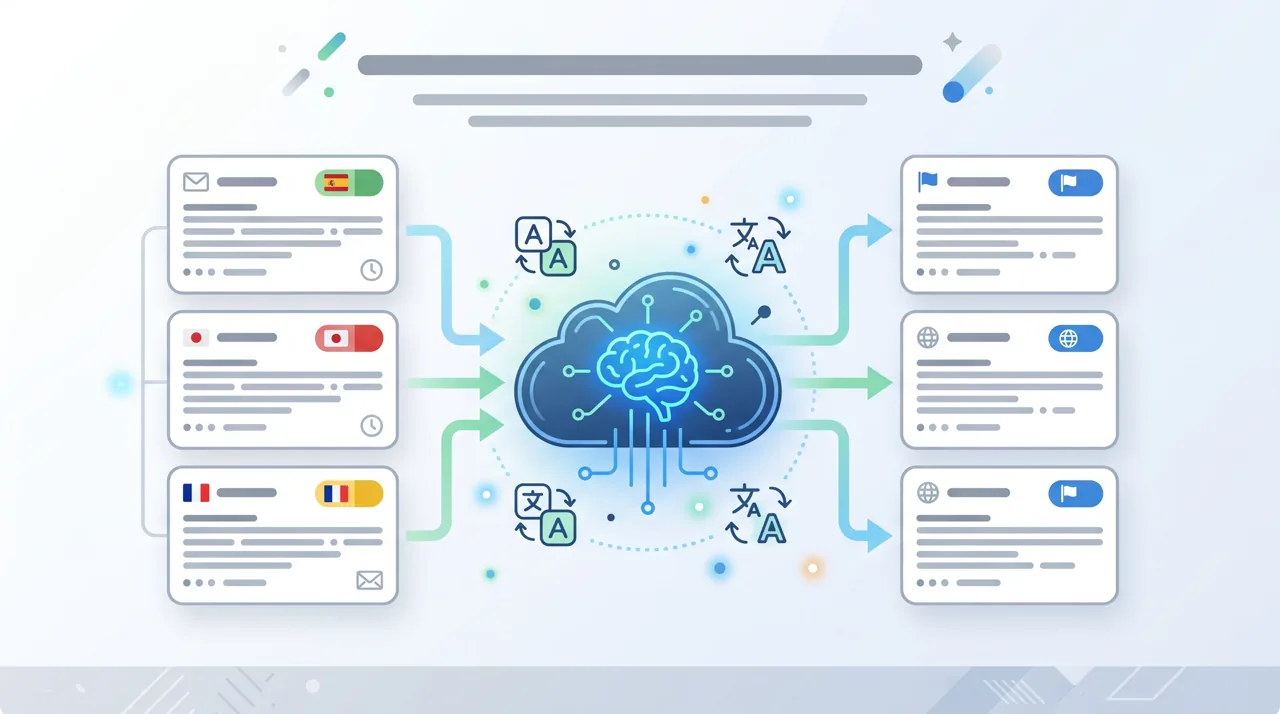
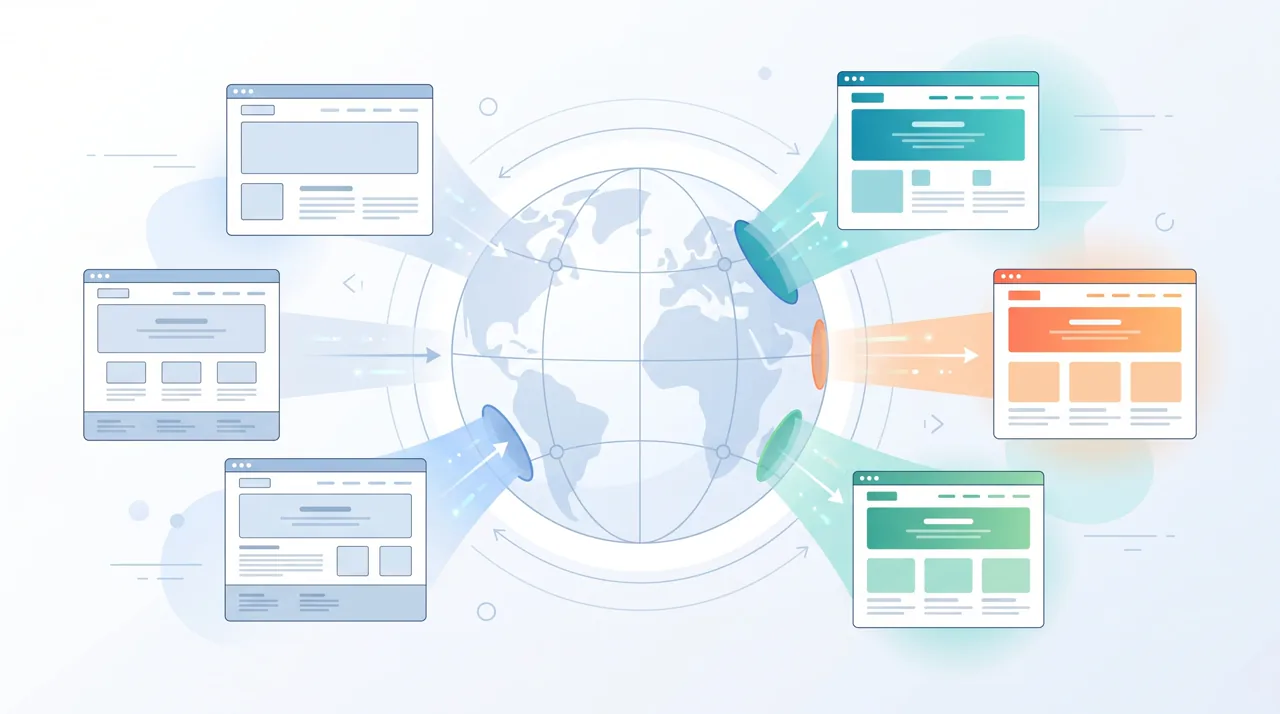
Use AI Translator as the first step, then continue with related GlobalGPT tools for proofreading, summarizing, rewriting, image text translation, and more.
After using the AI translator, check grammar, punctuation, clarity, and style before sending or publishing the translated text.
Open AI ProofreaderTranslate long notes or articles first, then summarize the key points for faster reading and sharing.
Open AI SummarizerMake translated copy sound more natural and human, especially for website copy, emails, and marketing drafts.
Open AI Text HumanizerWhen the source text sits inside a screenshot, poster, menu, or scanned document, start on the image translation page instead of pasting plain text.
Open AI Translate ImageUse the grammar checker when a translated sentence needs a focused grammar pass instead of a full rewrite.
Open Grammar CheckerRewrite translated drafts for clearer structure, smoother sentence flow, or a different tone while keeping the meaning.
Open AI Rewriter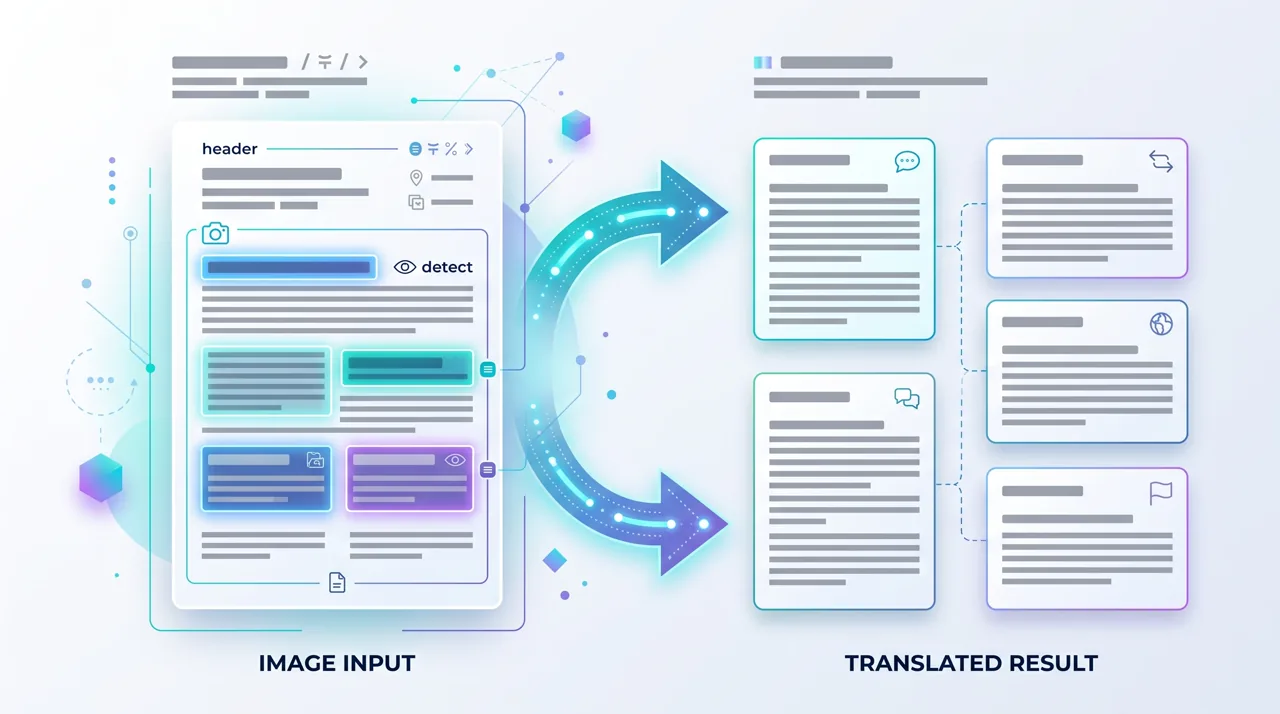
What the tool actually does, and where your own review still matters.
The full sentence is read before any wording is suggested, instead of swapping one word at a time, which is what makes idioms and word order come out closer to natural speech.
Pick a style such as Professional, Technology, Legal, Marketing, or Casual so the wording matches the kind of content you are translating.
Your original text stays next to the translated version, so you can compare both before you copy anything out.
Translate into 60 target languages, covering widely used world languages as well as smaller regional ones.
It runs in the browser, so there is nothing to download or set up before you paste your first sentence.
Automated translation still benefits from a human check. Review names, figures, and specialist terms before you publish or send.
Target Languages
Translation Styles
Copy the Result
Join thousands of satisfied users worldwide

International Sales Manager
"I paste client emails in and switch to the Professional style, then read both columns side by side before I hit send."
2 days ago

Medical Researcher
"Handy for a first pass on foreign-language abstracts. I still check the terminology myself, but it saves me a lot of typing."
1 week ago

Software Developer
"The Technology style keeps product wording consistent when I translate release notes and help-centre articles."
4 days ago
Find answers to common questions about our tool
Paste your content, choose a target language, and review the translation before you send, publish, or share it.