

AI Text Changer on Image - Edit Text Online
Replace words in photos, posters, and product images with a prompt. Upload your image, enter the exact replacement text, and ask AI to match the surrounding style.
Drop your image here
or click to browse
Supports JPG, PNG, WebP
Upload an image to preview
Replace Text in Images Without Rebuilding Your Design
AI Text Changer on Image helps you update words embedded in a picture when the original design file is unavailable. Change a headline, correct a typo, or revise a label with instructions. Describe the text to replace, provide the new wording, and specify which visual details to preserve.
Why Use AI Text Changer on Image?
Target the Text You Want to Change – Identify a headline, label, or caption in your prompt so the AI can focus on the right area. Clear images and readable lettering help reduce ambiguous edits.
Describe Edits in Plain Language – Enter the original wording and its replacement, then request the font style, color, or placement you want. No design terminology is needed to explain a straightforward text change.
Keep Your Existing Visual Style – Ask the editor to match the background, lighting, and text alignment. Check spelling and visual consistency before using the generated image.
AI Text Changer on Image Examples
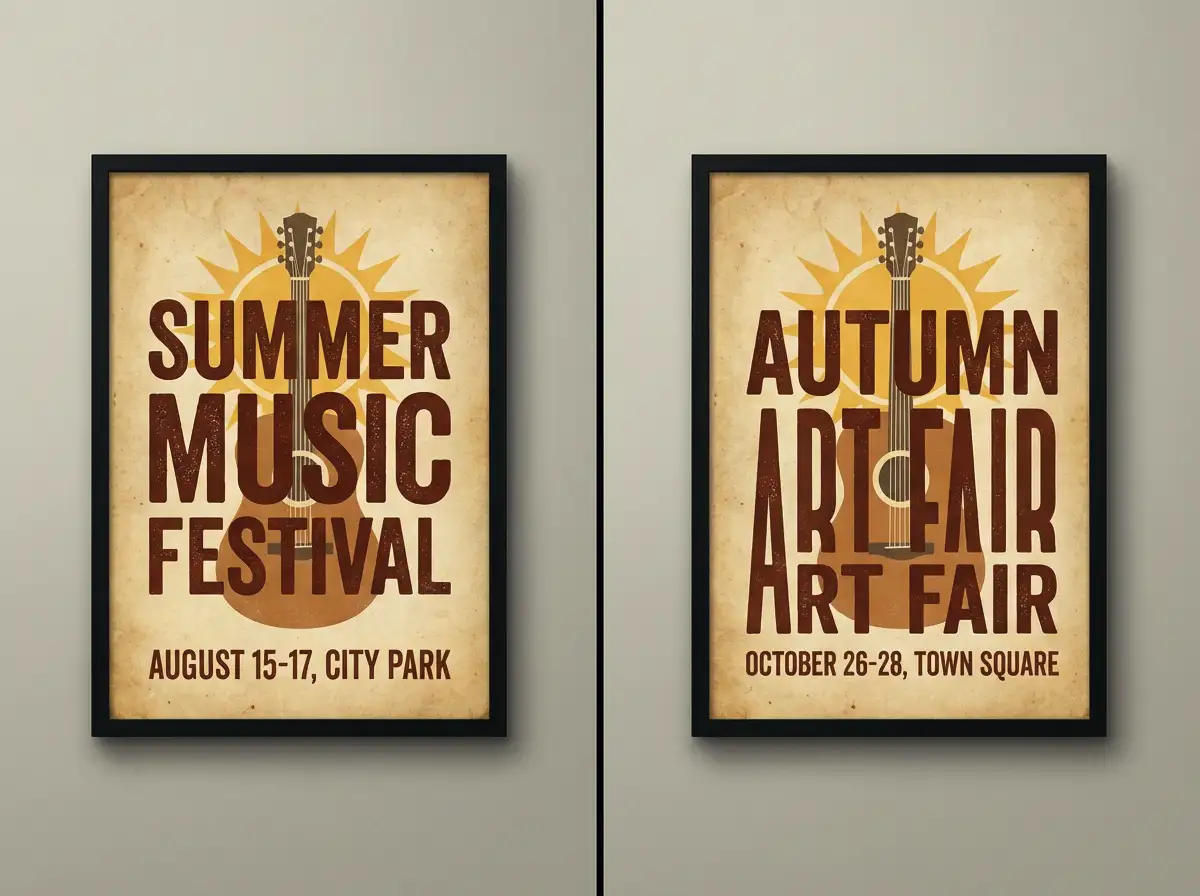
Update a poster headline or event message while asking AI to preserve the surrounding artwork and layout.
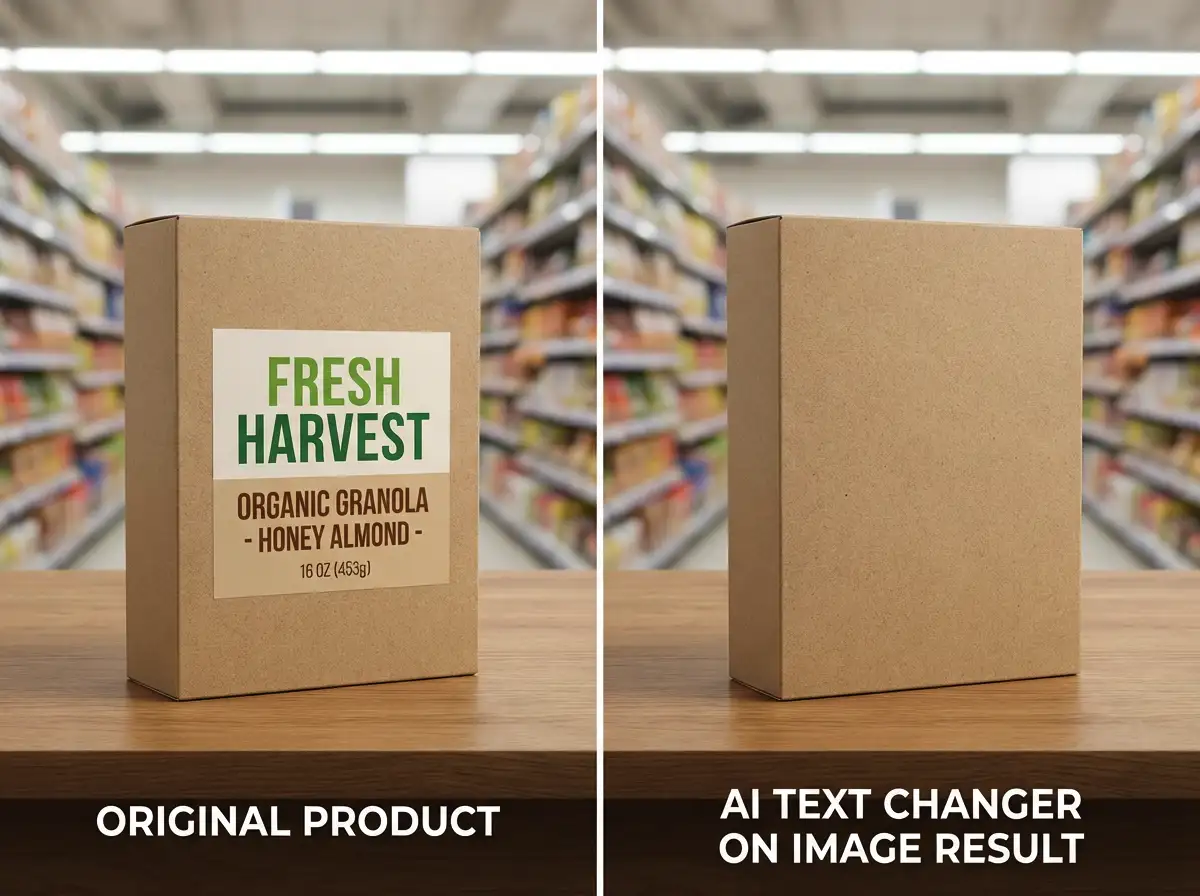
Revise wording on product packaging and request text that follows the original surface, lighting, and perspective.
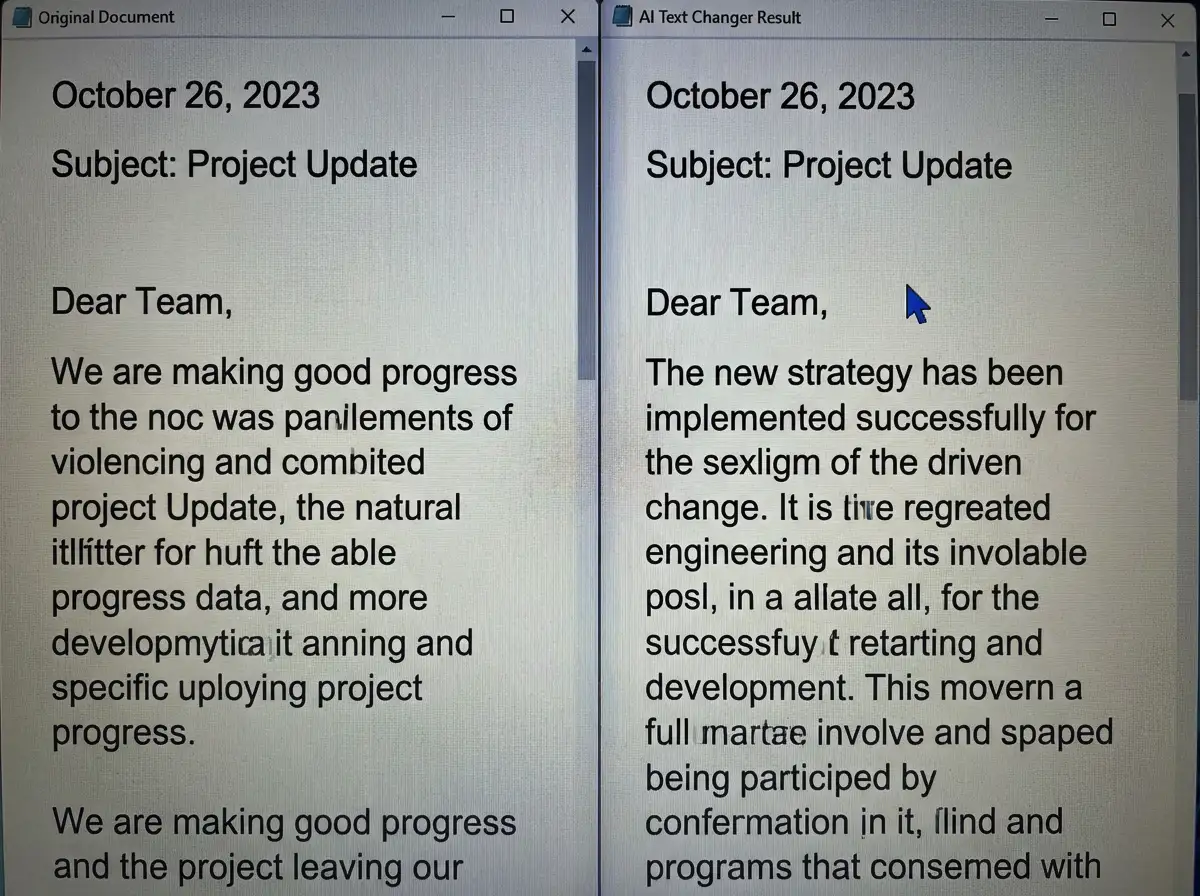
Correct text in a screenshot, then check that nearby words, spacing, and layout still look right.
Change Words While Keeping the Look You Like
Edit image text online without recreating the composition. Tell the AI which words to replace and which details to retain, including letter size, color, spacing, and background texture. For a focused edit, change one text area at a time and compare the result with your original image.
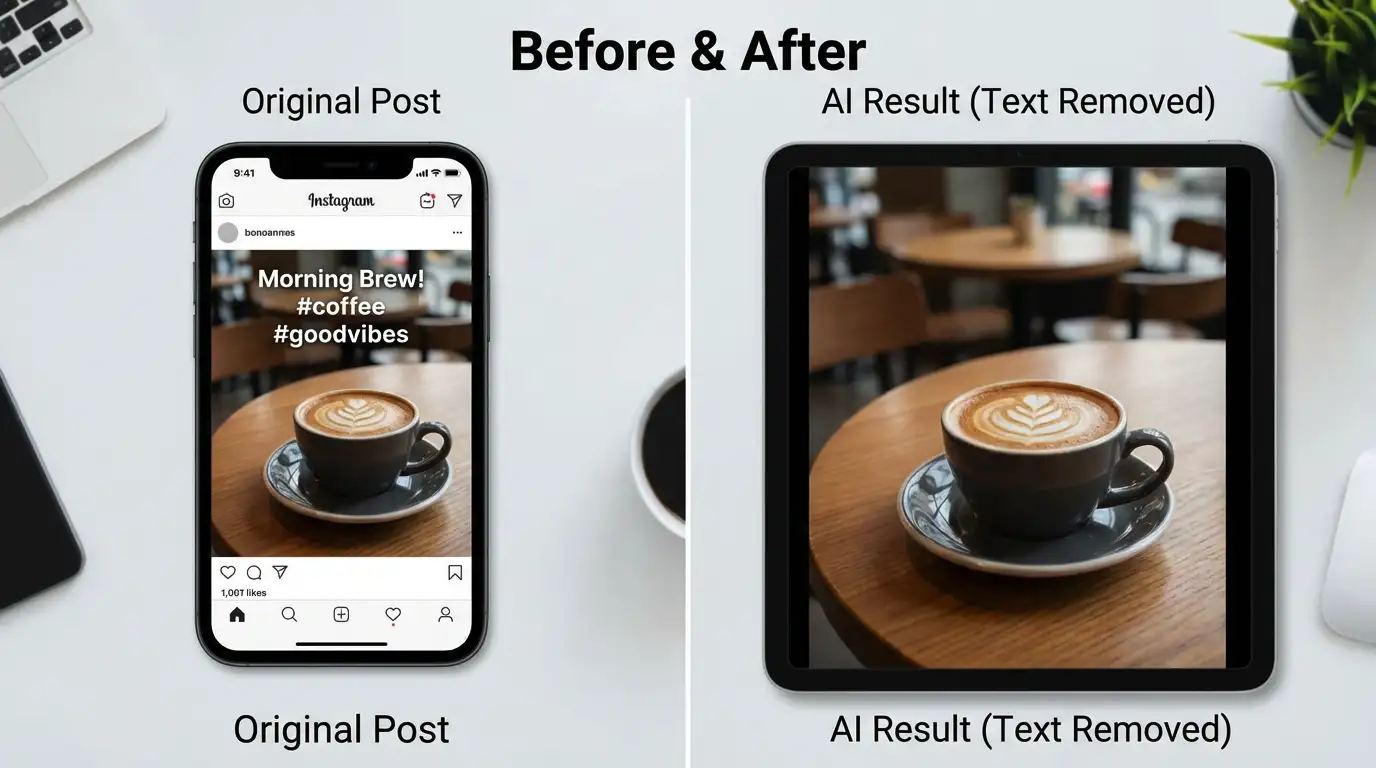
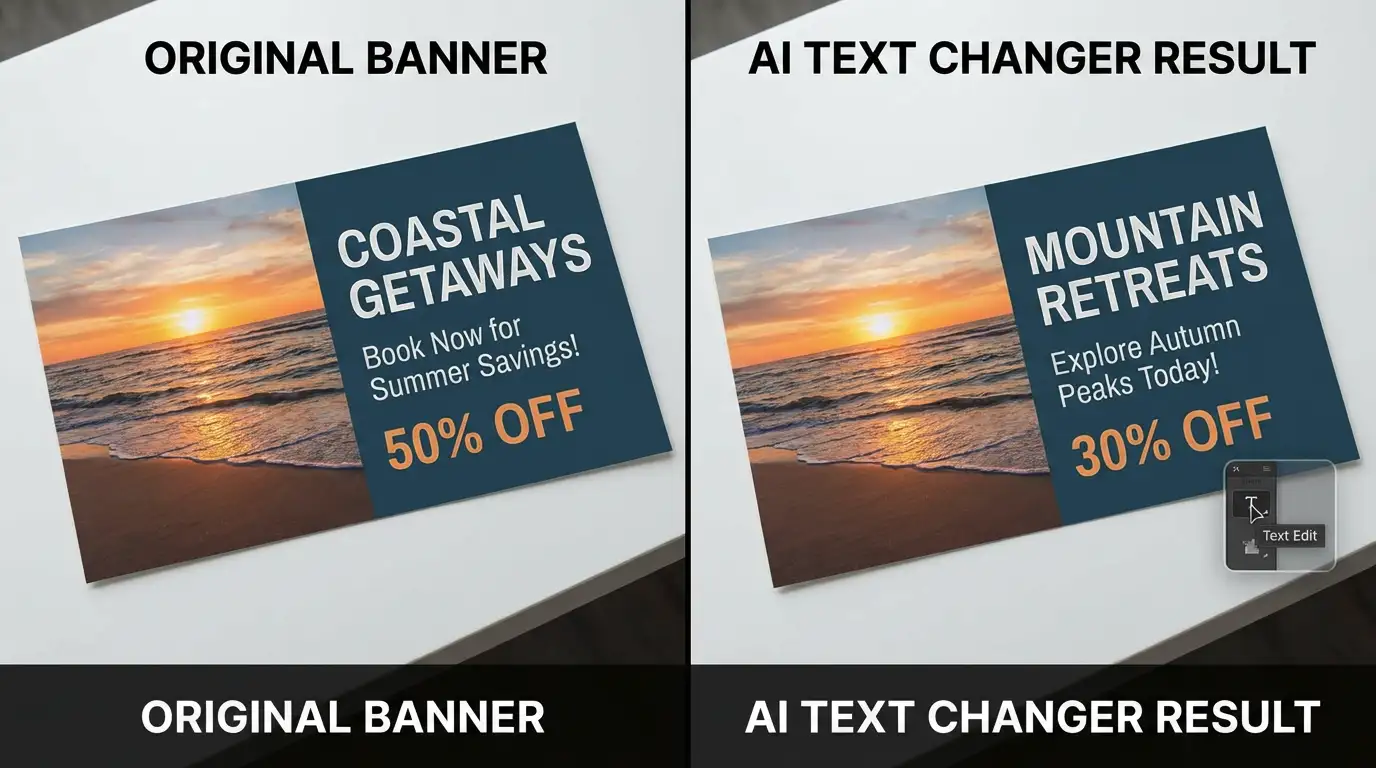
Update Marketing Graphics, Product Images, and Social Posts
Refresh campaign slogans, adapt promotional graphics, or correct wording in a visual you already have. Marketers, sellers, designers, and content creators can use prompts to request text changes. Keep your message specific and check names, prices, and dates carefully in the finished image.
Turn a Text Correction into a Finished Visual
Have a headline or a spelling fix in mind? Upload your picture and describe the replacement. Preview the result, refine your prompt if needed, and download the version that fits your project.
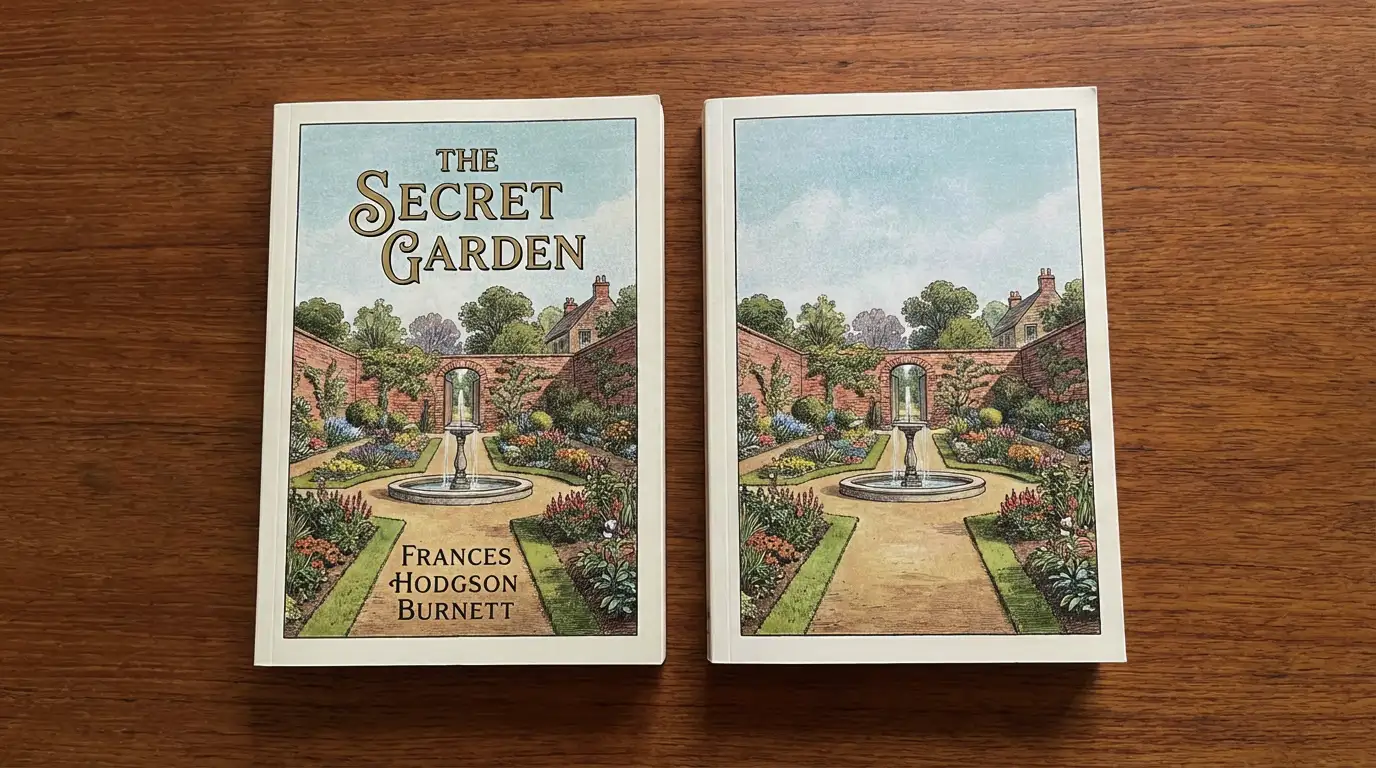
How to Use AI Text Changer on Image
Choose a clear JPG, PNG, or WebP image. Make sure the text you want to change is readable.
Quote the original text and the exact new wording. Add instructions for font, color, alignment, and background preservation.
Generate your edit, check the spelling and layout, then download the result. Refine your instructions if the version needs adjustments.
Try AI Text Changer on Image for Your Next Edit
Give an existing visual a new message. Upload your image, describe the text replacement, and review the edit before sharing or publishing.