

Make a brand feel approachable
Turn a few personality words into a visual direction. A gentle expression, an easy-to-read silhouette and one signature accessory can give a small business a recognizable face.
Prompt Guide
Model
Reference Image
An otter greeting a new customer. A falcon rallying a team. A robot making a product feel approachable. Build a mascot around what your audience should feel, then explore expressions and poses for your website, social posts and campaign concepts. Try different image models in GlobalGPT without starting your brief from scratch.
You do not need a finished sketch. A clear idea of the character and its job is enough to begin.
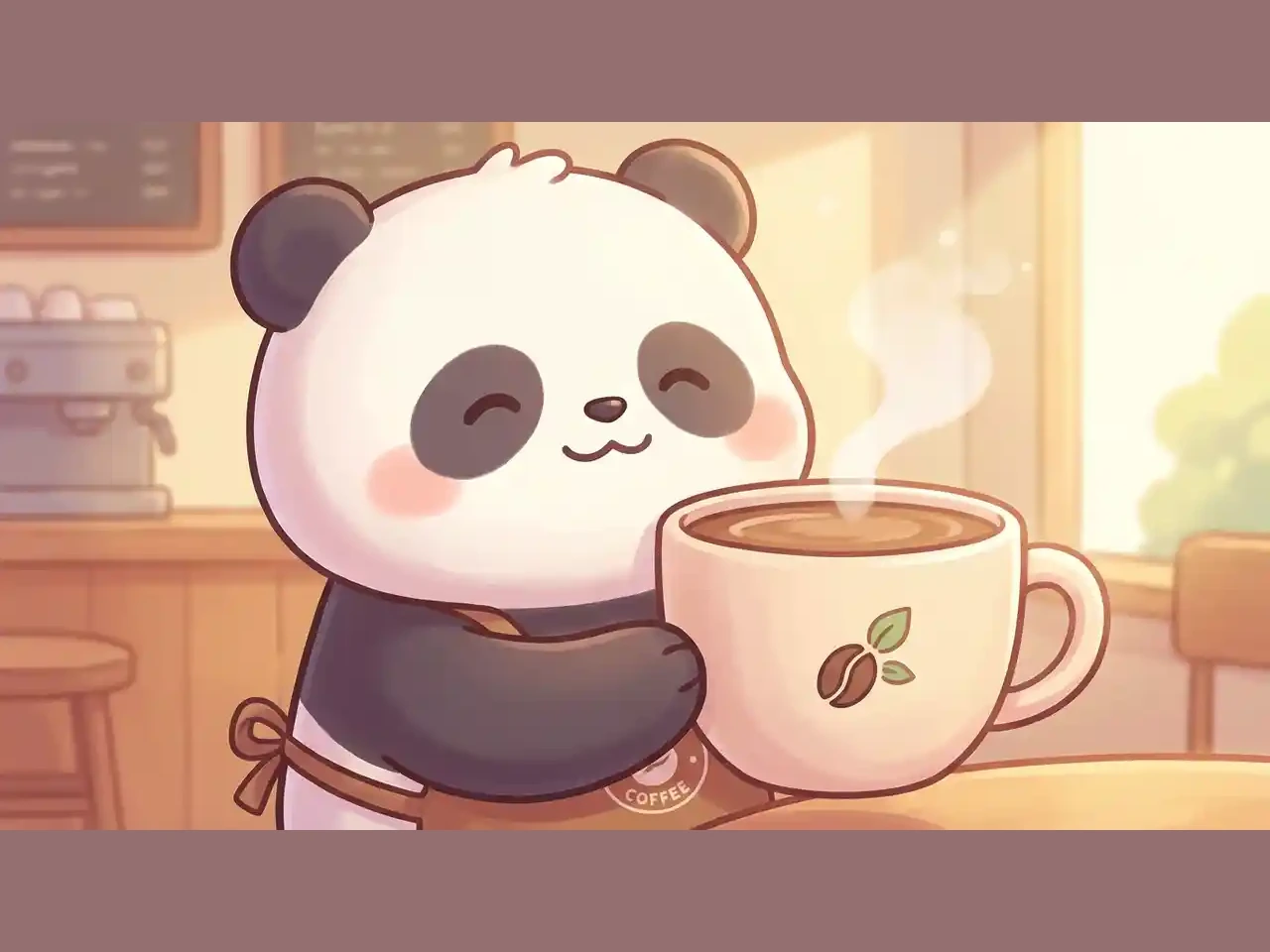
Choose an animal, object or robot, then add a personality and purpose: a calm panda for a coffee brand, a confident falcon for a gaming team or a helpful otter for an app.
Name your brand colors, clothing, props and illustration style. Pick an image model and size. If your selected model offers a reference-image input, add your own sketch or an earlier character to guide the result.
Keep the strongest version, then change one detail at a time. Save the character description before exploring a new pose or expression, and check that the face, colors and accessories still match.
Ten mascot directions, from a welcoming fox to a retro skater. Copy a prompt, swap in your own colors and details, and use it as a starting point. Results will vary by model and generation.
 Brand Companions
A friendly orange fox mascot in a teal hoodie, waving one paw, cream muzzle and tail tip, bold dark outlines and clean flat shading. Center the complete character on a light neutral background, with a welcoming expression and a clear silhouette. Landscape 4:3.
Create My Version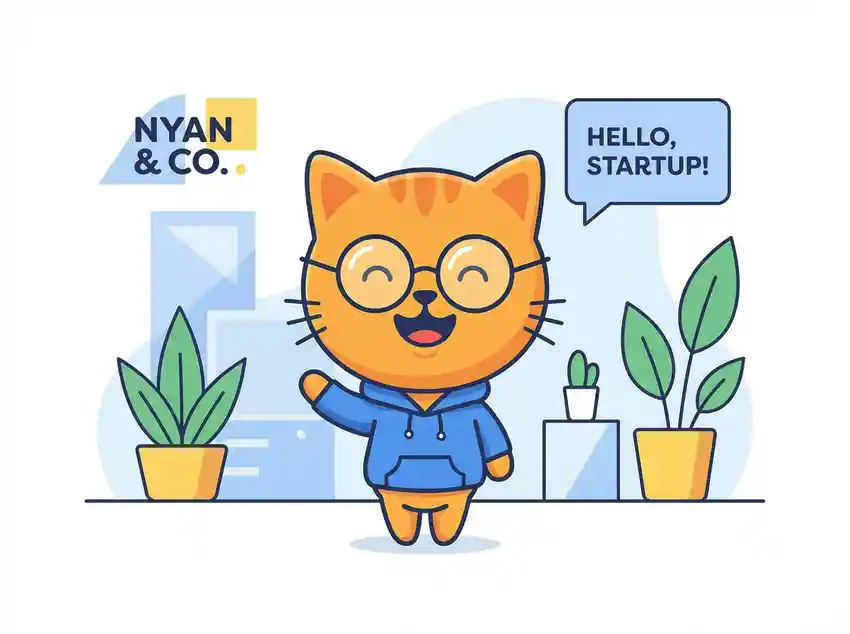 Brand Companions
A cheerful golden cat mascot wearing round glasses and a blue hoodie, standing in a simple pastel startup office with potted plants. Include a small greeting bubble reading 'HELLO, STARTUP!' and a compact 'NYAN & CO.' label. Friendly flat cartoon illustration, full body, landscape 4:3.
Create My Version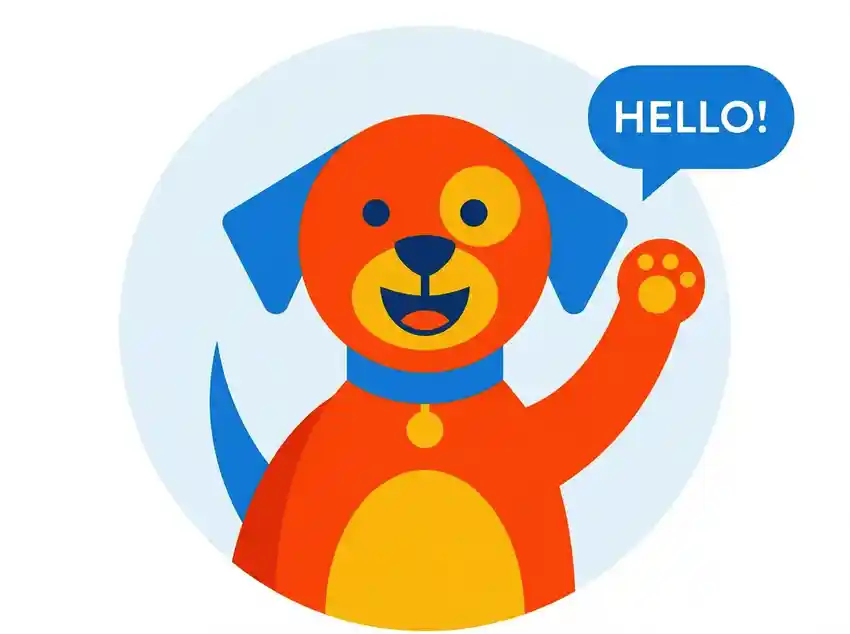 Brand Companions
An energetic orange dog mascot with blue ears and a yellow muzzle, waving beside a blue speech bubble reading 'HELLO!'. Simple geometric shapes, flat orange blue and yellow colors, clean pale background, bold readable expression, landscape 4:3.
Create My Version Adventure Characters
A friendly full-body panda mascot waving one paw, wearing a small orange backpack and a green neckerchief. Rounded proportions, clear black-and-white markings, thick clean outlines, soft flat shading, pale uncluttered background, landscape 4:3.
Create My Version Friendly Tech
A small pastel robot mascot with pink headphones and a star-tipped antenna, holding a coral heart with the word 'LOVE'. Sweet rounded features, soft watercolor texture, pale rainbow wash with scattered stars and flowers, full-body illustration, landscape 4:3.
Create My Version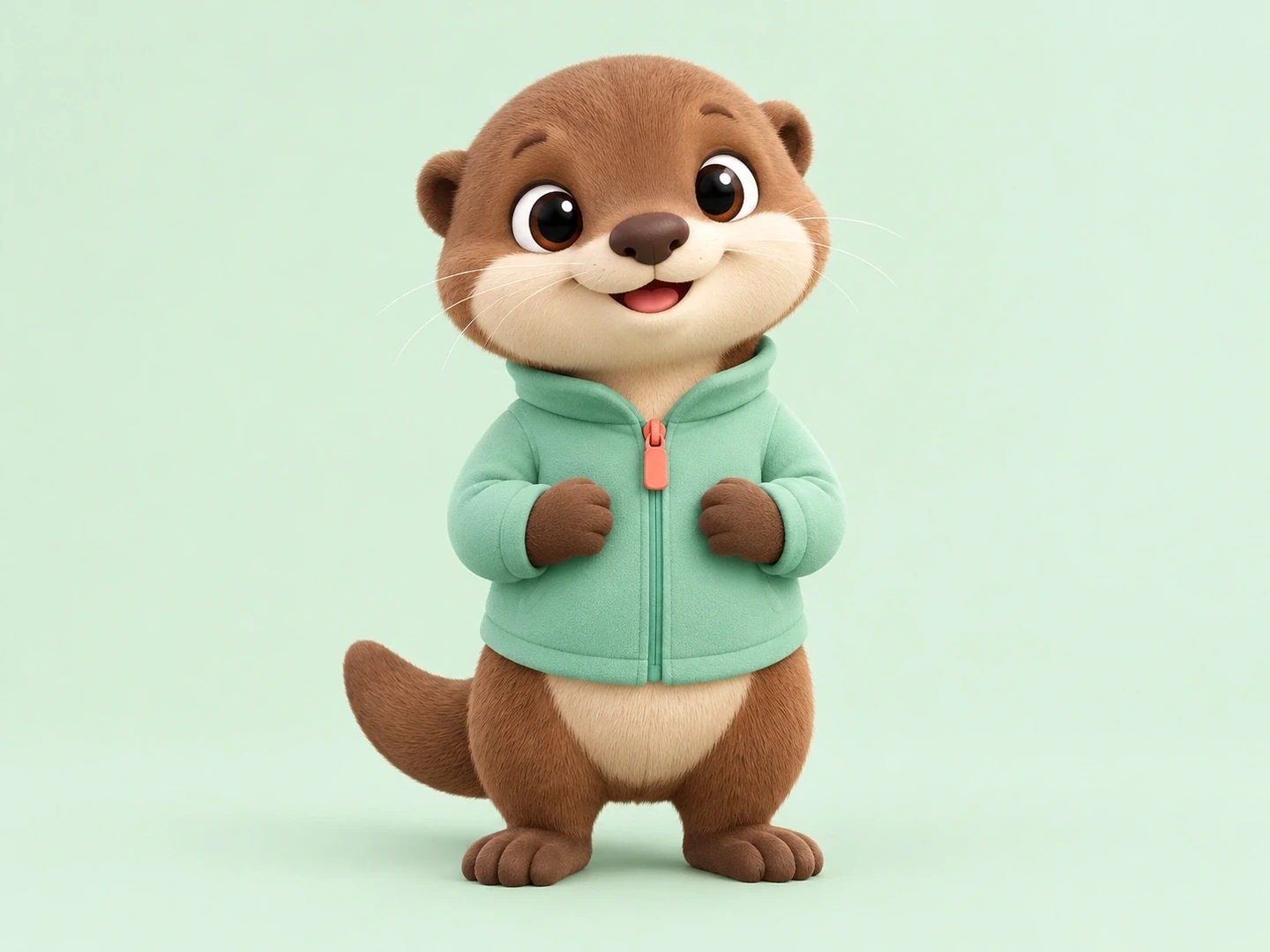 Brand Companions
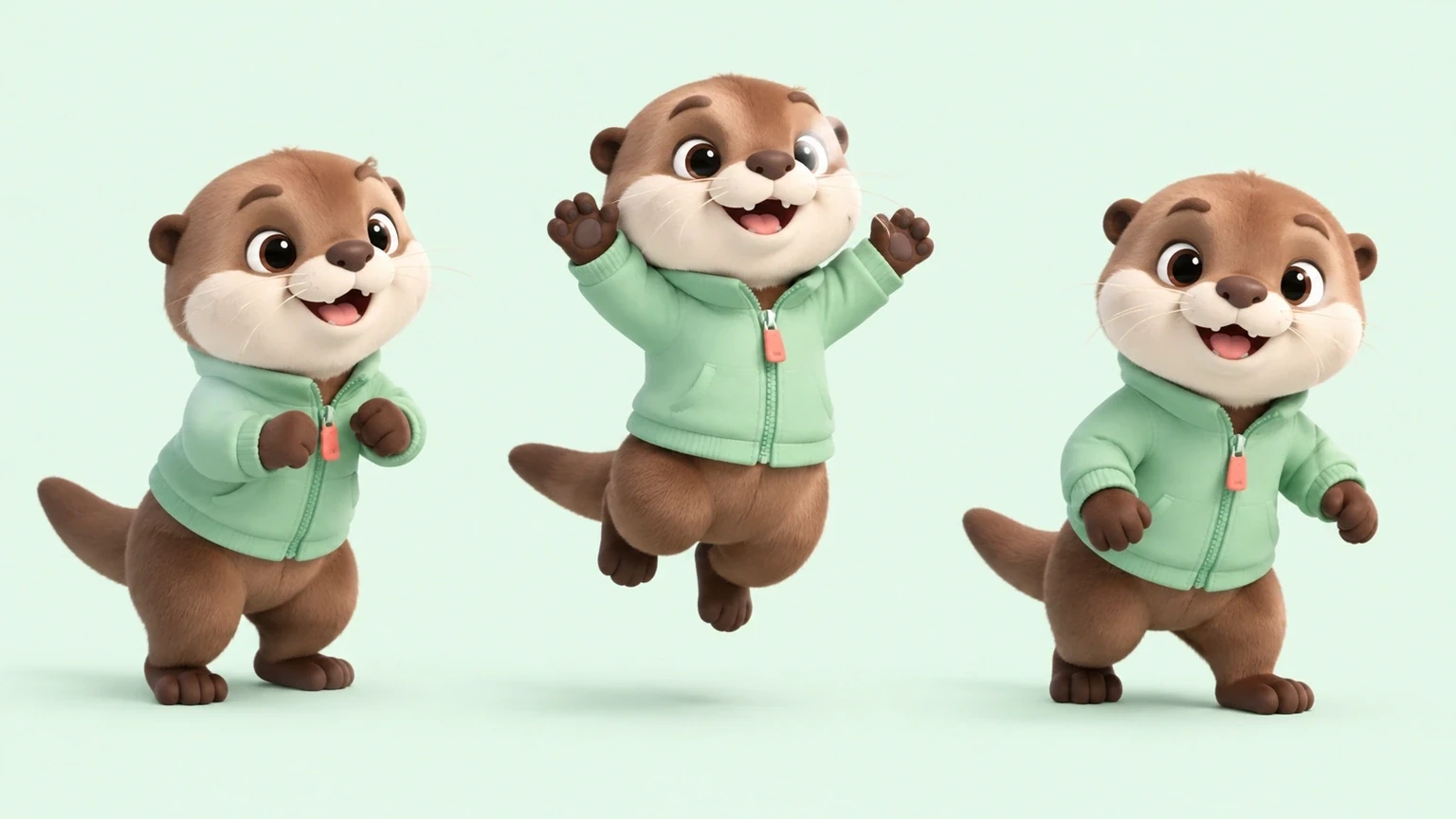
A friendly cocoa-brown otter mascot with a cream muzzle, tiny rounded ears and a mint-green zip jacket with a coral zipper pull. Soft rounded proportions, expressive eyes, subtle plush fur and matte fabric, premium stylized 3D render. One complete character in a calm three-quarter pose on a pale mint studio background, soft contact shadow, generous margins, no text. Landscape 4:3.
Create My Version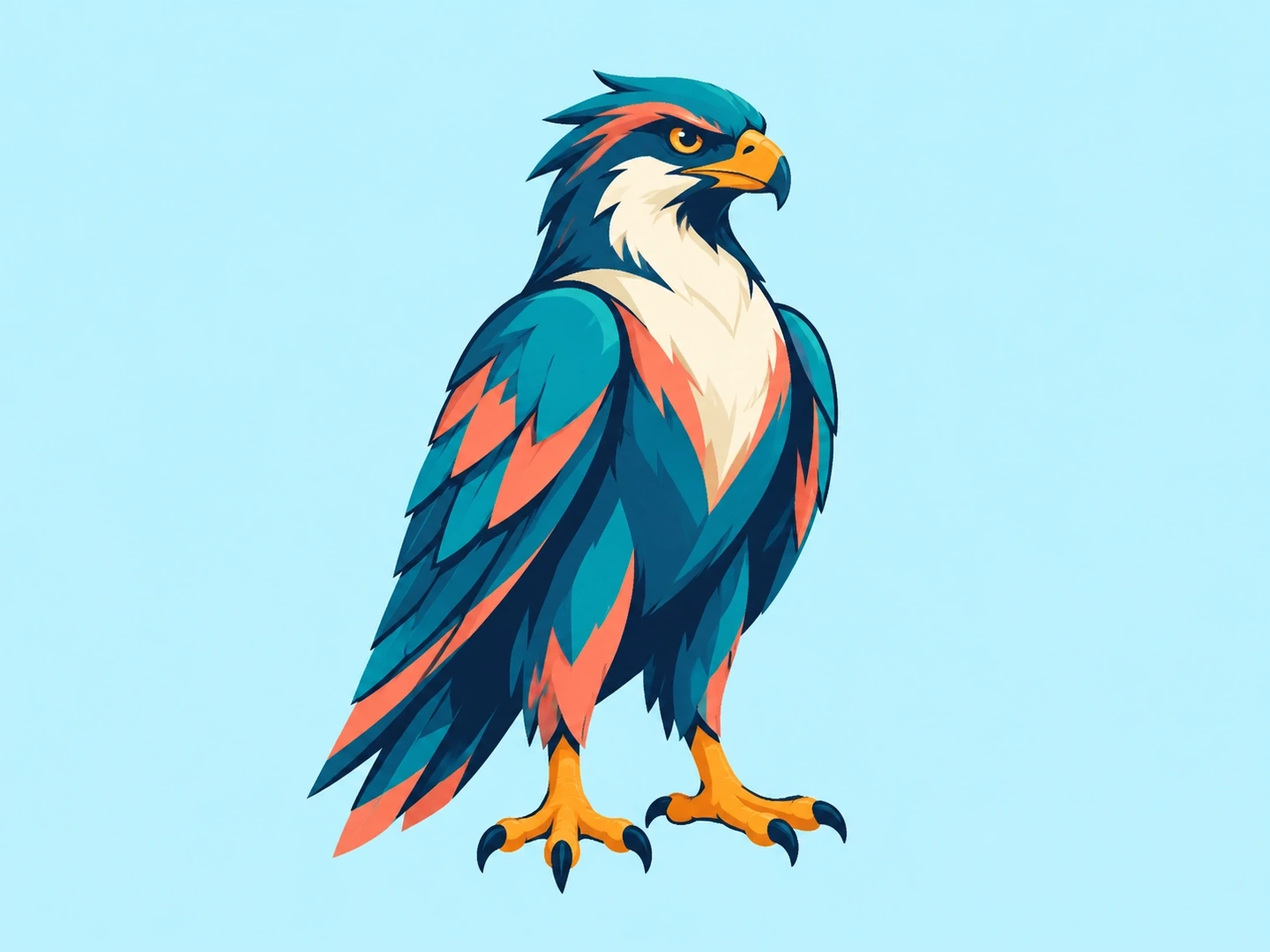 Team Mascots
A confident full-body falcon esports mascot, amber eyes, a strong hooked beak, sharp feather shapes and folded wings. Teal, navy and coral palette, crisp angular illustration with a clear silhouette that reads at avatar size. Frontal three-quarter view, centered on a bright icy-blue background, generous margins. No shield, lettering or mockup. Landscape 4:3.
Create My Version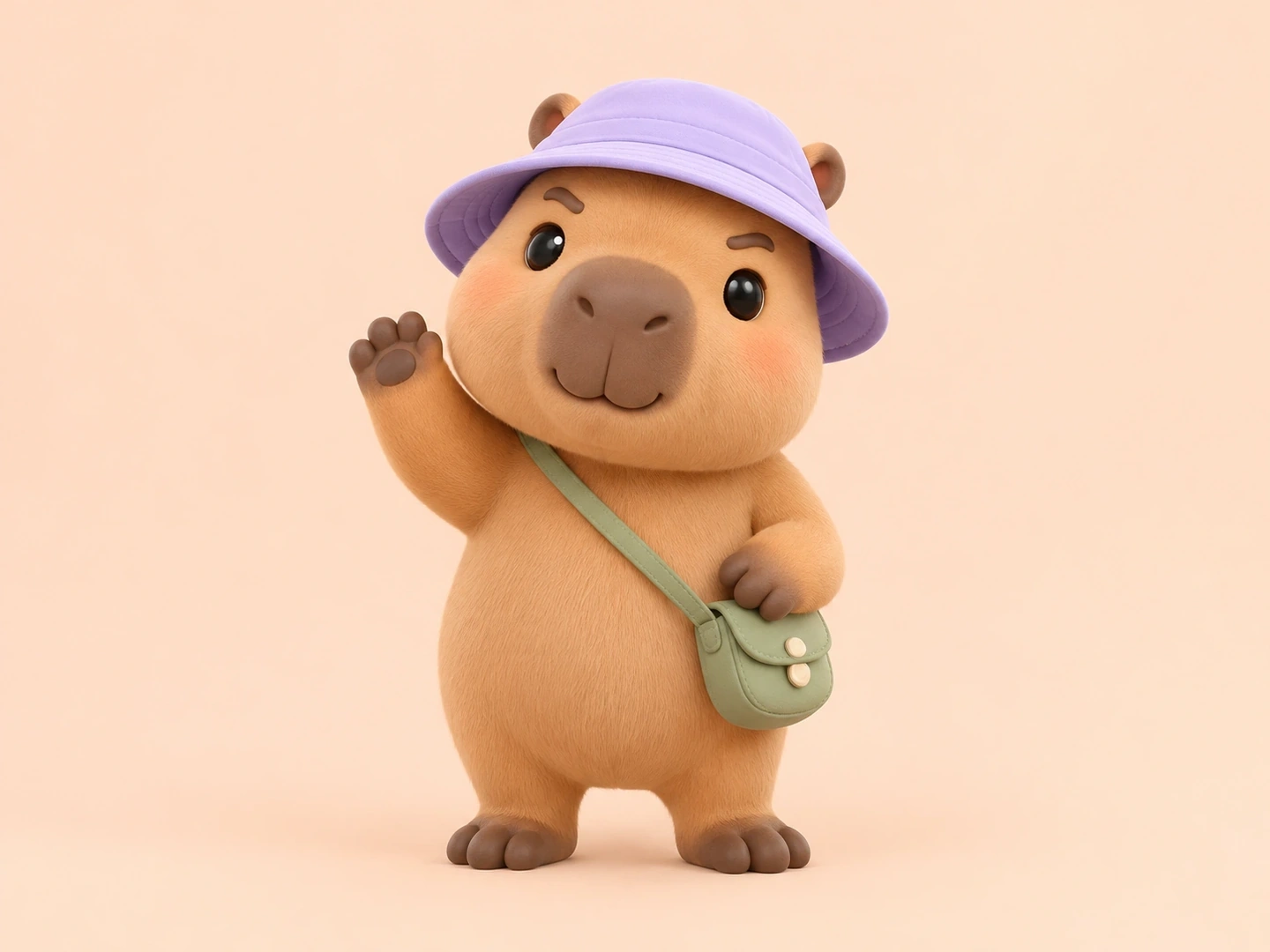 Adventure Characters
A cheerful tan capybara explorer mascot with a lilac bucket hat and a small sage-green crossbody satchel. Full body, waving with one paw, bright friendly expression and sturdy rounded feet. Collectible designer-toy 3D style, soft matte vinyl, high-key studio lighting and a pale peach background. One complete character, generous margins, no text. Landscape 4:3.
Create My Version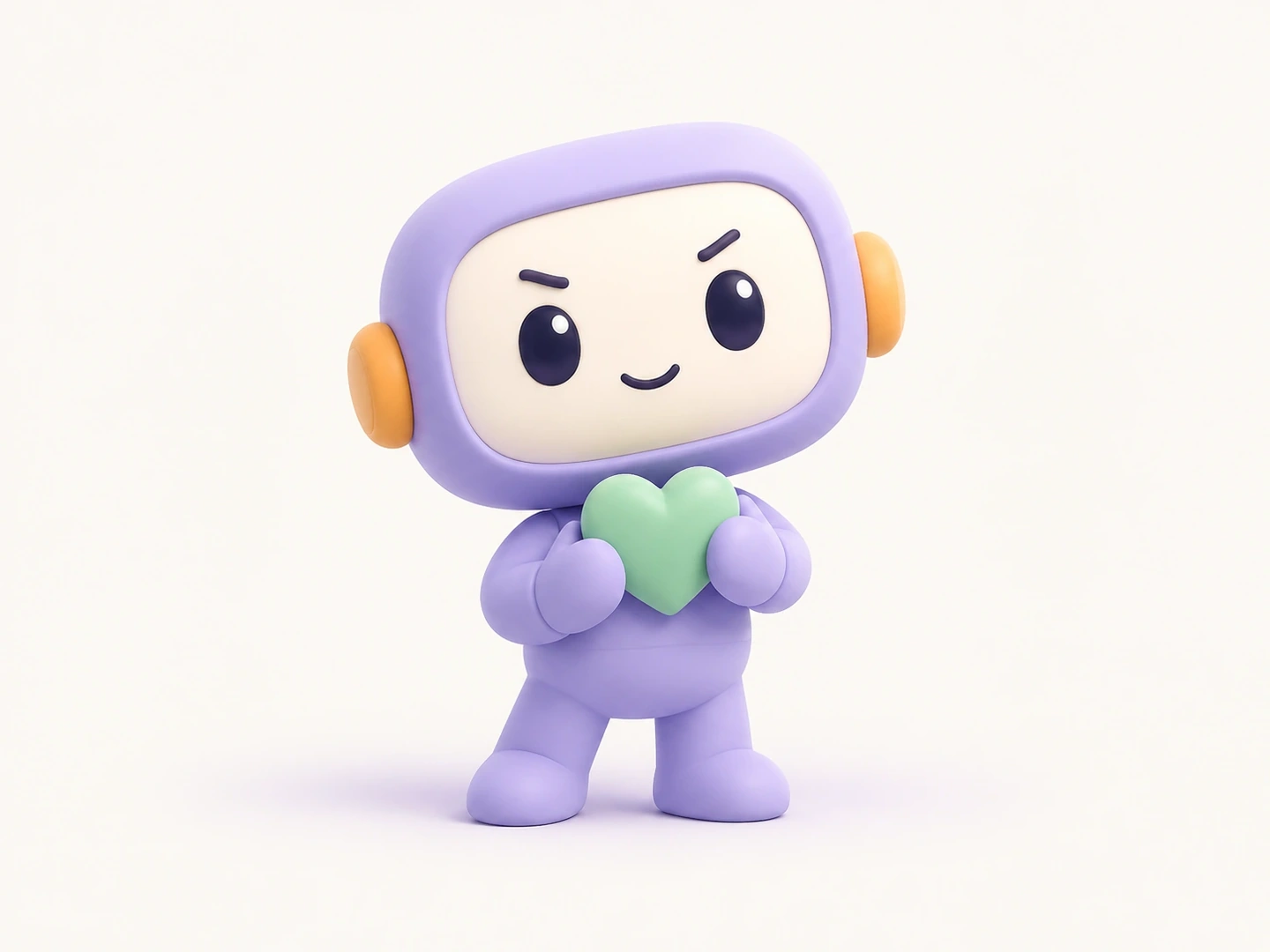 Friendly Tech
A small lilac robot mascot with a rounded rectangular head, cream face panel, dark oval eyes and orange ear discs. Short symmetrical limbs and simple mitten-shaped hands holding a mint-green heart. Cheerful expression, tactile clay-style 3D illustration, smooth surfaces, airy off-white background and a subtle lavender shadow. One full-body character, no text or interface. Landscape 4:3.
Create My Version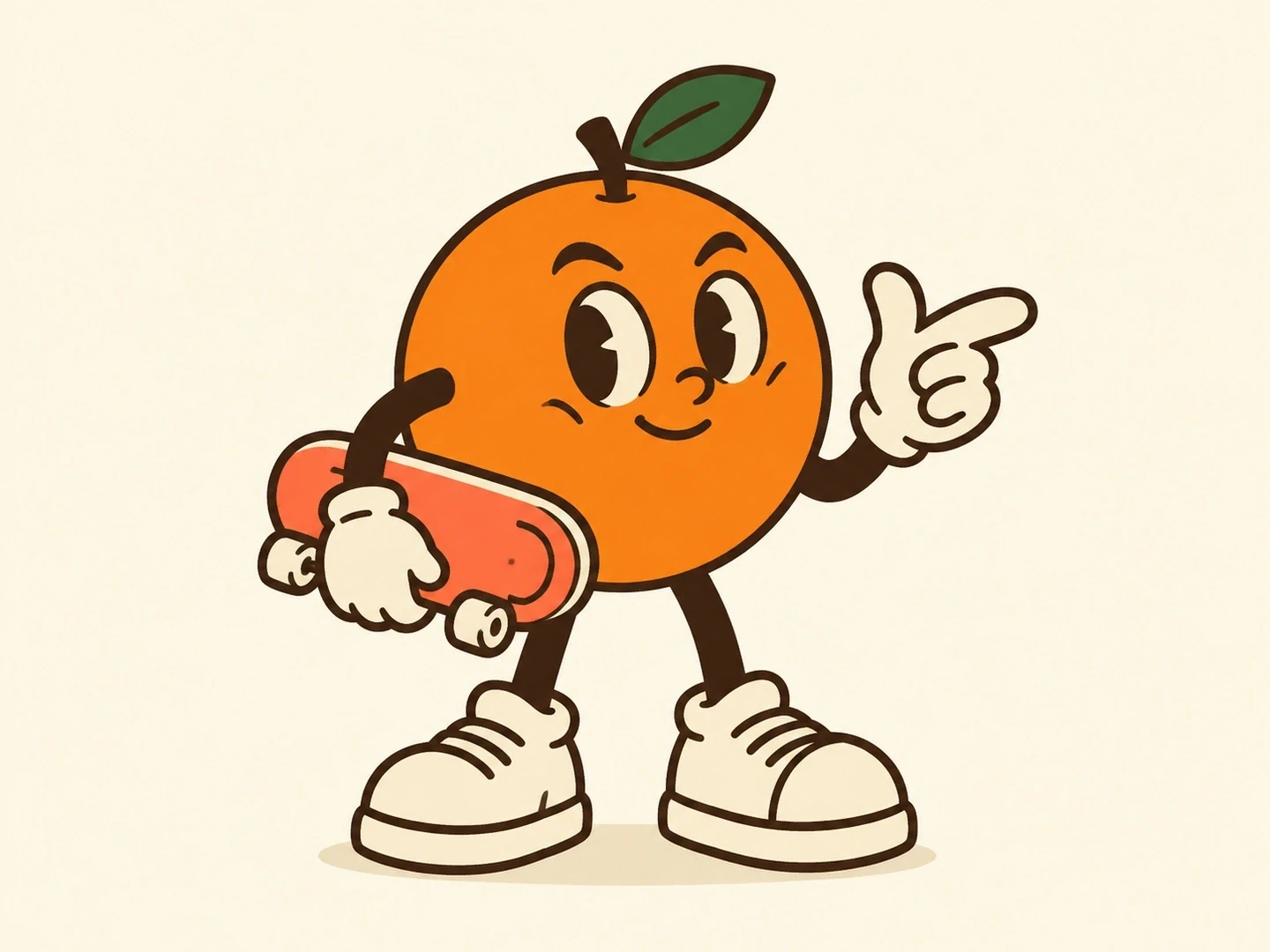 Retro Characters
A joyful tangerine mascot with one green leaf, cream gloves and oversized sneakers, carrying a coral skateboard under one arm. Lively confident gesture, expressive eyebrows and a clear full-body silhouette. Retro rubber-hose cartoon illustration, thick dark-brown outlines, flat orange, cream and forest-green colors. Clean warm ivory background, generous negative space, no lettering. Landscape 4:3.
Create My VersionGive the design a clear role before you decide how it should look.
Turn a few personality words into a visual direction. A gentle expression, an easy-to-read silhouette and one signature accessory can give a small business a recognizable face.
Use the AI mascot generator to compare flat cartoons, retro illustration, toy-like 3D and bold team graphics. Keep the character brief fixed while you decide which style fits your audience.
Specify the main color, accent color and clothing in your prompt. Mention hex codes when useful, then check the output against your palette before using it in a brand layout.
Explore lions, falcons and other strong silhouettes for team concepts. Test the design at avatar size, and add final lettering in a design editor when it needs to be exact.
Start from a character you like, repeat its defining details and request a greeting, celebration or helpful pose. A reference image can help guide supported models; review each result for consistency.
Plan how the mascot will appear in a welcome screen, social post, sticker concept or merchandise mockup. Leave room for copy and check edges, background and resolution before final production.
Add who the brand serves, two or three personality words, a character idea and your colors. For example: 'A friendly otter for a budgeting app, calm and encouraging, mint jacket, rounded 3D style, plain background.' You can leave the name out of the artwork and add it later.
Keep the species, face shape, proportions, clothing and colors unchanged in your prompt. If the selected model accepts reference images, use the version you want to keep and ask for one change, such as a wave. Similarity is not guaranteed, so compare the face and accessories before treating the images as a set.
Choose a model with a reference-image option, upload an image you have permission to use and say what to preserve or change. A clean sketch or a single-character image gives a clearer starting point than a busy collage. Available image inputs depend on the selected model.
Describe your palette and add hex codes if you have them. Generated colors and lettering can still vary. For a final team badge or brand asset, check colors in your design editor and typeset the name separately when exact spelling and typography matter.
A plain background in a generated image does not necessarily mean transparency, and a vector-like style is still raster artwork. Check the downloaded file, remove the background or redraw as vector when needed, and confirm the printer's size and resolution requirements before ordering.