

Keep a travel view clear
Remove a distraction from a landmark or waterfront composition while checking that the landscape remains visually coherent.
Prompt Guide
Model
Reference Image

Keep the scene you wanted to photograph. An AI image person remover can propose a cleaner composition, but shadows, reflections, and repaired details need a careful review.
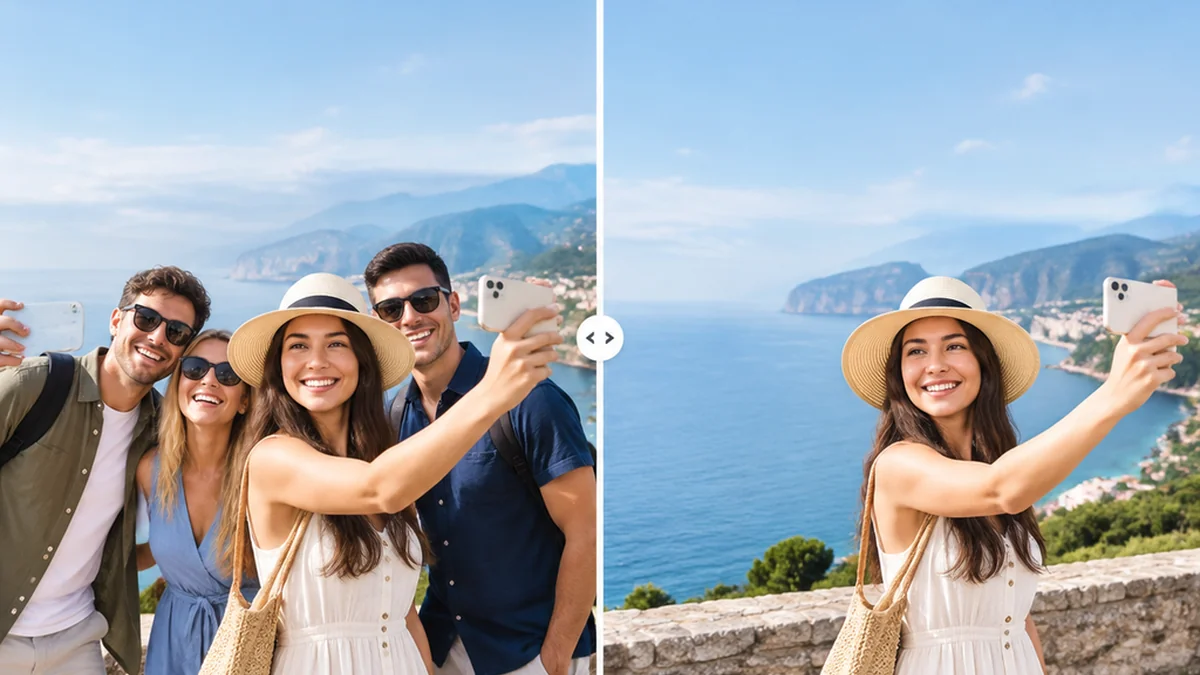
Give the AI image person remover an unambiguous target, then inspect the cleared area and the people you intended to keep.
Use a clear photo and identify the unwanted person by position, clothing, or another specific visual detail.
Describe who and what should remain. Mention important faces, furniture, signs, and the existing crop.
Explain whether pavement, water, grass, or a wall should fill the cleared area. Keep the instruction focused on the local scene.
Inspect shadows, reflections, seams, and repeated textures. Compare with the original before keeping the edited version.
AI image person remover concepts show possible cleanup directions. These generated illustrations are not recorded before-and-after tests or measured editing results.
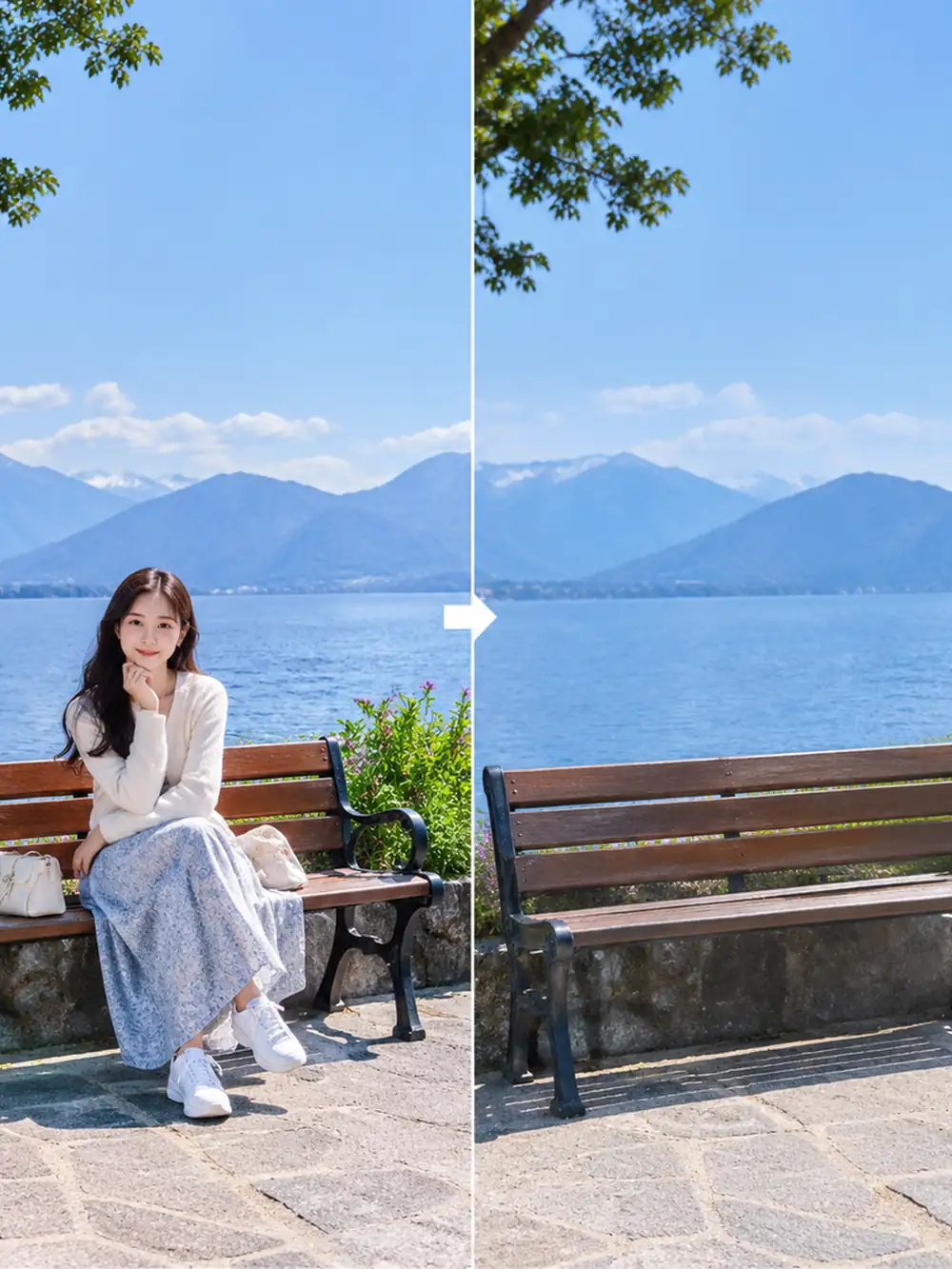 Lakeside
Cleanup concept: remove the seated person beside a lakeside bench. Continue the paving, bench details, and distant water with consistent perspective and daylight.
Try This Prompt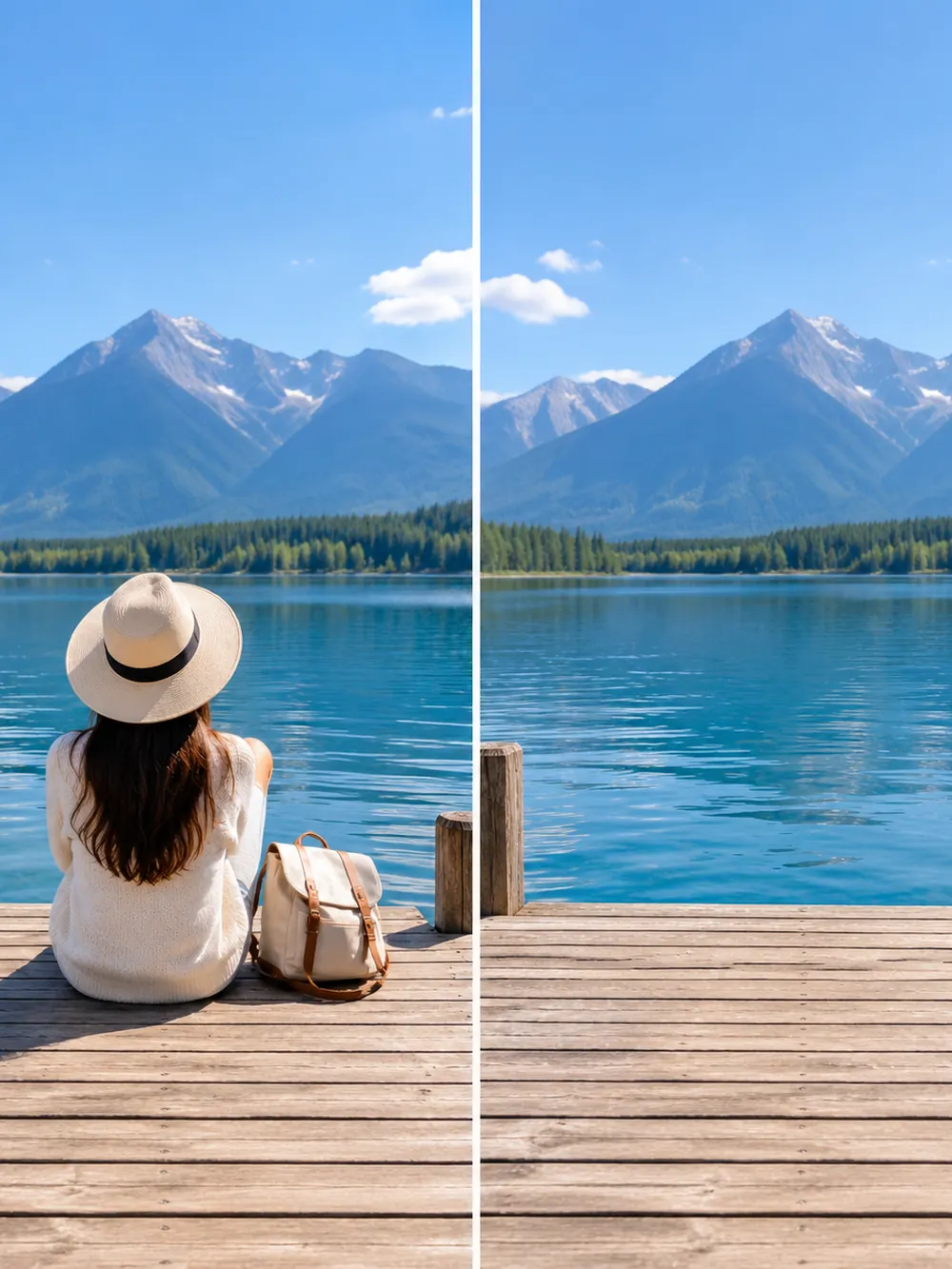 Lakeside
Cleanup concept: remove the person seated on a wooden dock. Rebuild the dock planks and lake edge while preserving the mountain backdrop.
Try This Prompt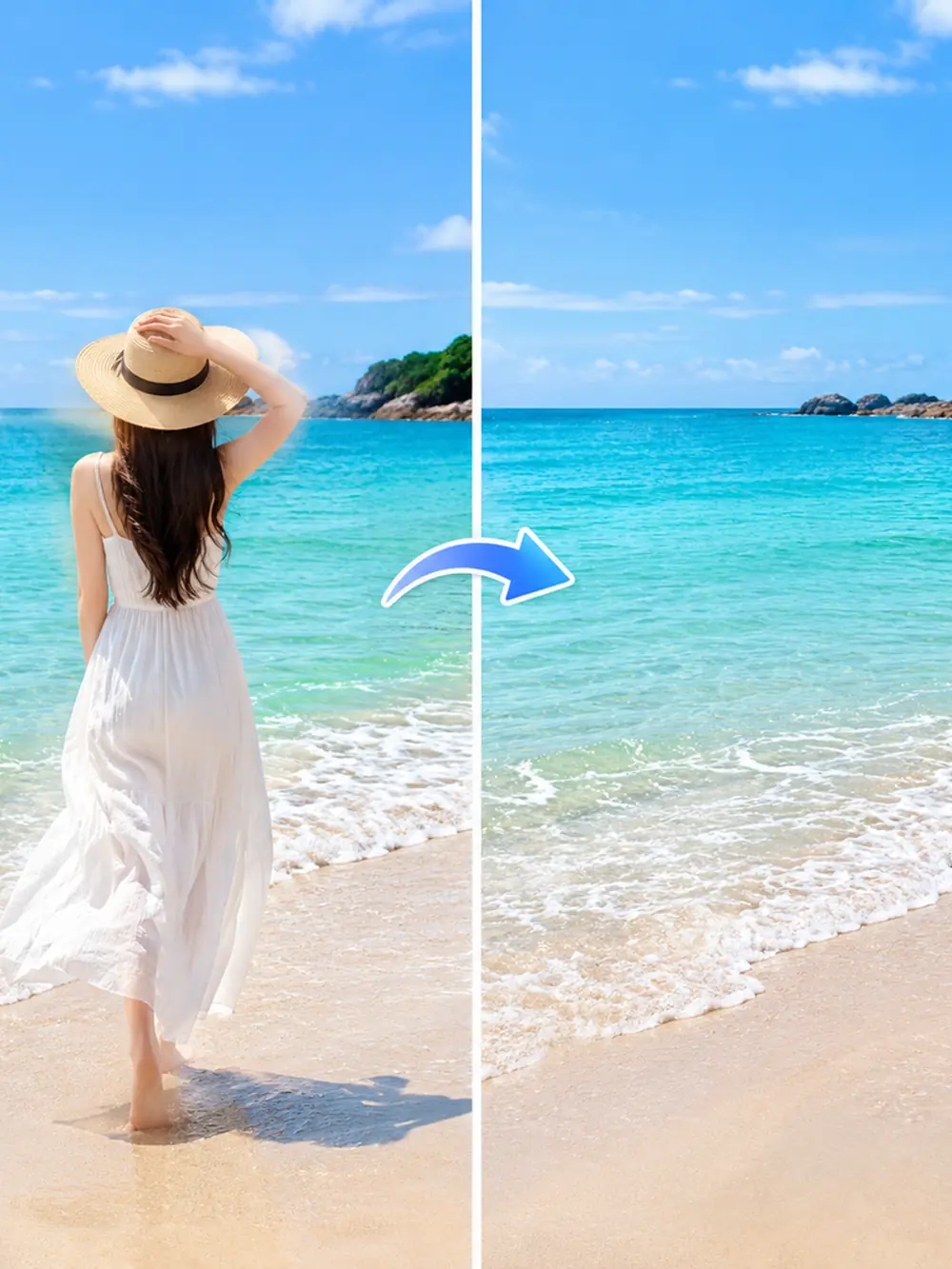 Coastal
Cleanup concept: remove the adult standing by the tropical shore. Continue the sand and shallow water while keeping the horizon and turquoise palette.
Try This Prompt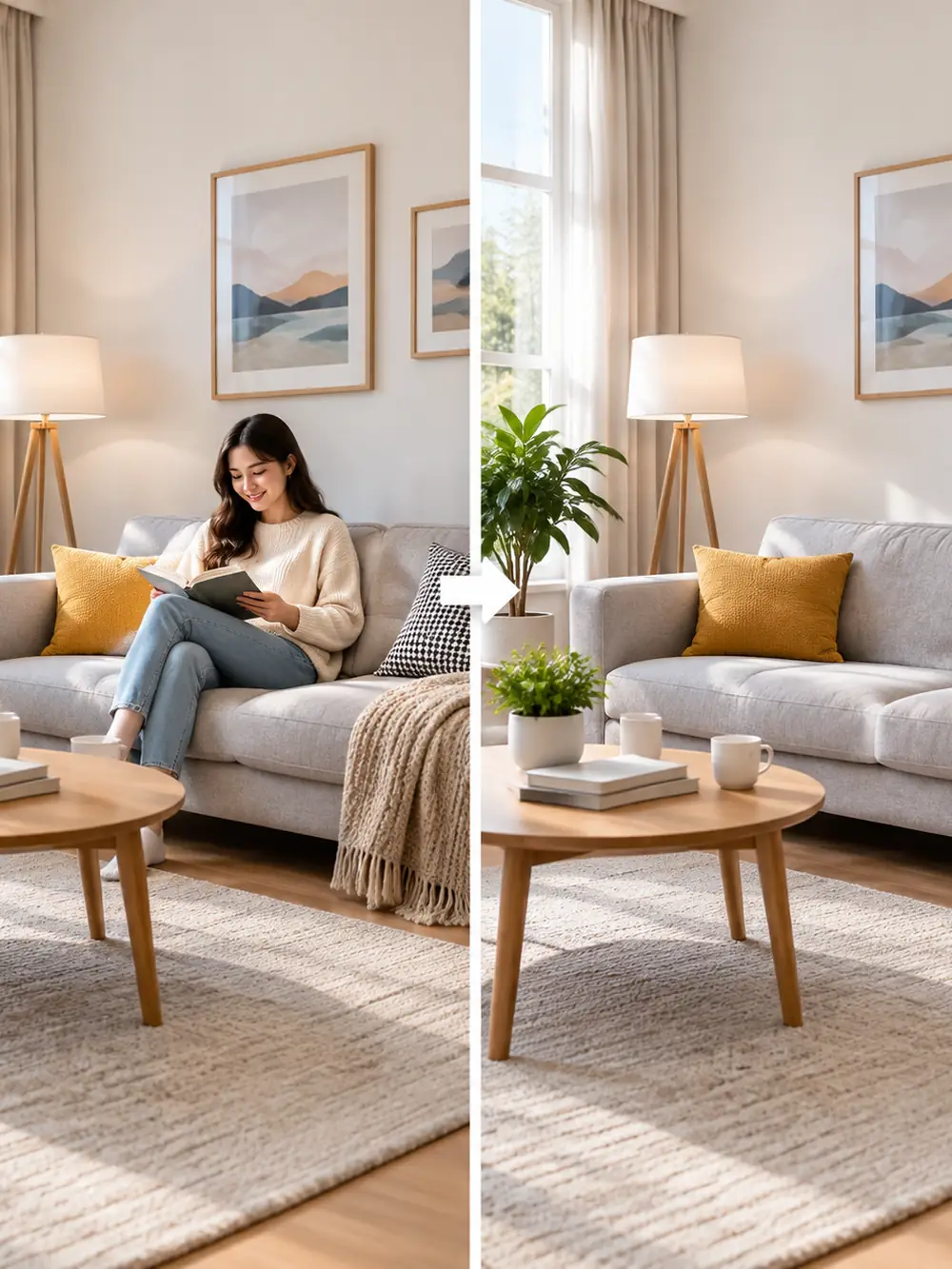 Interiors
Cleanup concept: remove the person from the armchair. Preserve the furniture layout, window light, and nearby table while reconstructing the chair upholstery.
Try This Prompt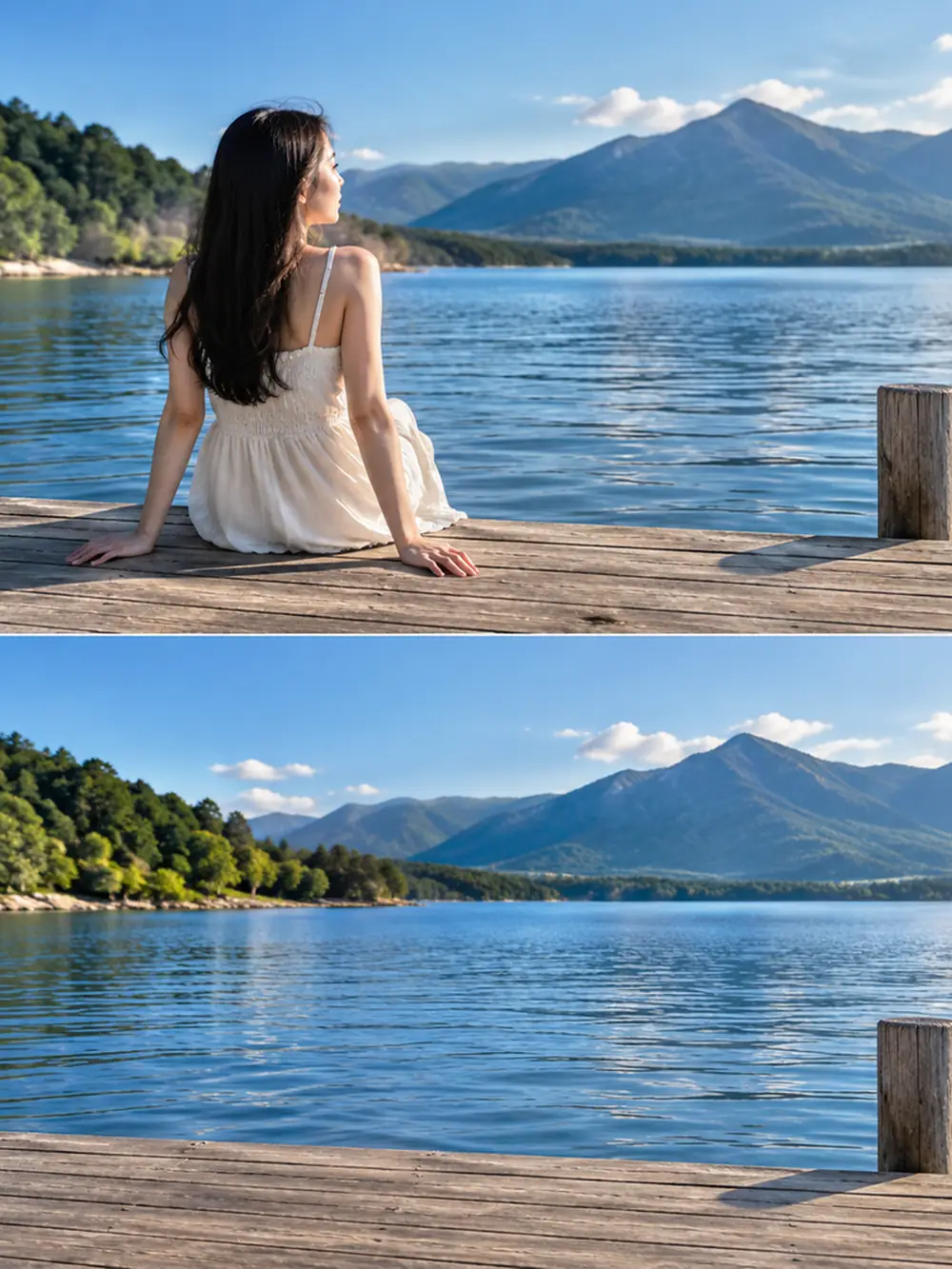 Lakeside
Cleanup concept: remove the seated figure from the waterfront scene. Retain the wooden platform, lake, mountains, and the original framing.
Try This Prompt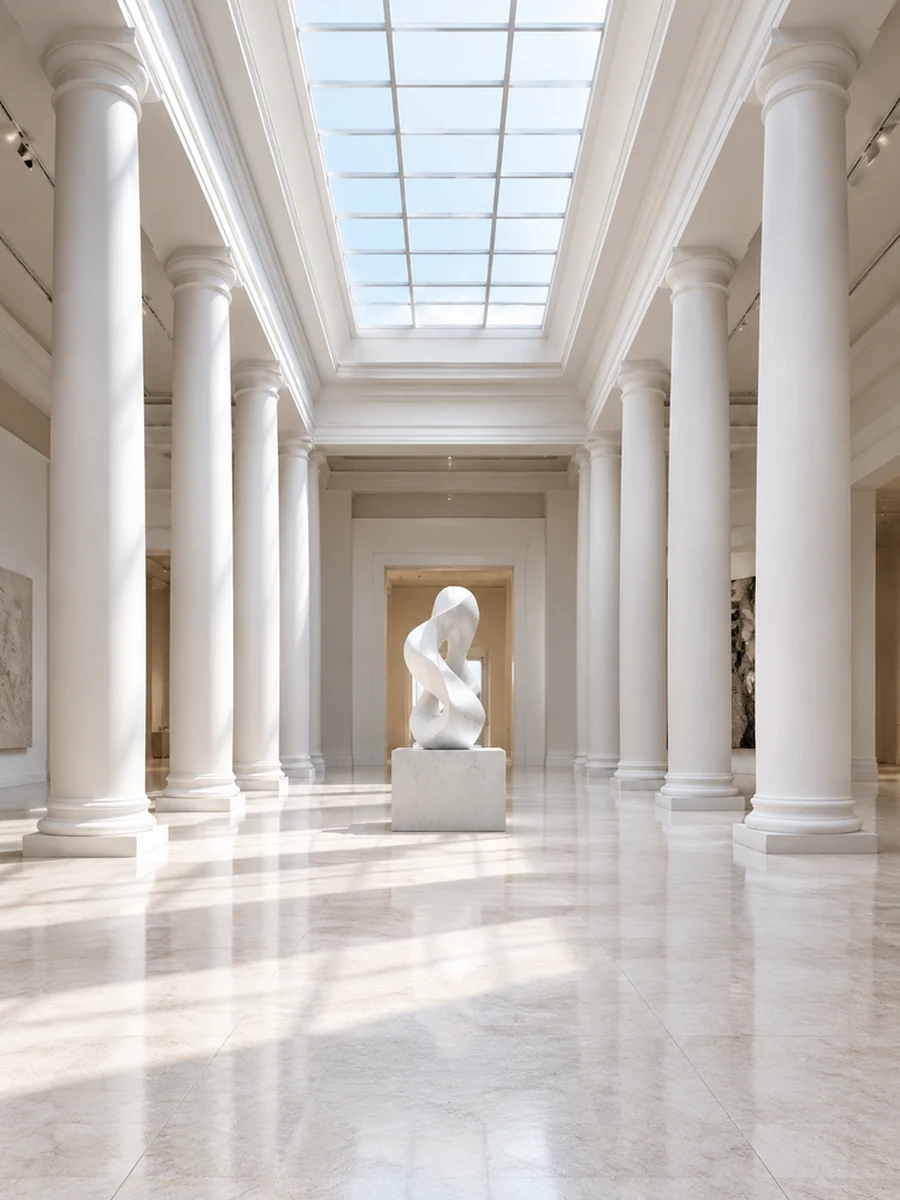 Architecture
Cleanup concept: remove visitors from a museum hall while preserving the columns, sculpture, floor pattern, and natural skylight.
Try This Prompt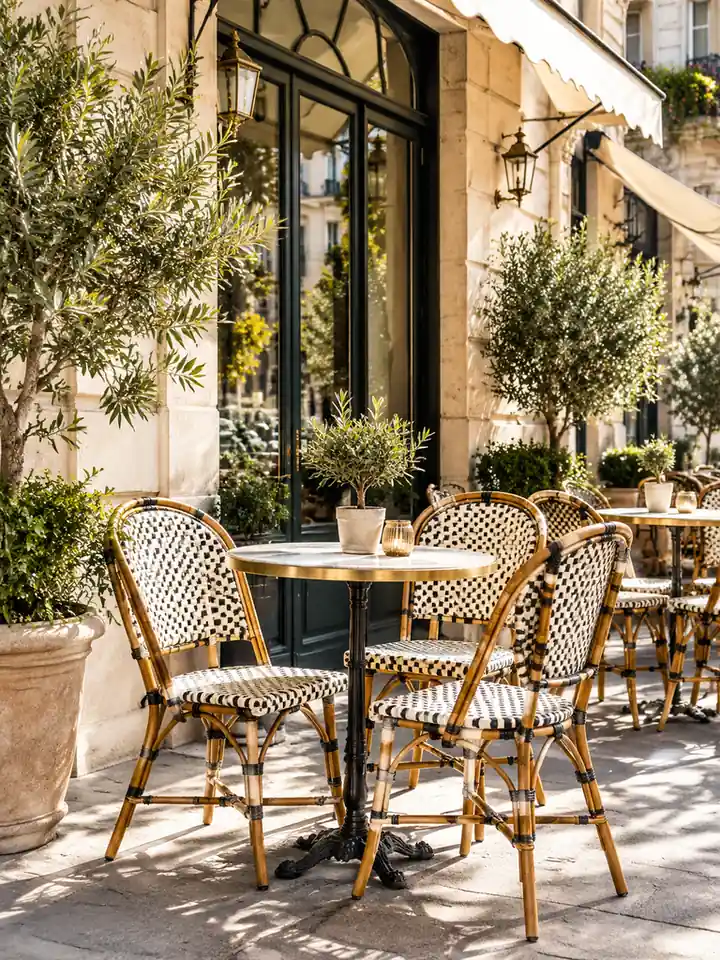 Travel
Cleanup concept: remove passersby beside a cafe terrace while retaining the chairs, round tables, stone facade, and midday shadows.
Try This Prompt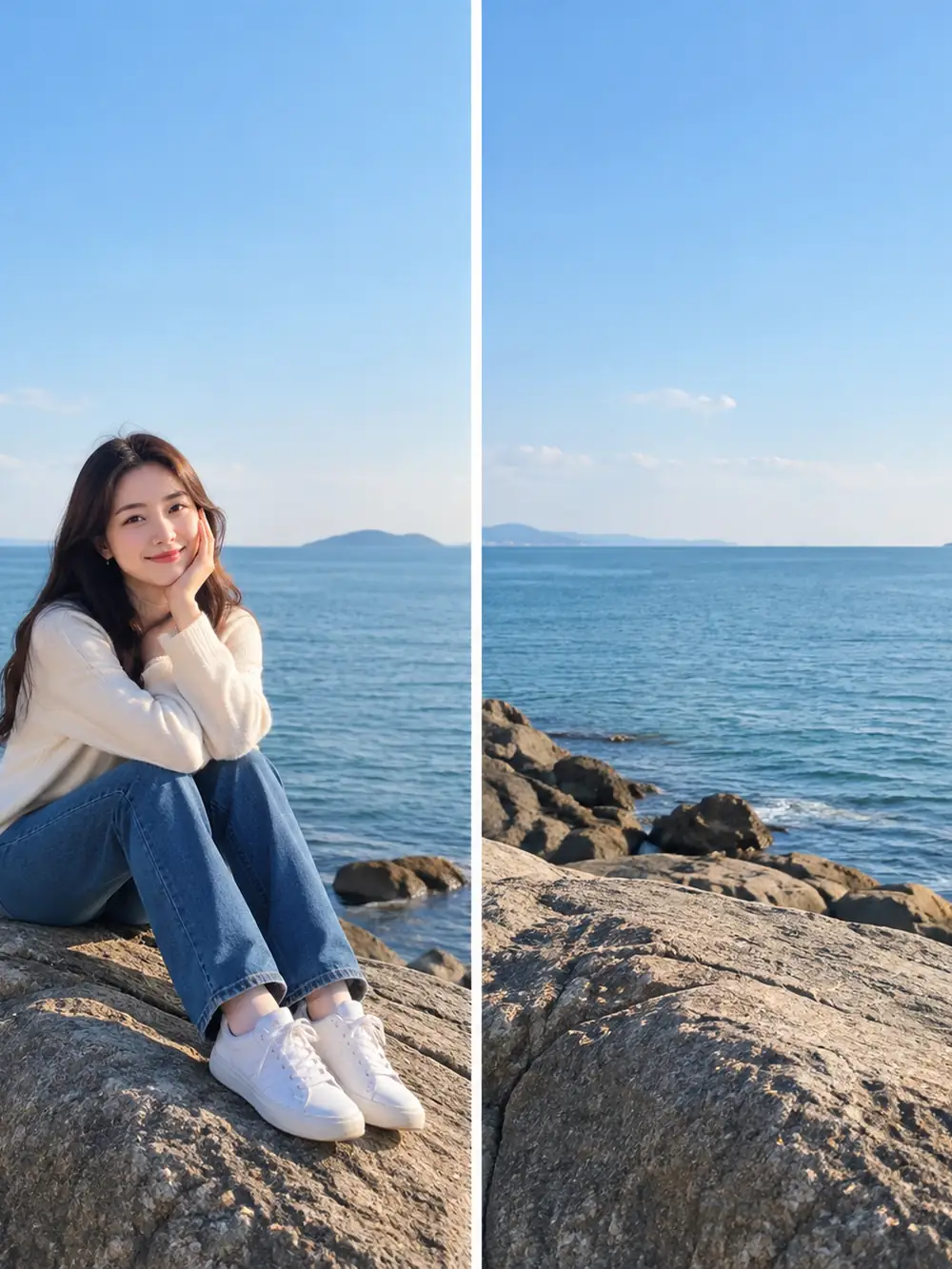 Coastal
Cleanup concept: remove the seated person from a rocky coastline. Match the rock texture, sea edge, and daylight while keeping the original perspective.
Try This Prompt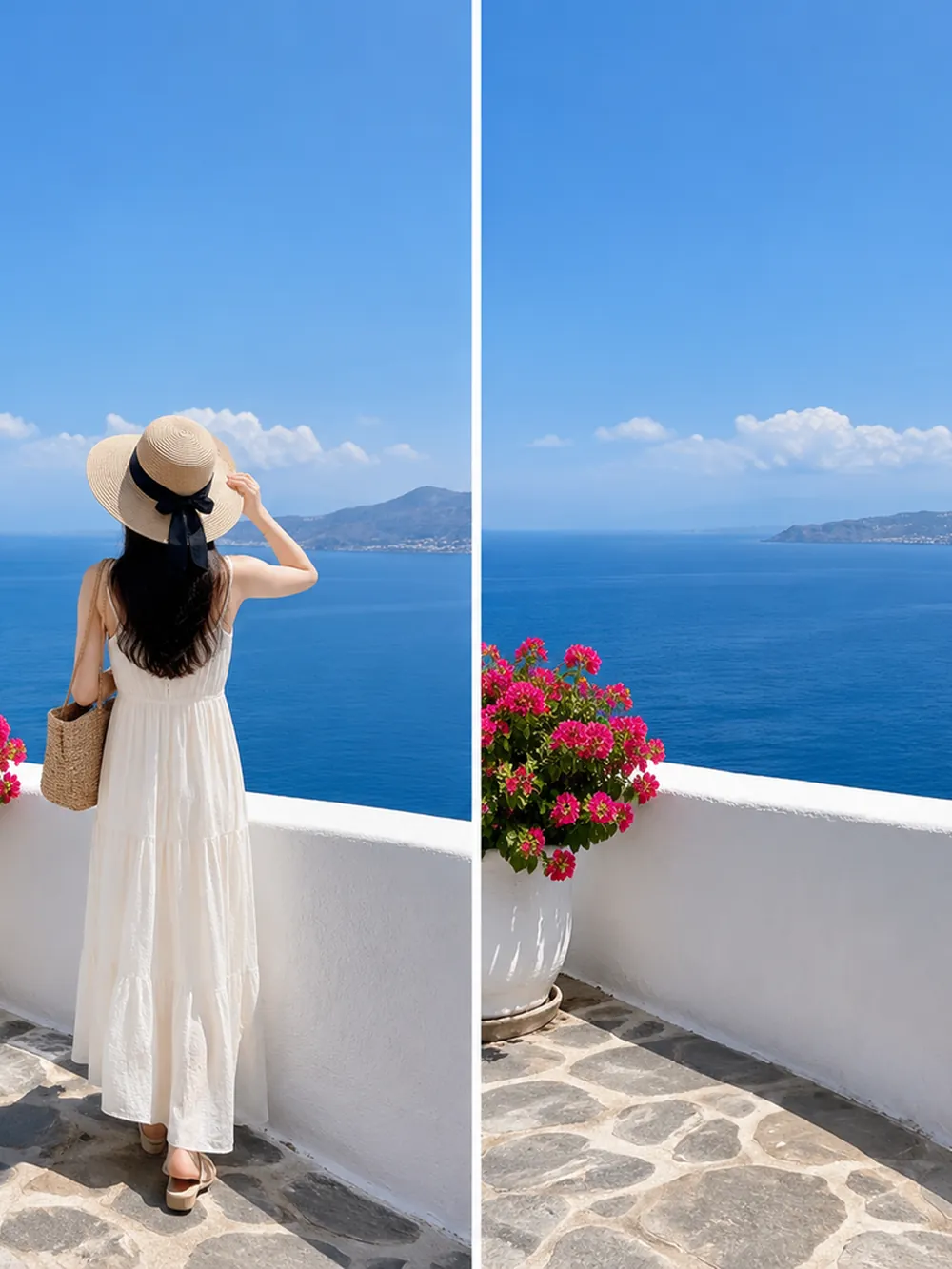 Travel
Cleanup concept: remove the standing person from the terrace. Continue the stone paving and sea view while preserving the flower planter and bright daylight.
Try This Prompt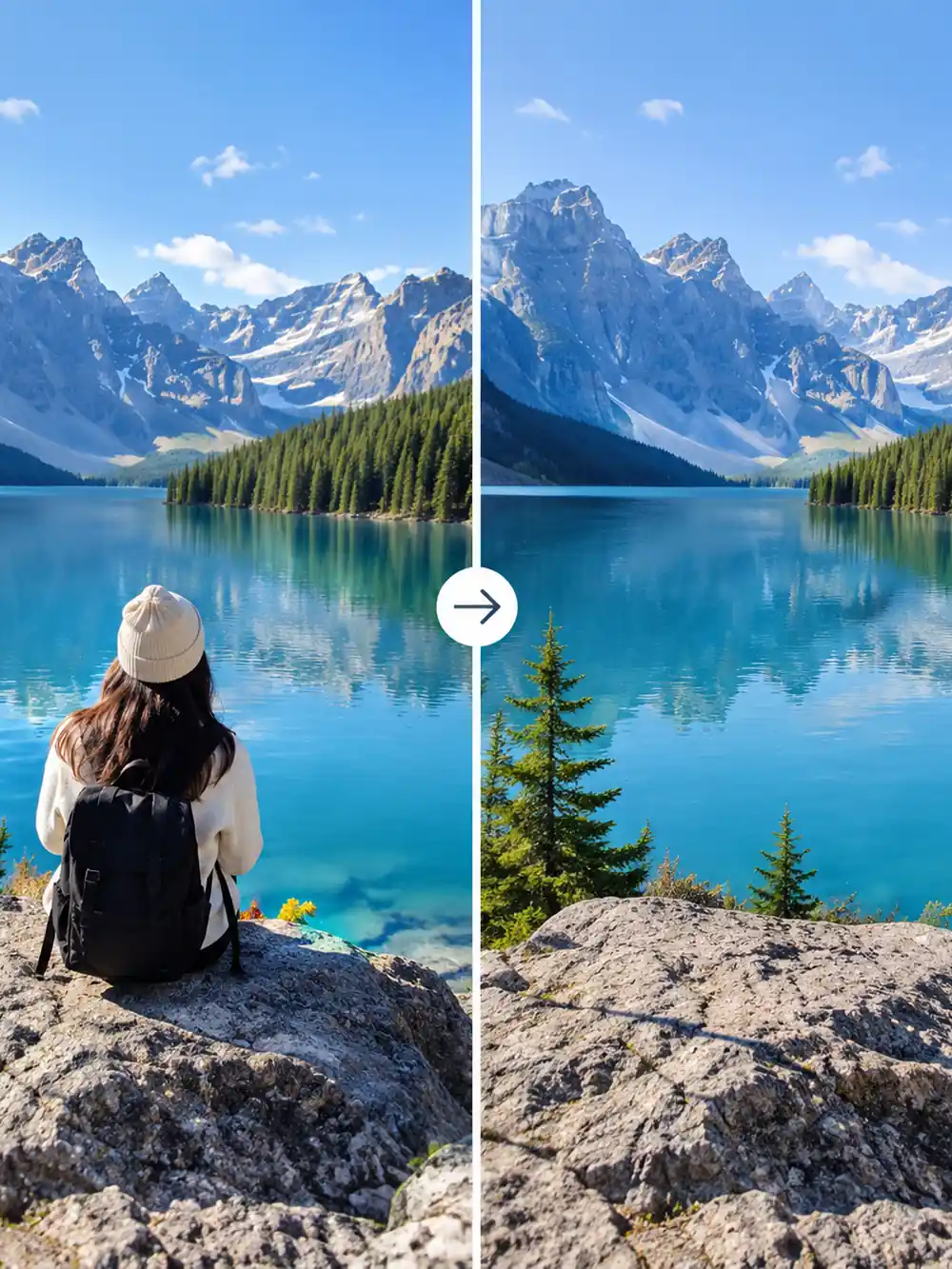 Travel
Cleanup concept: remove the person facing the mountain lake. Preserve the rocky shoreline, horizon, and reflections when rebuilding the cleared area.
Try This PromptA useful AI image person remover brief explains what should disappear and what must remain. These checks help you judge whether the result is suitable.
Remove a distraction from a landmark or waterfront composition while checking that the landscape remains visually coherent.
Identify the main subject separately from the person to remove. Precise descriptions reduce ambiguity in a busy photograph.
A person may cast a shadow or appear in glass. Include those associated traces in the cleanup brief where appropriate.
Ask the edit to follow the surrounding paving, sand, water, or fabric. Inspect patterns where the generated area meets the source.
Watch railings, benches, windows, and horizon lines. A plausible fill should continue their direction without a visible bend.
A small social post and a large print reveal different defects. Review the result at the size you plan to display.
Match the cleanup method to the background and the level of detail you need to preserve.
| Criteria | Prompt-Guided Edit | Manual Photo Editing | Crop the Distraction |
|---|---|---|---|
| Best starting point | A person in a scene with a describable background | Overlapping subjects or complex repeated patterns | A person close to the edge of the frame |
| Control to expect | Name the target and the details that must stay | Select the person and refine the repair directly | Adjust framing without inventing background details |
| What to review | Shadows, reflections, geometry, and retained people | Mask edges, repeated texture, and retouching seams | Important content lost and remaining image size |
Fictional scenarios; stars are illustrative, not customer ratings.
A passerby distracts from a street photograph. Identify that person and their shadow, then check the repaired cobblestones and doorway lines before sharing the result.
A stranger appears behind the family in a park photo. Specify the background figure and protect every family member, especially where the figures overlap.
A room photo includes an unwanted person beside a chair. Ask for a focused cleanup, then inspect upholstery, floor patterns, and any reflection in nearby glass.
Selected Arena entries, updated Oct 5, 2026. General preference scores; model variants may differ from those in GlobalGPT. These are not tests of this specific task.
| Rank | Model | Arena Rating | Votes | Rank Range | Price / Image |
|---|---|---|---|---|---|
| #1 | gpt-image-2 (medium) OpenAI / Proprietary | 1461.78 | 212326 | #1-#1 | 0 |
| #2 | grok-imagine-image-2.0 (low) SpaceXAI / Proprietary | 1439 | 5936 | #2-#2 | - |
| #3 | mai-image-2.6-preview Microsoft AI / Proprietary | 1416.85 | 9013 | #3-#4 | - |
| #4 | muse-image Meta / Proprietary | 1404.9 | 66921 | #3-#5 | - |
Source: Arena Leaderboard
Start with a clear source photo, identify the unwanted person, and explain what must remain untouched. Review the reconstructed background carefully; the model invents hidden content instead of recovering the exact scene behind someone.
Use an unambiguous description such as the person at the far left in a blue coat. Closely overlapping bodies can make separation difficult, so inspect hands, clothing edges, and the people you intended to keep.
Look for leftover shadows, reflections, broken lines, duplicated objects, and unusual textures. Compare the main subject with the original as well, especially if the edit sits close to a face or an important detail.
The split-view images are generated illustrations of cleanup ideas, not recorded before-and-after tests. Use them to understand a composition and prompt direction; they do not establish measured performance on real source photos.