

AI Image Merger – Combine Images Online in Seconds
Bring multiple photos, products, portraits, or backgrounds into one polished composition with AI. Upload your source images, describe the layout, and create a seamless result in seconds.
Drop your image here
or click to browse
Supports JPG, PNG, WebP
Upload an image to preview
Combine Images Into One Polished Visual
AI Image Merger turns separate photos into one cohesive visual without complex layers or manual masking. Create product mockups, profile images, campaign concepts, thumbnails, presentations, and social posts from the images you already have.
Why Use AI Image Merger
Fast, Seamless Composites – Bring multiple images together without manual cutouts, layer masks, or hours of retouching.
Natural AI Blending – Match lighting, perspective, scale, and edges across portraits, products, objects, and backgrounds for a more believable result.
Prompt-Based Control – Describe placement, background, mood, style, and details to guide the final composition exactly where you want it.
AI Image Merger Examples
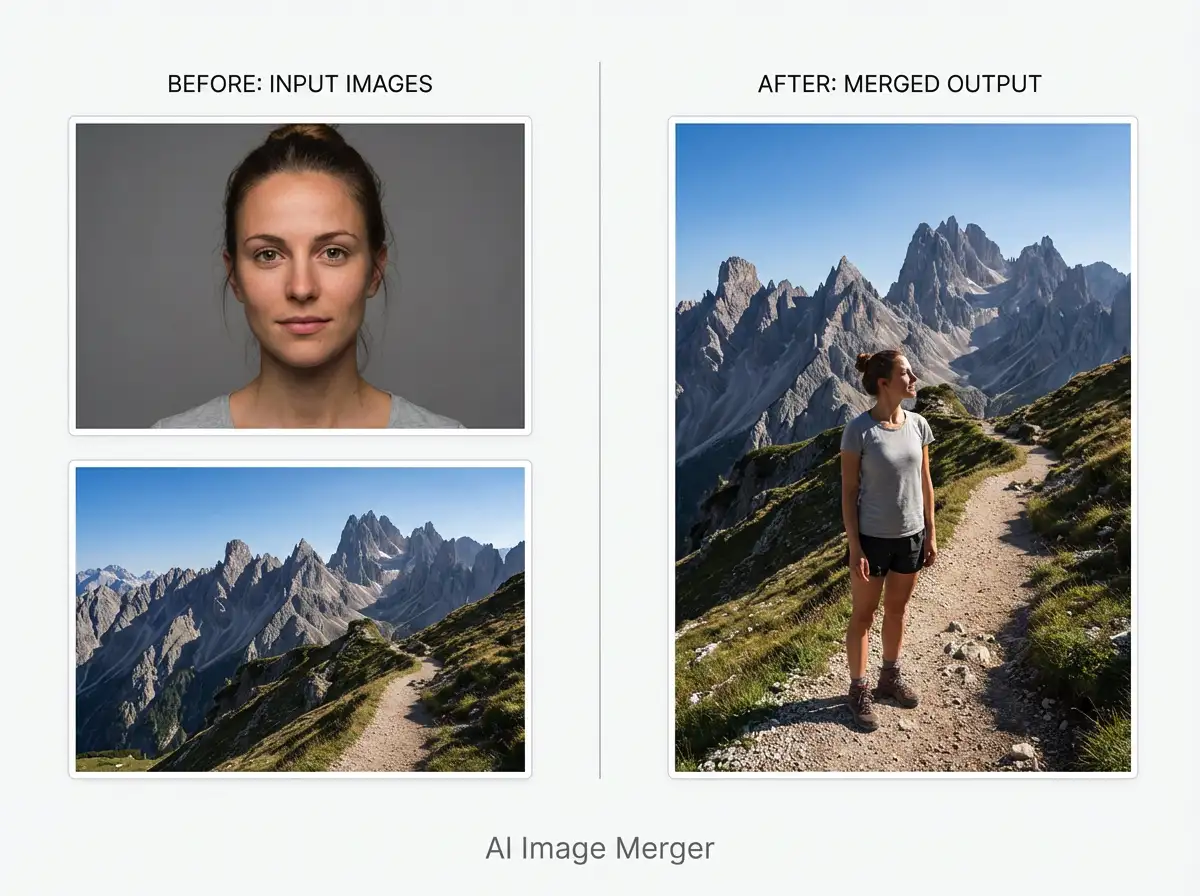
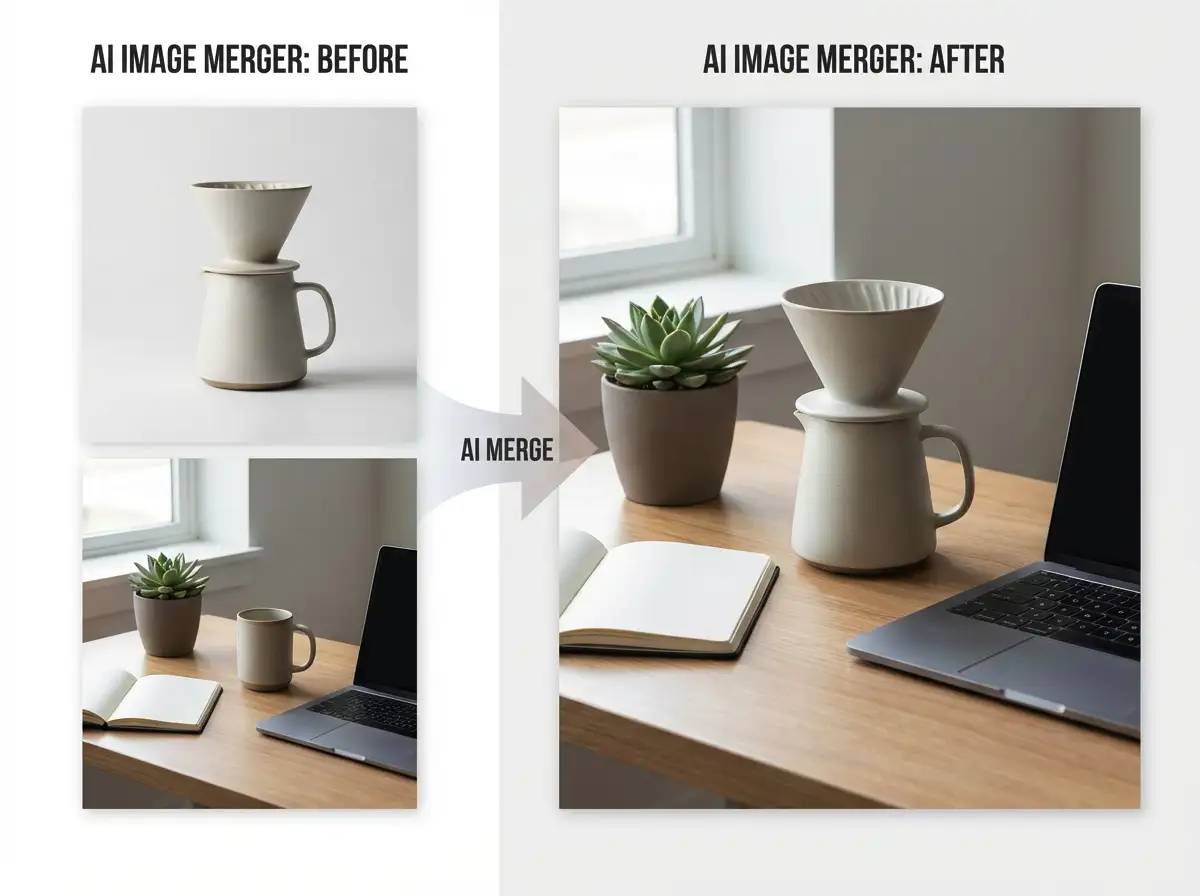
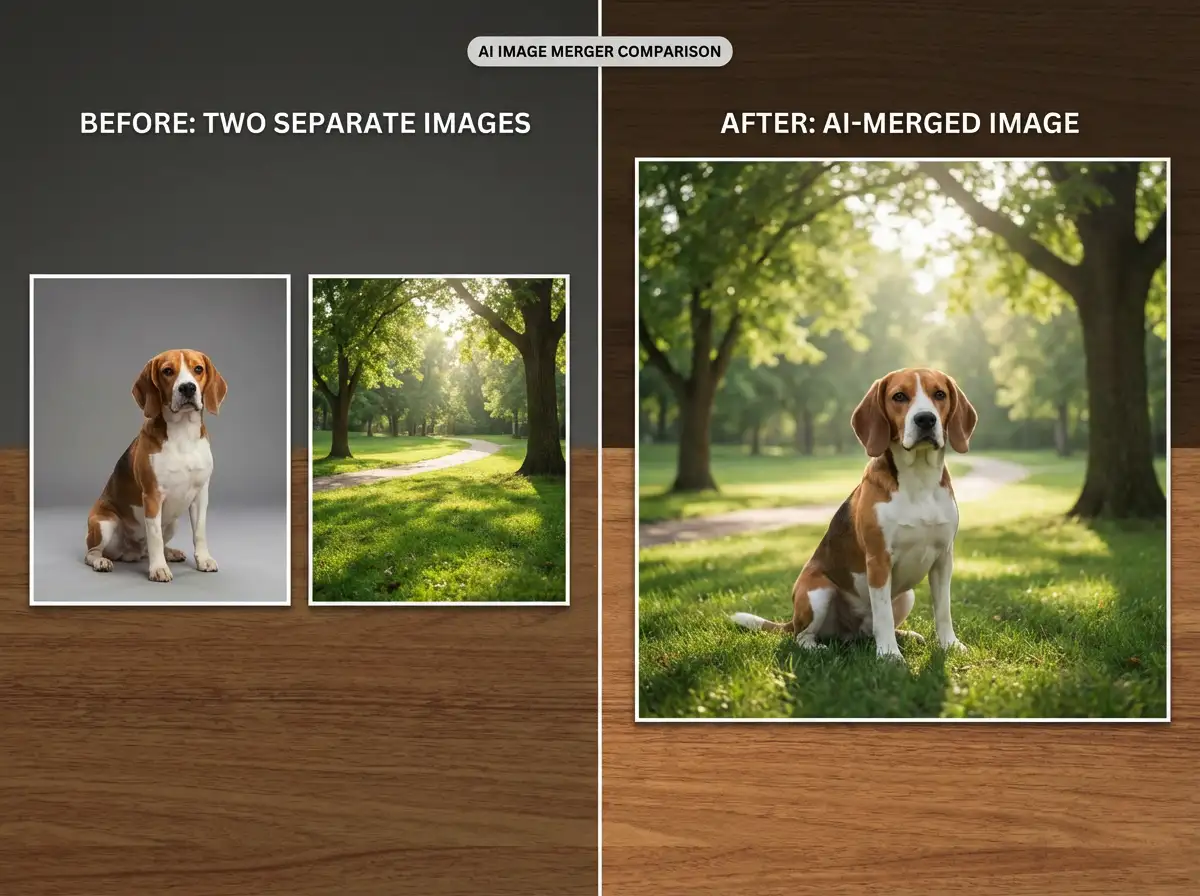
Turn Separate Images Into One Cohesive Scene
Use AI to combine multiple images into visual stories that feel intentional and professionally composed. Upload reference photos, product shots, portraits, textures, or backgrounds, then explain how each element should appear. AI helps align lighting, perspective, scale, and style so the final image feels unified.
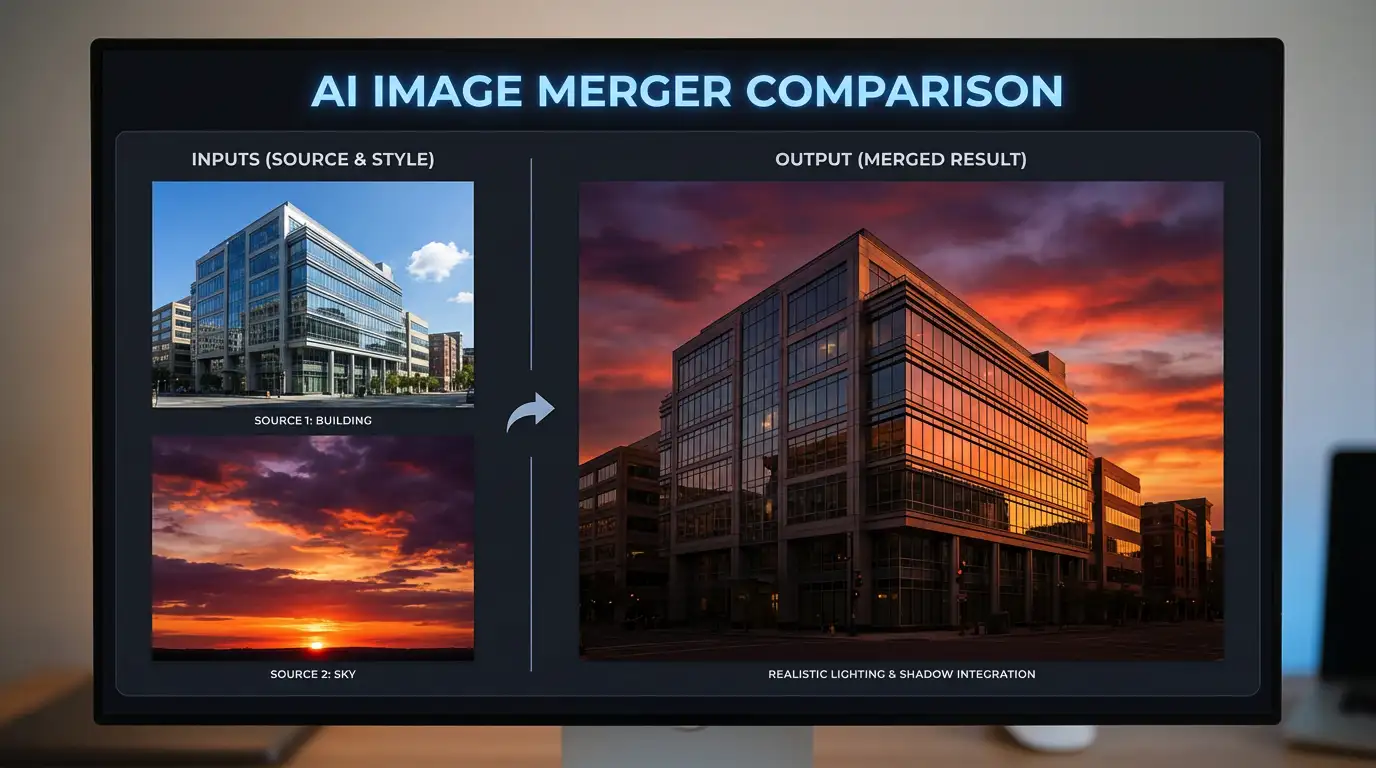
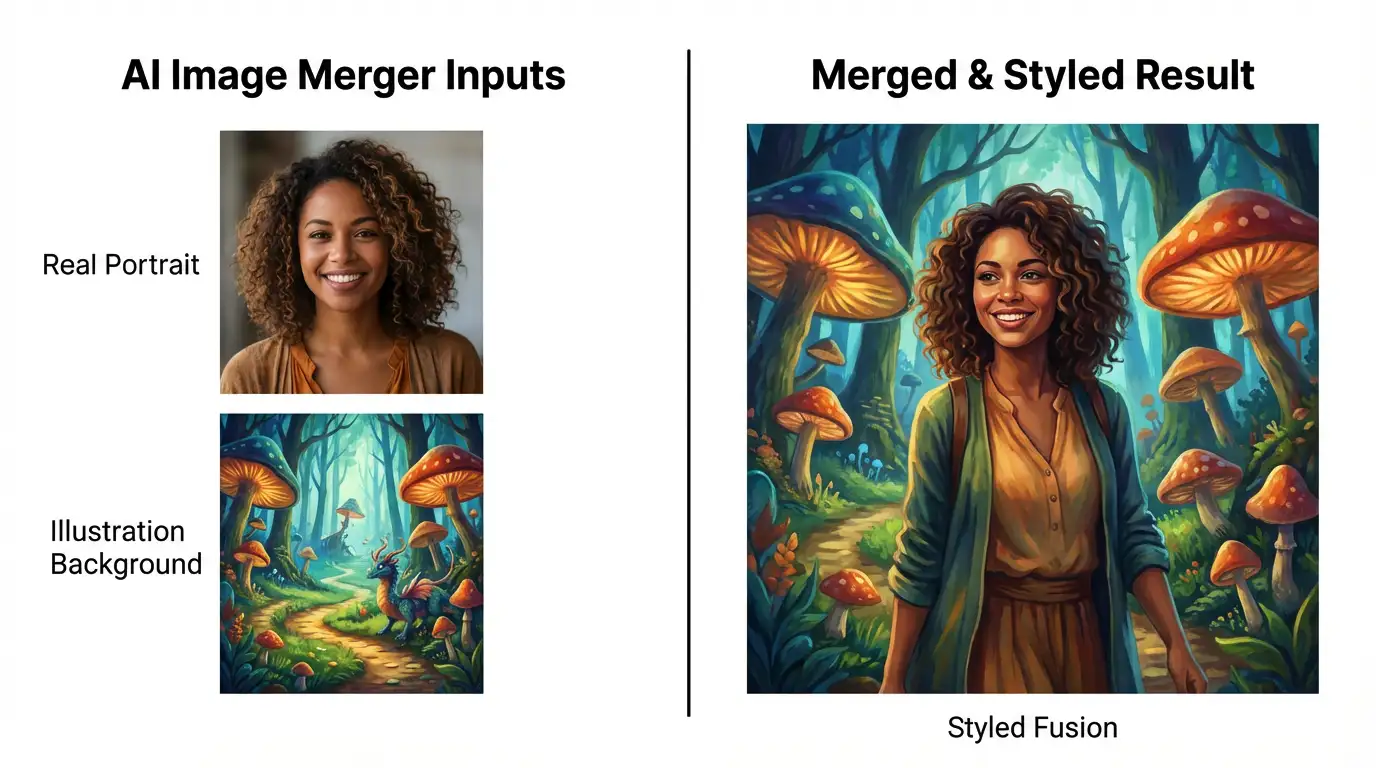
Built for Creators, Marketers, and Small Teams
Create social posts, ad concepts, moodboards, product previews, and personal edits faster by turning scattered assets into one finished image. AI Image Merger helps you produce polished composites without hiring a designer or spending hours in traditional editing software.
Create a Polished Composite in Seconds
Upload your source images, describe the scene you want, and let AI Image Merger create a clean composite for campaigns, social posts, presentations, product concepts, and creative experiments.
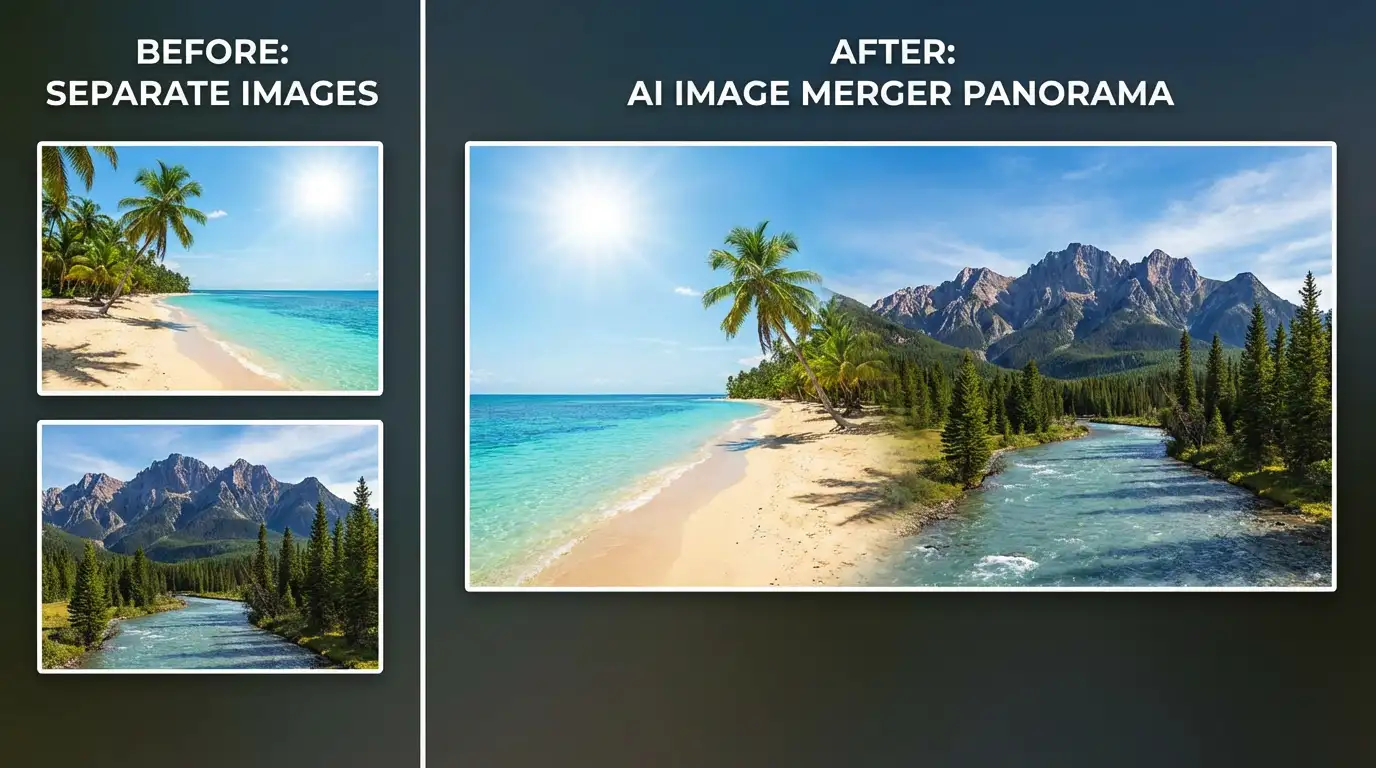
How to Use AI Image Merger
Add the portraits, product shots, backgrounds, logos, textures, or reference images you want to combine.
Explain where each image should appear and specify the lighting, background, style, scale, mood, and details you want to preserve.
Click Merge Images, review the generated composite, then download it or refine your prompt for another version.
Bring Your Creative Ideas Together With AI
Combine your favorite images into fresh visuals that are ready to share. From quick edits to polished marketing assets, AI Image Merger helps you reuse existing materials, explore new concepts, and create cohesive compositions with less editing work.