

Make room for a headline
Request open sky or a quiet background beside your subject so a banner has space for text added afterward.
Prompt Guide
Model
Reference Image
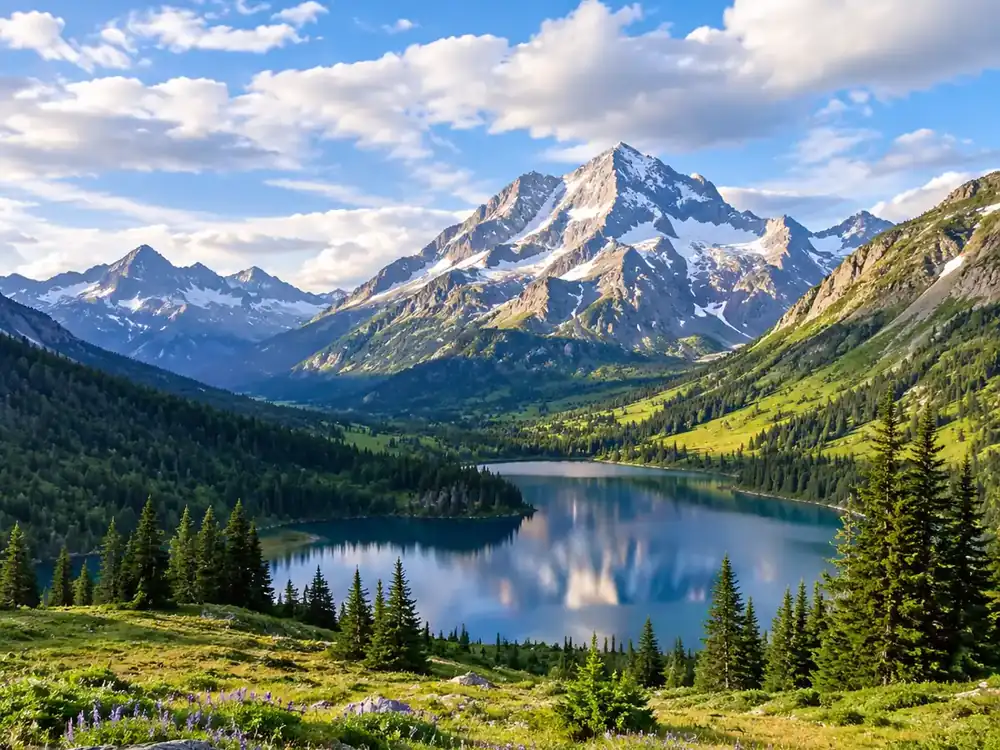
Give a tight crop more breathing room with an AI image extender. Plan a landscape, portrait, or product backdrop that fits the layout you have in mind.
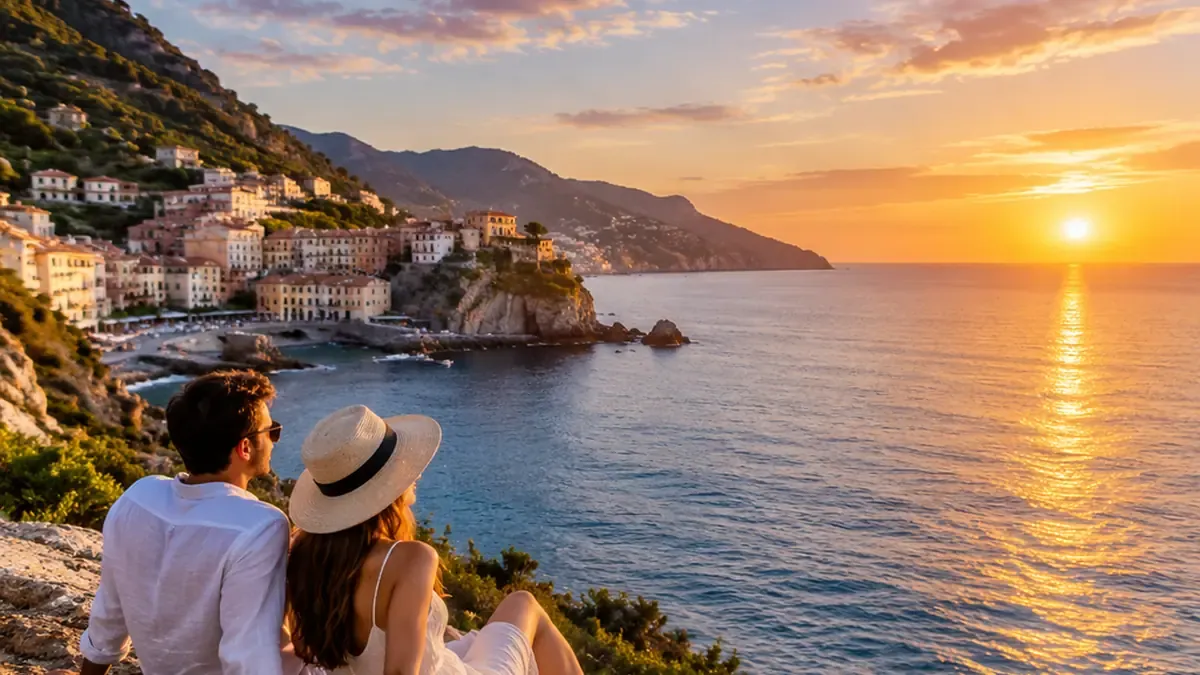
Start your AI image extender brief with a clear purpose, request one focused change, and review the new edges before using the result.
Start with a sharp photo and decide which edges need more space. Keep a copy of the original for comparison.
Ask for more sky, floor, wall, or scenery. Specify the target framing and the details that should stay unchanged.
Check the new boundary for repeated objects, bent lines, mismatched shadows, and unwanted changes to faces or products.
Adjust one edge or background detail at a time. Save the version with the most convincing transition into the original scene.
Generated concept images illustrate prompt directions; they are not measured before-and-after editing tests.
 People
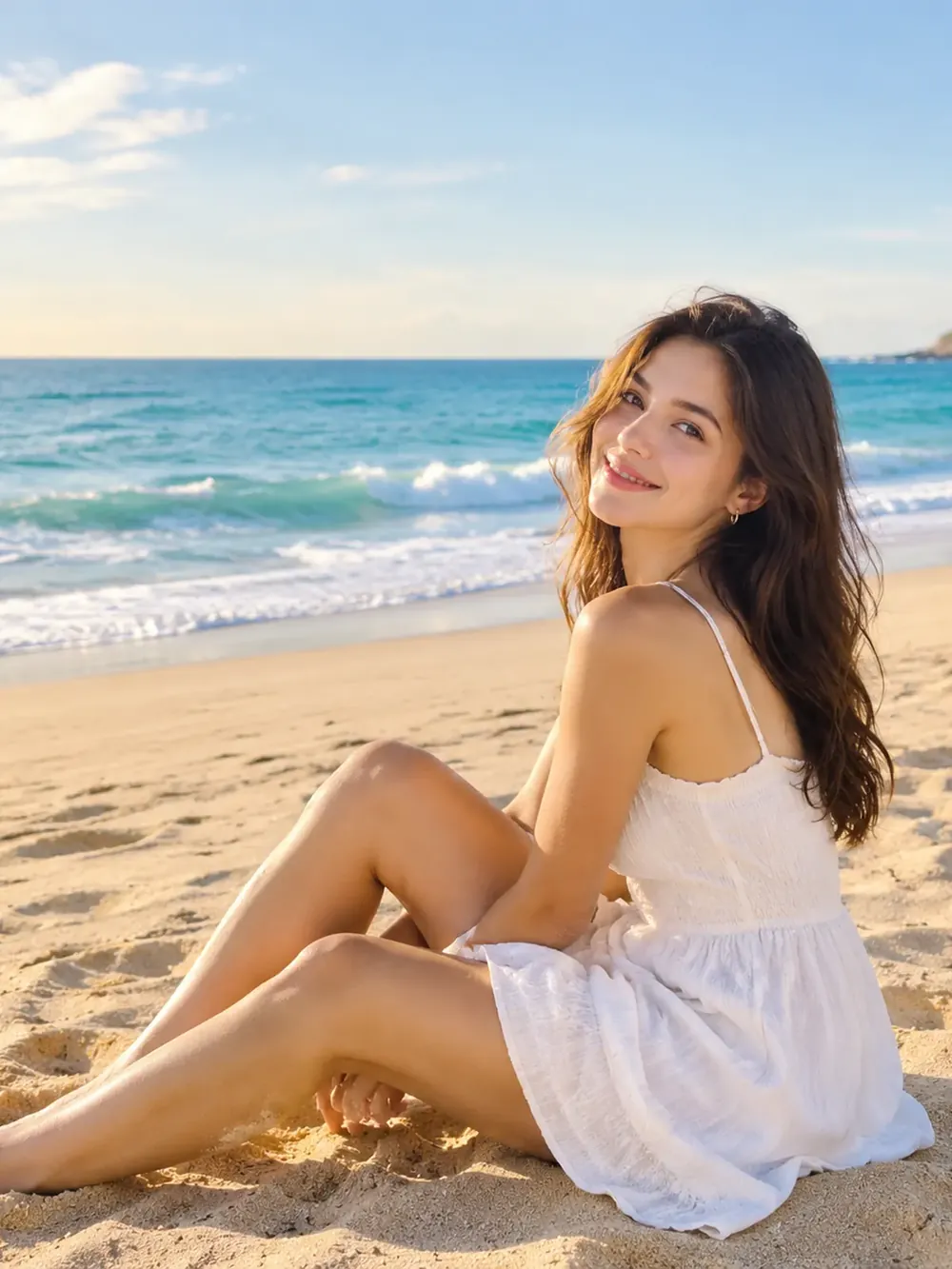
Extend the beach scene around an adult seated by the sea, continuing sand and sky. Keep the figure, shoreline, and soft daylight consistent.
Try This Prompt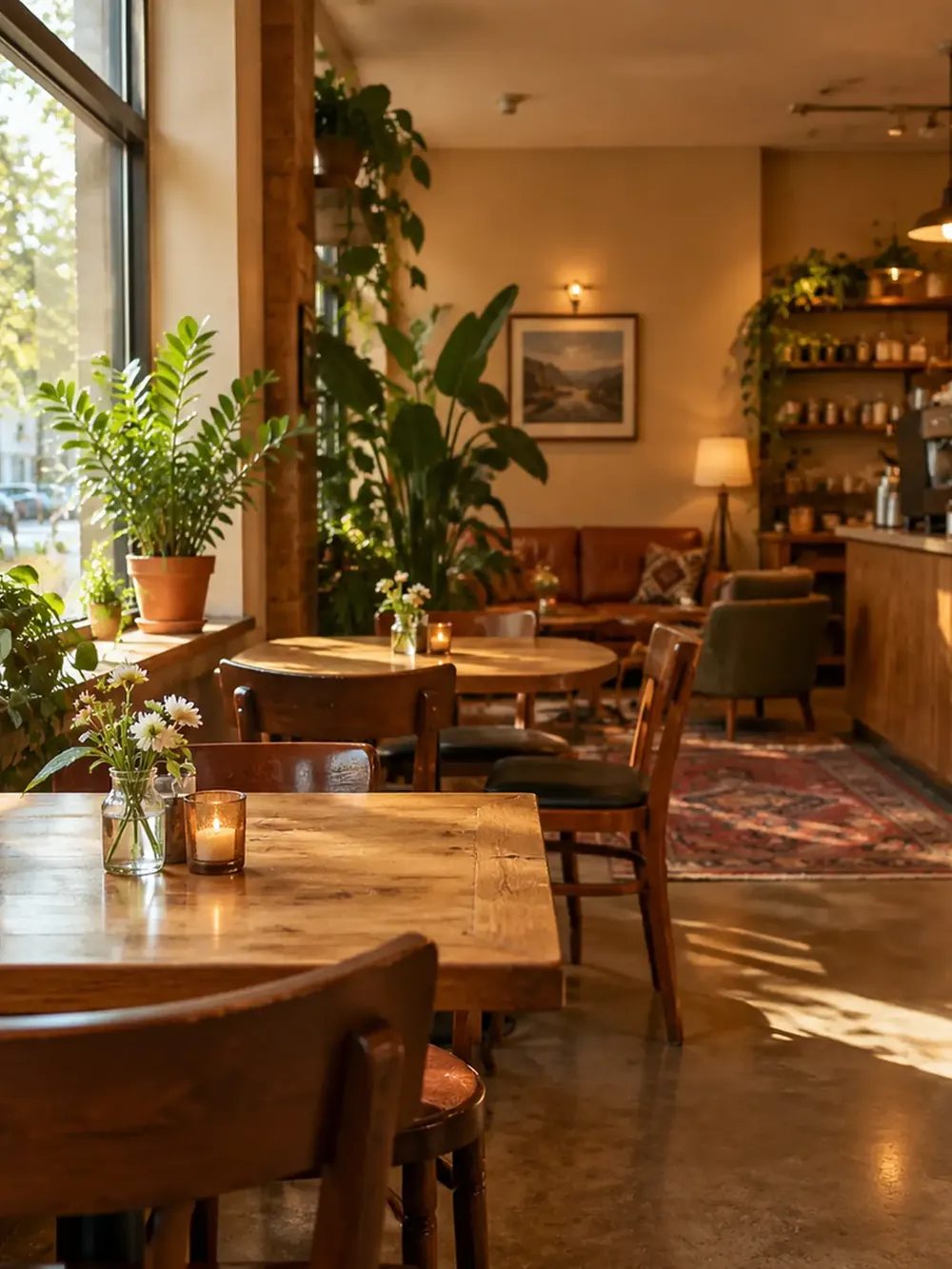 Interiors
Expand the café interior with more seating and window light. Continue floor lines, wooden furniture, and plant details without changing the warm atmosphere.
Try This Prompt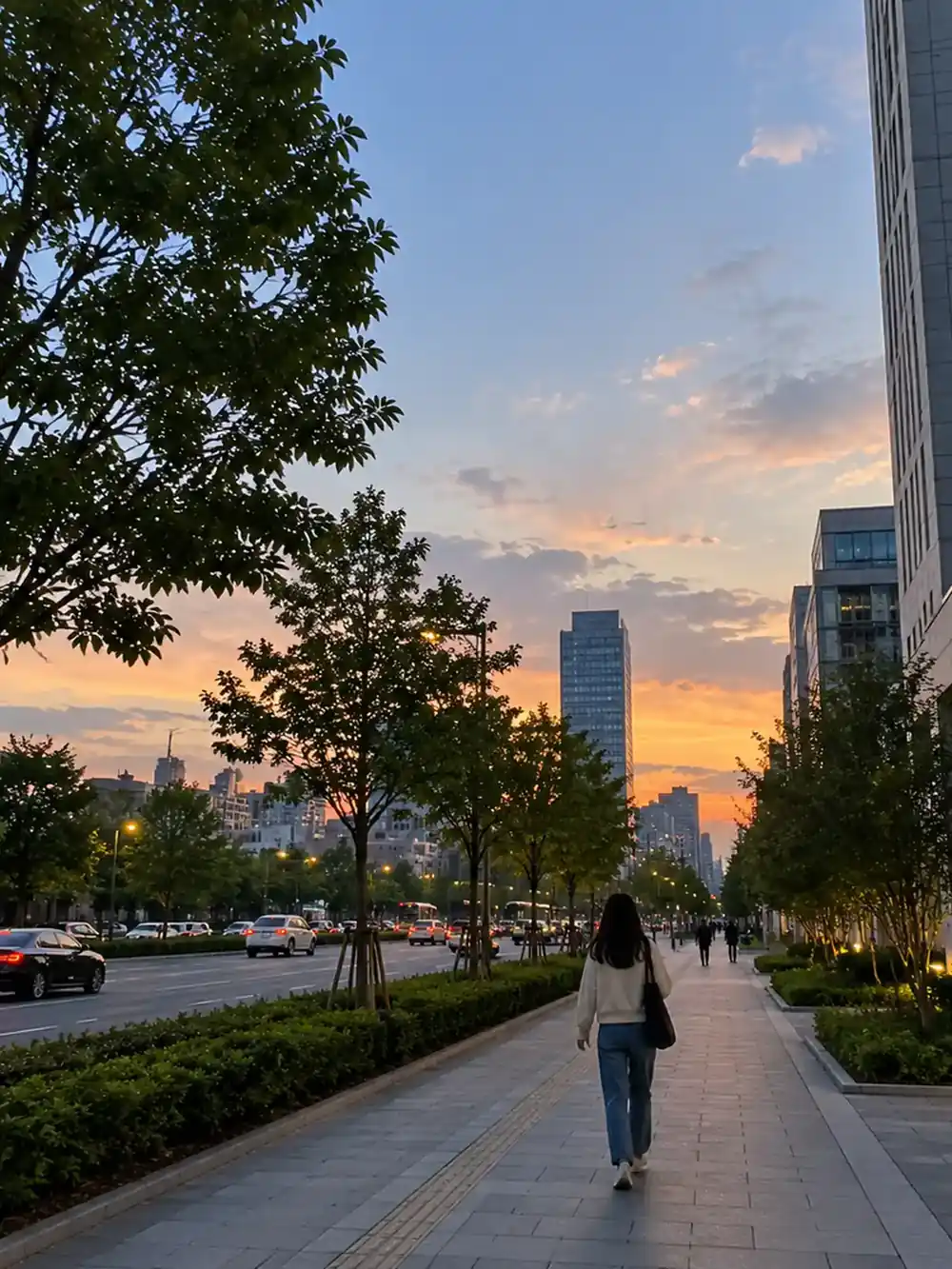 Architecture
Continue the city walkway and tree-lined surroundings into a wider composition. Preserve the vanishing point, building proportions, and evening sky.
Try This Prompt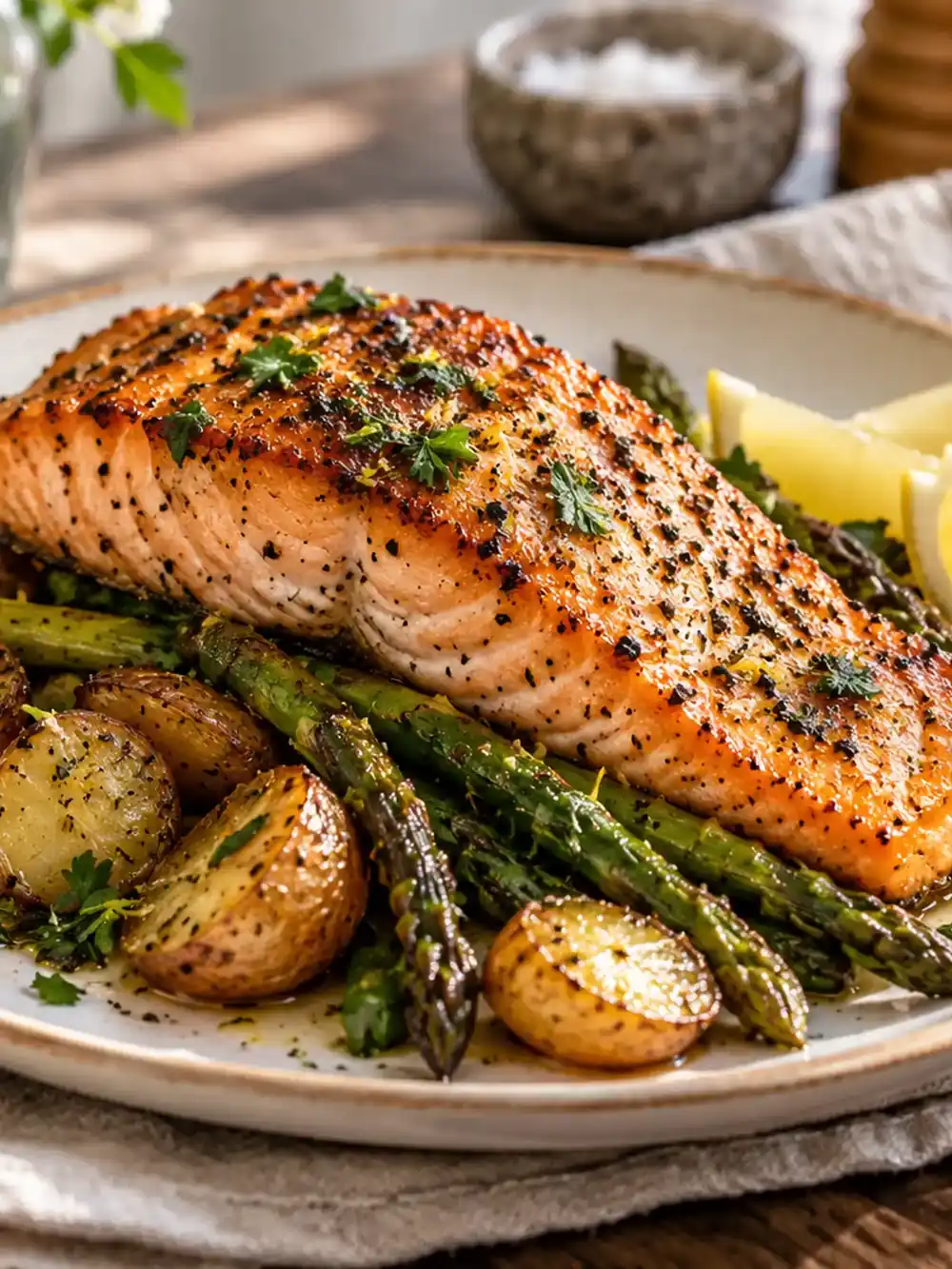 Objects
Add room around a plated salmon meal by extending the tabletop and soft background. Keep food textures, plate proportions, and light direction consistent.
Try This Prompt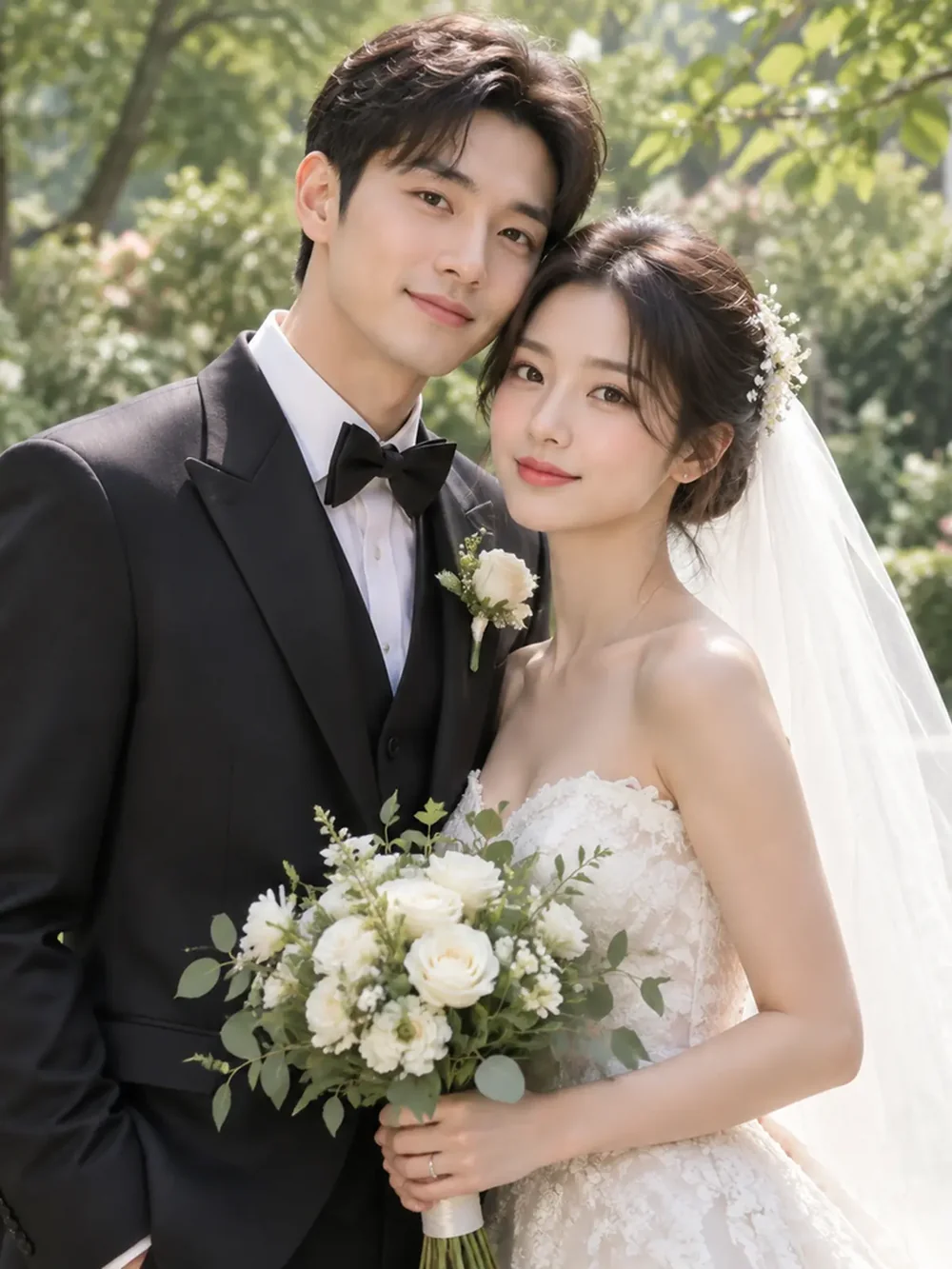 People
Expand a garden wedding portrait around a fictional adult couple. Continue the foliage and soft light while preserving the people and their clothing.
Try This Prompt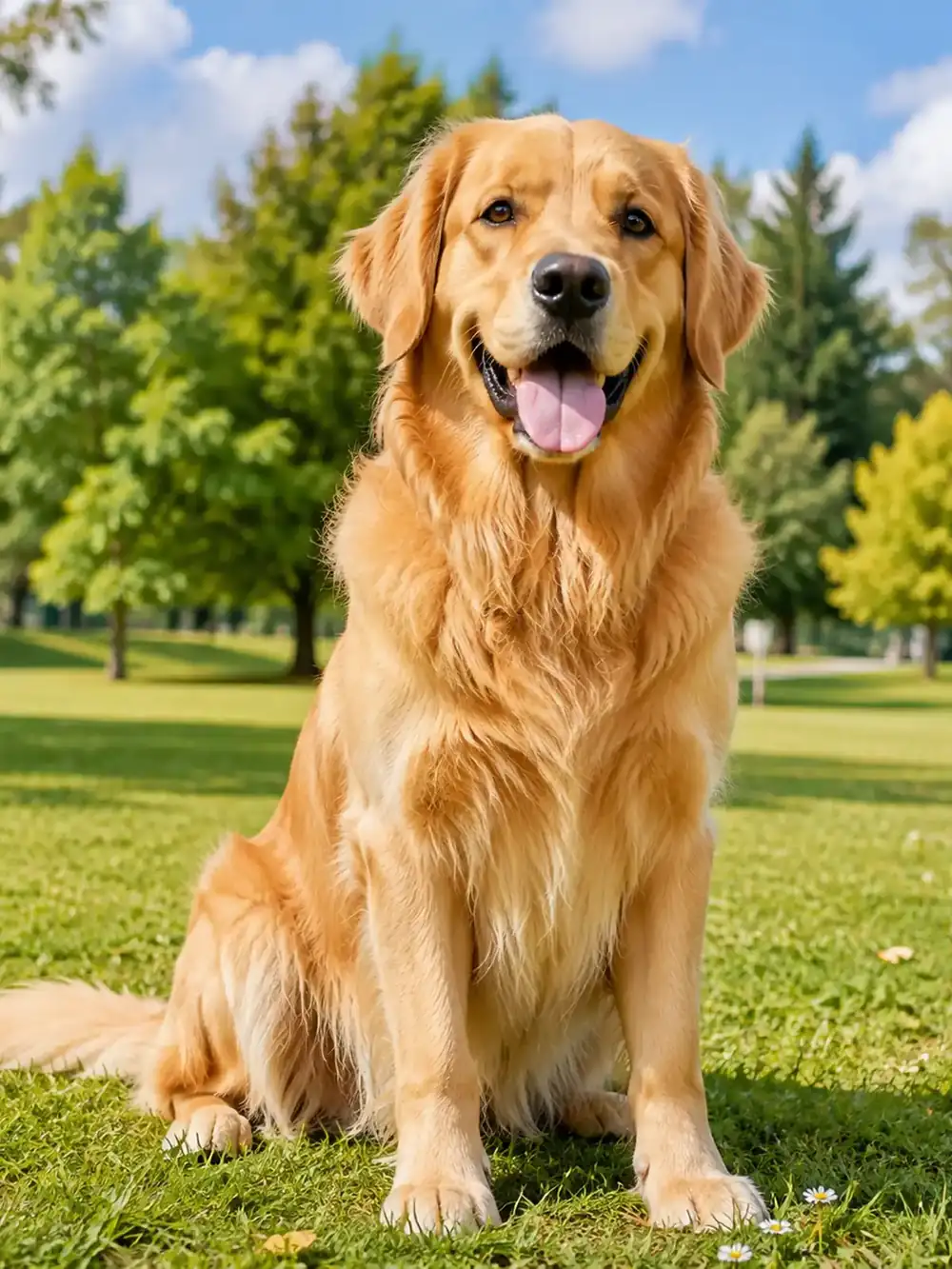 Animals
Give a golden retriever portrait more space by extending the grassy park. Preserve the dog’s pose, fur detail, and the background depth.
Try This Prompt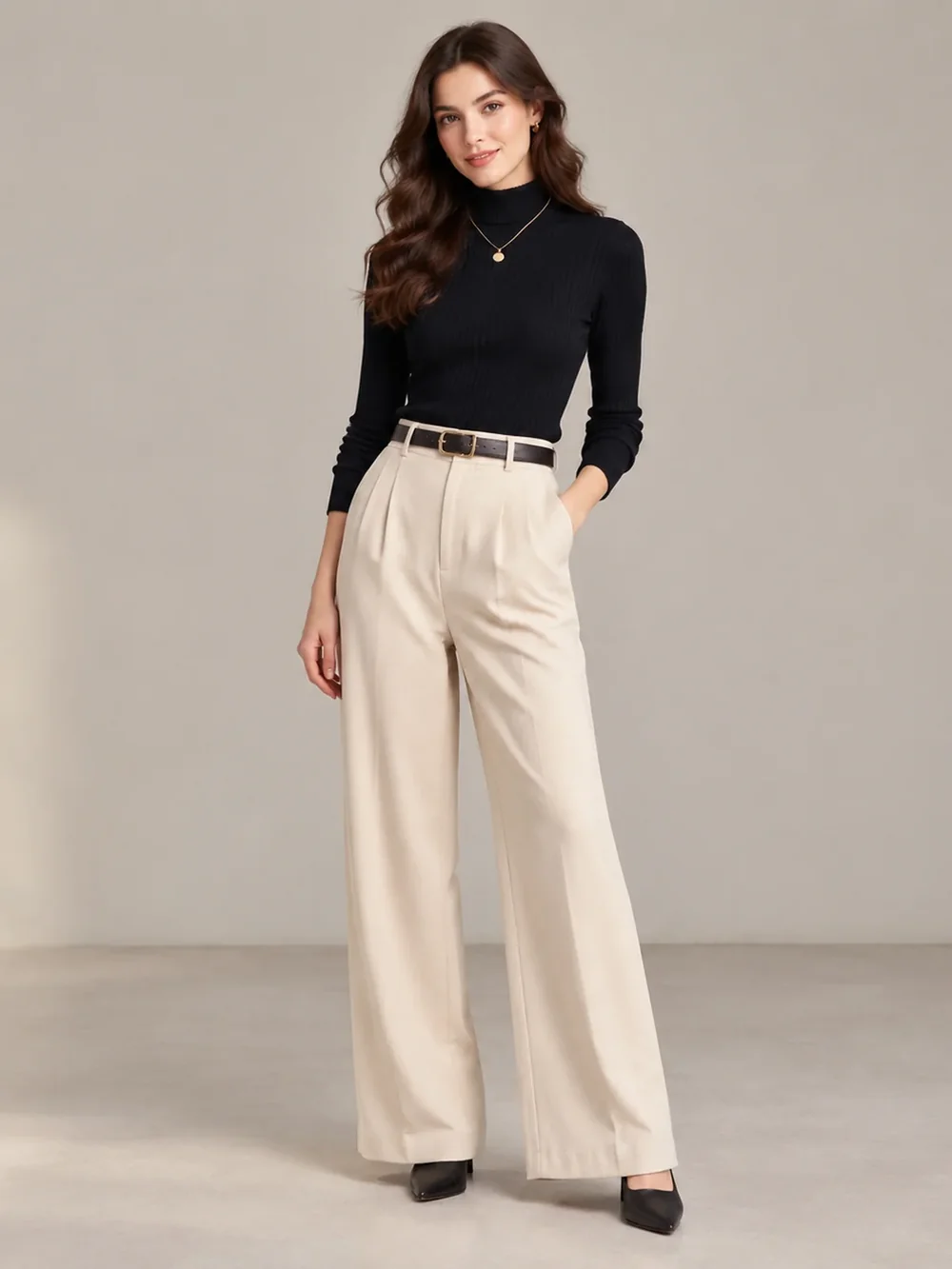 People
Expand a full-length fashion portrait with additional neutral studio background. Preserve the adult model, outfit proportions, floor contact, and soft shadow.
Try This Prompt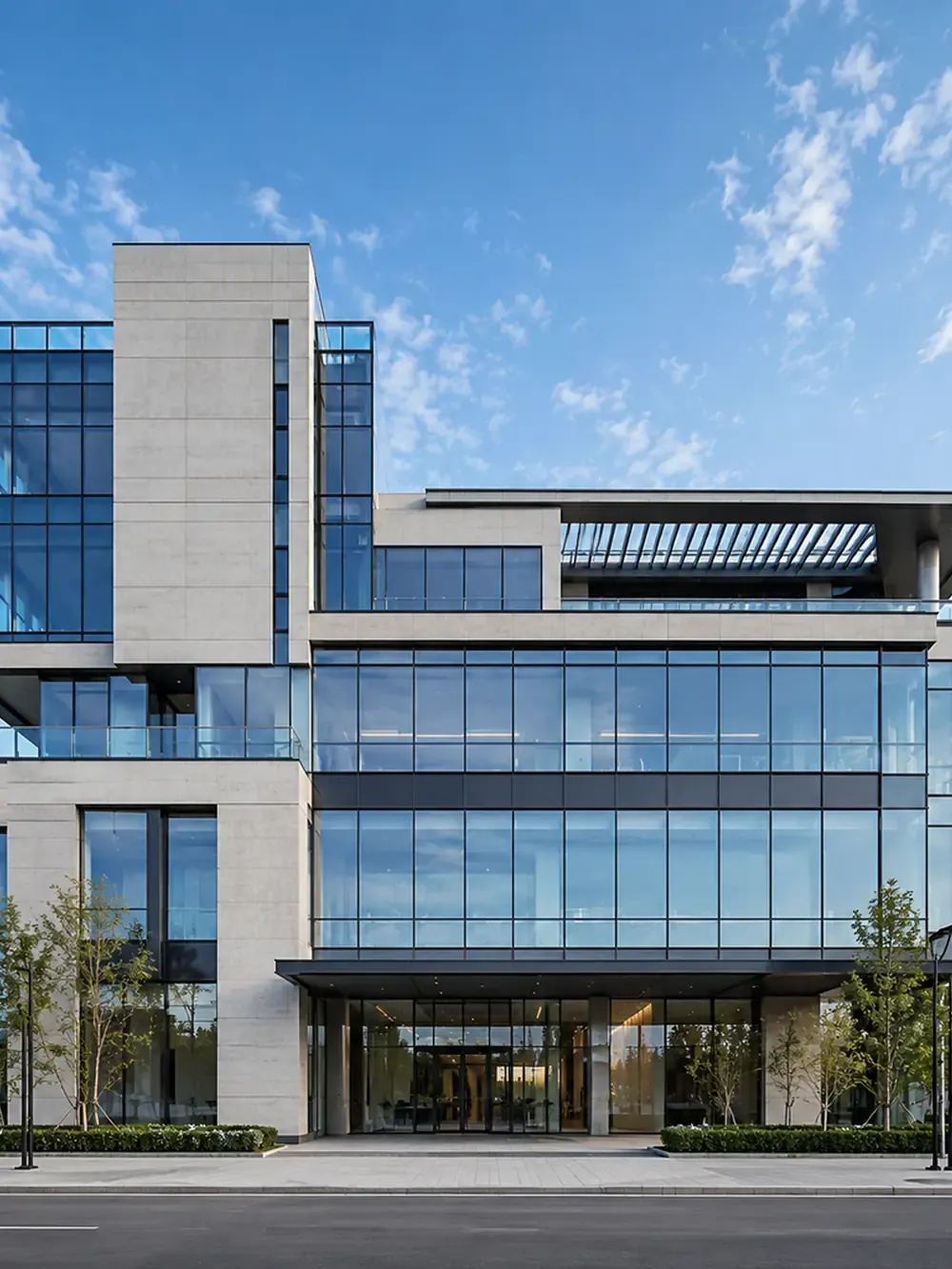 Architecture
Extend a modern glass building scene while continuing the facade geometry. Keep windows, perspective, and the direction of daylight consistent.
Try This Prompt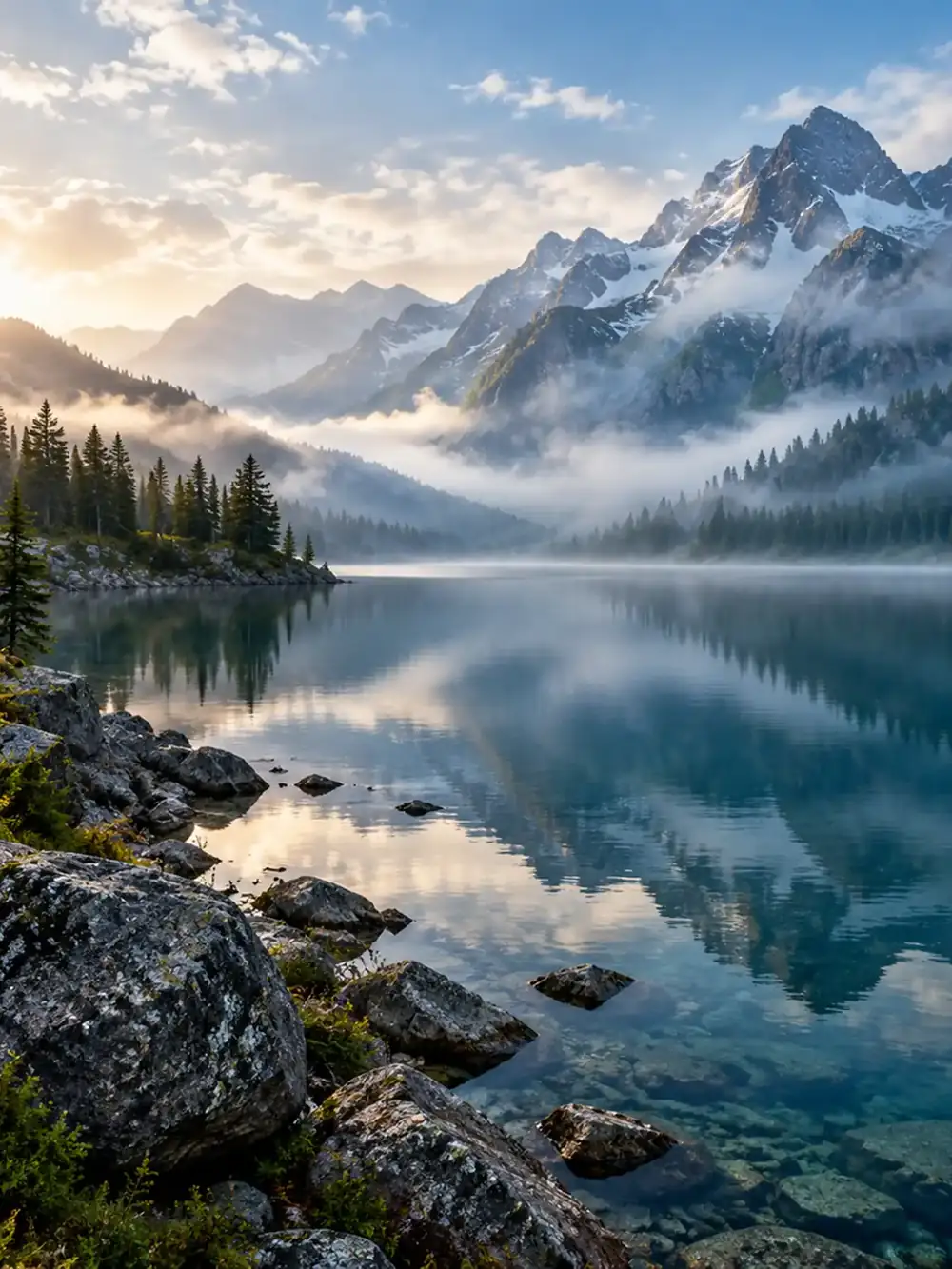 Landscapes
Expand the mountain lake composition with more shoreline and sky. Keep the horizon level and continue the reflection and distant mountain atmosphere.
Try This Prompt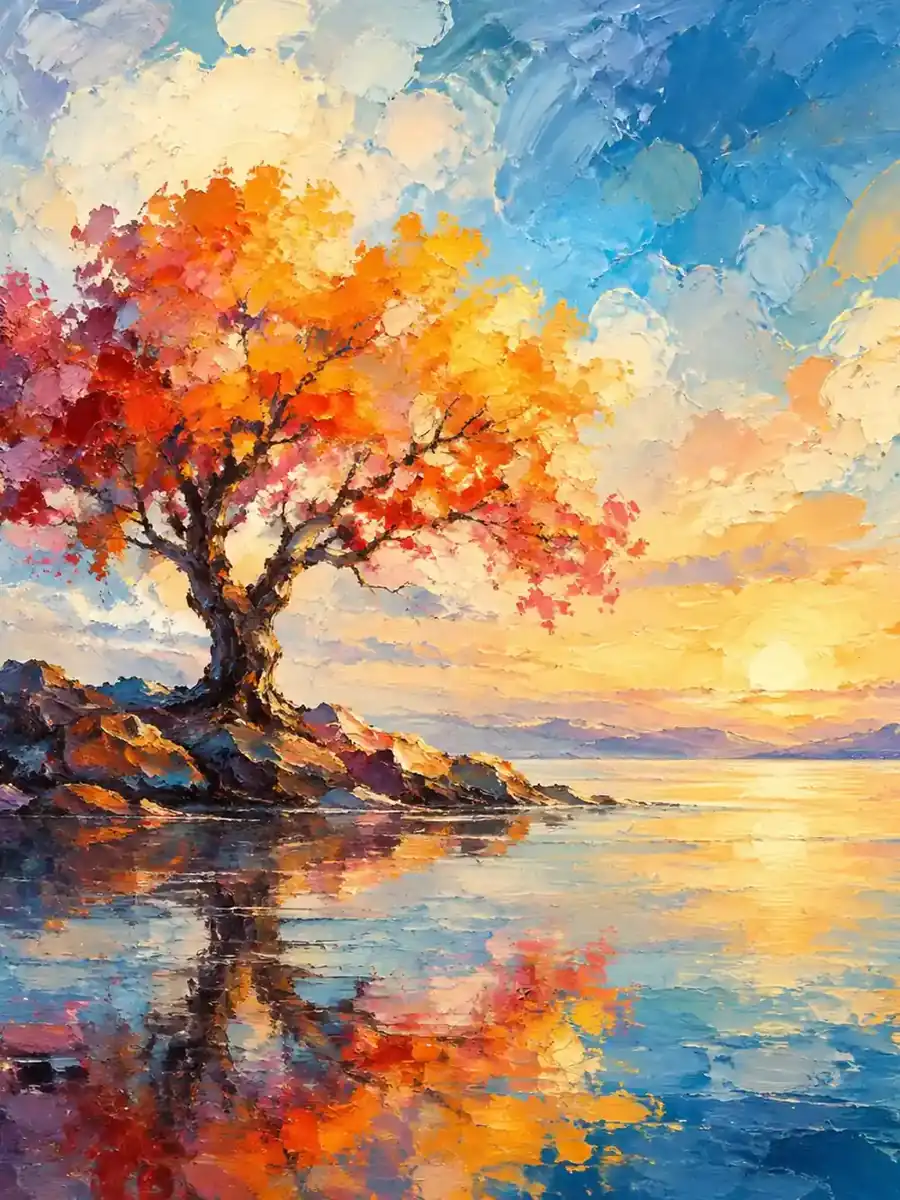 Illustration
Extend an autumn tree painting with more lake and sky. Match the painterly brush texture, warm foliage palette, and soft reflected light.
Try This PromptUse an AI image extender with a clear purpose: more space for a headline, a wider view, or a background that suits your final crop.
Request open sky or a quiet background beside your subject so a banner has space for text added afterward.
Explore a wider view of beaches, streets, or mountains while keeping the existing perspective and light direction in mind.
Add space around hair and shoulders without asking the model to redesign the person. Inspect identity and anatomy carefully.
Continue a studio surface and its soft shadow. Check that the product outline, label, and proportions remain consistent.
Mention warm sunset, overcast daylight, or indoor window light so the requested extension has a clear visual direction.
Use an original-versus-result review to spot changes inside the source image, not only mistakes at the outer border.
Choose based on whether you need new surroundings, a tighter composition, or precise control over a source photo.
| Criteria | Prompt-Guided Edit | Manual Photo Editing | Crop and Reframe |
|---|---|---|---|
| Best starting point | A tight image that needs new surroundings | An extension that needs precise local retouching | An existing image with enough room to crop |
| Control to expect | Describe the missing scene; inspect generated borders | Build and refine the extended area directly | Choose the crop; no new scenery is generated |
| What to review | Horizon lines, edge seams, and retained subject details | Texture continuity, perspective, and blended edges | Lost content, final dimensions, and subject placement |
Fictional scenarios; stars are illustrative, not customer ratings.
A vertical beach photo needs a wider frame for a travel article. Extend the water and sky while keeping the horizon level and the original shoreline intact.
A product image needs quiet space for a headline. Continue the studio backdrop to one side and check the product outline against the source photo.
A profile portrait needs room above the head for a new layout. Request a simple background extension and inspect hair, shoulders, and facial details afterward.
Selected Arena entries, updated Oct 5, 2026. General preference scores; model variants may differ from those in GlobalGPT. These are not tests of this specific task.
| Rank | Model | Arena Rating | Votes | Rank Range | Price / Image |
|---|---|---|---|---|---|
| #1 | gpt-image-2 (medium) OpenAI / Proprietary | 1461.78 | 212326 | #1-#1 | 0 |
| #2 | grok-imagine-image-2.0 (low) SpaceXAI / Proprietary | 1439 | 5936 | #2-#2 | - |
| #3 | mai-image-2.6-preview Microsoft AI / Proprietary | 1416.85 | 9013 | #3-#4 | - |
| #4 | muse-image Meta / Proprietary | 1404.9 | 66921 | #3-#5 | - |
Source: Arena Leaderboard
An AI image extender proposes new visual content outside a photo’s existing frame. It is useful for reframing and background expansion, but the added scene is generated rather than recovered from the original camera capture.
Resizing changes an image’s dimensions. Outpainting adds invented surroundings to a composition. Choose resizing when the existing framing is already right; consider expansion when you need more background or a different crop.
Generative edits can change details, including faces, labels, textures, and straight lines. State what must remain fixed and inspect the full result against the source before using an expanded image in a finished design.
The gallery contains generated composition references. It illustrates scenes and prompt directions; it does not document measured editing accuracy or prove that the displayed image was expanded from a particular source photograph.