

Start from Text or a Photo
Describe an original character, or use a reference photo to guide the look. Build your scene around an outfit, setting, and mood.
Prompt Guide
Model
Reference Image
Bring your next look to life: a rooftop walk, a party-dress turn, or a beachside scene. GlobalGPT pairs editable scene prompts with multiple video models, so you can build a short character clip without planning a live shoot.
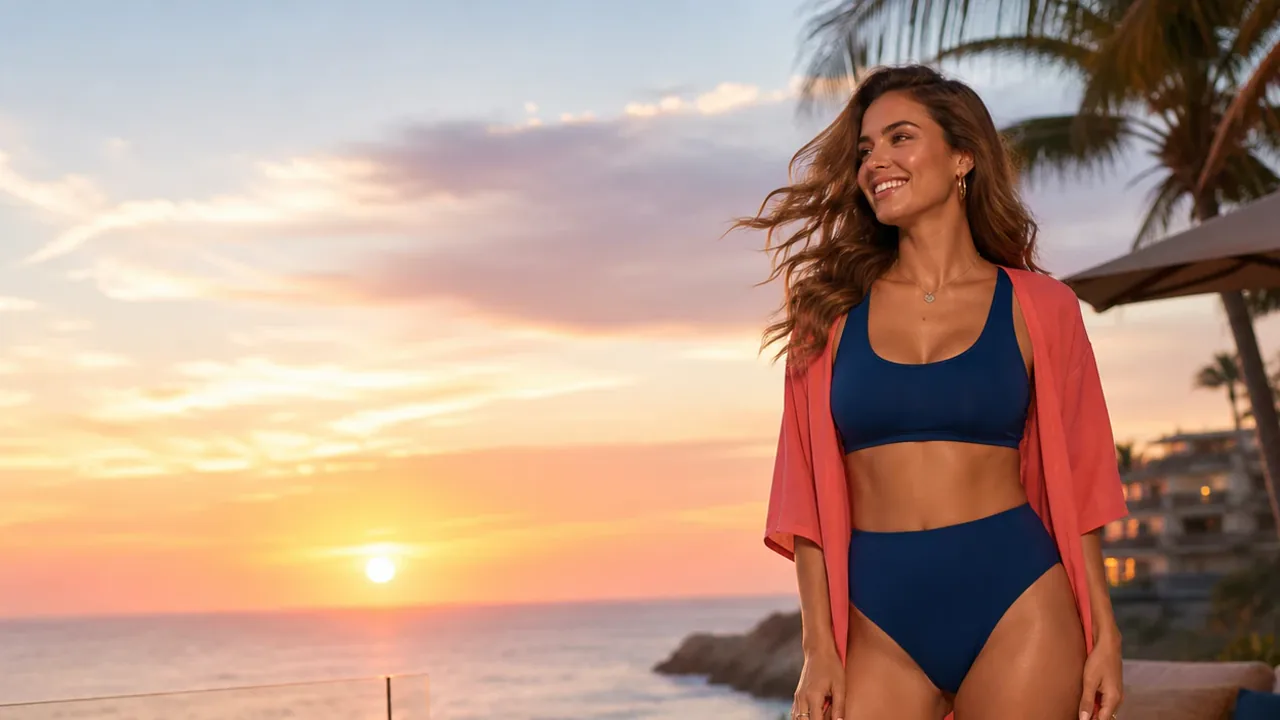
Go from a scene idea to a first clip in three steps.
Choose a scene preset, write a text prompt, or add a reference image you have permission to use. Describe the adult character, outfit, and setting.
Give your character one action, such as a walk or half-turn, and add one camera move. Select the available model, aspect ratio, and duration that fit your idea.
Generate your clip and preview the face, hands, outfit, and motion. If a detail drifts, simplify the action or adjust one part of the prompt before trying again.
Explore eight fashion-video directions, then adapt the prompts for your own character, outfit, and camera style. Each prompt focuses on a short, simple action.
An adult woman in a one-shoulder mini dress makes a gentle half-turn in a fashion studio. Add a slow camera push-in and soft, even lighting.
Try This PromptAn adult woman in a crop top and mini skort walks along a sunny street. Use a smooth side-tracking shot, relaxed steps, and natural fabric movement.
Try This PromptAn adult woman in a backless mini dress turns slowly on a rooftop at blue hour. Keep the skyline in view and use a subtle camera push-in.
Try This PromptAn adult woman in two-piece swimwear walks along the shoreline at sunset. Use an eye-level tracking shot, warm light, and gentle movement in her hair.
Try This PromptAn adult woman in a metallic mini dress takes two light dance steps under neon lights. Add a gentle camera orbit and keep the framing steady.
Try This PromptAn adult woman in swimwear and a light cover-up walks beside a pool, then turns toward the camera. Use clean daylight and a smooth tracking shot.
Try This PromptAn adult woman in a crop top and mini skort performs a short dance at an outdoor festival. Use a gentle handheld shot with a softly blurred background.
Try This PromptAn adult woman in an off-shoulder crop top and shorts walks through the city and makes a half-turn. Keep the camera at eye level and the movement relaxed.
Try This PromptShape the look, movement, and framing before you generate.
Describe an original character, or use a reference photo to guide the look. Build your scene around an outfit, setting, and mood.
Turn a still fashion idea into a walk, half-turn, or light dance. Simple actions give the model a focused motion brief.
Ask for a tracking shot, gentle push-in, or slow orbit. Pair it with daylight, sunset, or neon lighting to define the scene.
Choose 9:16 for Reels and Shorts, 16:9 for wide fashion scenes, or 1:1 for square posts. Leave room around the subject for movement.
Adapt the rooftop, beach, nightlife, and poolside presets. Keep the scene structure and change the outfit or mood to explore a fresh concept.
Choose from the video models in the workspace. Reuse the same scene brief to compare interpretations and find a look that fits your project.
Illustrative creator scenarios with fictional names.
For a party-dress concept, Maya starts with one half-turn and a gentle push-in to keep attention on the outfit.
For a beach fashion clip, Daniel keeps the walk unchanged while testing a different lighting direction in the prompt.
For a short fashion series, Sofia plans a rooftop walk, a poolside turn, and a city scene to give each clip a distinct setting.
An AI hot girl video generator turns a text description or reference photo into a short video featuring an adult female character. On GlobalGPT, you can plan fashion walks, outfit showcases, and character scenes by describing the look, action, camera movement, and lighting.
Yes. Add a reference image in the workspace, then describe how the character and camera should move. A clear photo with an unobstructed face gives the model a useful starting point. Use an image you have permission to use, and keep the motion brief focused on one action.
Start with a simple walk or half-turn, a steady camera, and consistent lighting. Avoid combining several poses, outfit changes, and rapid camera moves in one short clip. Preview the face, hands, and clothing, then adjust one instruction at a time. Appearance and motion can vary between generations.
Use 9:16 for vertical Reels and Shorts, 16:9 for wide scenes, and 1:1 for square posts. Start with a 5-second clip to explore a single action; choose 10 seconds when your scene needs more room. Check the selected model's available options before generating.
A free trial is offered for eligible users; check the workspace for your current access and credits. Further generations may require credits or a paid plan. Commercial use depends on the applicable terms and your rights to any reference images; a free trial does not by itself confirm usage rights.