

Start From a Ready Eraser Example
Every preset above is a complete prompt you can run as-is, so the first image takes one click instead of a blank page.
Prompt Guide
Model
Reference Image
Upload and erase unwanted objects from your images seamlessly with AI Eraser. Free online AI-powered image editing tool.
Real image examples for this page. Each one has its own editable prompt; results vary by model and seed.
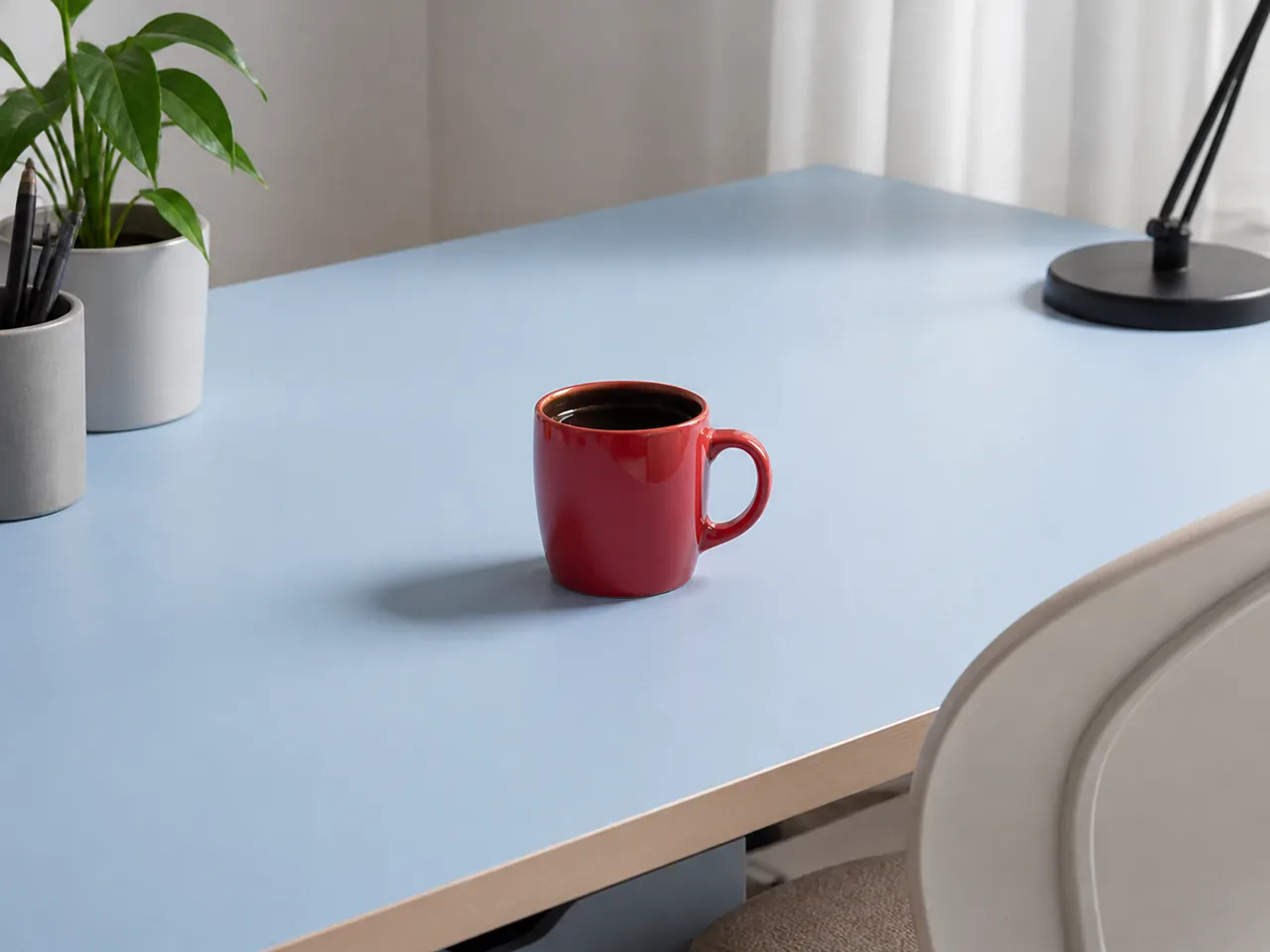
ConceptA single red ceramic mug on a light wooden desk against a plain white wall, soft daylight from the left, no clutter, product-photo clean.
Try This Prompt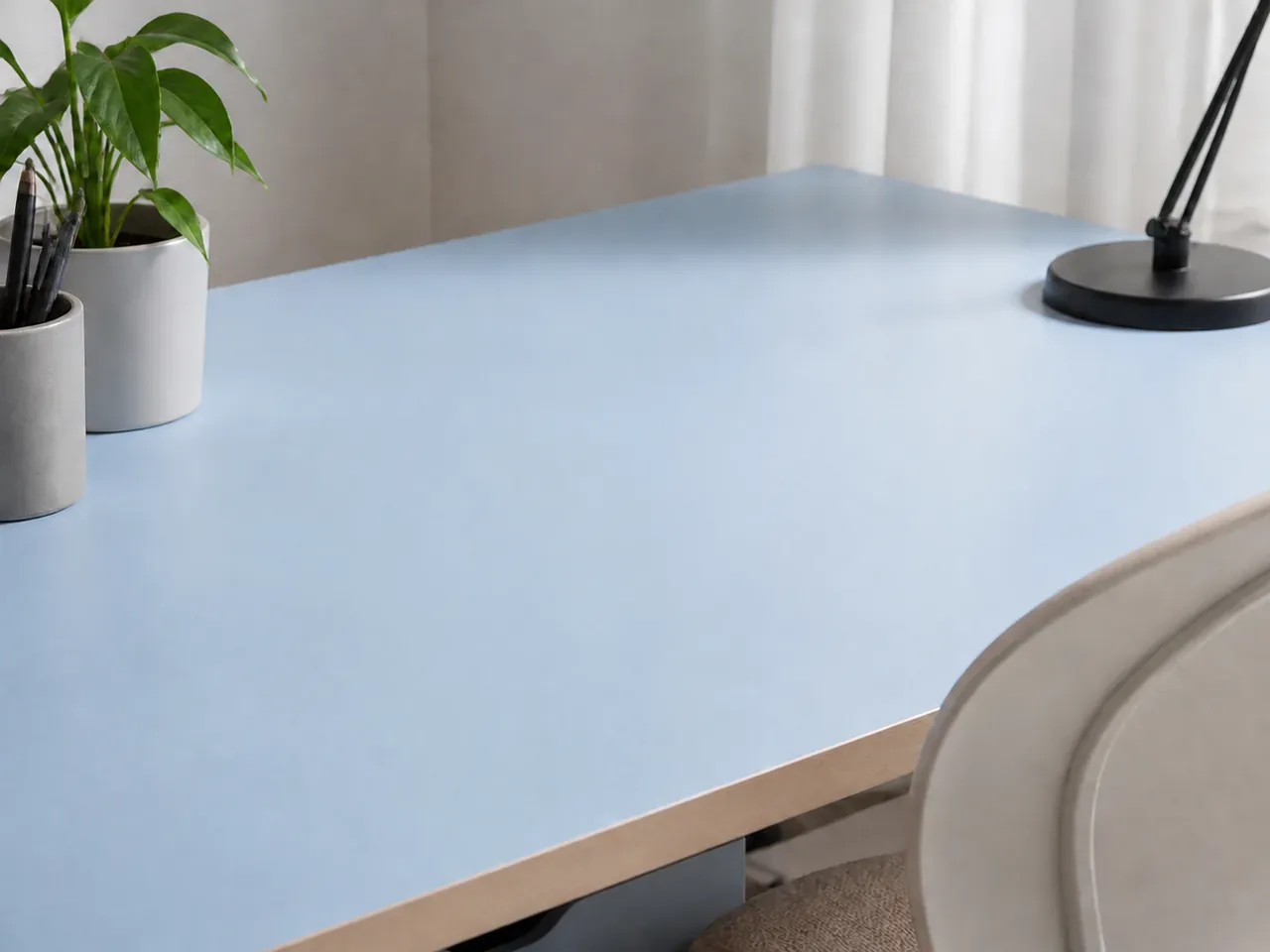 Concept
A minimal wooden desk with a small green plant in a pot, blank white wall behind, soft shadows, tidy workspace after object removal.
Try This Prompt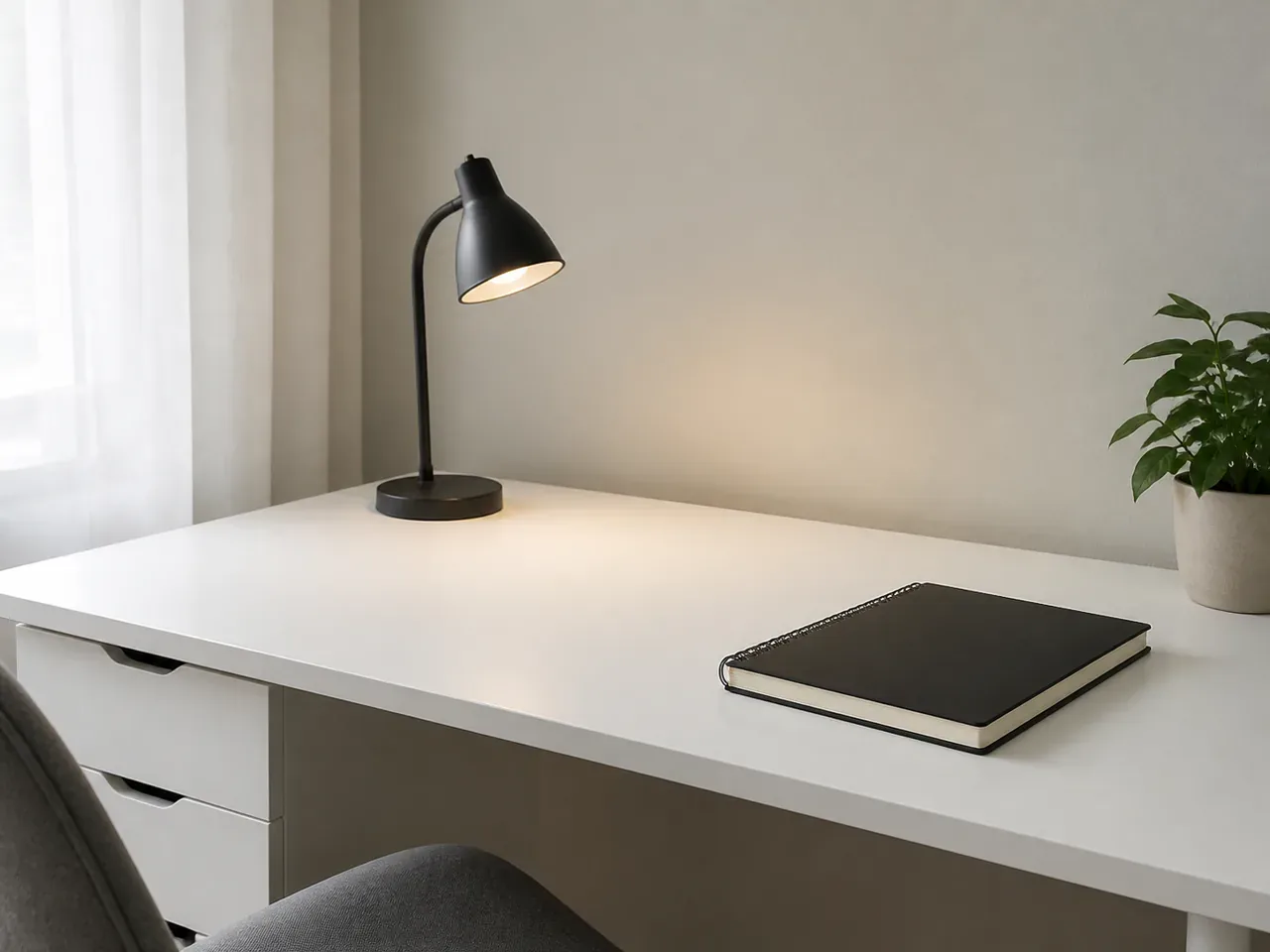 Concept
A slim black task lamp on a white desk, clean wall, warm pool of light, nothing else on the surface, calm minimal interior.
Try This Prompt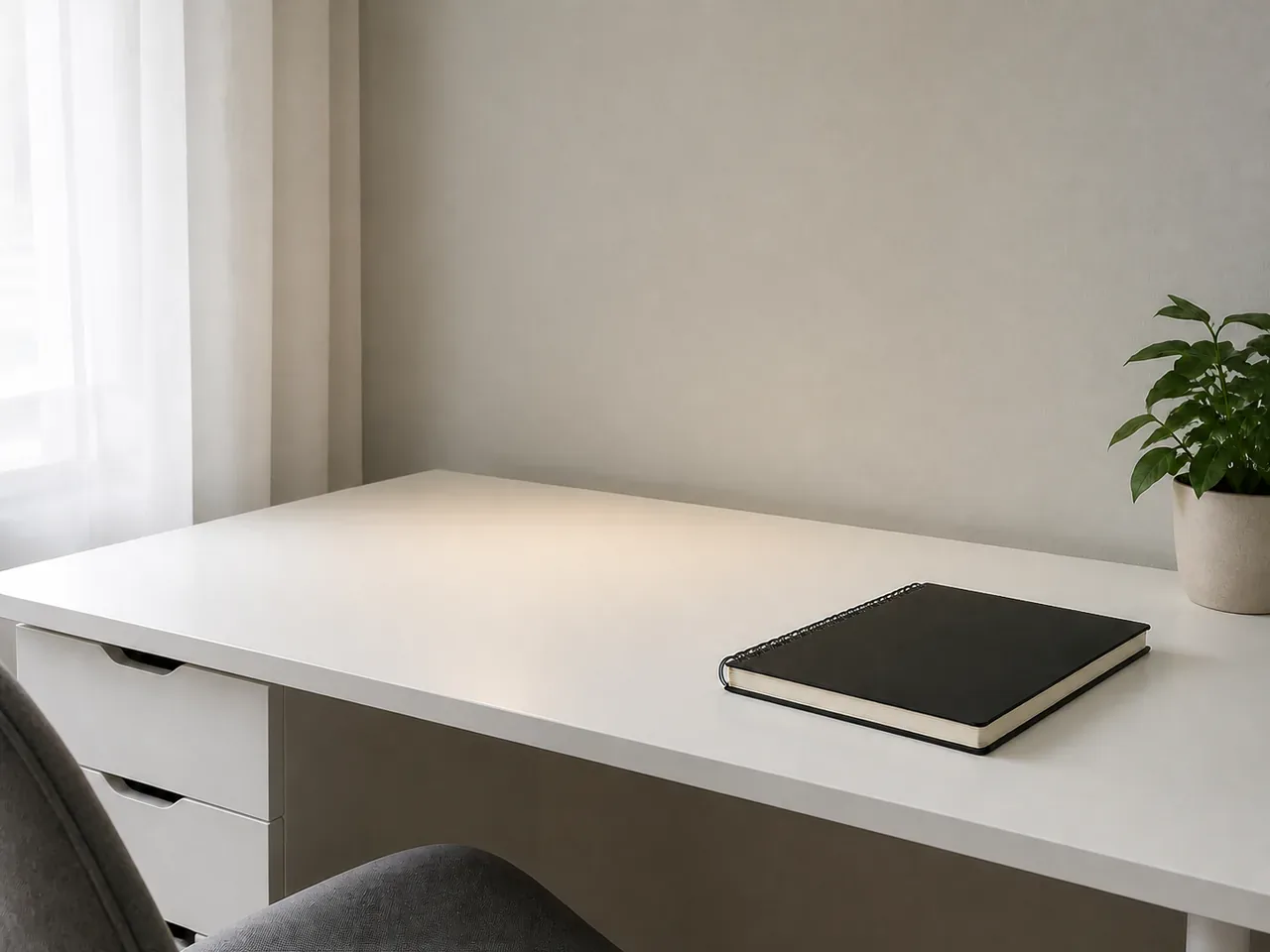 Concept
A long pale wooden table with a single modern chair, empty white room, even daylight, architectural interior photography.
Try This Prompt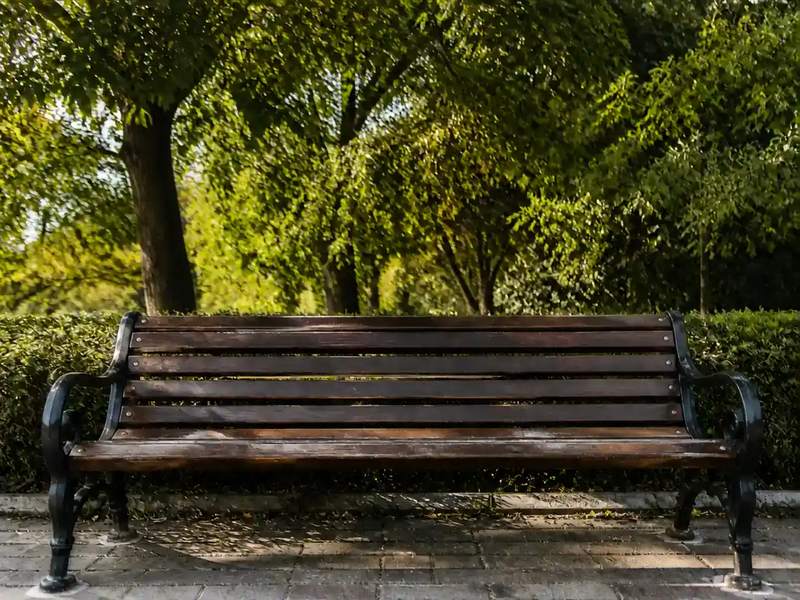 Action
An empty wooden bench in a green park, tall trees and dappled sunlight, trimmed grass, no people, quiet afternoon.
Try This Prompt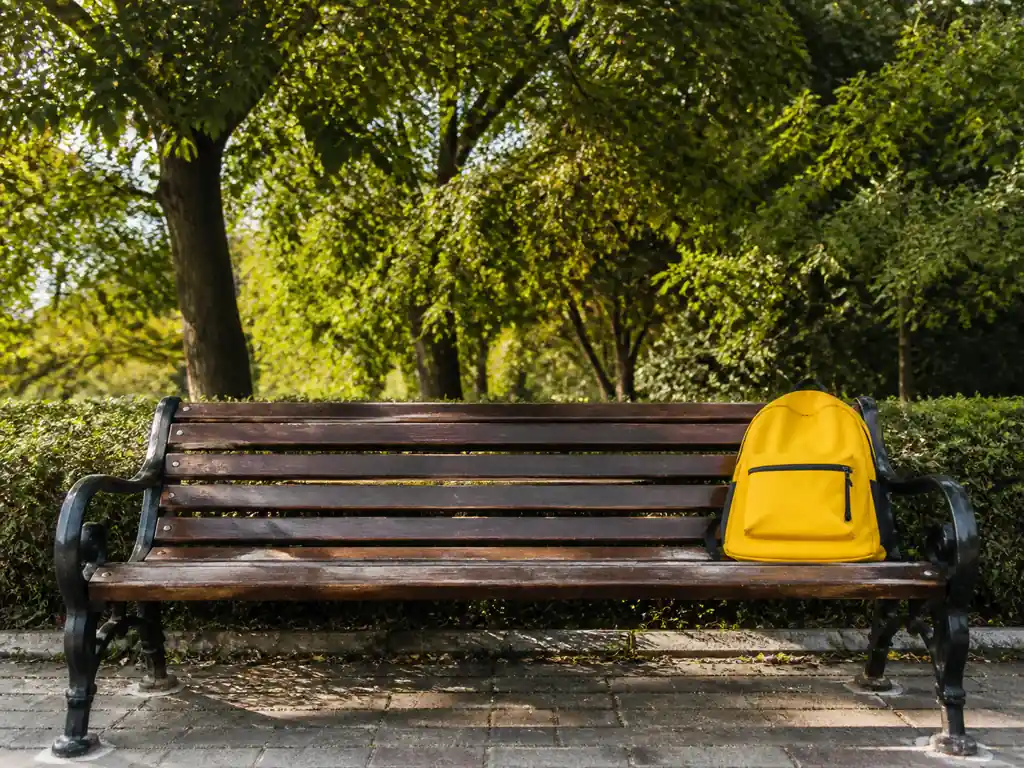 Concept
A park bench with a single yellow bag left on it, trees and soft green bokeh behind, clean composition, daylight.
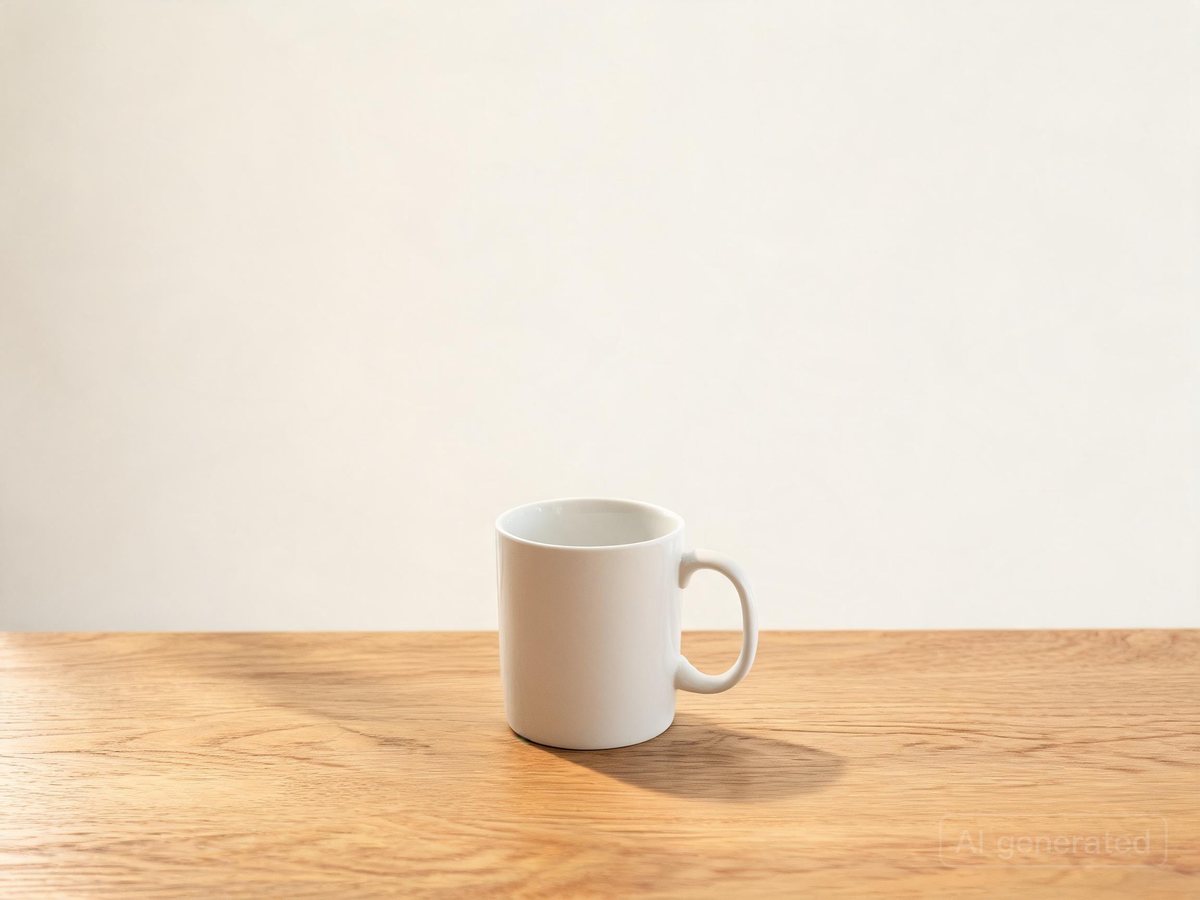
Try This PromptProductA plain wooden table pushed against a white wall, a white cup on it, soft side light, minimal still-life framing.
Try This Prompt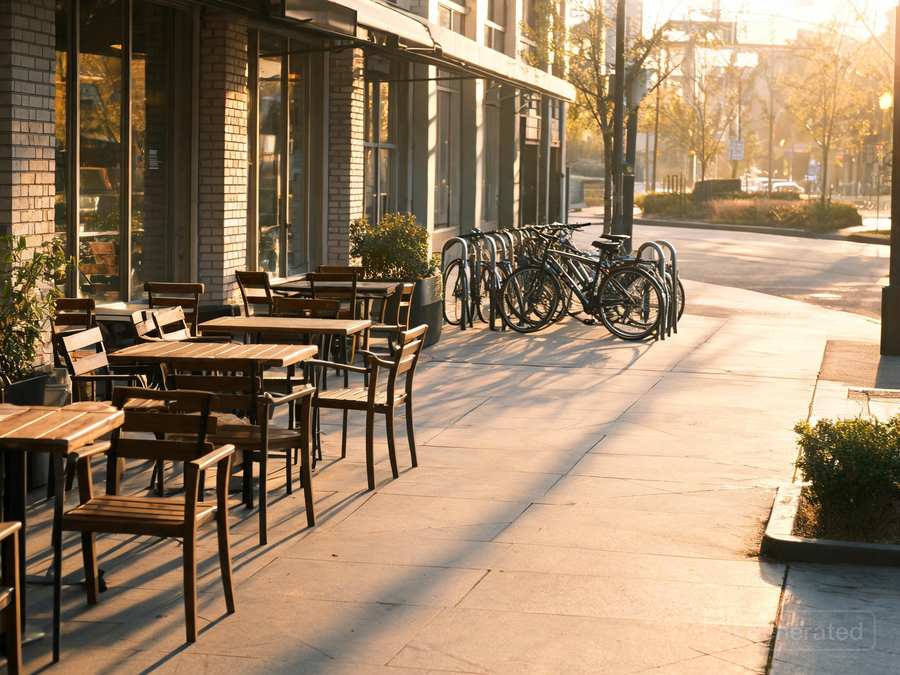 Street
Rows of empty cafe tables and chairs on a sunlit terrace, warm wood and wicker, blurred street beyond, clean scene with no people.
Try This Prompt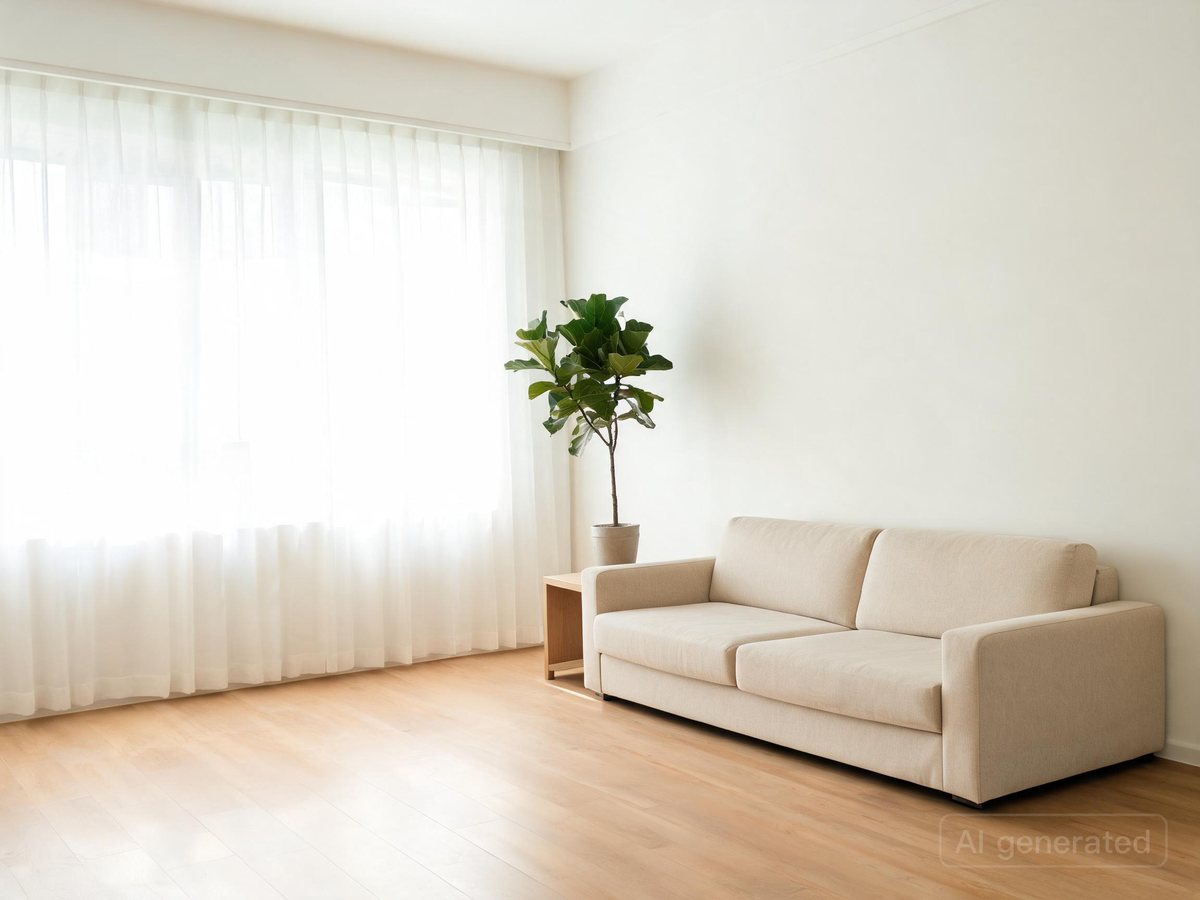 Interior
A white linen sofa in a bright minimalist living room, large window light, pale walls, one plant, calm and uncluttered.
Try This PromptReady-made starting points and a clear review step keep each iteration short.
Every preset above is a complete prompt you can run as-is, so the first image takes one click instead of a blank page.
Say what you want to see: subject, setting, light and mood. Short, concrete sentences beat long lists of keywords.
Choose between the listed models before you generate. The free one is for the first try; the paid one is for the final image.
Repeat the same subject, palette and framing across prompts so a set of results looks like one series.
When something is off, change a single element and regenerate. That makes it obvious which instruction did the work.
Export the finished image for social posts, thumbnails, mockups or client previews; check the current plan terms before commercial use.
Three steps from an idea to a usable result.
Open one of the examples above and read its prompt. It already describes the subject, light and framing for this image.
Choose an available model and shape, check the displayed cost, then submit. Keep the first run simple so you can judge it.
Look at the whole image: subject, edges, text and hands or fine detail. Change one line of the prompt and generate again.
Illustrative scenarios with fictional names; these are not verified customer reviews.
I start from one of the eraser presets, then rewrite only the light and the background. It keeps a series consistent.
The first try is usually enough to judge the idea. If not, one changed sentence gives me a different image.
Useful for quick image drafts before a real shoot. Check fine detail at full size before you publish.
Same prompt, different finish. Start free, then move to the paid model for the final version.
| Criteria | GPT Image 2 | Nano Banana 2 |
|---|---|---|
| Best role on this page | Free first pass to test the eraser prompt. | Paid final image once the prompt is right. |
| Use it when | You are still exploring subject, framing or style. | You need the strongest detail for publishing this image. |
| Free trial | Limited trial runs for eligible accounts. | Paid only; check credits before each run. |
Upload and erase unwanted objects from your images seamlessly with AI Eraser. Free online AI-powered image editing tool.
No. Start from a preset, change a few words and generate. Each result is a draft you can judge and refine.
Yes. Describe subject, palette, lighting and framing in the prompt; keep those lines stable when you want a consistent set.
The first listed model is configured for trial runs on eligible accounts. Later models are paid; check the displayed cost before generating.
Check the current platform and model terms for your plan, and confirm you hold the rights to any reference you upload before publishing.