

Chibi AI Generator
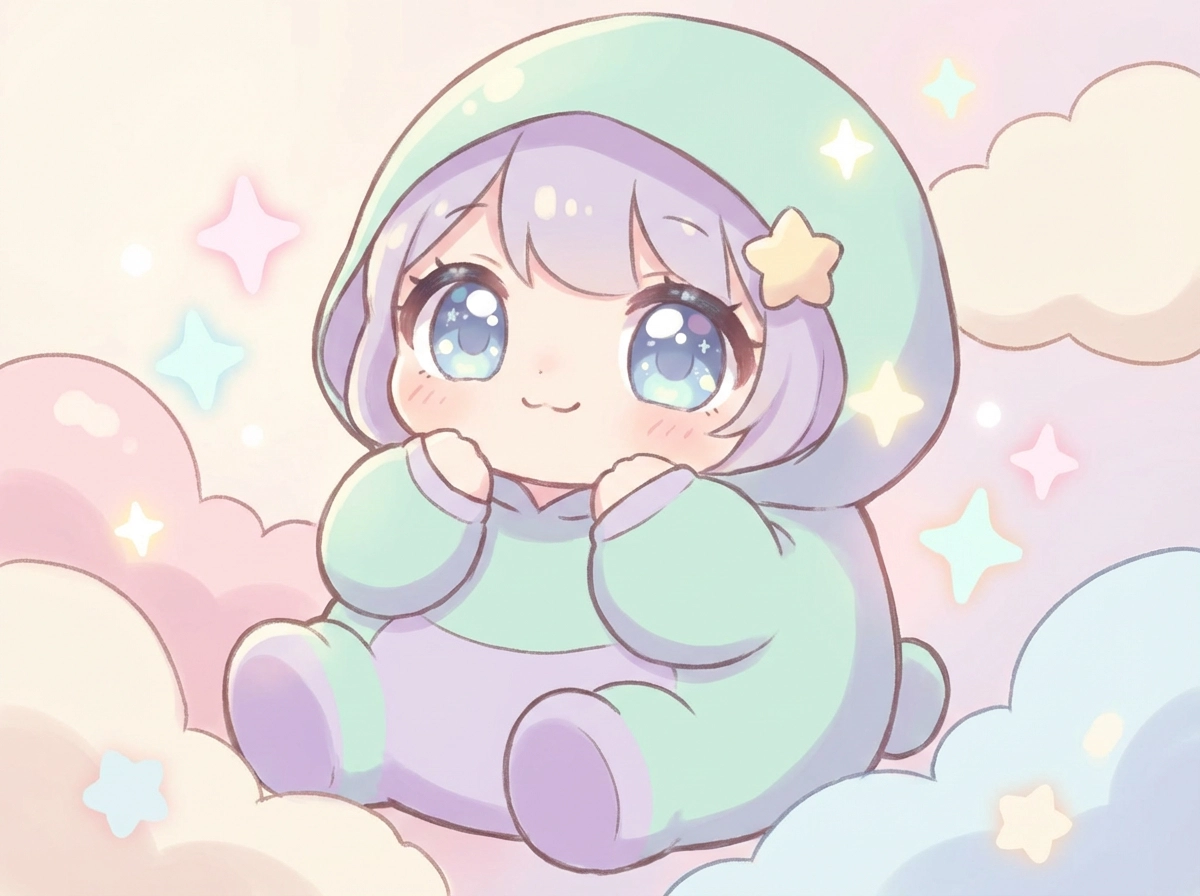
Create a Cute Chibi Character from Any Idea
Turn a short prompt or favorite photo into an expressive, big-headed character with Global GPT's Chibi AI Generator. Create anime avatars, original characters, profile pictures, stickers, game concepts, and story illustrations while guiding the hairstyle, outfit, pose, mood, colors, and background.
Why Use Global GPT's Chibi AI Generator?
Text-to-Chibi Character Creation – Describe your character's hair, clothes, expression, pose, setting, and art style to turn an original idea into chibi art.
Photo-to-Chibi Transformation – Use a reference image to reimagine a person, pet, or character with an oversized head, tiny proportions, and a cute illustrated finish.
Multiple Models and Visual Styles – Compare AI image models to explore anime, kawaii, fantasy, mascot, sticker, and soft 3D-inspired chibi looks in one workspace.
Explore Chibi Character Styles and Ideas
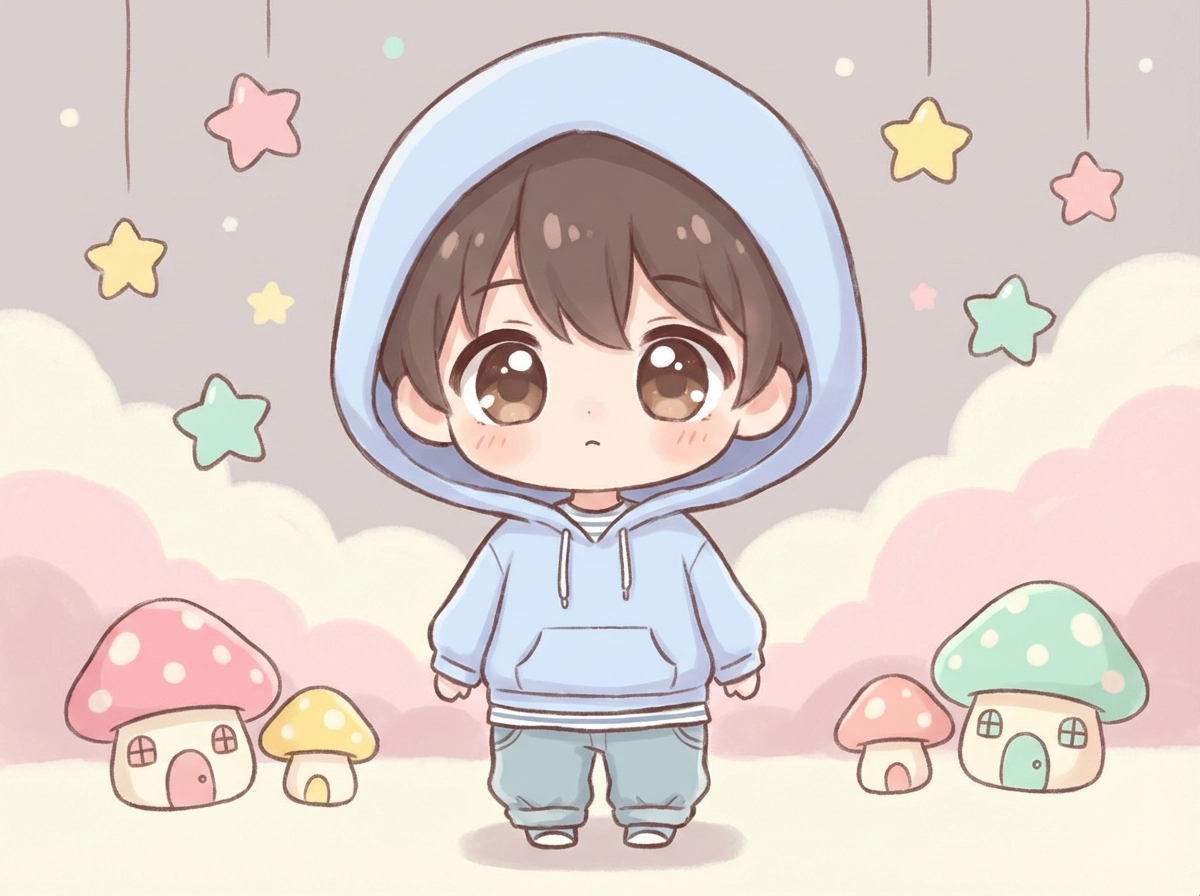
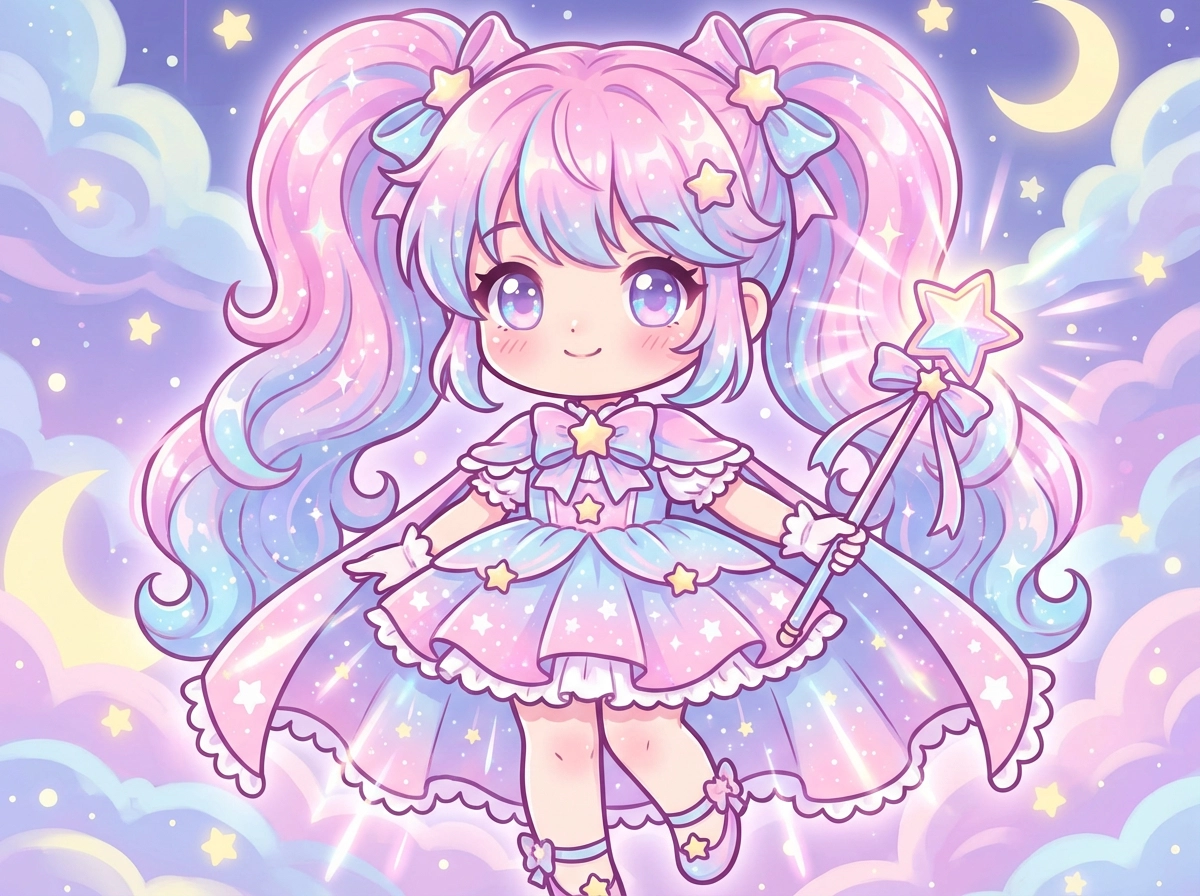
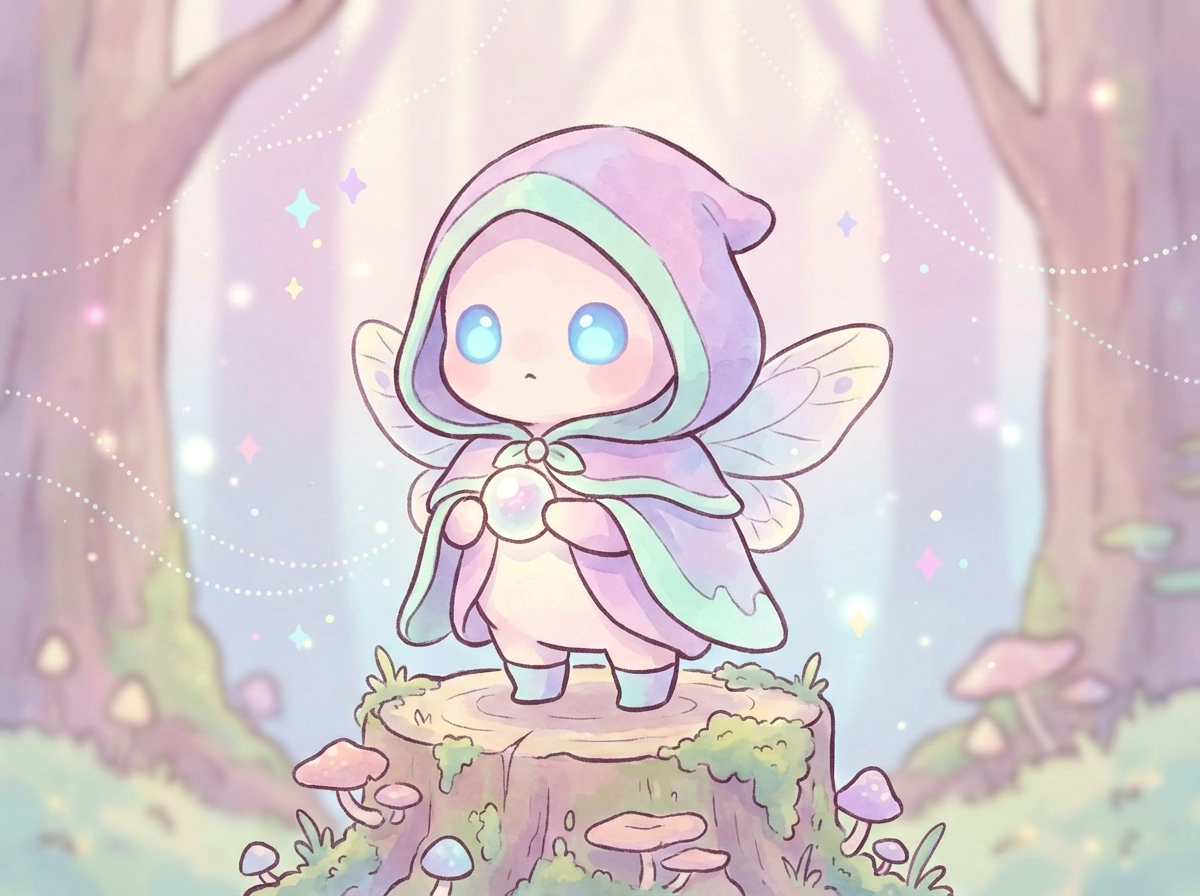
Design Chibi Art That Feels Like Your Character
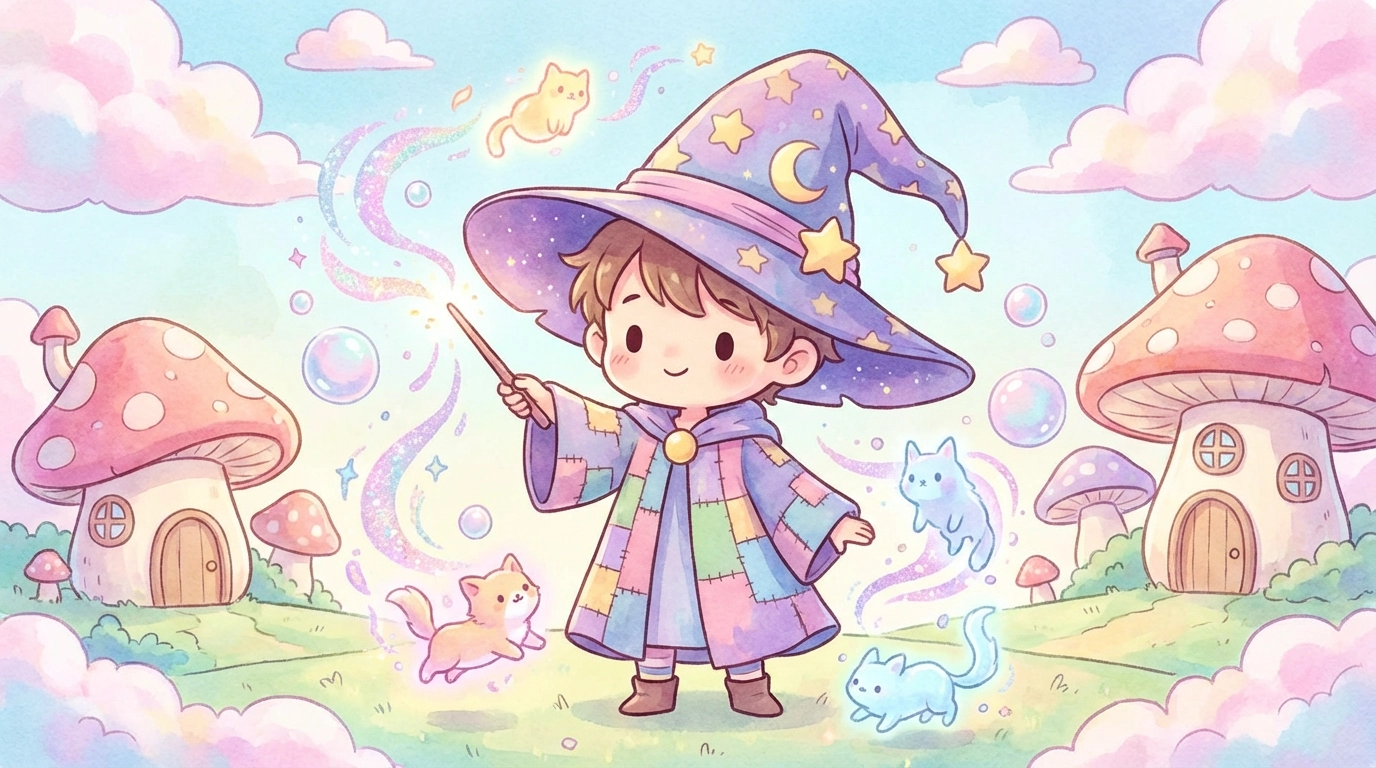
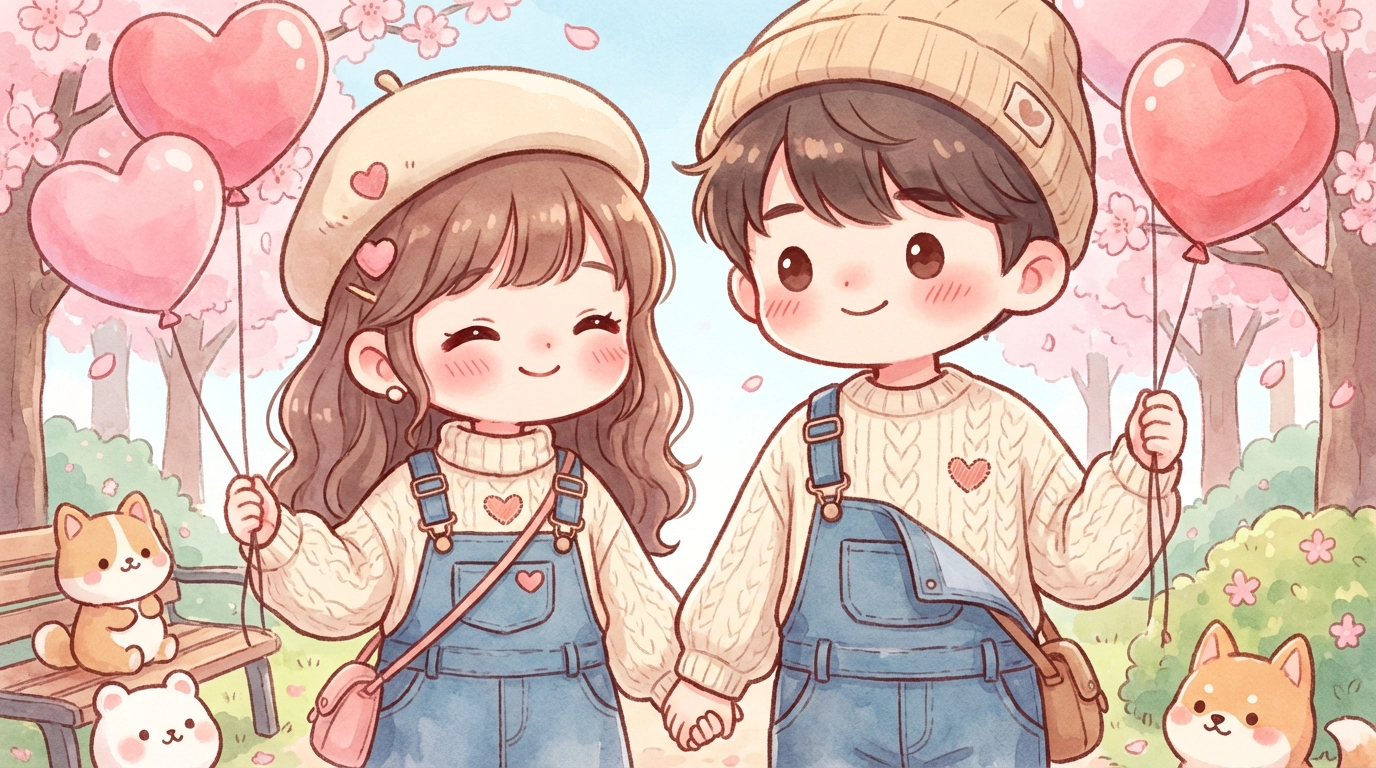
Make more than a generically cute face. Use the Chibi AI Generator to shape recognizable details such as hair, accessories, clothing, expression, pose, color palette, and setting. Build a cheerful avatar, fantasy OC, matching character set, emoji concept, or sticker-ready mascot around your own creative direction.
Make Chibi Avatars, OCs, Stickers, and Game Art
Create character concepts for social profiles, VTuber inspiration, visual novels, tabletop campaigns, games, fan projects, reaction stickers, and illustrated stories. Whether you are exploring a new OC or adapting a photo, Global GPT helps you test different chibi styles without drawing every variation from scratch.
Bring Your Chibi Character to Life
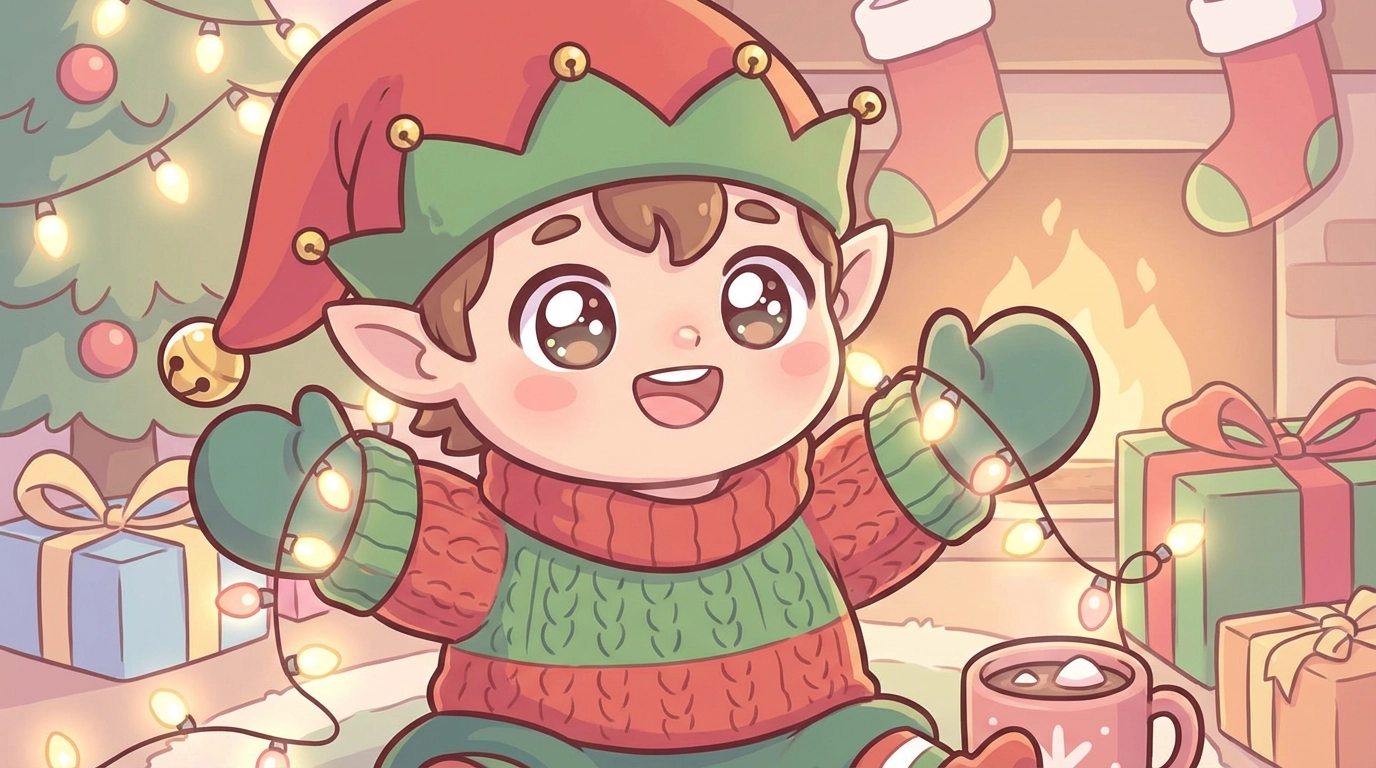
Once you have a chibi image you love, use Global GPT's video tools to explore simple character motion such as blinking, waving, bouncing, or floating. Turn an avatar or mascot concept into a short intro, social clip, animated reaction, or playful story moment.
How to Use the Chibi AI Generator
Write a prompt or add a reference image - describe the character, hairstyle, outfit, expression, pose, colors, background, and preferred chibi style.
Choose a model and create - generate your chibi character, then compare how different models interpret the same idea.
Refine and download - adjust specific details in your prompt, create another variation, and save your favorite result for your project.
Find the Right Model for Your Chibi Style
Try models such as Nano Banana, GPT Image 1, Sora Image, Flux, Unikorn, and Ideogram to compare linework, color, expressions, backgrounds, and character consistency. Move between anime, kawaii, fantasy, mascot, sticker, and soft 3D-inspired looks from one creative workspace.