




AI Car Video Generator
Turn a prompt or vehicle image into a cinematic car video with controlled camera movement, driving action, lighting, and atmosphere.








Create Car Videos from Text or Images
GlobalGPT's AI Car Video Generator helps turn a written concept or vehicle image into an automotive video. Create showroom reveals, exterior flyarounds, interior detail shots, road sequences, concept previews, and cinematic lighting transitions. Guide the vehicle, environment, action, shot type, camera path, pace, and mood to build a clearer visual direction for each scene.
Why Use GlobalGPT's AI Car Video Generator?
Automotive Camera Direction – Describe orbit shots, tracking shots, low-angle passes, interior close-ups, road-level views, or slow showroom reveals for a more intentional car video.
Text-to-Video and Image-to-Video – Start with a new automotive idea or animate an existing car image while directing the environment, movement, lighting, and visual tone.
Multiple Video Models in One Workspace – Compare available AI video models to explore realistic driving footage, polished commercial shots, futuristic concept scenes, and stylized automotive visuals.
Direct the Shot, Motion, and Automotive Mood
Use the AI Car Video Generator to define more than the vehicle itself. Specify the body style, paint and materials, wheel motion, road conditions, time of day, reflections, weather, camera height, lens feel, and movement. A precise prompt can help keep a showroom reveal, highway sequence, or concept-car scene focused on the intended visual story.
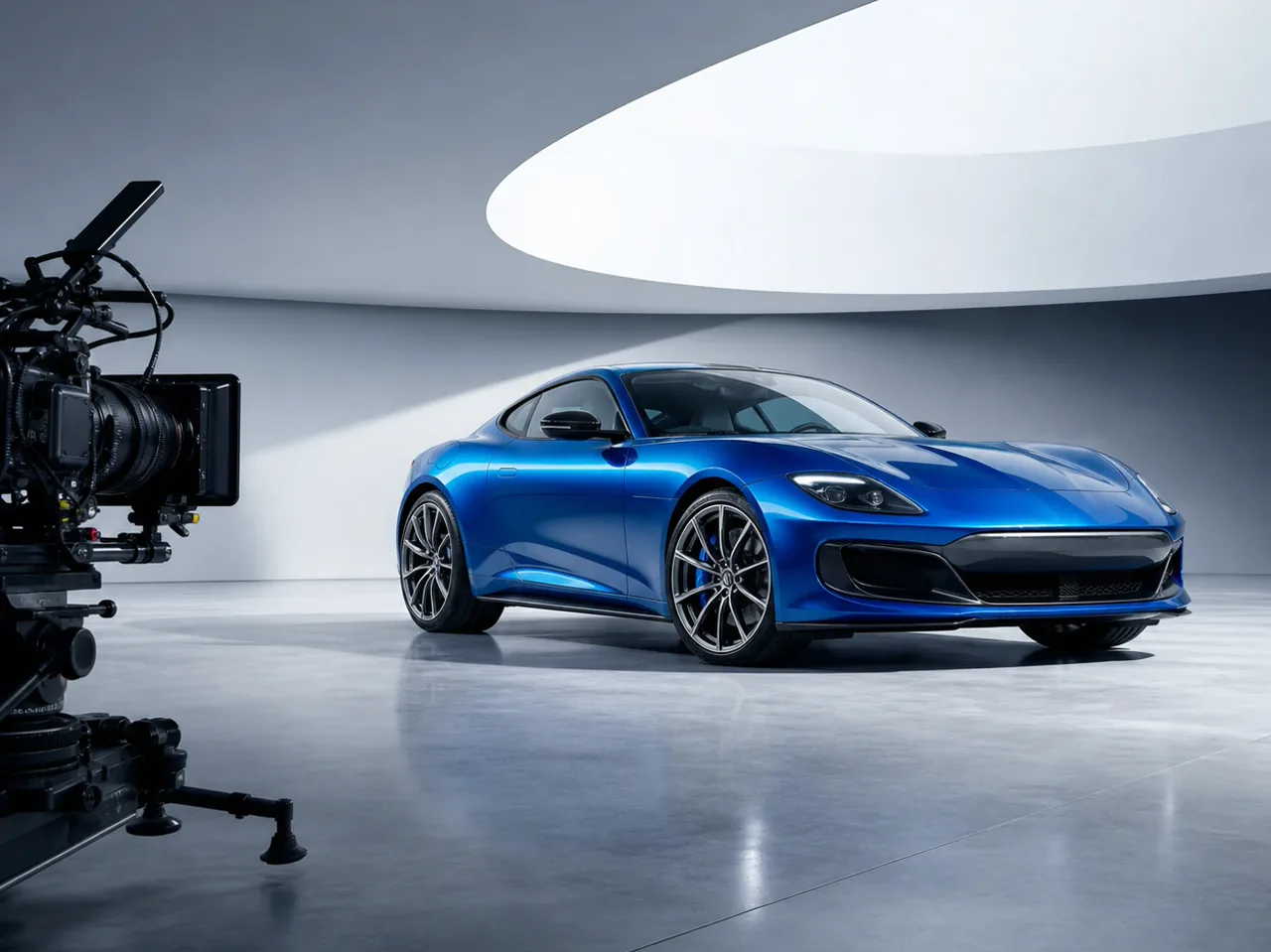
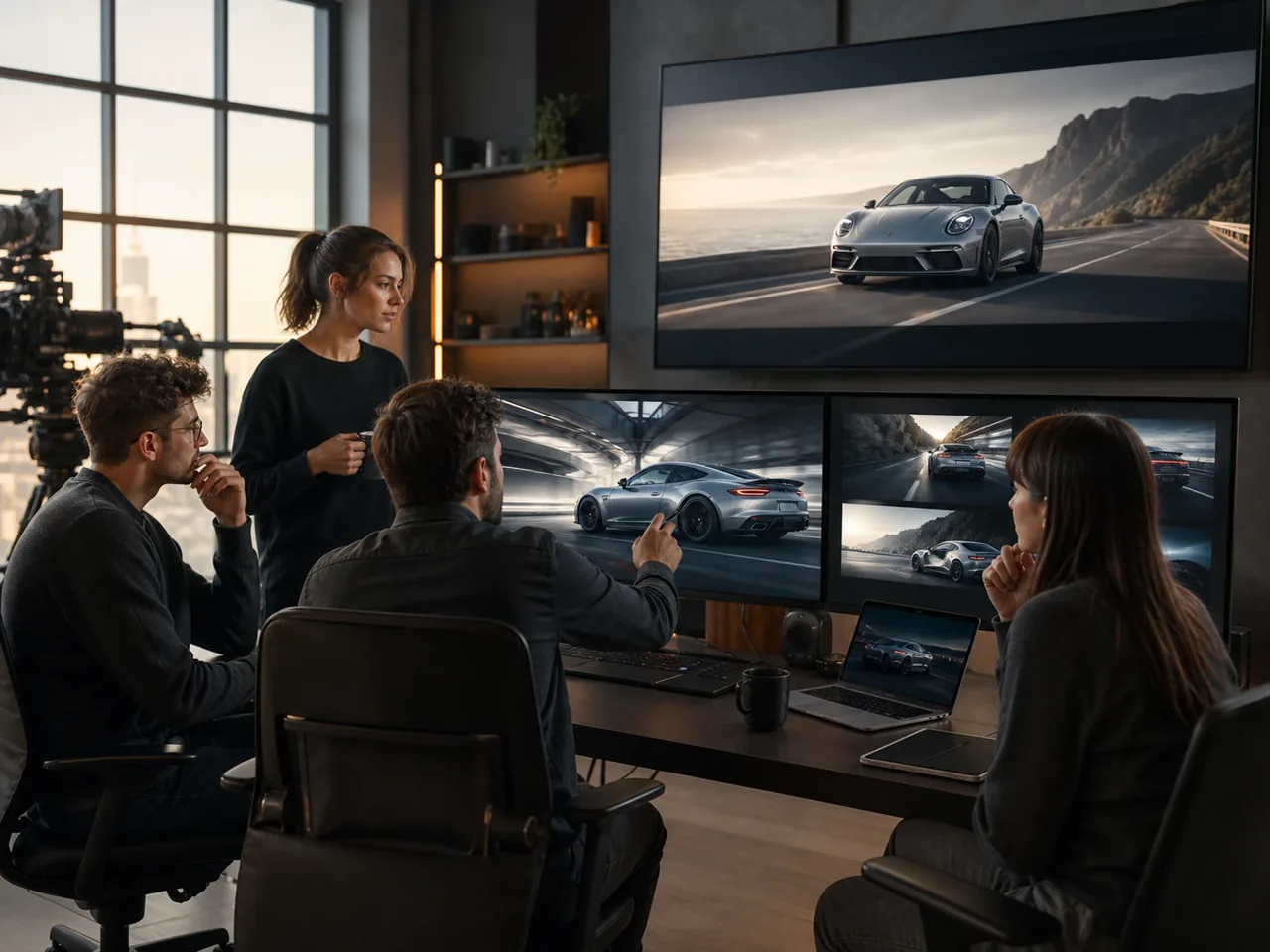
Made for Automotive Creators and Visual Teams
Develop automotive video concepts for social posts, pitch decks, dealership content, product moodboards, design presentations, campaign storyboards, and fictional vehicle showcases. Explore alternative locations, colors, camera angles, and driving actions before committing to a larger production workflow. Always review generated vehicle details, logos, text, and physical motion before commercial use.
Create Showroom Reveals, Driving Shots, and Car Ad Concepts
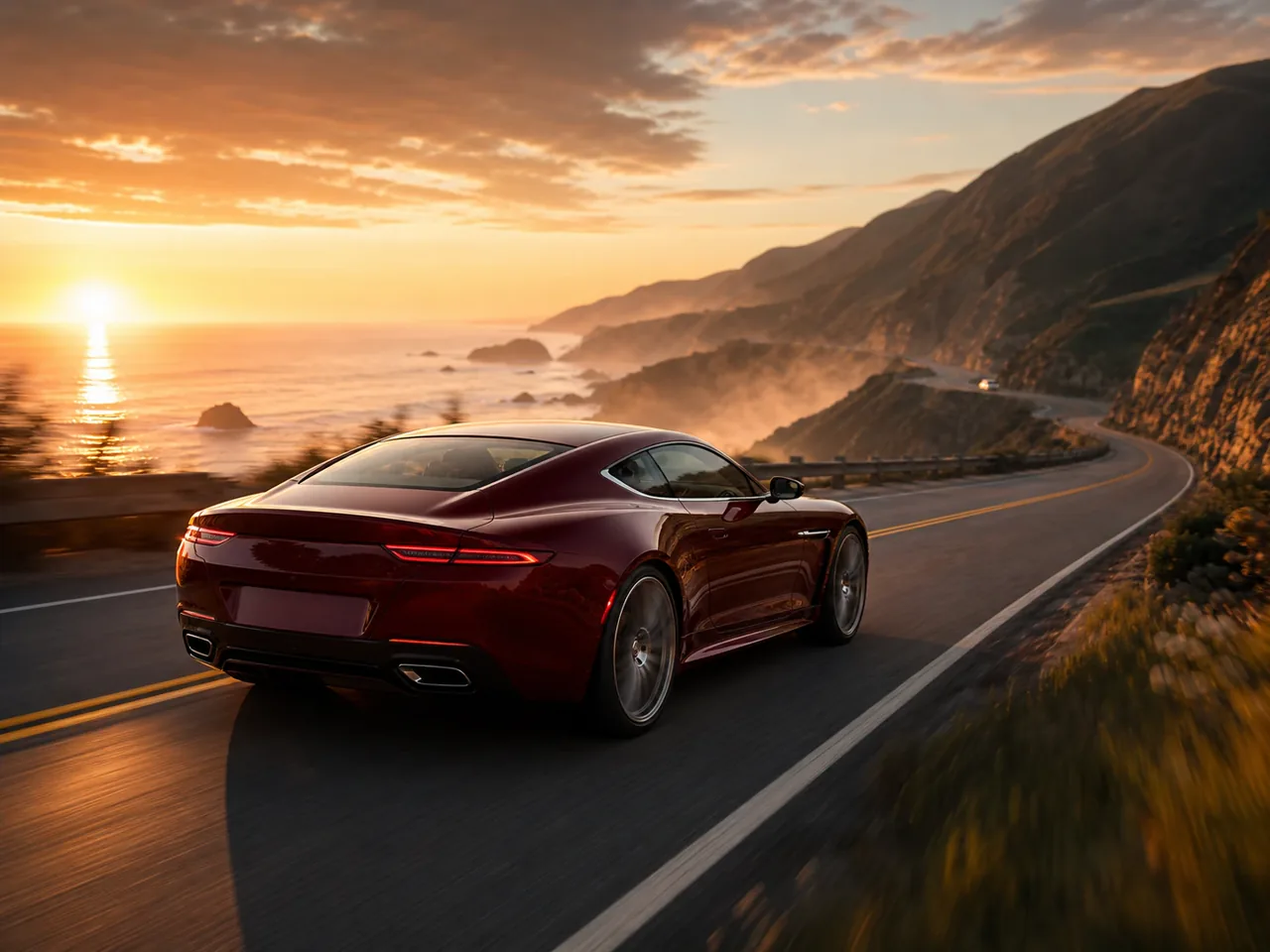
Build different sequences around the same automotive idea: a slow studio reveal, a clean exterior orbit, a close-up of interior materials, a city tracking shot, or a cinematic drive through changing weather. Refine one variable at a time to compare camera motion, pace, lighting, and scene continuity.
How to Use the AI Car Video Generator
Write a prompt or add a car image - define the vehicle, setting, action, camera angle, camera movement, lighting, pace, and visual style.
Generate with a video model - create the scene and review vehicle shape, wheel motion, reflections, camera continuity, and background movement.
Refine and export - adjust one or two prompt details, generate another version, and download the strongest result for your creative workflow.
Compare AI Video Models for Automotive Scenes
Use GlobalGPT's multi-model workspace to compare how available video models handle vehicle form, wheel rotation, surface reflections, camera tracking, environmental motion, and cinematic lighting. Test the same prompt across models to find a suitable direction for an automotive showcase, concept animation, driving sequence, or car commercial idea.