

Compare Outdoor Display Formats
See how a concept changes between a highway board, city facade and freestanding kiosk. Choose the setting before refining the campaign image.
See a campaign concept in an outdoor setting before developing the final artwork. Explore highway displays, building facades and street kiosks, then describe the product, image and location for your next visual.
Visualize Your Billboard







Prompt Guide
Model
Reference Image
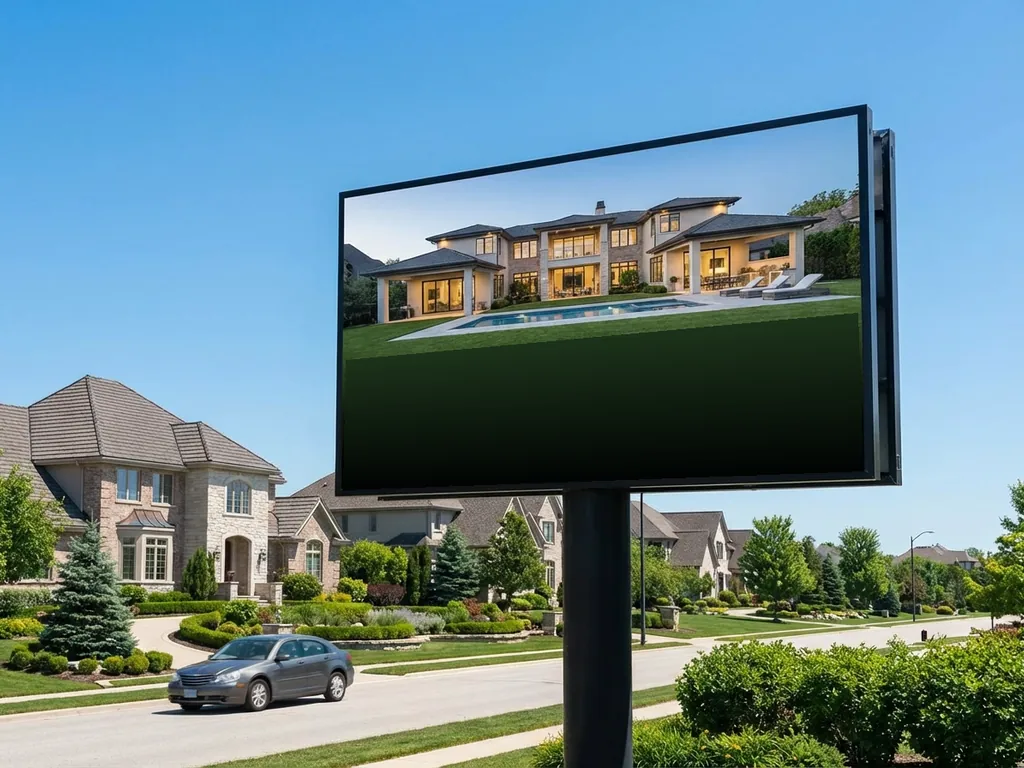
Explore distinct starting directions, adapt a prompt and review your own result. Exact reproduction is not guaranteed.
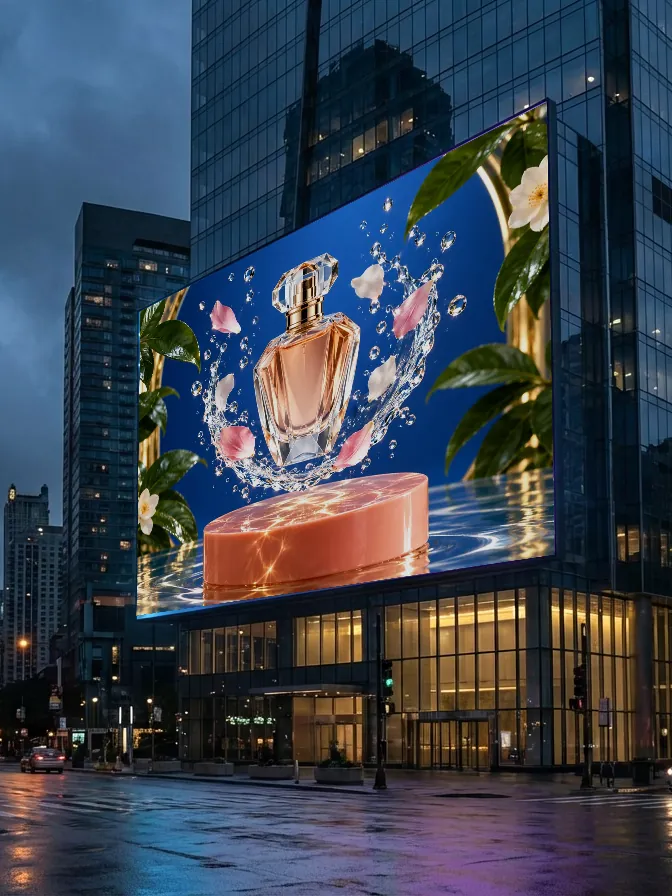 Fragrance campaign
A realistic large urban advertising display showing an original unbranded fragrance bottle with a polished crystal-and-floral campaign visual. Clear product, no readable lettering, coherent facade perspective. Aspect ratio 3:4.
Try This Prompt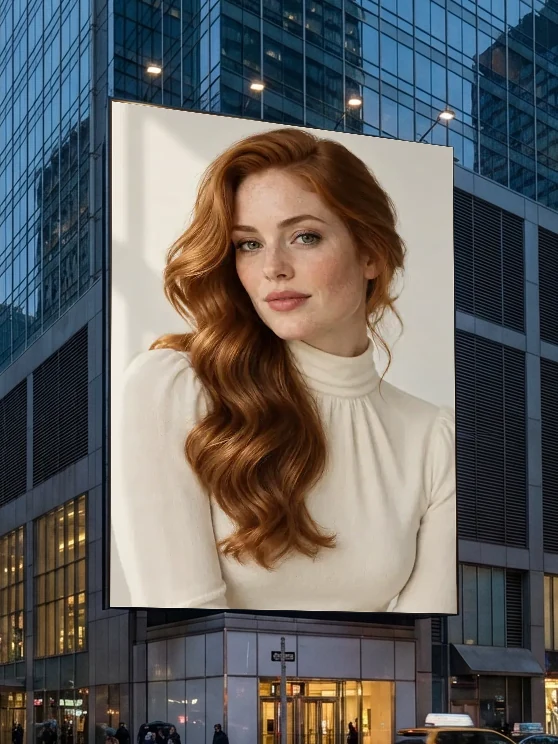 Beauty and fashion campaign
A realistic large city billboard featuring a polished photographic portrait of a clearly adult woman, no lettering or branding. Whole display and coherent building-facade perspective. Aspect ratio 3:4.
Try This Prompt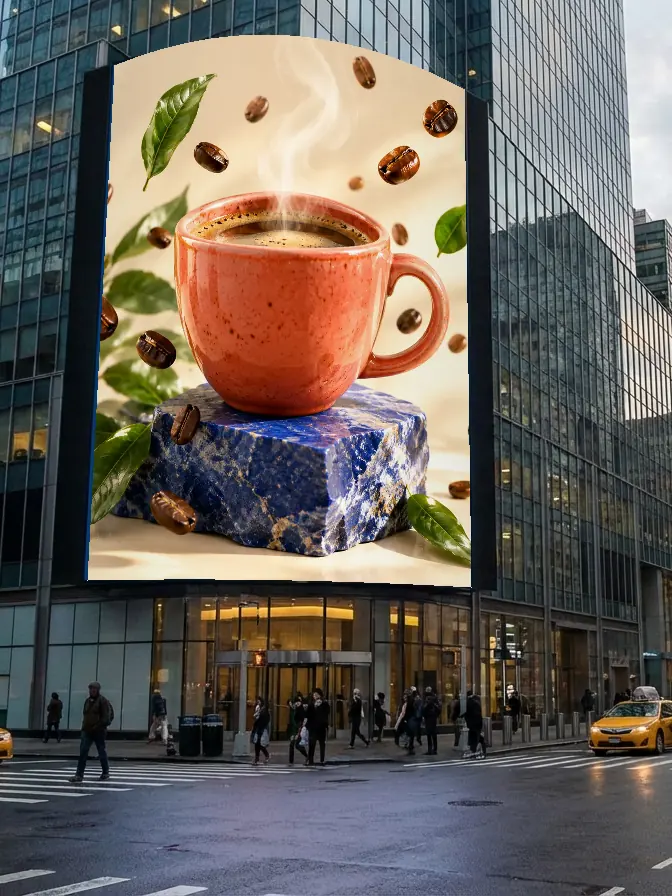 Curved outdoor display
A realistic curved building-facade advertising display showing an original coffee cup and coffee-bean artwork, no words or brand. Coherent outdoor perspective and readable campaign image. Aspect ratio 3:4.
Try This Prompt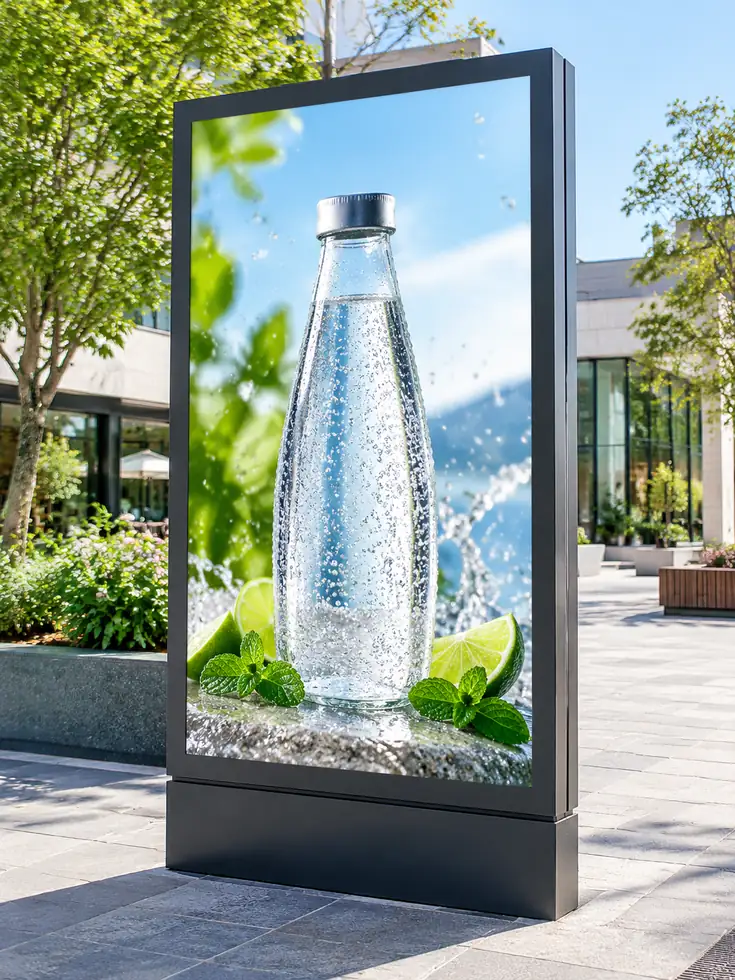 Street kiosk
Photorealistic vertical outdoor advertising kiosk with an original unbranded sparkling water bottle visual and no words, bright pedestrian plaza, no people. Aspect ratio 3:4. no logos, no readable text, no watermarks. or instruction diagram.
Try This Prompt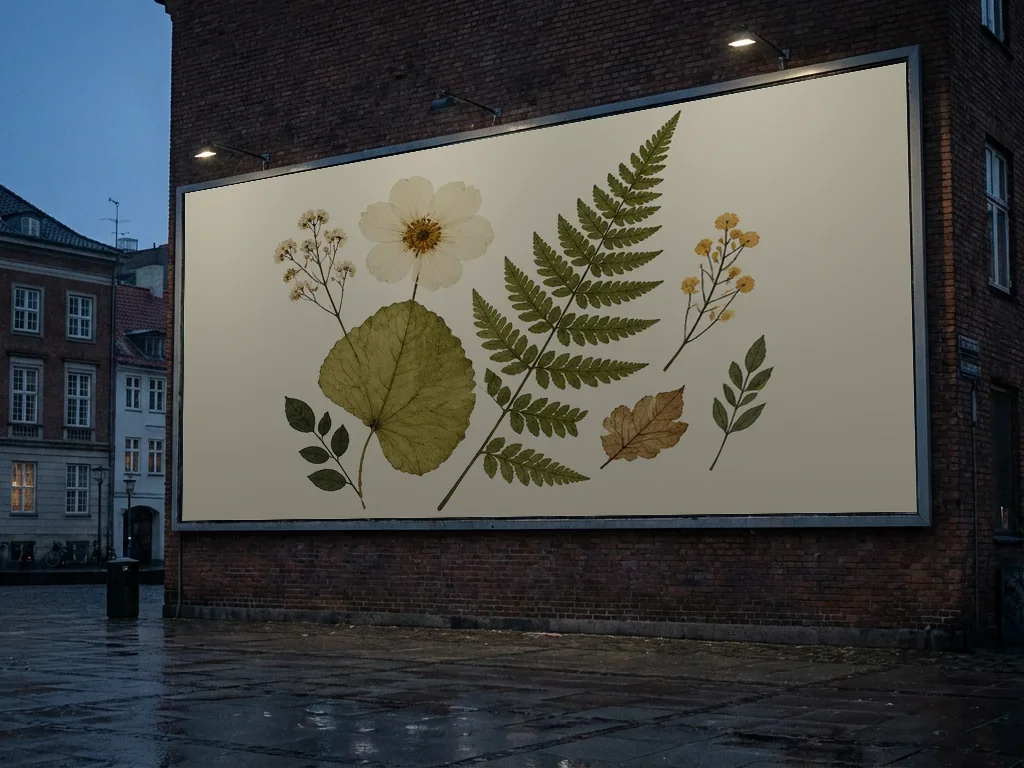 Botanical campaign
A realistic wall-mounted outdoor billboard with clean pressed-flower and botanical artwork, no lettering or logo. Readable leaves, coherent frame and believable wall perspective. Aspect ratio 4:3.
Try This Prompt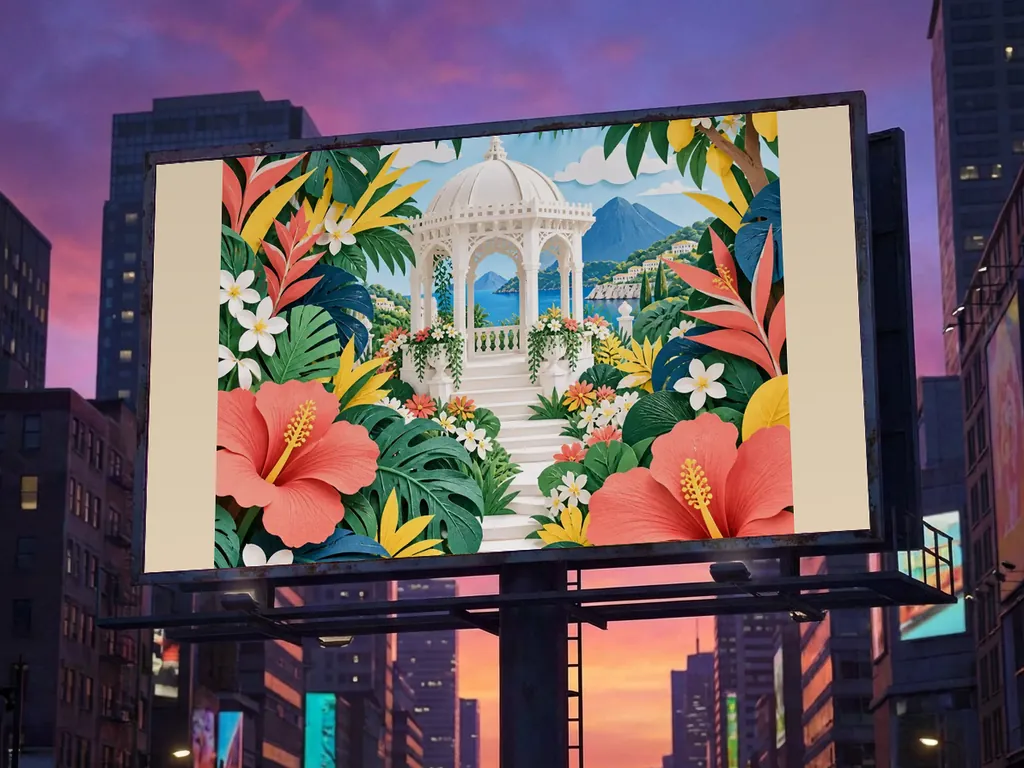 Garden campaign
A realistic rooftop billboard displaying colorful layered-paper garden artwork with flowers and a small pavilion, no text. Coherent frame, mounting and outdoor city perspective. Aspect ratio 4:3.
Try This PromptChoose a clear direction, build a focused brief and refine the details that matter.
See how a concept changes between a highway board, city facade and freestanding kiosk. Choose the setting before refining the campaign image.
Build the visual around one product, portrait or artwork. Strong framing helps the idea read at a distance.
Use the scene to discuss placement and mood. Add accurate typography, brand assets and print specifications when developing the real campaign.
Start with a case, describe your idea and review the result.
Start with a roadside, wall, facade or street-kiosk case. Decide what product or image the campaign should feature.
Specify the artwork, frame, camera angle, surroundings and lighting. Choose an image model and output shape to generate a visualization.
Inspect the display edges, perspective and product. Download the concept, then add exact copy and prepare the final artwork separately.
Illustrative scenarios with fictional names; these are not verified customer reviews.
Comparing a highway board with a street kiosk helps me choose the setting for an outdoor campaign.
The product examples let me discuss the campaign image before committing to final lettering.
I would use the concept for placement and mood, then build the accurate brand artwork in a design editor.
It creates still concept images of advertising displays in realistic-looking outdoor settings. Describe the campaign subject and display format to explore a visual direction.
You can request wording, but generated lettering and logos may be inaccurate. Add approved brand assets and the final slogan in a design editor when accuracy matters.
No. The output is a rendered concept image, not a layered production template or a checked print file. Confirm dimensions, color, bleed, resolution and placement requirements separately.
Yes. Describe a freestanding vertical advertising kiosk, its physical frame and a clear product image. Choose a portrait output shape to keep the full display visible.
The first listed model offers one trial use, subject to current eligibility. Other models and further generations may require signing in and credits. Check the displayed requirement before generating; a trial does not mean unlimited free use.