

Presets for ministry use
Start with visual directions for worship openers, resurrection scenes, Bible stories, devotionals, and sermon intros.
Prompt Guide
Model
Reference Image
Paste a verse or sermon idea, choose a worship preset, and create a cinematic Kling clip for church screens, YouTube, or Shorts. Add exact captions after generation for reliable scripture text.
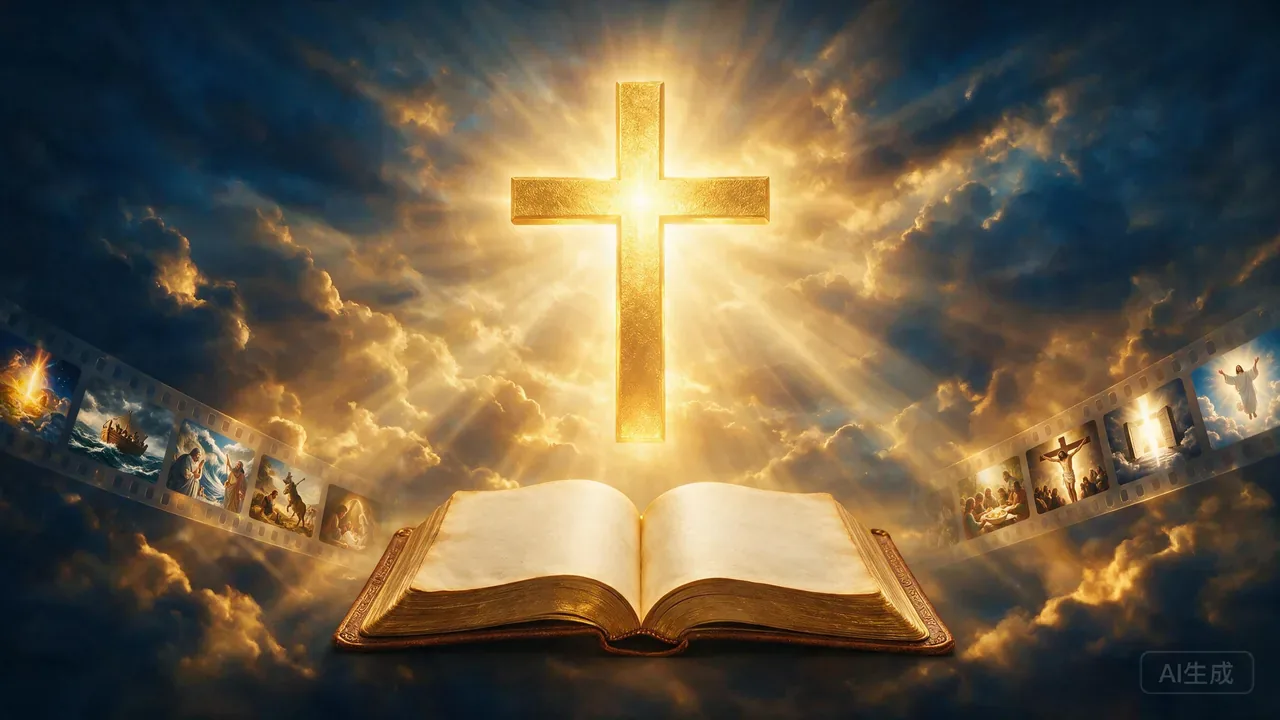
Start with the message, shape the visual, then finish the clip with accurate text and audio.
Add a verse, passage, sermon point, or devotional idea. Keep the main message and scene goal clear.
Pick Calvary, Resurrection, Red Sea, devotional, or sermon opener to set the visual direction.
Create the Kling clip, then add exact scripture captions, narration, music, and any final cuts in your editor.
See worship openers, resurrection scenes, Red Sea visuals, devotional Shorts, and storyboard stills you can use as starting points.
Paste a Passion passage, then generate a premium worship intro with three cross silhouettes, radiant golden clouds, deep blue sky, dramatic light rays, and a reverent non-graphic Calvary mood.
Use This Worship PresetPaste a resurrection passage, then generate a premium empty tomb worship intro with stone rolled aside, golden sunrise beams, deep blue shadows, and hopeful cinematic poster motion.
Use This Worship PresetPaste an Exodus passage, then generate an epic worship-video scene with parted turquoise waters, golden heavenly light, mist, and cinematic sweeping motion.
Use This Worship PresetPaste a devotional passage, then generate a vertical worship short with an open Bible, golden cross-shaped light, soft clouds, and clean caption space with no rendered words.
Use This Worship PresetPaste a sermon theme, then generate a modern Sunday worship opener with Bible, cross, golden volumetric light, deep navy shadows, and premium church media template motion.
Use This Worship Preset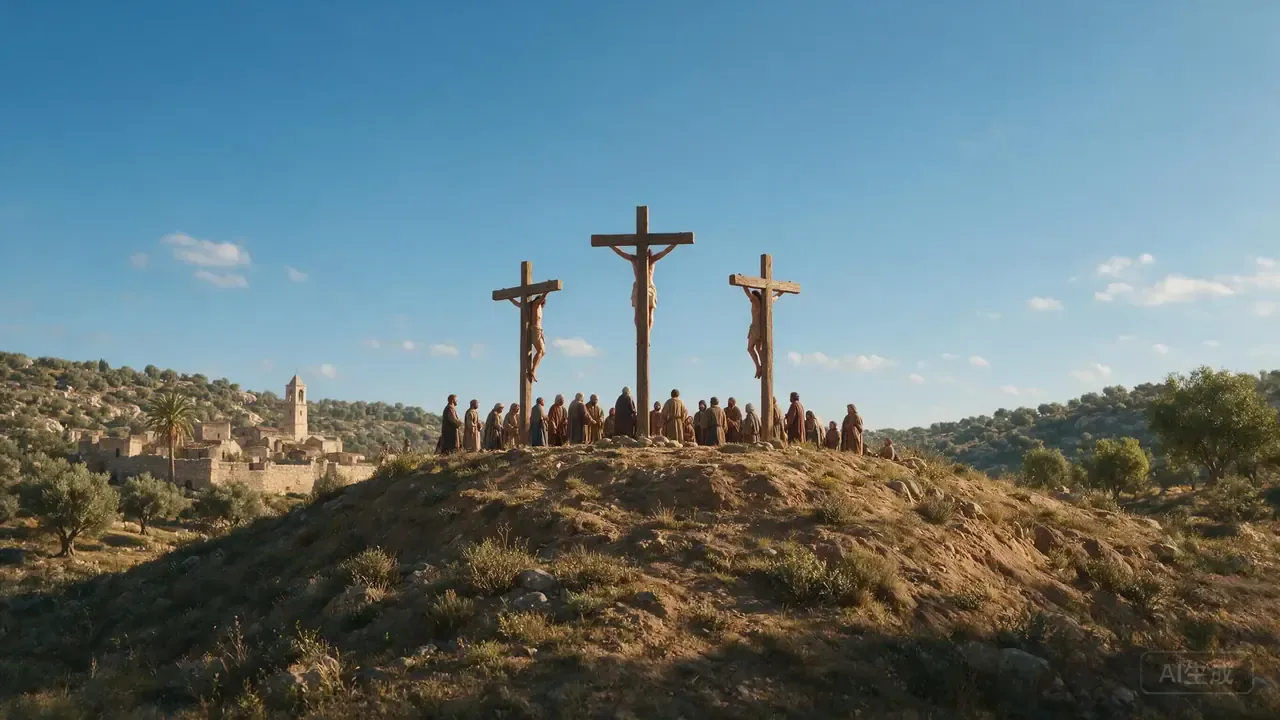 Image Storyboards
Create a respectful storyboard still for a Passion narrative: distant Calvary hill, three crosses, bright afternoon sky, non-graphic reverent mood, no readable text, no logos, no watermark.
Try This Prompt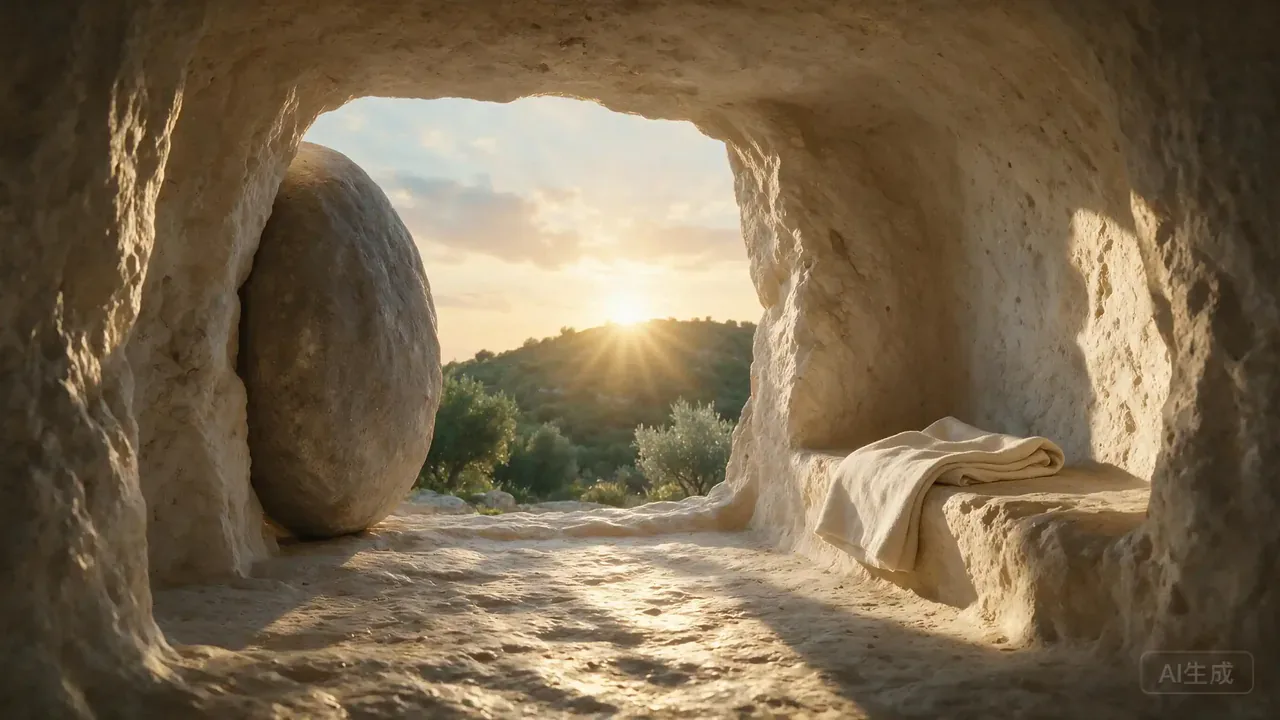 Image Storyboards
Create a storyboard still for a resurrection passage: empty tomb at morning light, stone rolled aside, hopeful atmosphere, no readable text, no logos, no watermark.
Try This Prompt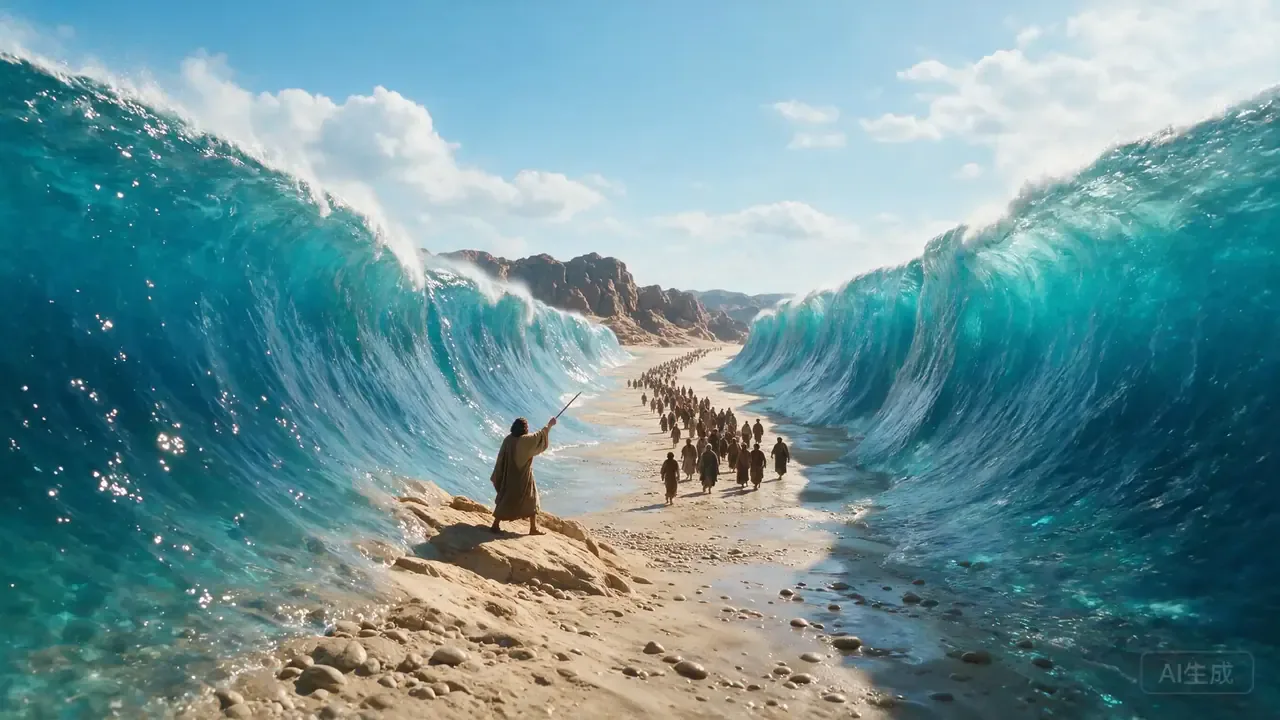 Image Storyboards
Create a storyboard still for Exodus: Moses and the people crossing the Red Sea on a dry path, sunlit waves parted, awe and hope, no readable text, no logos, no watermark.
Try This Prompt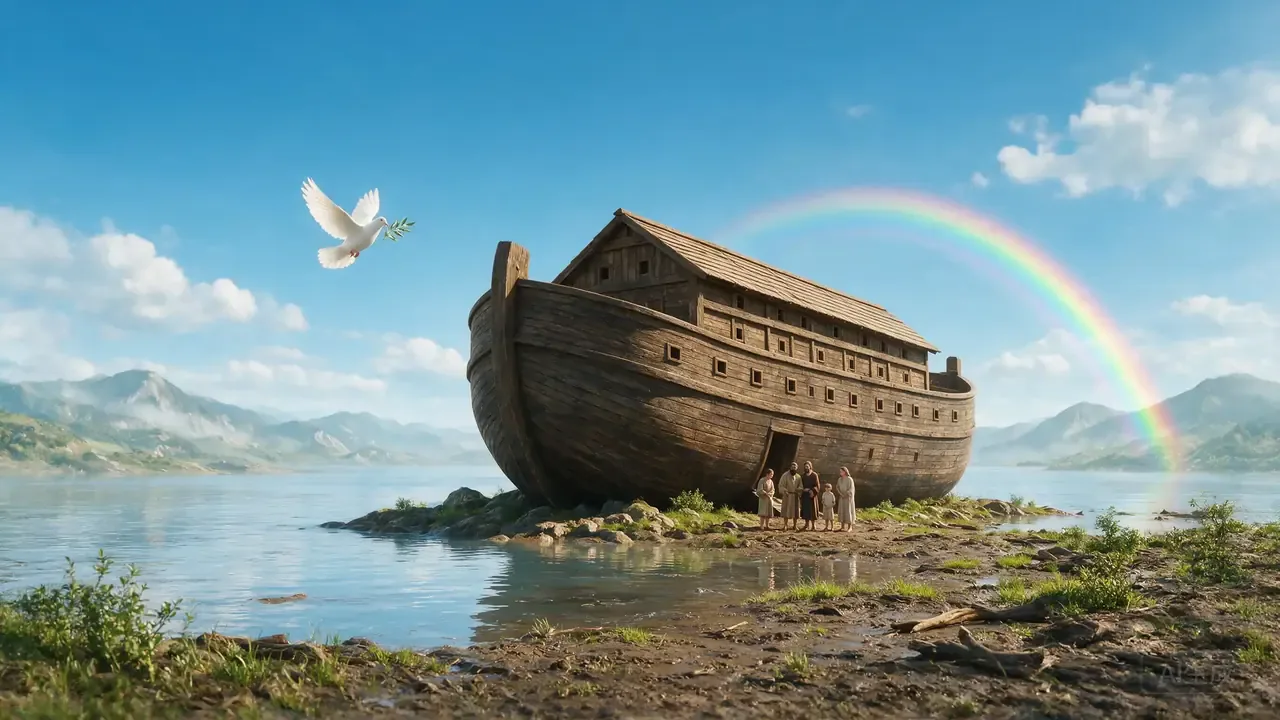 Image Storyboards
Create a storyboard still for Noah: ark near calm waters after rain, bright daylight, dove in the sky, family-friendly hopeful mood, no readable text, no logos, no watermark.
Try This Prompt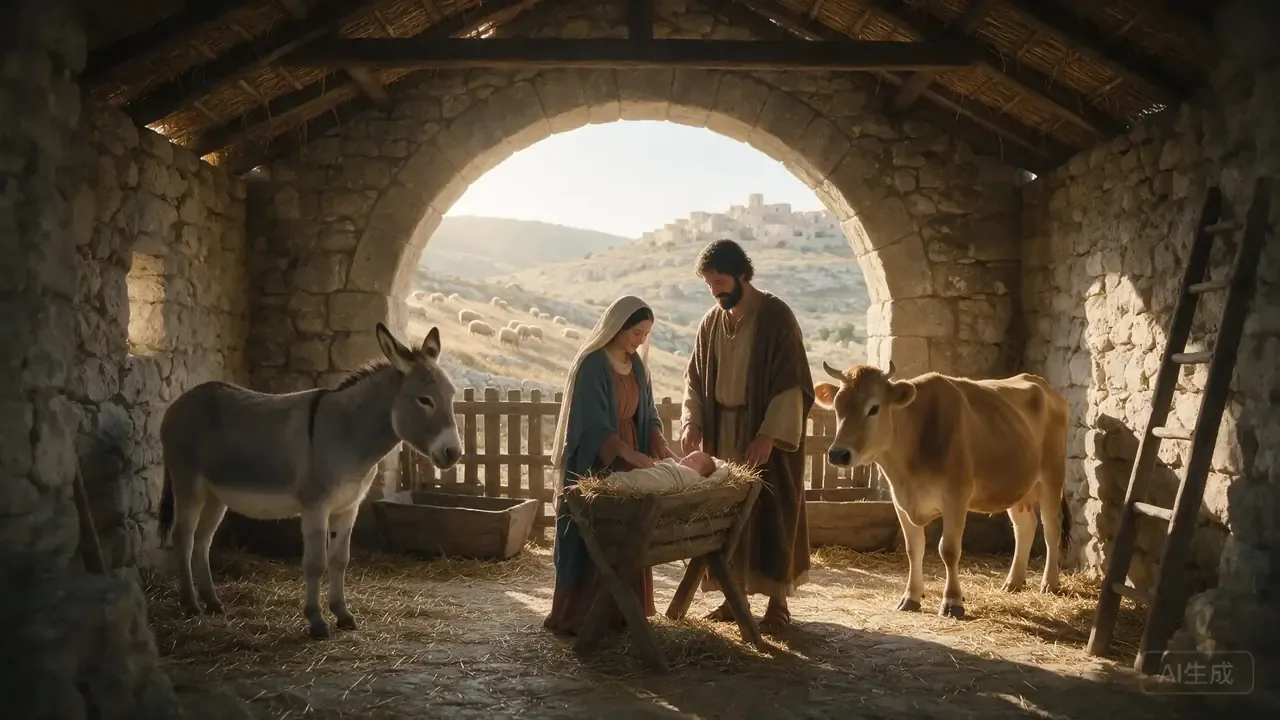 Image Storyboards
Create a storyboard still for the Nativity: simple stable, Mary and Joseph beside the manger, gentle morning daylight, peaceful family-friendly mood, no readable text, no logos, no watermark.
Try This PromptGenerate a focused visual scene quickly, then finish the message with your own captions, narration, and music.
Start with visual directions for worship openers, resurrection scenes, Bible stories, devotionals, and sermon intros.
Choose widescreen, vertical, square, classic, or portrait output to match church screens, YouTube, Reels, and Shorts.
Keep the generated scene free of unreliable baked-in scripture text, then add exact verses and lower thirds during editing.
Kling is the page’s default for short Bible scenes. Use this comparison to decide when another video workflow may fit your shot.
| Criteria | Kling O1 | Sora 2 | Veo 3.1 |
|---|---|---|---|
| Best role on this page | Default model for generating the Bible video clips on this page. | Useful reference point for cinematic text-to-video workflows. | Useful reference point for physics-aware or premium video workflows. |
| Use it when | You want a fast sermon, scripture, or devotional scene in a chosen ratio. | You are comparing broad cinematic prompt-to-video styles. | You are comparing premium motion realism and shot continuity. |
| Prompt tip | Describe camera motion, ratio, lighting, and caption space in the same prompt. | Keep the action simple and specify scene progression clearly. | Give clear physical motion and avoid overcrowded multi-scene requests. |
Scenario-based feedback from creators planning sermons, devotionals, and short-form faith content.
The sermon opener prompt gave me a clean visual I could pair with my own voiceover and lower-third captions.
I liked having 16:9 and 9:16 choices on the same page. It made it easier to plan both church screen clips and Shorts.
The devotional short example avoided fake Bible text, which made the final clip much easier to caption properly afterward.
See how creators plan AI-assisted Bible stories, devotional visuals, and short-form faith content.
Explore conversations about AI-assisted Bible animation, faceless channels, and responsible Christian storytelling.
It creates short video scenes. Generate several clips here, then combine them with your voiceover, exact captions, music, and timeline edits in your editor.
Yes. Paste a verse, passage, sermon note, or devotional paragraph into the prompt box. Add the exact verse captions after generation instead of asking the video model to render readable scripture text inside the clip.
Use 16:9 for YouTube and church screens, 9:16 for TikTok, Reels, and Shorts, 1:1 for social posts, and 4:3 or 3:4 for classic teaching visuals.
Presets provide a repeatable starting direction, but each generation can vary. For consistency, keep the same preset, aspect ratio, and core visual details, then select the strongest takes.
You can use generated clips as creative assets, subject to your plan, platform rules, scripture accuracy, music and image rights, and any church publishing requirements.