

Make the palette yours
Ask for cobalt and coral, muted sage and ochre, or a single color with tonal variation. Name the background color too, so your art starts closer to the room or design you have in mind.
Prompt Guide
Model
Reference Image

Create expressive paintings, geometric compositions, and flowing textures from a few words. Start with a ready-to-edit prompt, then shape the palette and mood for wall art, digital backgrounds, or your next design concept.
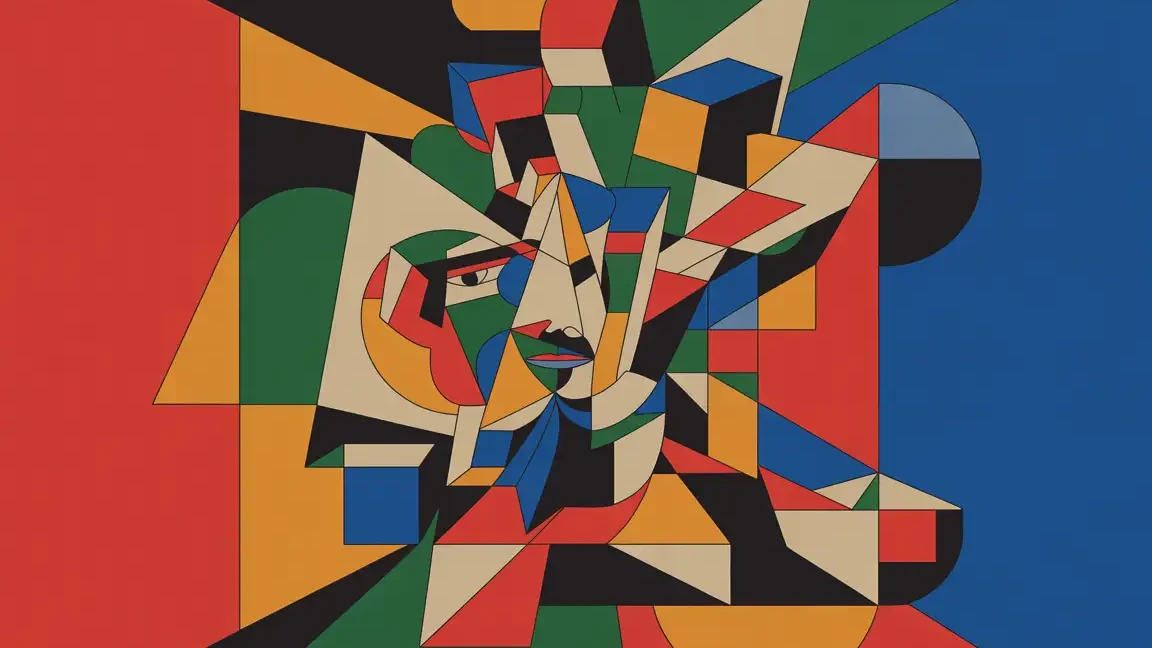
Start with Metallic Flow, Geometric City, Blue-Green Clouds, or Pastel Cloud Flow. Each preset gives you a prompt you can edit instead of starting from a blank box.
Name two or three colors, a material such as ink or thick paint, and the feeling you want. Choose an available aspect ratio to suit a portrait print, square artwork, or wide background.
Review the image, then change one detail at a time: fewer shapes, warmer colors, or more open space. Download your chosen result and check its pixel dimensions before printing.
Explore 11 visual directions, from metallic flow to quiet colorfields. Use each prompt as a starting point, then change the palette, texture, or composition. Results will vary by model and settings.
 Fluid
A flowing abstract sculpture of intertwined metallic loops, silver and warm gold highlights, coral and pale green light trails, dark smoky background, circular movement and a luminous central knot. No text, no logos.
Try This Prompt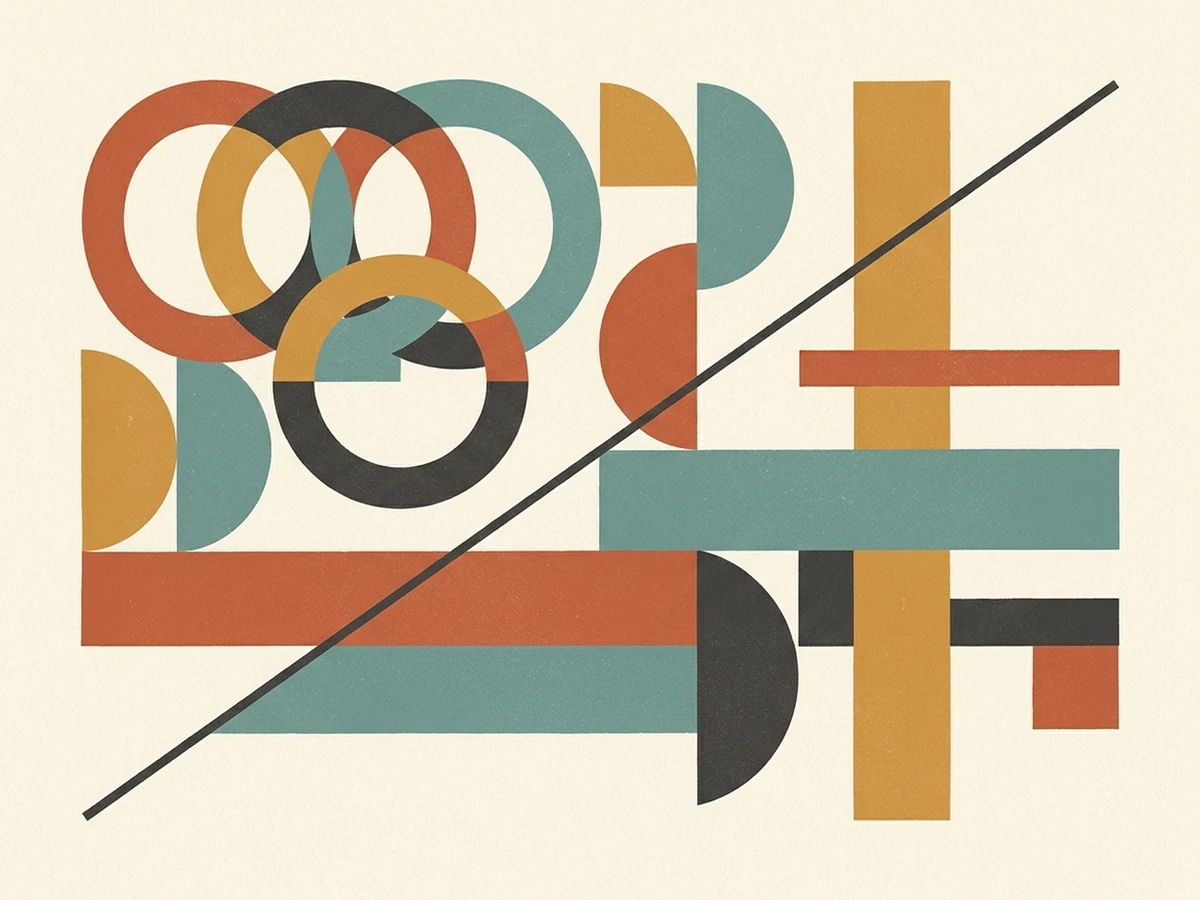 Geometric
Abstract geometric paper composition with interlocking circles, rectangles and angular shapes in muted teal, ochre, terracotta, charcoal and cream. Thin diagonal lines, subtle paper fibers, asymmetrical balance and a matte surface. No lettering, no frame.
Try This Prompt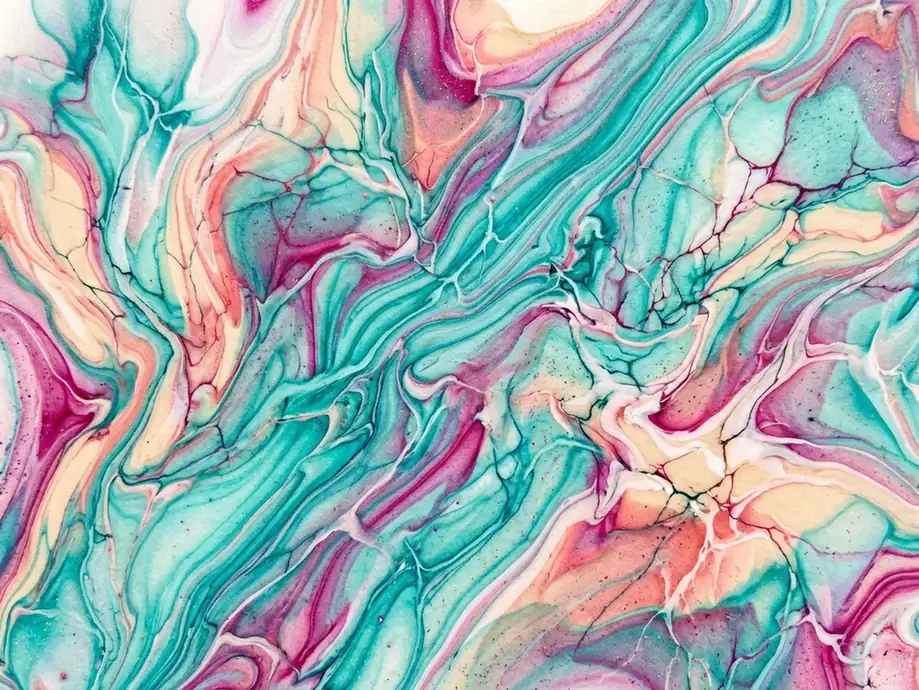 Fluid
Fluid abstract painting with teal, turquoise, magenta and deep navy pigments swirling together in organic marbled currents. Fine branching veins, translucent pools and detailed ripples, energetic movement. No text or frame.
Try This Prompt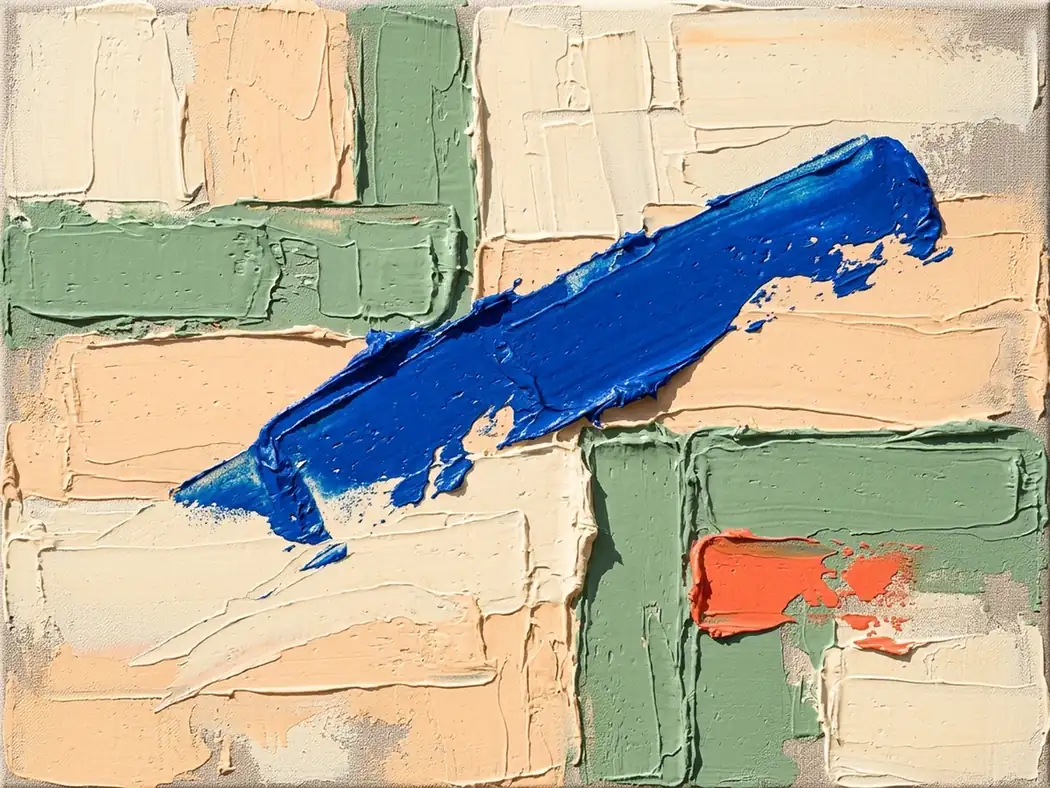 Painterly
Abstract palette-knife painting with blocks of sage green, pale peach and warm cream, a dominant cobalt blue diagonal stroke and a small coral accent. Thick scraped paint, broken edges, raised ridges and visible canvas texture. No text, no frame.
Try This Prompt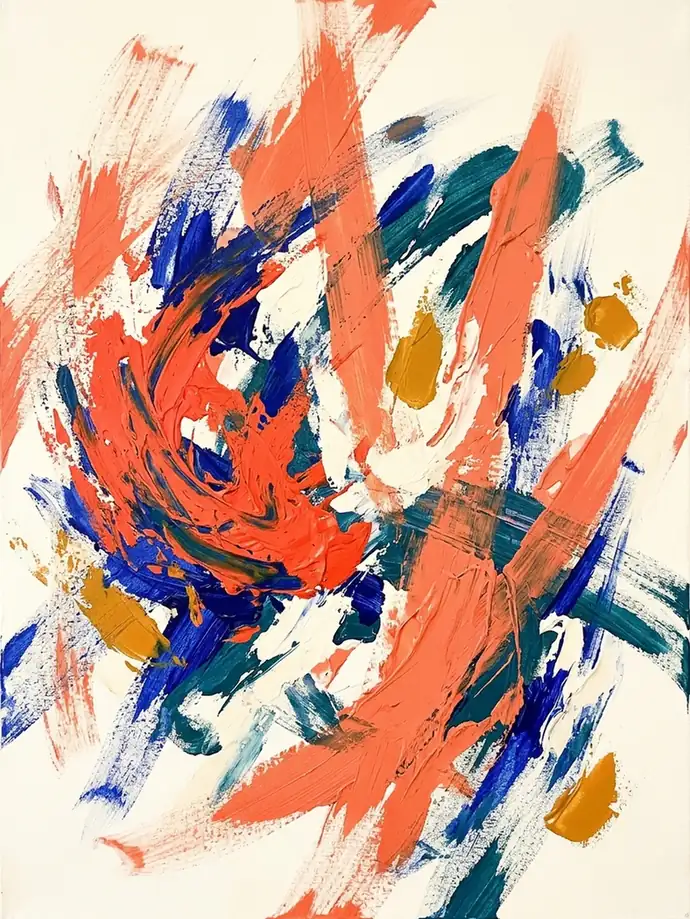 Painterly
Vertical abstract expressionist painting with energetic coral and cobalt brushstrokes over a warm off-white ground. Loose arcs, dry-brush marks, layered paint and open breathing space, vivid but balanced. No lettering, no frame.
Try This Prompt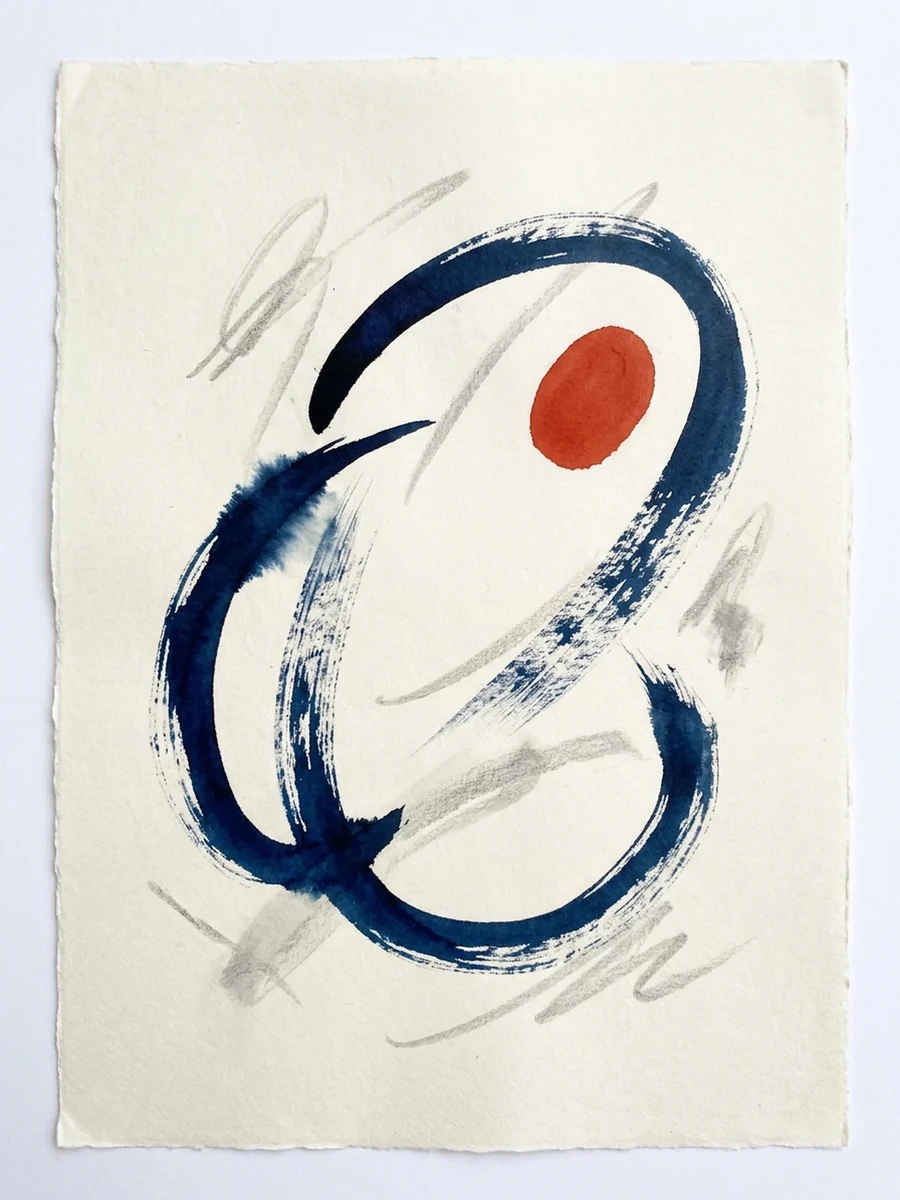 Painterly
Vertical abstract ink painting with deep indigo washes, a concentrated vermilion accent and broad cream negative space. Bleeding pigment edges, delicate splashes and fluid calligraphic movement on textured paper. No letters or symbols.
Try This Prompt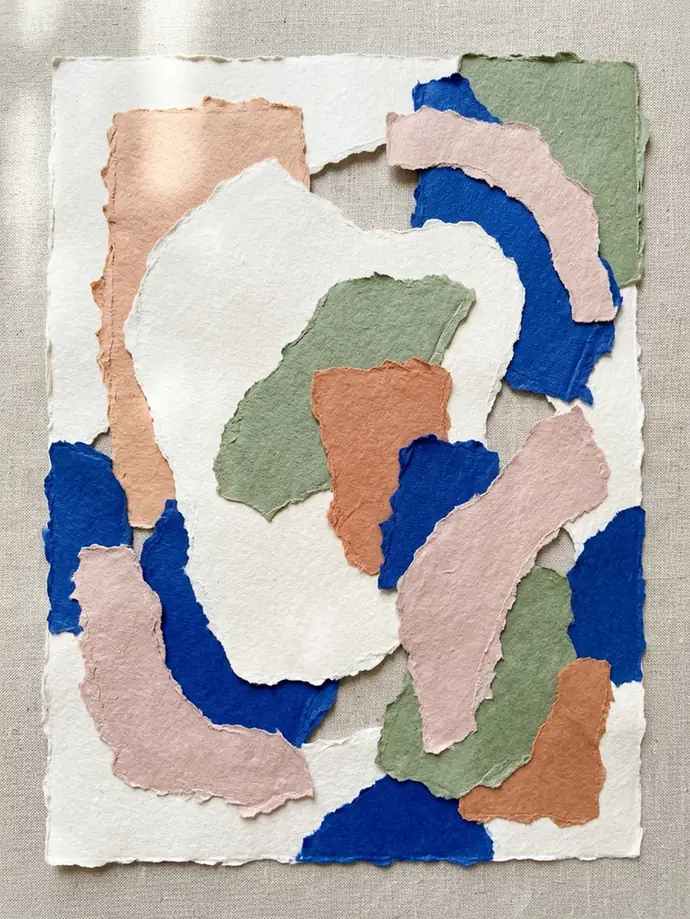 Geometric
Vertical abstract collage of torn handmade paper with organic shapes in cream, sage, dusty pink, terracotta and cobalt blue. Visible paper fibers, rough layered edges and a balanced asymmetrical arrangement on an off-white backing. No text or typography.
Try This Prompt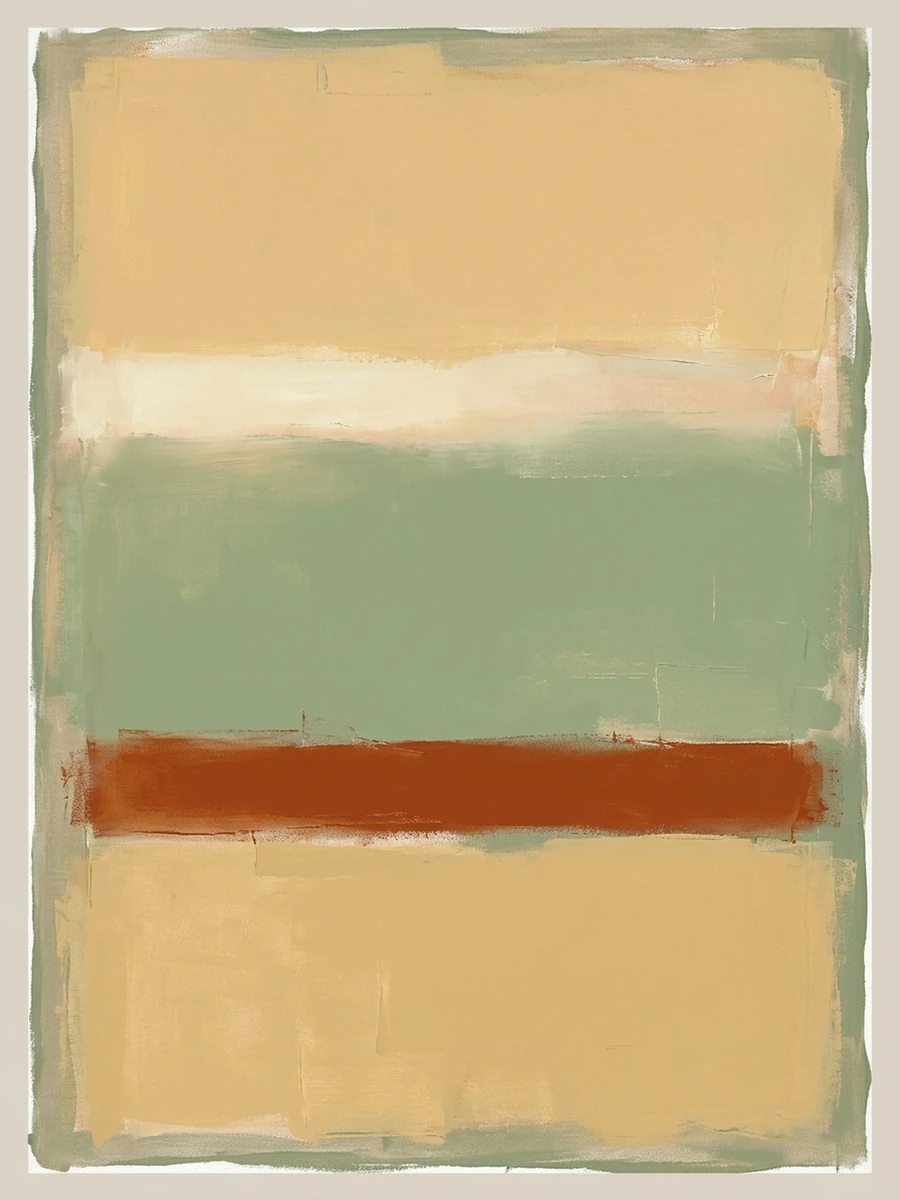 Minimal
Vertical minimalist abstract colorfield painting with large soft-edged shapes of ochre, sage green and warm cream. Subtle canvas grain, restrained brush texture and generous quiet space. No text, no frame.
Try This Prompt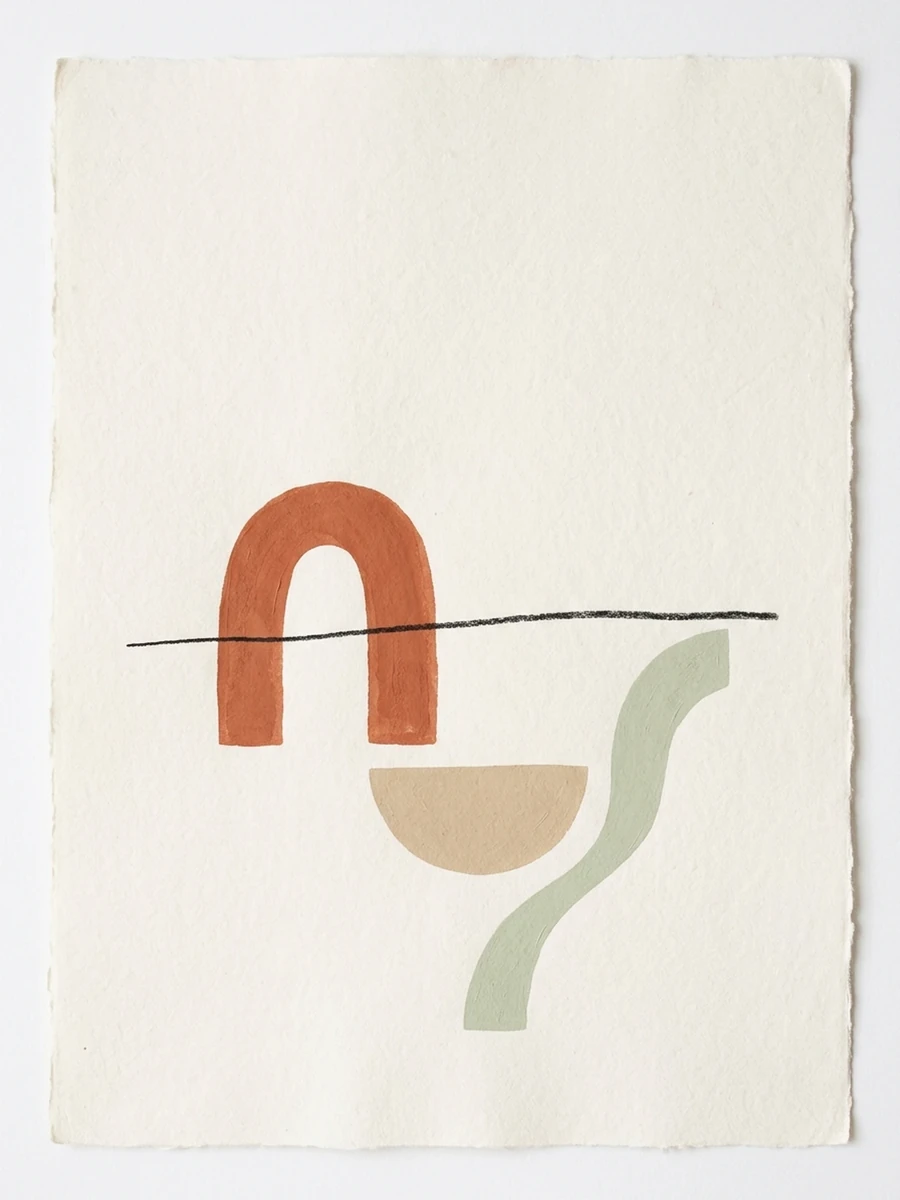 Minimal
 vertical abstract composition with a terracotta arch, a warm sand-colored semicircle, a curved sage line and a fine charcoal horizontal line. Cream paper background, subtle grain and a calm architectural rhythm. No lettering, no frame.
Try This Prompt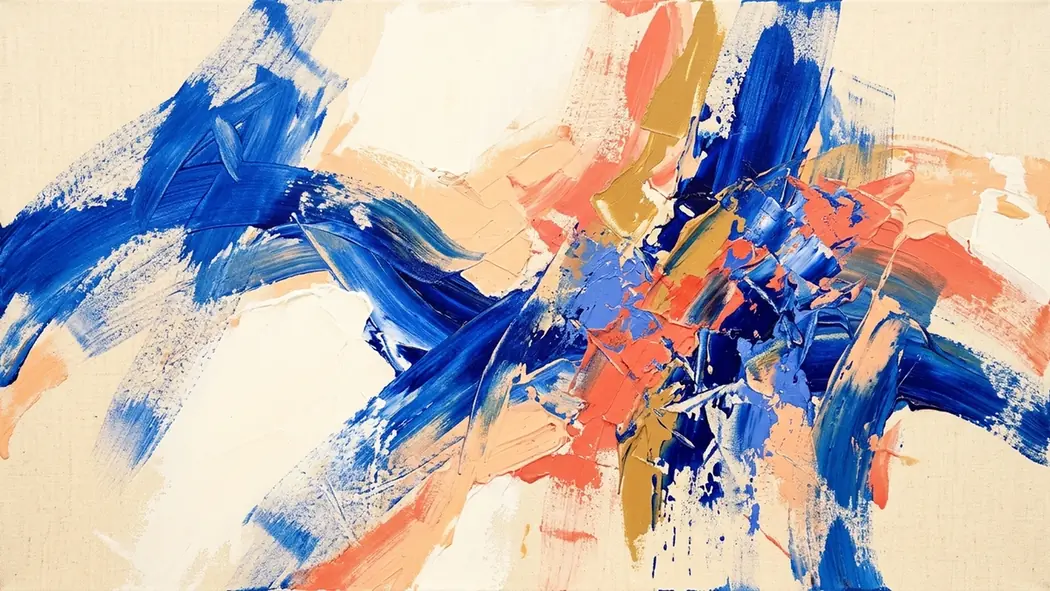 Painterly
Wide abstract expressionist painting with sweeping cobalt blue and coral gestures on a warm ivory ground. Confident overlapping brushstrokes, small ochre accents, rhythmic movement and visible paint texture. No text, no frame.
Try This Prompt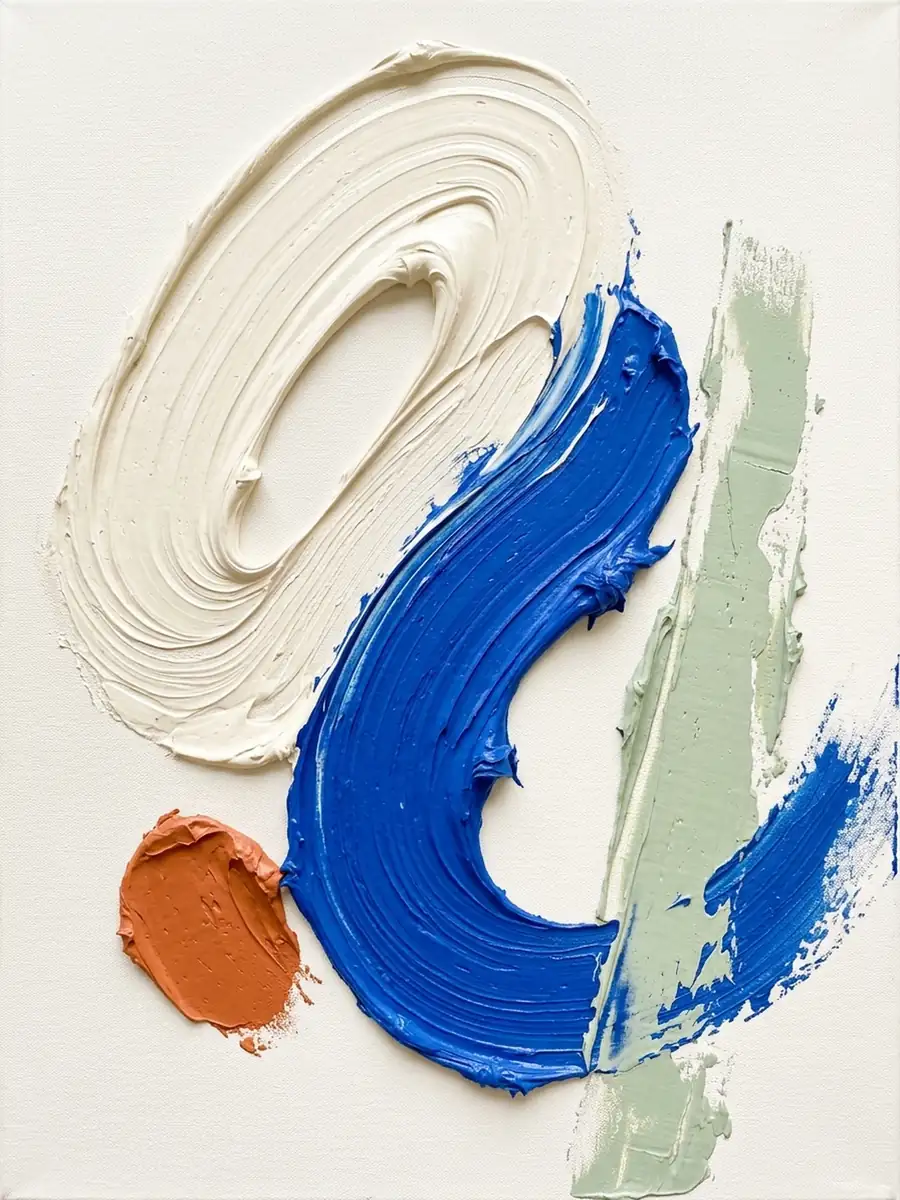 Painterly
Vertical abstract painting with thick sculpted cream paint and an expressive cobalt blue stroke, small terracotta and muted sage accents. Raised impasto ridges, curled palette-knife marks and soft directional shadows. No text, no frame.
Try This PromptAsk for cobalt and coral, muted sage and ochre, or a single color with tonal variation. Name the background color too, so your art starts closer to the room or design you have in mind.
Explore the look of thick palette-knife paint, translucent ink, metallic surfaces, or torn paper. Describe both the material and the marks to move beyond a generic smooth image.
Use broad curves and open space for a calmer result, or sharp geometry and layered gestures for energy. You can describe a feeling without needing a recognizable subject.
Choose a portrait, square, or landscape ratio before generating. For a coordinated set, reuse the same palette and texture description while changing the arrangement in each image.
Try the same brief with an available image model, including GPT Image 2, Nano Banana 2, or FLUX.2 Pro. Keep the prompt consistent so differences in composition and surface detail are easier to judge.
Browse fluid, geometric, painterly, and minimal compositions. Edit the example prompt to explore a new direction, then refine one visual choice at a time.
Living-room concept: muted sage and ochre colorfields with generous cream space. Explore three compositions using the same palette and a portrait ratio.
Poster concept: energetic coral and cobalt gestures with rough paint texture. Keep one quieter area in the composition for text added later in a design editor.
Mood-board concept: torn-paper shapes, warm terracotta, and a matte handmade texture. Compare different arrangements while keeping the material description consistent.
Start with a palette, a texture, and a mood. For example: 'cobalt and coral abstract painting, broad palette-knife strokes, warm cream background, energetic composition, no text.' Or choose a preset above and change just the colors. You do not need art terminology to begin.
Name your main colors and the background in the prompt, and say which color should dominate. Add an instruction such as 'limited palette, no additional bright colors.' Color names or hex codes can guide the model, but exact color matching is not guaranteed; check and adjust the downloaded file if precision matters.
Yes—reuse the same model, aspect ratio, palette, and texture description, then vary the shapes or their placement for each image. Save the base prompt so you can repeat the direction. Generated images can still differ, so review the set together before choosing the final pieces.
Check the downloaded image's pixel dimensions against your intended print size; a web preview alone does not establish print quality. For client or commercial work, review GlobalGPT's current terms and the selected model's usage terms, and check any uploaded reference material. Do not assume every output comes with exclusive rights.
Trial access depends on the available model and your current account eligibility. Check the workspace's trial or credit information before generating. Other models or additional generations may require credits or a paid plan; this is not an unlimited free service.