

★★★★★
I restored several faded family photos without losing their original character. Faces looked clearer, scratches were less distracting, and the results still felt natural.
EEmma Robert
Prompt Guide
Model
Reference Image
Enhance image quality with intelligent sharpening, noise reduction, color correction, and lighting recovery—no manual editing required.
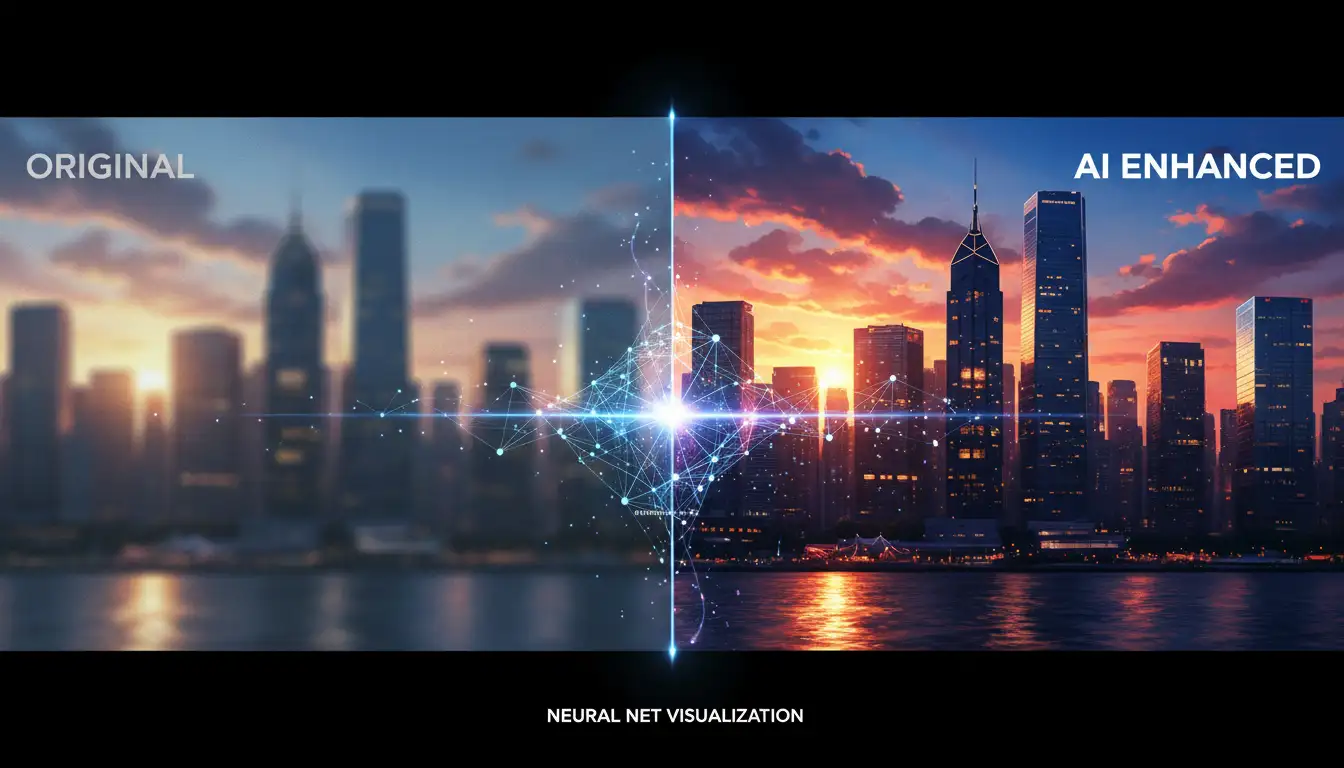
Turn a blurry, dark, faded, or low-detail photo into a clearer image in three simple steps.
Choose a JPG, PNG, or WebP image that needs better lighting, sharpness, color, or detail.
The AI image enhancer analyzes blur, noise, exposure, contrast, and texture automatically.
Compare the enhanced result, then download the clearer image for personal or creative use.
Explore realistic before-and-after examples across old photos, portraits, pets, products, and landscapes.
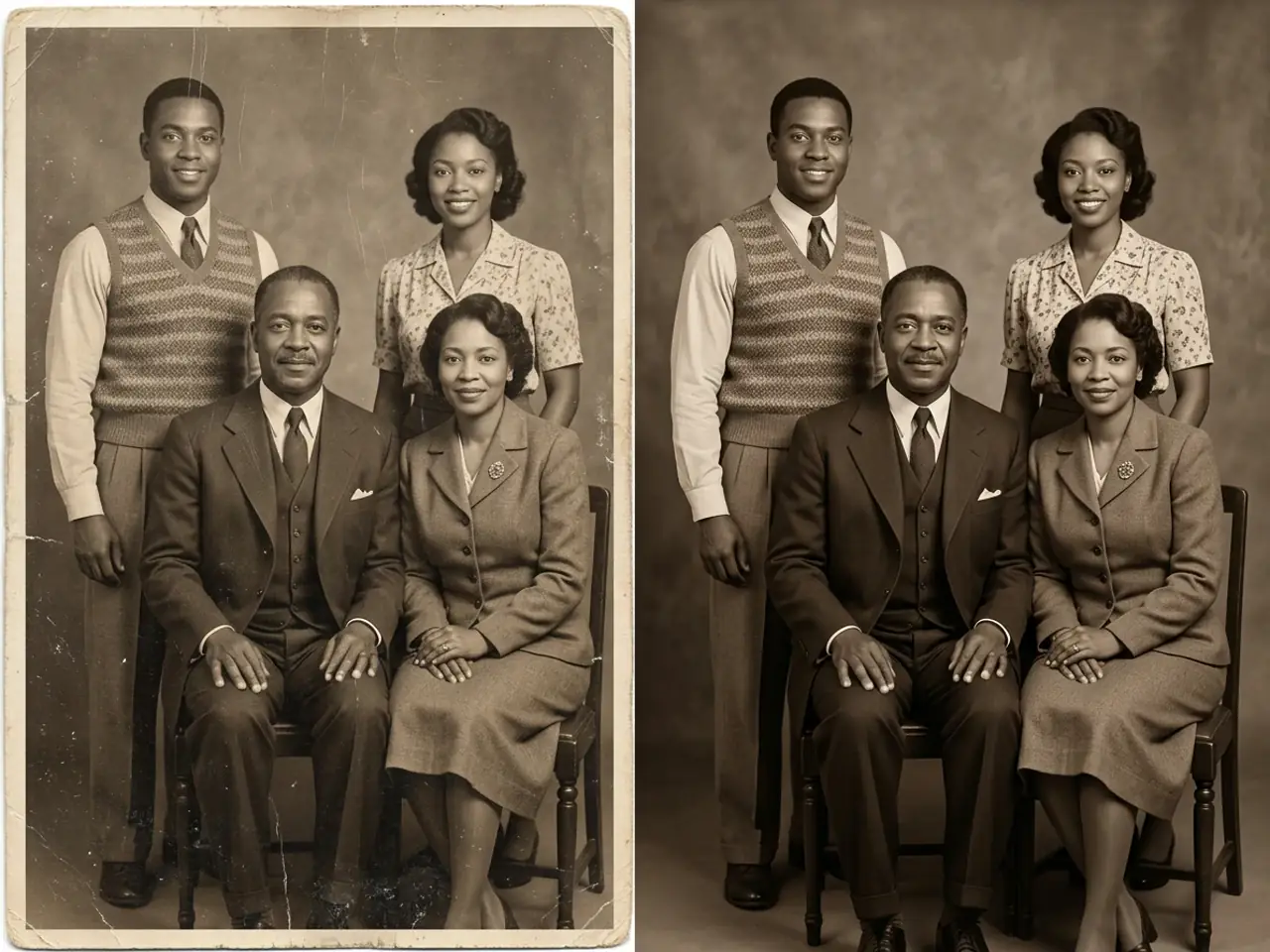 Old Photo Restoration
Restore faded contrast, remove scratches and dust, and keep every face and period detail natural.
Enhance a Similar Photo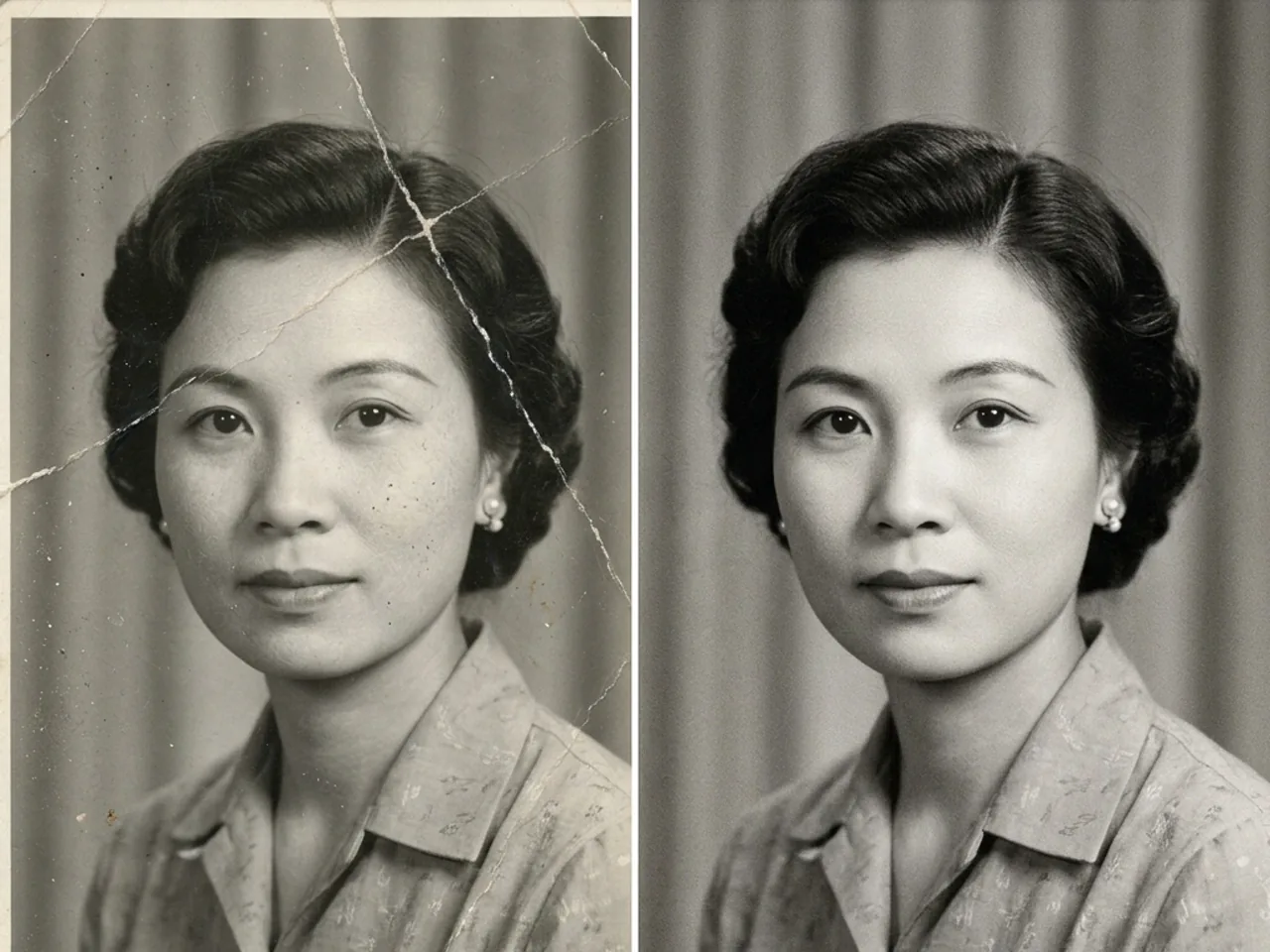 Old Photo Restoration
Repair cracks and torn edges while preserving the original monochrome lighting and film grain.
Enhance a Similar Photo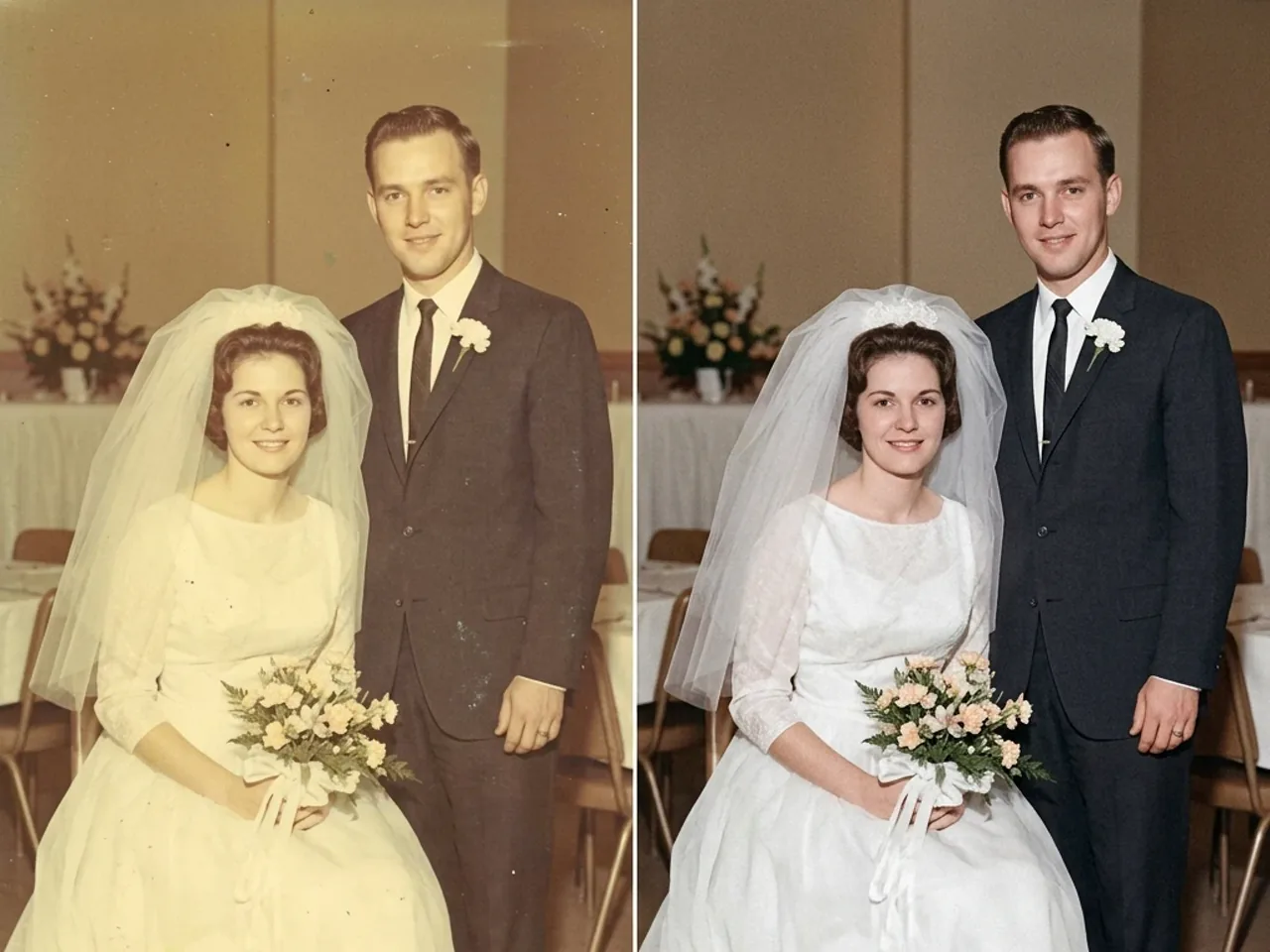 Old Photo Restoration
Correct yellowed colors and exposure while keeping the couple, clothing, and setting unchanged.
Enhance a Similar Photo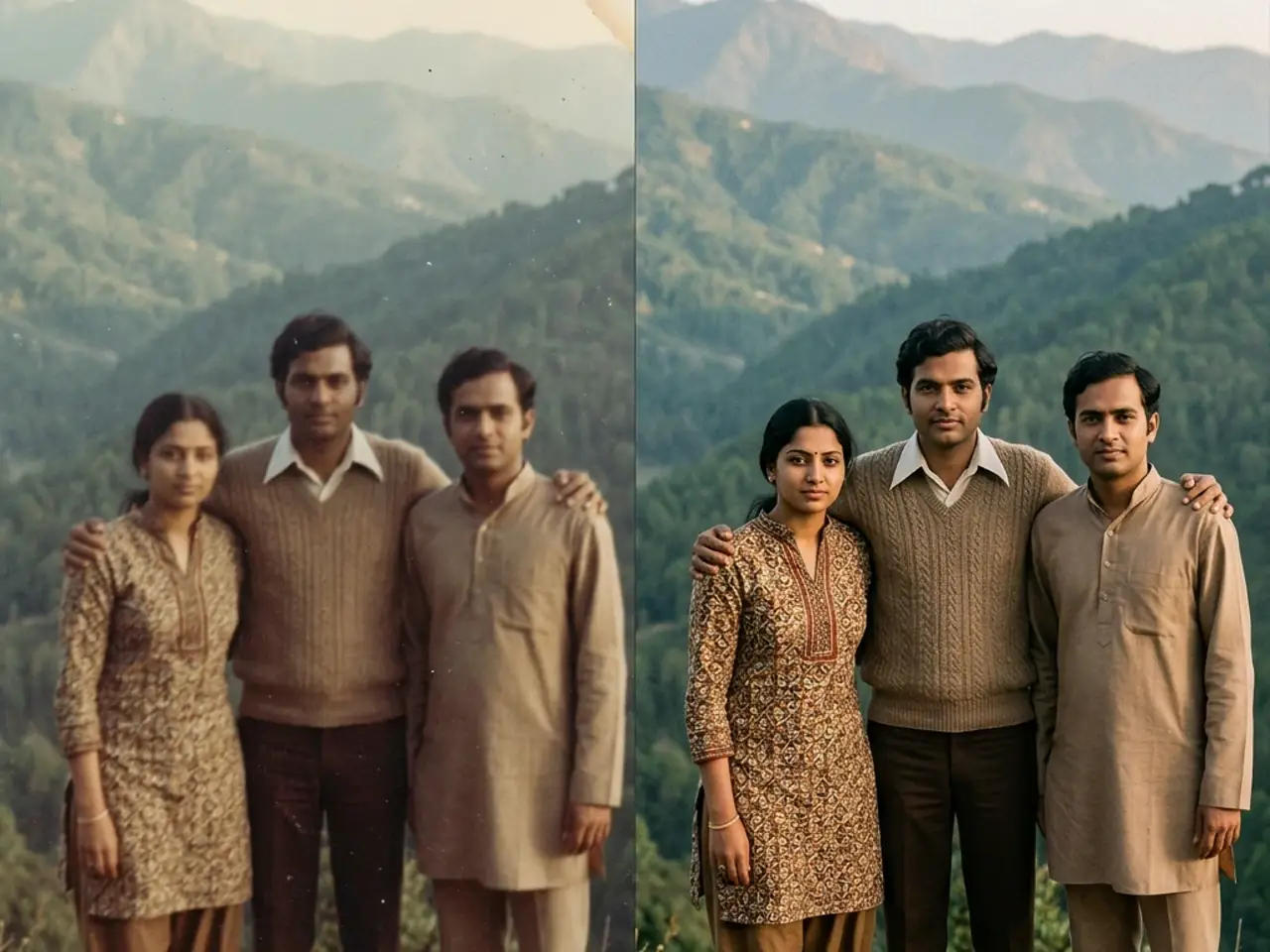 Motion & Blur
Reduce blur and grain, recover natural color, and clarify the people without changing the scene.
Enhance a Similar Photo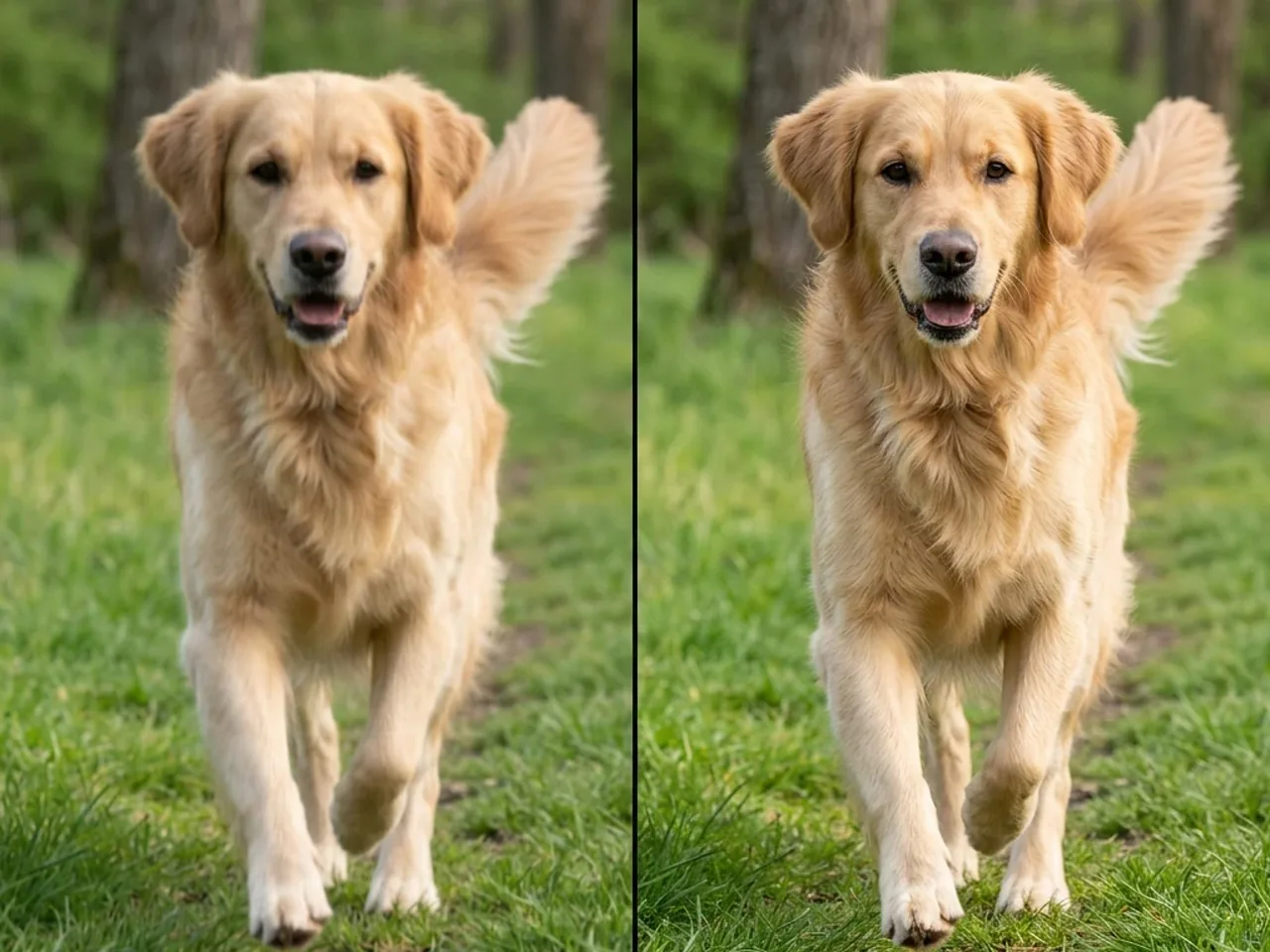 Motion & Blur
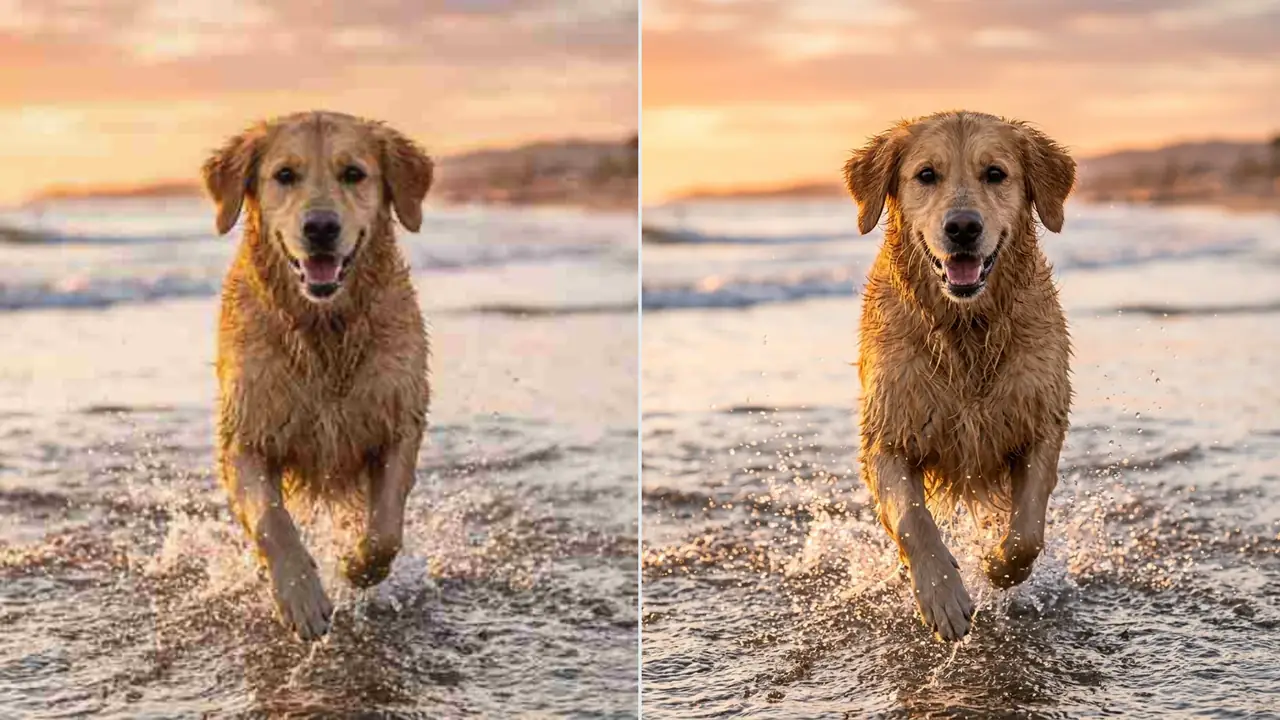
Sharpen the moving dog, recover fur and eye detail, and remove compression artifacts naturally.
Enhance a Similar Photo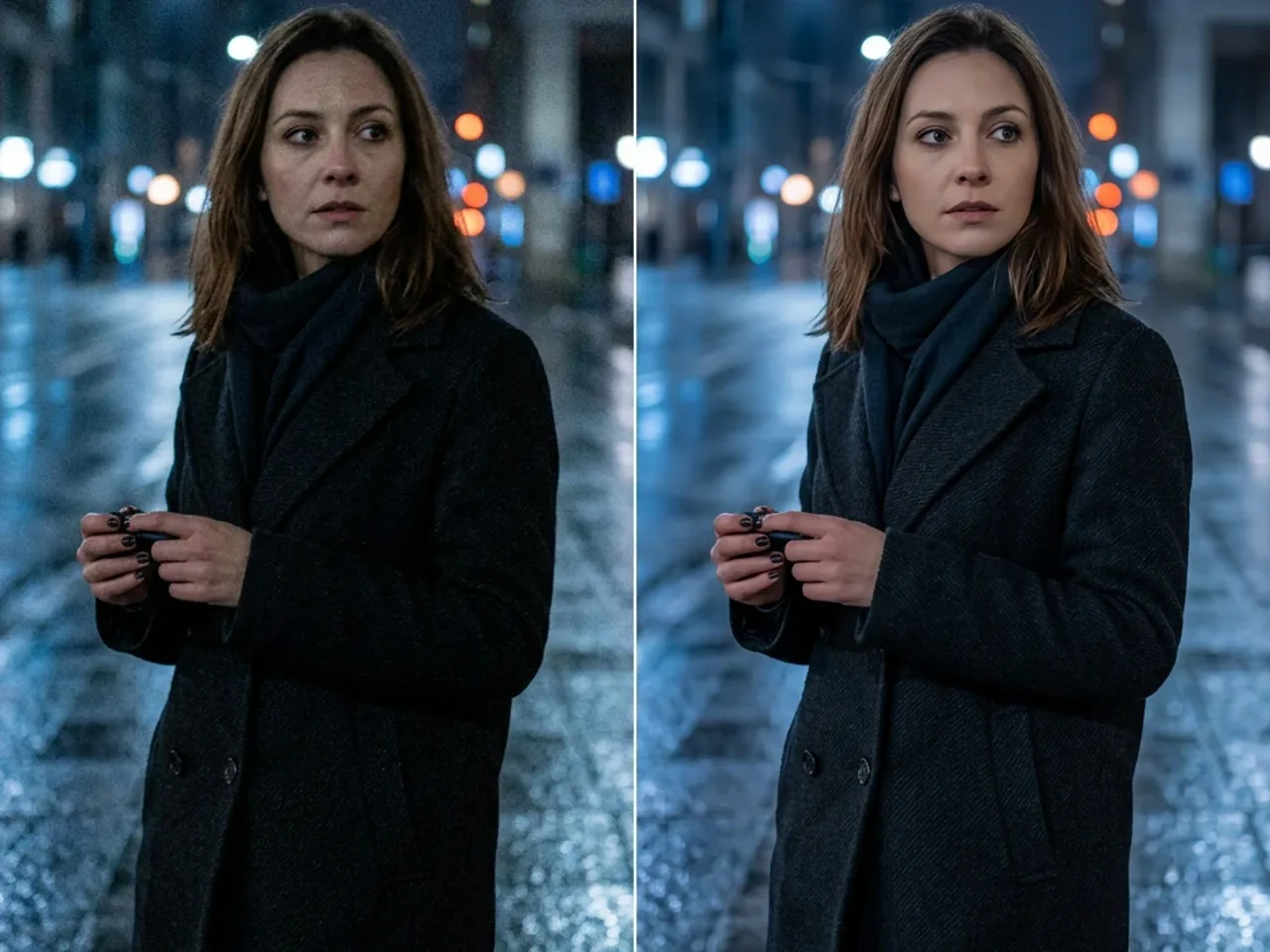 Low-Light Portrait
Reduce chroma noise, recover shadow detail, and balance skin tone without beauty retouching.
Enhance a Similar Photo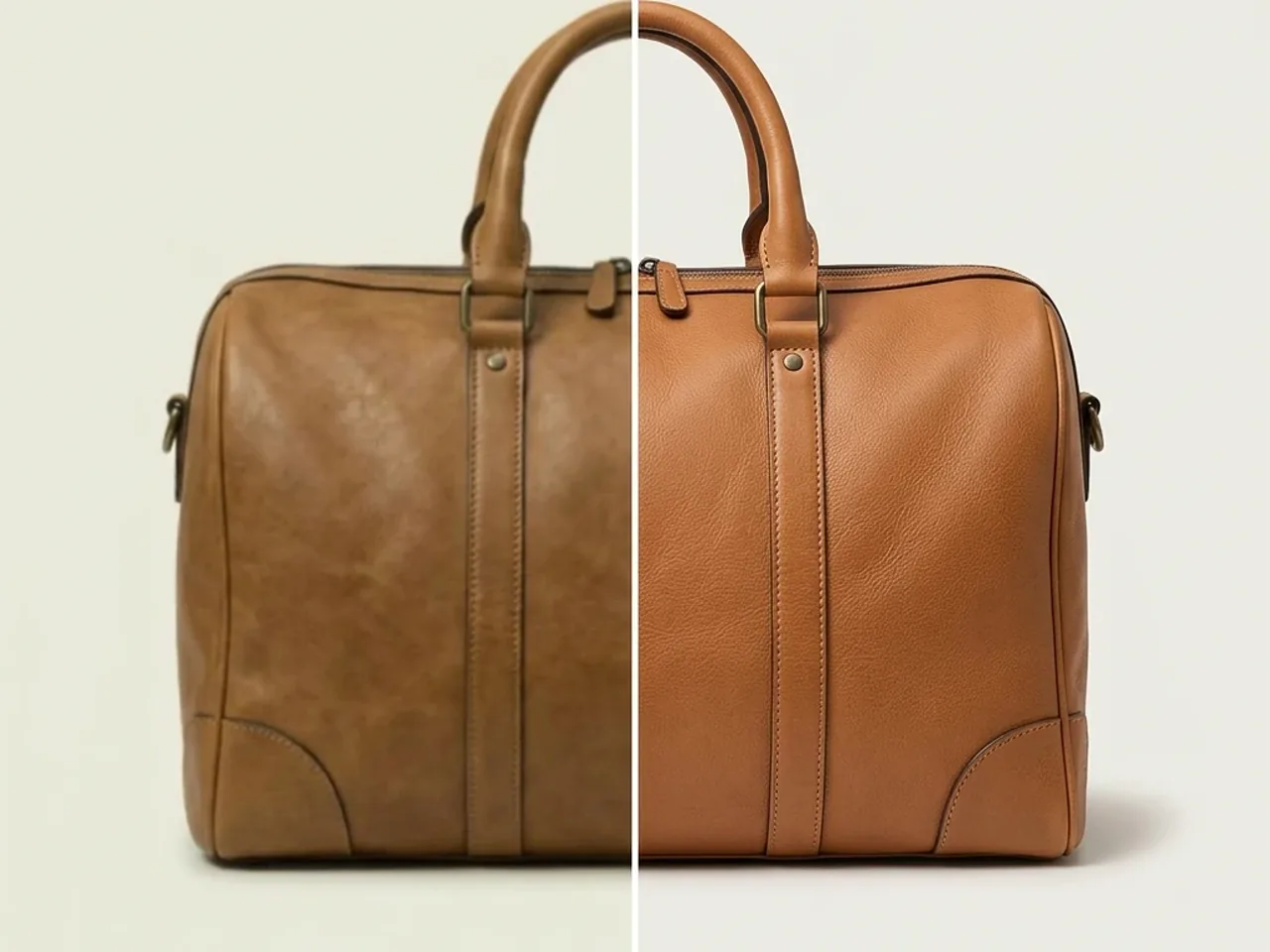 Product Photo
Improve leather texture, stitching, edge clarity, and white balance without redesigning the bag.
Enhance a Similar Photo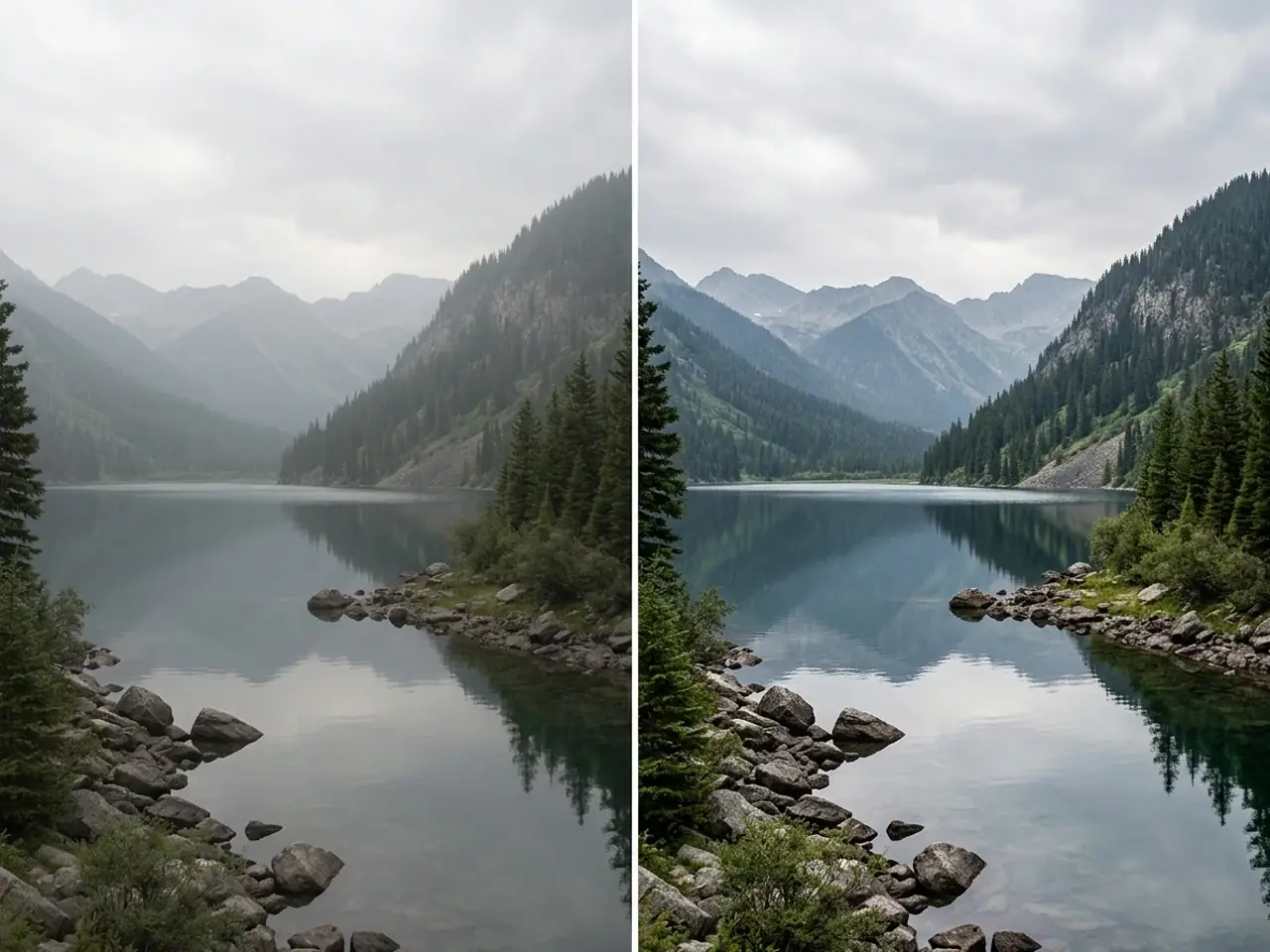 Landscape Enhancement
Reduce atmospheric haze, restore ridge detail, and balance the lake, sky, and forest naturally.
Enhance a Similar PhotoIt can improve portraits, old photos, pet pictures, product images, landscapes, and other photos affected by blur, noise, weak lighting, faded color, or low contrast.
The goal is to preserve the original subject and composition while improving clarity, exposure, color, and texture. Very damaged or heavily blurred areas may require the AI to infer small details.
Yes. It can reduce scratches and dust, recover contrast, and improve faded details while retaining a natural archival look.
Use JPG, PNG, or WebP for the most reliable workflow.
Upload the highest-quality source available and avoid images where the main subject is completely hidden, extremely tiny, or missing large areas.
From family archives to product listings and travel photos, users rely on GLB GPT to improve image quality while keeping results natural.
I restored several faded family photos without losing their original character. Faces looked clearer, scratches were less distracting, and the results still felt natural.
The product photos came out sharper and more consistent, especially around stitching and material texture. It saved me from manually adjusting every image before uploading.
It handled haze and low-light noise surprisingly well, and most photos looked ready to share. A couple of heavily blurred shots still needed another pass, but the overall improvement was clear.