

Keep the Part You Like
Like the ranger's armor but want a different setting? Keep the armor description and swap the forest for a snowy ridge. Changing one thing at a time makes it easier to see what's working.
Prompt Guide
Model
Reference Image
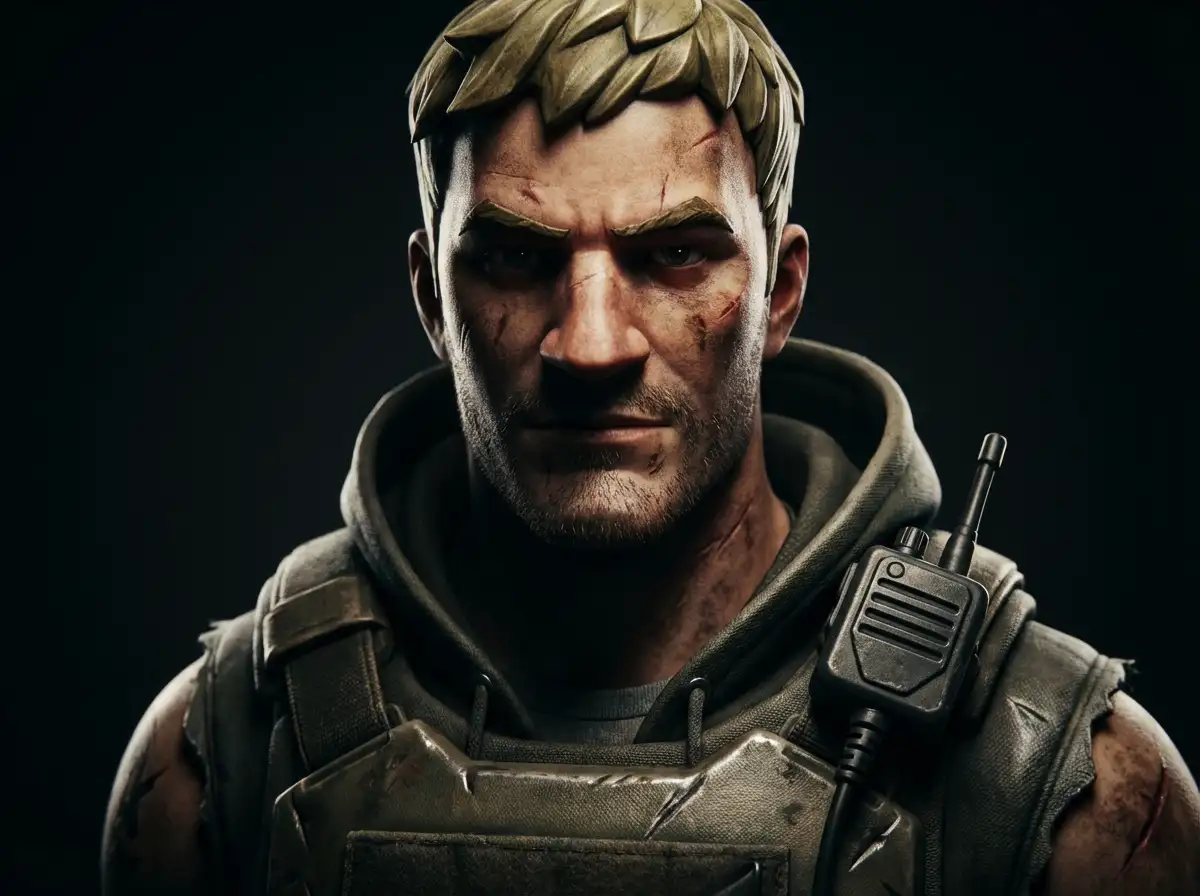
That outfit you've been picturing doesn't have to stay in your head. Give it a setting, a pose and a few details that make it yours. GlobalGPT's Fortnite AI Generator lets you try the idea as a realistic portrait, a comic scene or a colorful game character.
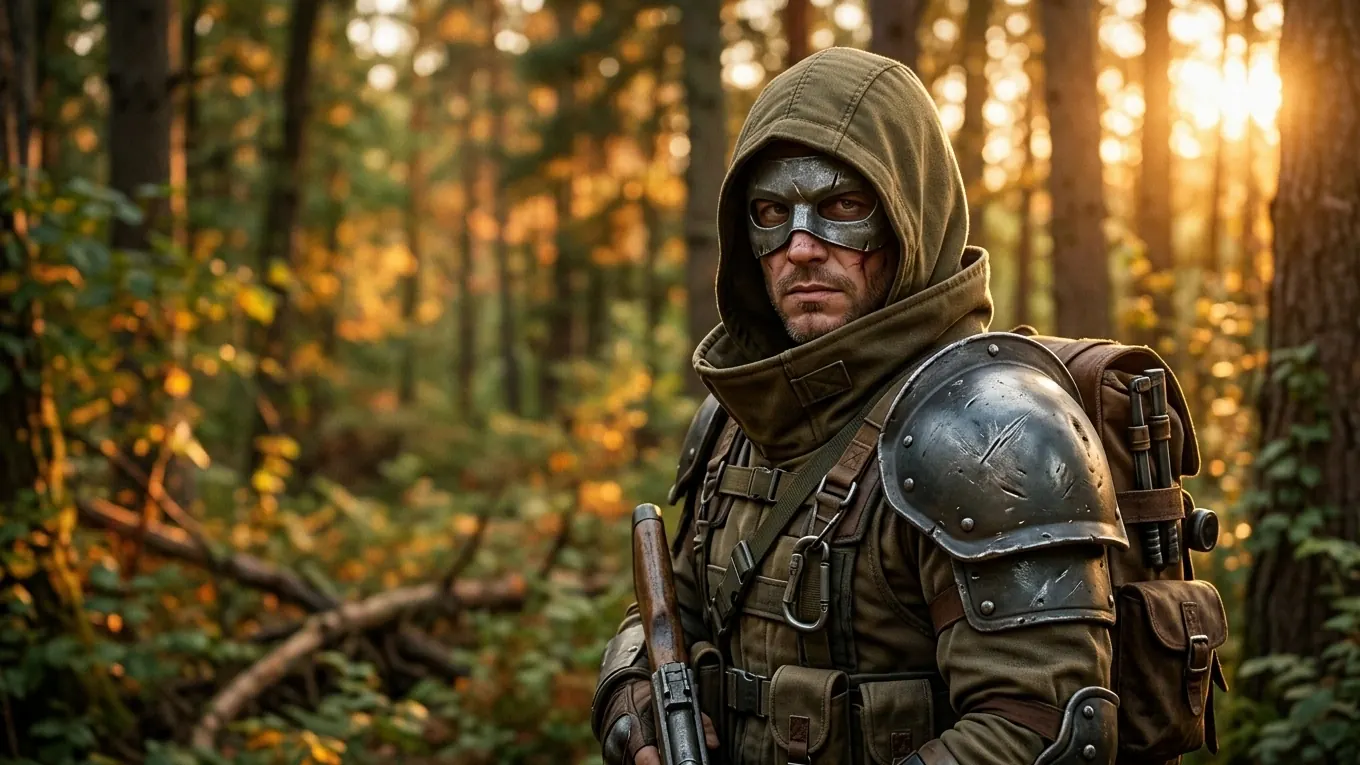
You don't need a long prompt. A character, an outfit and a place are enough to get started.
Choose a preset you like, or type a simple idea: “a hooded ranger in a sunlit forest, worn metal armor.” You can add the smaller details after you see a first version.
Change the outfit, colors or setting, choose an image model, then select Make My Character. Use 1:1 for a profile picture or 16:9 if you want room for a wider scene.
Check the face, hands and anything the character is holding. If one part feels off, simplify that part of the prompt and try again. Save the version you want to keep.
Start with a forest ranger, a comic-book duo or a whole squad in the sky. Open a prompt and change whatever you'd do differently.
 Realistic Characters
Semi-realistic Fortnite-inspired adult ranger wearing an olive hood and weathered steel mask, detailed fabric and shoulder armor, warm forest sunset, cinematic lighting, shallow depth of field. Fully clothed, no readable text, no logos.
Use This Prompt Neon and Sci-Fi
A Fortnite-inspired hero character wearing neon armor, bold colors, dramatic lighting, cartoon-realistic style.
Use This Prompt Battle Royale Scenes
A Battle Royale combat scene in Fortnite style, dynamic motion, bright environment, cinematic perspective.
Use This Prompt Chibi and Playful
A chibi Fortnite-style character with oversized head, colorful outfit, playful expression, soft shading.
Use This Prompt Comic and Illustration
An original Fortnite-inspired bear costume character in a soft watercolor meadow, friendly rounded mascot head, tan and lavender fabric, loose pastel brushstrokes, airy paper texture, gentle character-concept illustration. No readable text, no logos.
Use This Prompt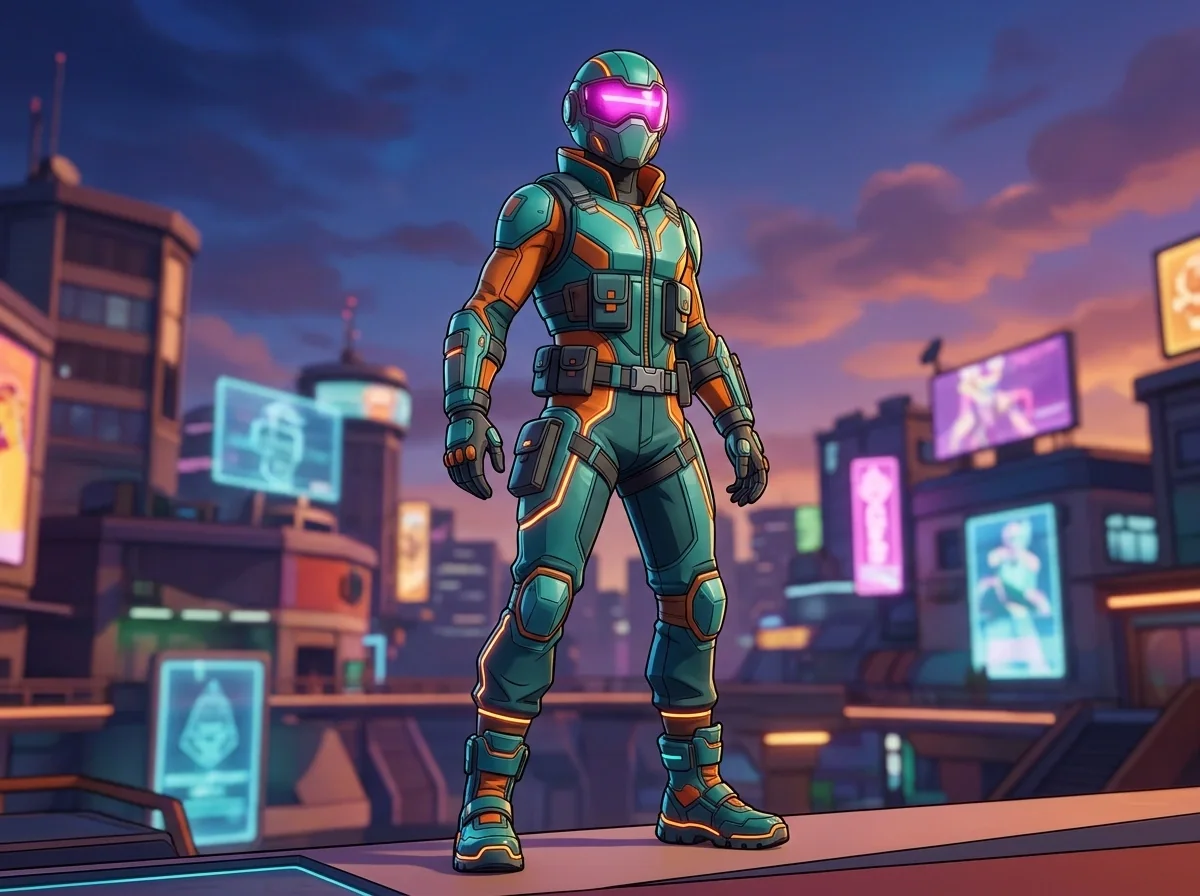 Neon and Sci-Fi
Original Fortnite-inspired character concept, adult fully clothed pulse runner in a sleek teal-orange street-tech outfit, full-body three-quarter pose, glowing magenta visor accent, colorful urban arena at dusk, crisp silhouette, polished stylized 3D render with cel-shaded edges, medium depth of field, centered composition for a 4:3 generation preview, no readable text, no logos, non-sexual, no gore.
Use This Prompt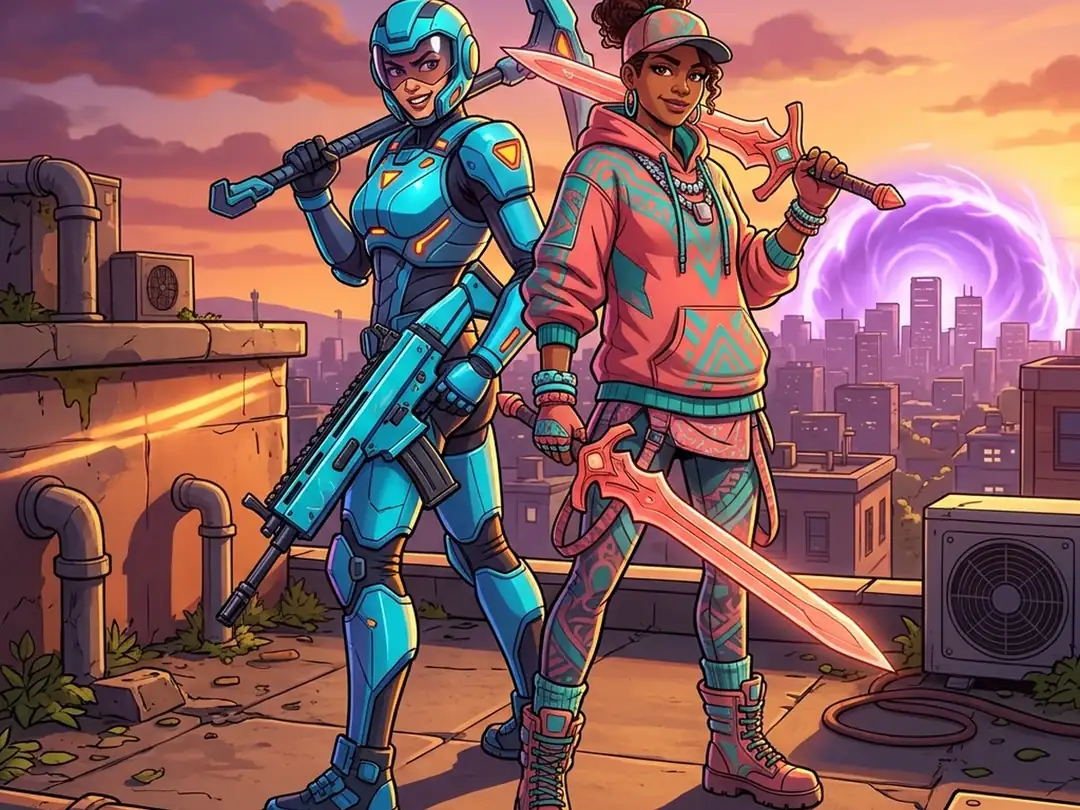 Battle Royale Scenes
Original Fortnite-inspired adult fully clothed rival duo on a rooftop at golden hour, one in cyan tech armor and one in coral fantasy streetwear, dynamic back-to-back pose, playful competitive energy, city skyline and storm ring in the distance, cinematic 3D cel shading, strong diagonal composition, saturated but clean color blocks, 4:3 gallery card, no readable text, no logos, non-sexual, no gore.
Use This Prompt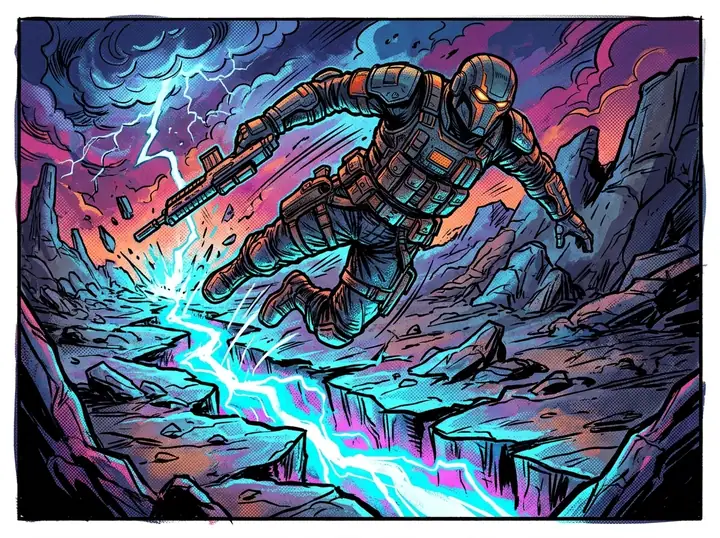 Comic and Illustration
Original Fortnite-inspired comic-book action panel with an adult fully clothed hero leaping over a glowing storm crack, bold ink contours, halftone texture, bright cyan-orange-magenta palette, dramatic foreshortening, background simplified for card readability, no speech bubbles or readable text, no logos, non-sexual, no gore, 4:3 composition.
Use This Prompt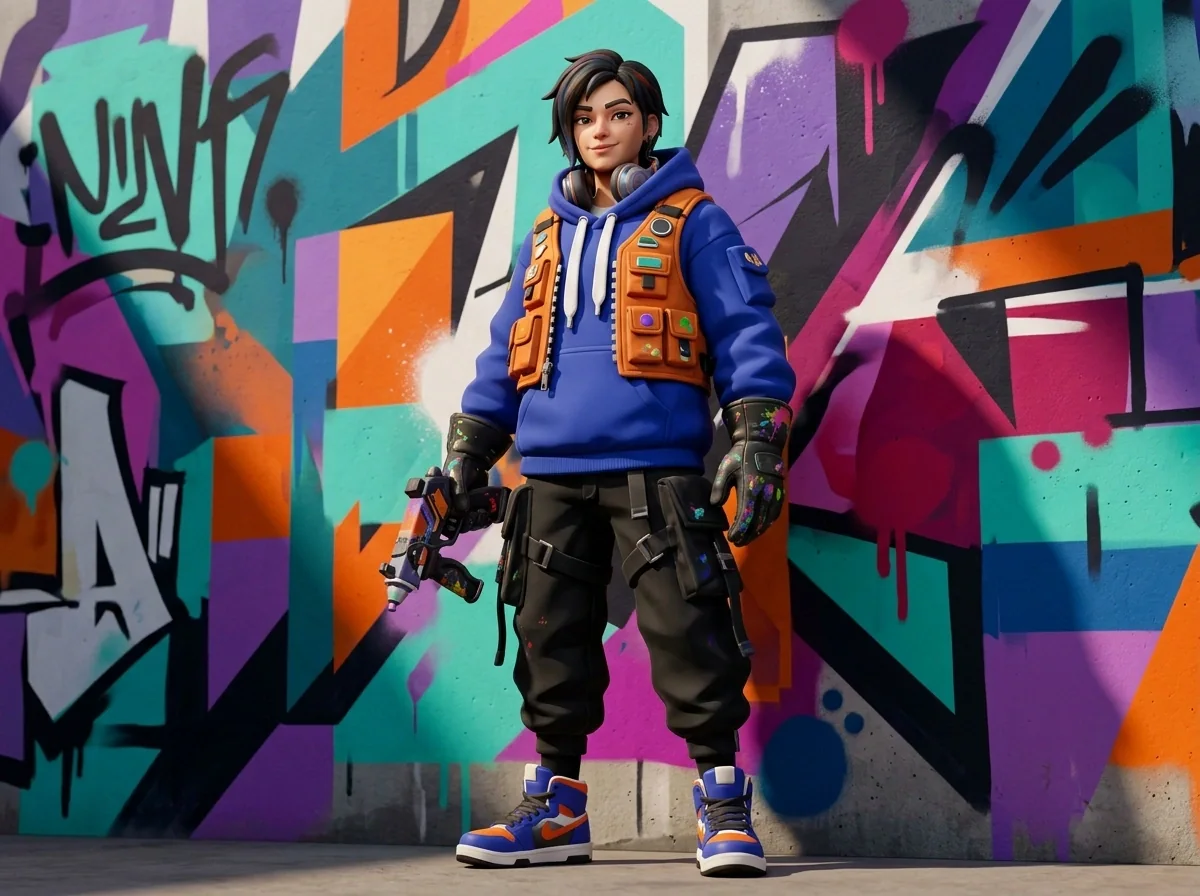 Streetwear Concepts
Original Fortnite-inspired adult fully clothed streetwear creator character, oversized cobalt hoodie, orange utility vest, paint-splashed gloves, standing beside an abstract graffiti wall with geometric color blocks, editorial thumbnail energy, polished stylized 3D and poster lighting, no real brand marks or readable words, non-sexual, no gore, 4:3 composition.
Use This Prompt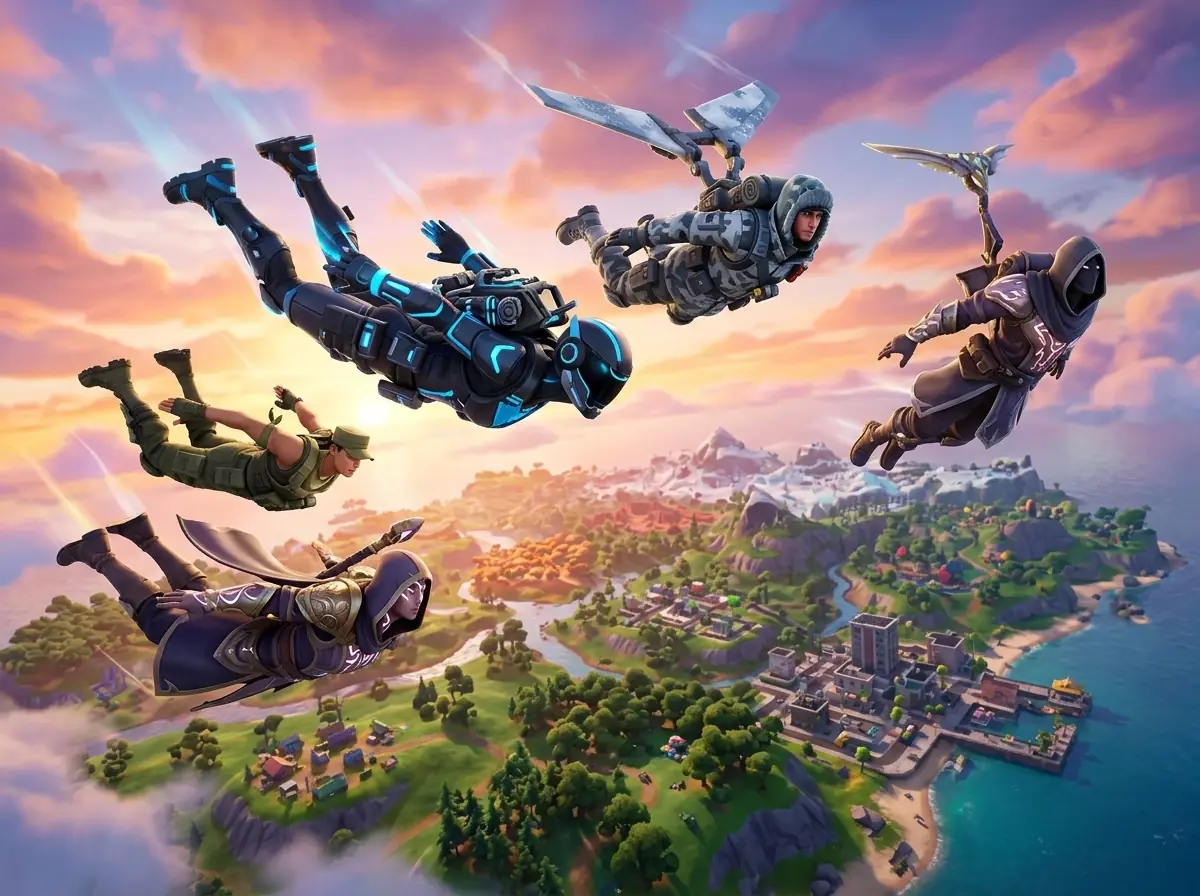 Battle Royale Scenes
Original Fortnite-inspired squad scene with four adult fully clothed diverse heroes descending toward a colorful island, distinct silhouettes and outfits, one neon tech, one winter scout, one jungle recon, one fantasy guardian, sunrise clouds, cinematic wide-angle stylized 3D, energetic but uncluttered 4:3 gallery card, no readable text, no logos, non-sexual, no gore.
Use This PromptLike the ranger's armor but want a different setting? Keep the armor description and swap the forest for a snowy ridge. Changing one thing at a time makes it easier to see what's working.
“Cool armor” leaves a lot to chance. An olive hood, a scratched steel mask and an orange shoulder strap give the generator something specific to work with.
For a game-art feel, try “stylized 3D, bold colors, clean shapes.” For something closer to the ranger portrait, describe worn metal, woven fabric and soft background blur.
Choose 16:9 and ask for the character on one side with a simple background on the other. You can add your own title afterward without covering the face.
A character gripping a pickaxe while jumping past three other people gives the AI a lot to juggle. Try a standing pose first, get the outfit right, then work up to the action.
Once you have a still you like, take it into an image-to-video tool. A slow camera move, drifting mist or a small cape movement is a useful first experiment.
A thumbnail, a character design or a scene for a story—three example briefs to borrow from.
A stream thumbnail with my ranger on the right and room for the title on the left. Warm forest light, worn armor, and a background that doesn't steal the attention.
I've got the outfit in mind: a purple hoodie, orange gloves and chunky boots. I'd like to see it as a game character before I start drawing.
Our squad dropping over an island at sunrise. Each person should have a different outfit, with one shared accent color to tie the group together.
No. The result is an image, not an equippable Fortnite cosmetic. You can use it to explore a skin idea, make a profile picture or plan a scene, but this tool can't add the design to your Fortnite locker.
Words such as “photorealistic,” “cinematic portrait” and “detailed skin” can push it toward a photo. Try “stylized 3D game character, bold colors, clean shapes, slightly exaggerated proportions” instead. Keep the outfit and setting the same so you can see what the style change does.
Yes—choose an image model that accepts a reference photo, then add your selfie and describe the outfit and setting you want. A clear, well-lit photo is a useful starting point. The result is a new interpretation, so the likeness may vary between generations.
Use the image you like as a reference if your chosen model supports it. Repeat a few identifying details—hair, mask, jacket color—and ask for one specific change, such as “keep the character and outfit; change the background to a snowy forest.” A reference can help, but small features may still shift.
If your model supports image editing, use the image as a reference and describe the correction. Otherwise, try the prompt again with a simpler grip or pose: one hand holding the pickaxe at the side, for example. Check the rest of the image after an edit, because nearby details can change too.