

AI Giantess Image Generator
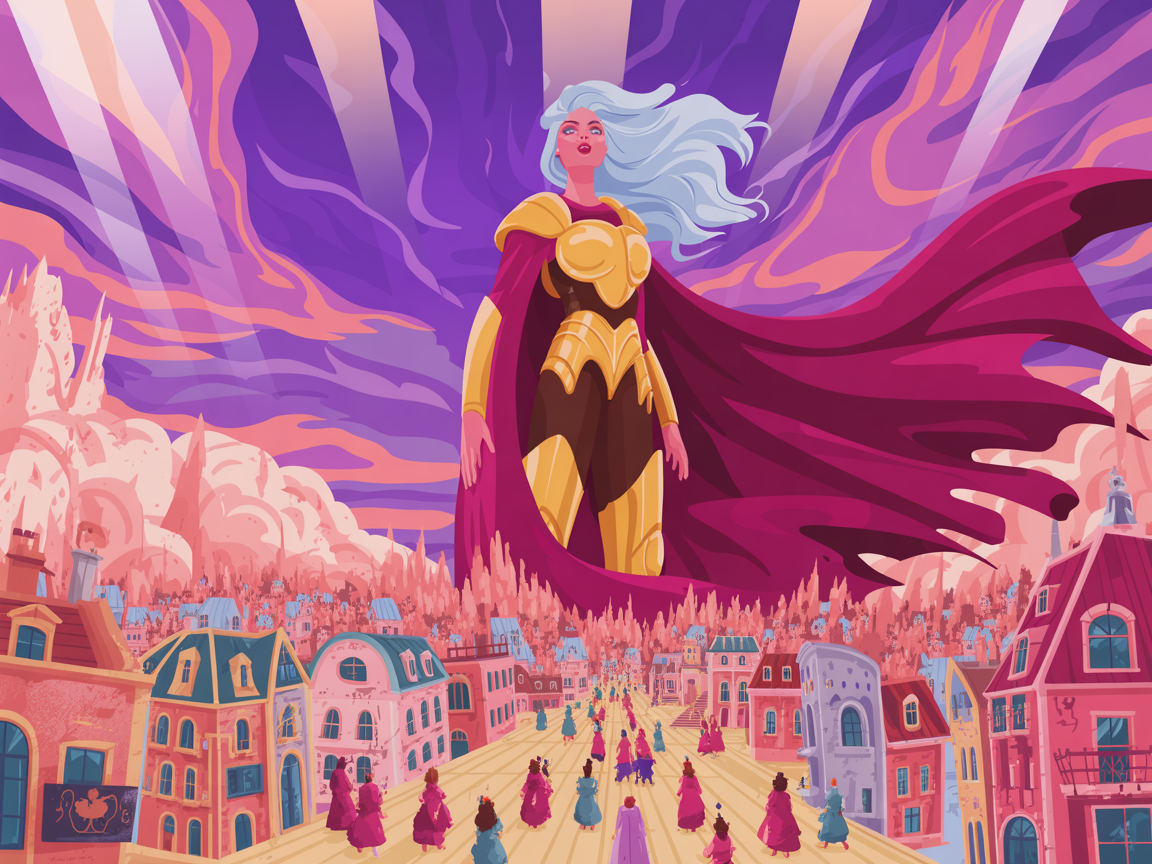
Create Cinematic Giantess Images From Text
The AI Giantess Image Generator helps fantasy creators turn scale-focused ideas into polished visual concepts. Describe a giant woman, towering character, city skyline, mountain valley, fantasy kingdom, anime look, camera angle, pose, lighting, and mood, then generate a giantess image with clearer size contrast and stronger composition. Use it for PG-13 fantasy art, character concepts, posters, storyboards, game mood boards, social images, and world-building scenes where scale and perspective matter.
Why This AI Giantess Image Generator Stands Out
Cinematic Scale and Perspective – Guide the scene with low-angle shots, nearby buildings, foreground objects, shadows, haze, and landscape depth so the giantess effect feels huge instead of flat.
Text-to-Image and Image Enhancement – Create a new giantess scene from a prompt or refine existing artwork with better scale, cleaner detail, stronger lighting, and a more polished fantasy or realistic style.
Multiple AI Image Models – Try Nano Banana, GPT Image, Sora Image, Flux, Unikorn, Ideogram, and other models to compare realism, anime styling, painterly fantasy art, and cinematic composition.
Giantess Image Ideas for Fantasy, Anime, and Concept Art
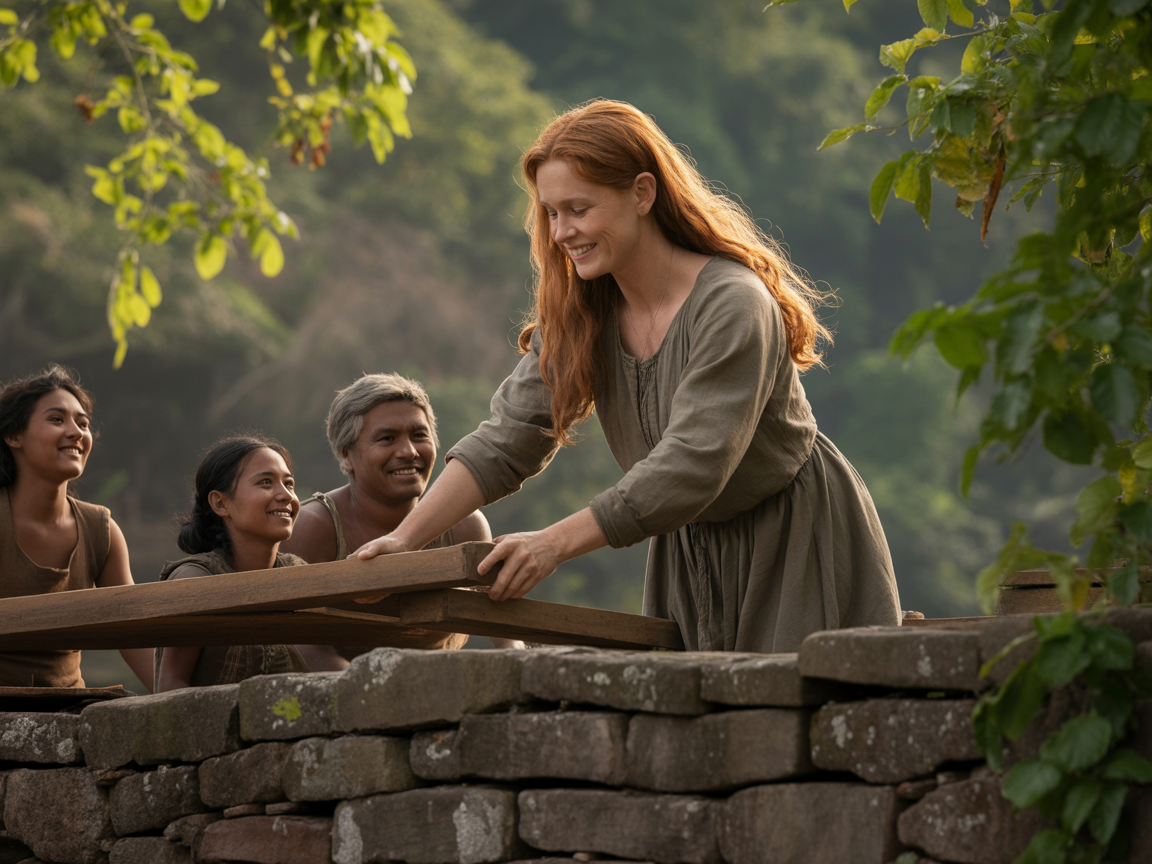
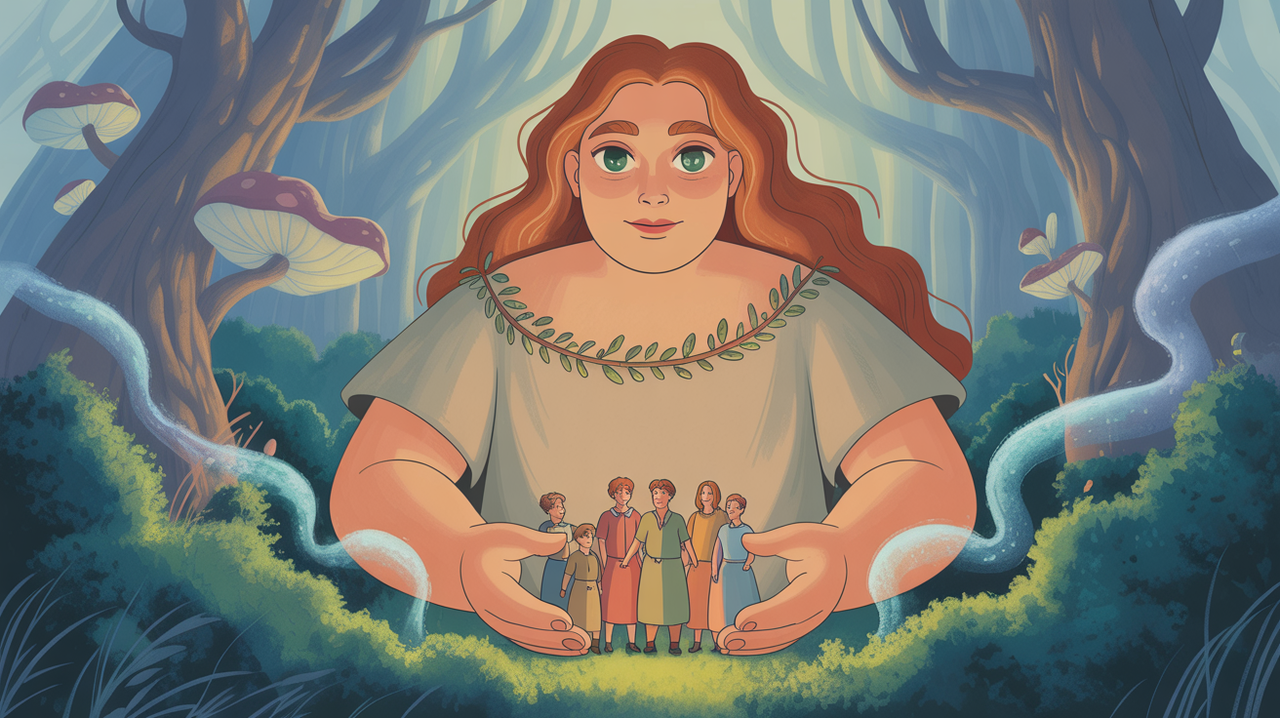
Kind giantess helping villagers repair a bridge, warm fantasy lighting, clear scale contrast, and storybook composition.
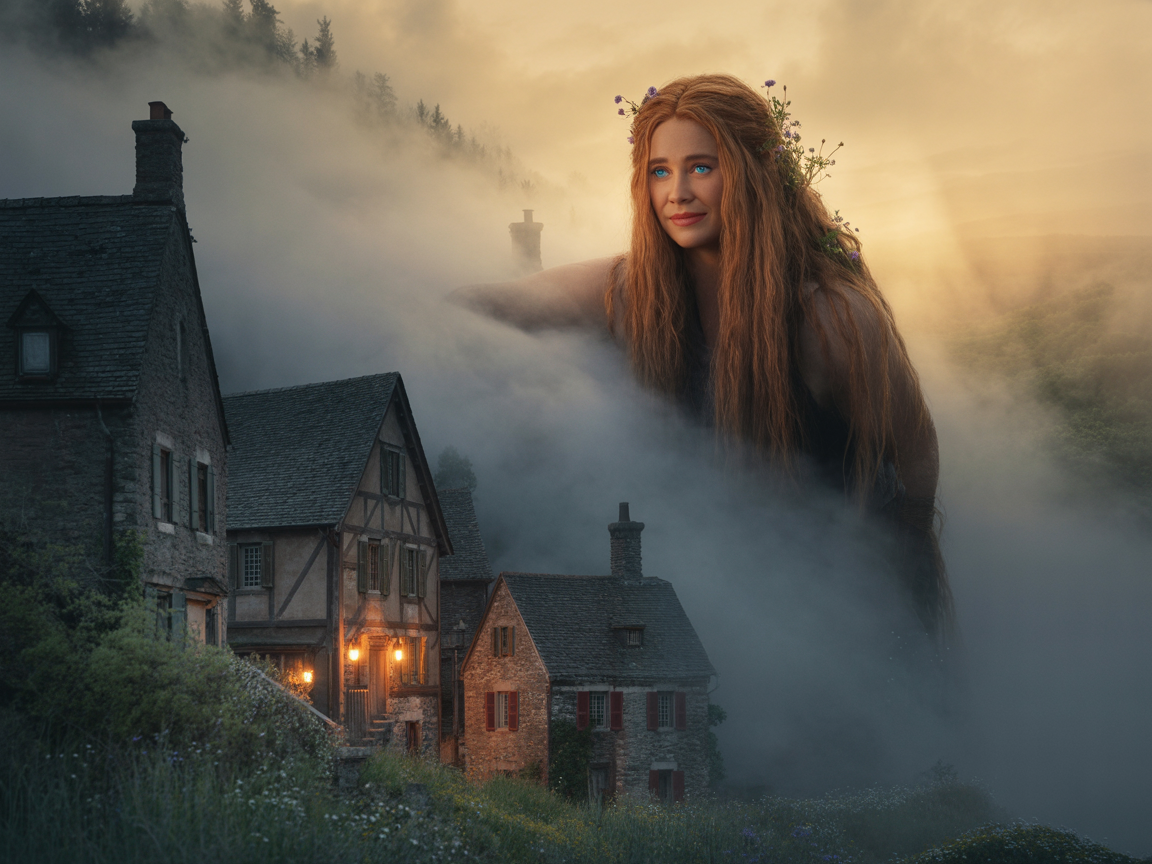
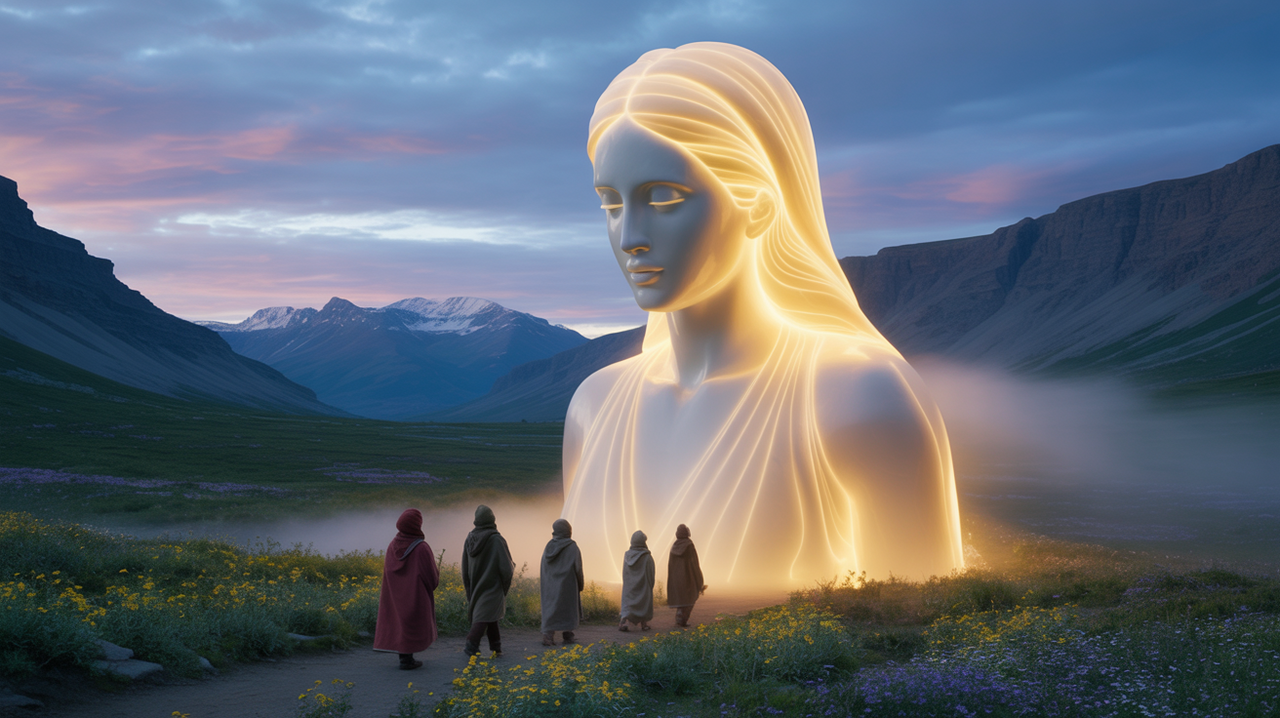
Fantasy giant woman protecting a small town, glowing atmosphere, volumetric fog, dramatic perspective, and cinematic art detail.
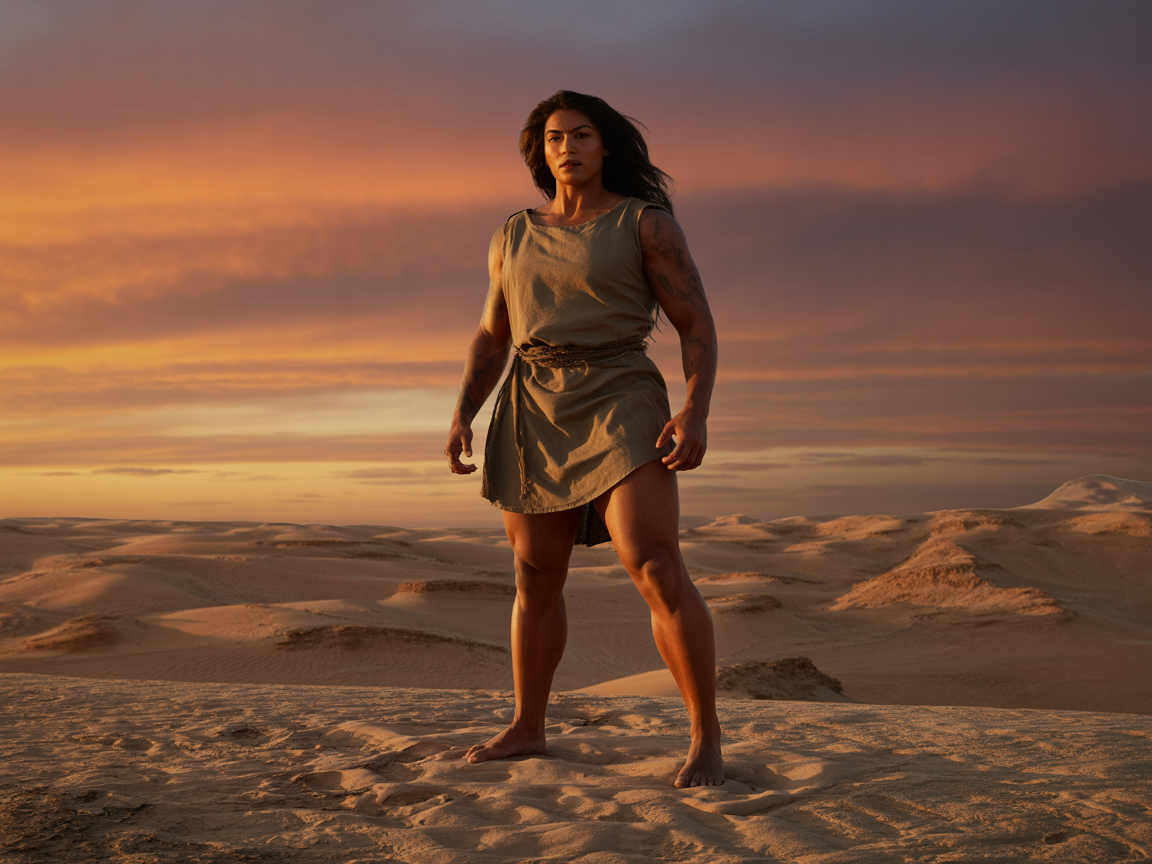
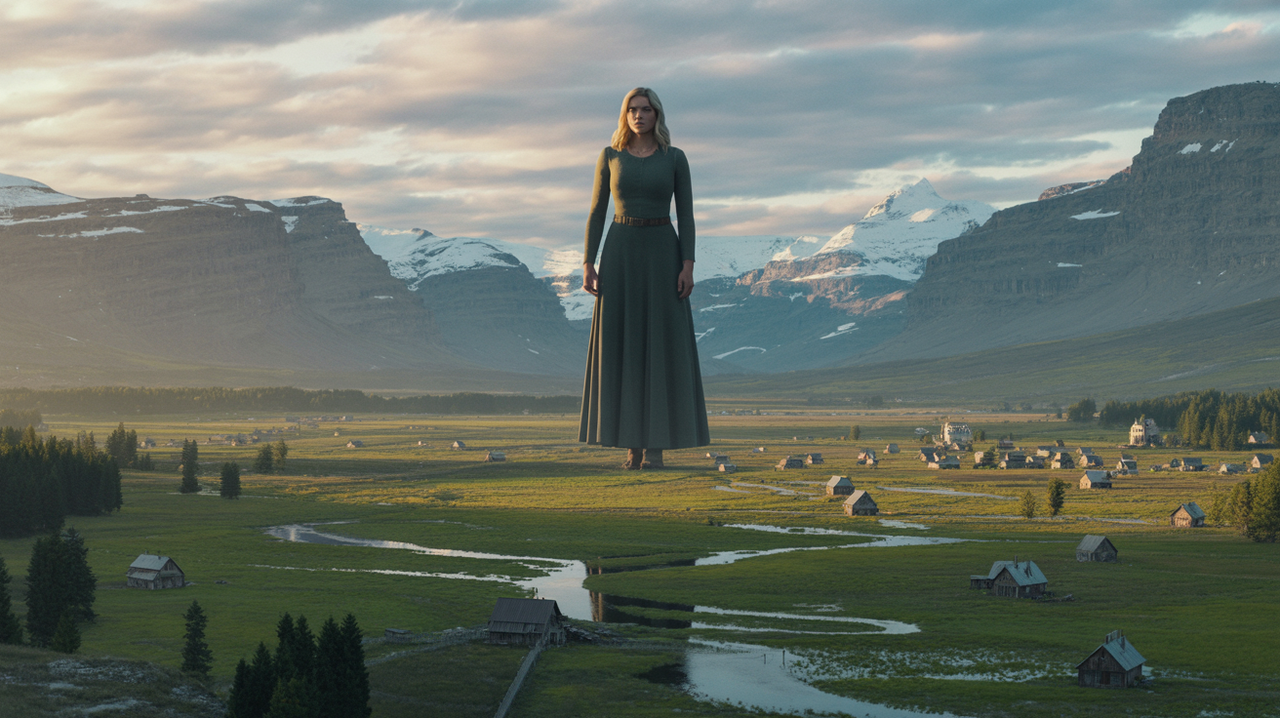
Massive woman standing on a desert plain at sunset, realistic lighting, epic distance, elegant pose, and wide-screen composition.
Make Giantess Art Feel Large, Elegant, and Believable
Strong giantess art depends on scale cues. Mention camera height, lens feeling, buildings, trees, rooftops, tiny vehicles, clouds, shadows, and atmospheric depth. Those details help the image show size through perspective, composition, and environment instead of simply enlarging a character. Keep the prompt focused on fantasy, adventure, surreal beauty, character design, and PG-13 visual storytelling.
Built for Artists, Storytellers, and Fantasy Designers
Use this giantess art workflow for character sheets, book-cover concepts, social visuals, fantasy posters, anime scenes, game mood boards, and surreal world-building. A good prompt should explain who the giantess is, where she stands, how large she feels, what the viewer sees in the foreground, and whether the final image should look realistic, painterly, anime-inspired, cinematic, heroic, mysterious, or gentle.
Animate Your Giantess Image Into a Video Scene
After choosing a strong still image, turn it into a moving giantess scene with AI video tools. Add subtle camera push, drifting mist, cloth motion, glowing city lights, or fantasy atmosphere while keeping the character readable and the scale clear. This gives creators a fast path from concept art to cinematic teaser clips.
How to Generate an AI Giantess Image
Write the prompt - Describe the giantess character, pose, scale, outfit style, setting, camera angle, lighting, mood, and whether you want anime, realistic, fantasy, or surreal art.
Click Create - GlobalGPT generates a giantess image with composition, perspective, color, and environmental details based on your prompt.
Refine and download - Adjust the prompt, test a few visual styles, then save the best result for concept art, posters, stories, or social content.
Explore Giantess Art With 100+ AI Models
GlobalGPT connects you to models like Nano Banana, GPT Image, Sora Image, Unikorn, Flux, Ideogram, and more. Start with scale-focused fantasy art, then explore the same character across anime concepts, realistic portraits, posters, cinematic images, and video-ready scenes in one creative workspace.