

Camera Placement You Can Explain
Start with overhead blocking, a low angle or a compressed tunnel view so the composition has a clear production purpose.
Prompt Guide
Model
Reference Image
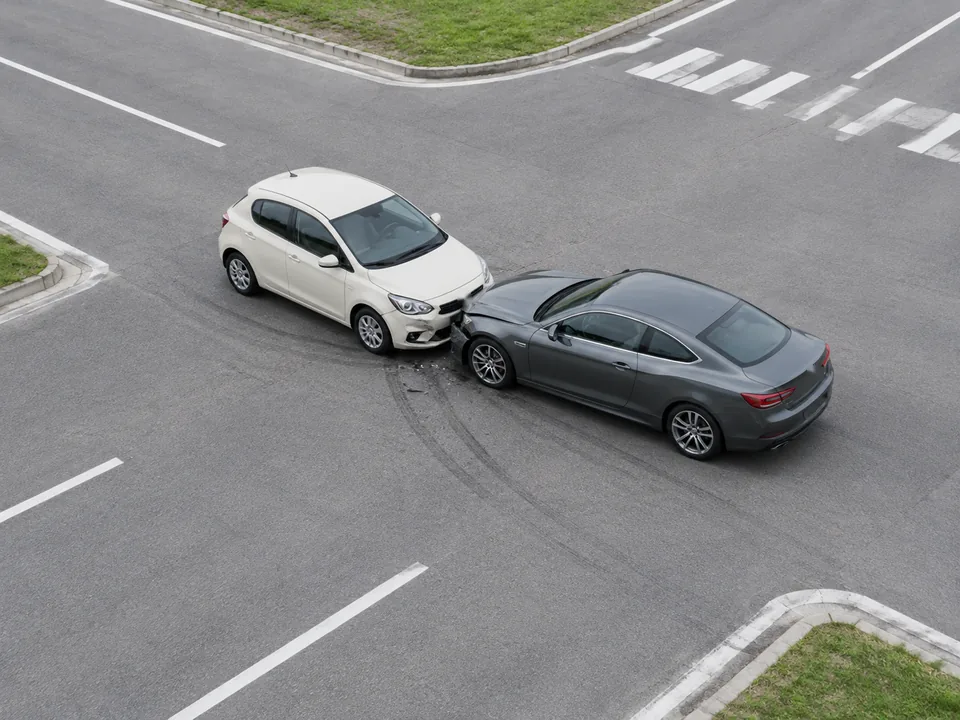
Create fictional automotive aftermath and crash-previs images with deliberate camera angles, believable damage and clear vehicle placement. Build a visual reference for a storyboard, thumbnail or VFX discussion.
Create a Storyboard Frame
Choose a clear brief, review the output and finish for your intended use.
Choose an unbranded vehicle, a closed set or test track, a camera angle and a modest non-graphic aftermath.
Specify vehicle placement, weather, framing or damage. Generate a first image, then change one detail to keep comparisons useful.
Check geometry, plausible damage, reflections and scene continuity. Use the image as a creative reference, not evidence of an actual incident.
Explore road layouts, screen stunts, close-up damage and rally aftermath alongside controlled-set compositions and miniature VFX studies. Every scene is fictional and non-graphic.
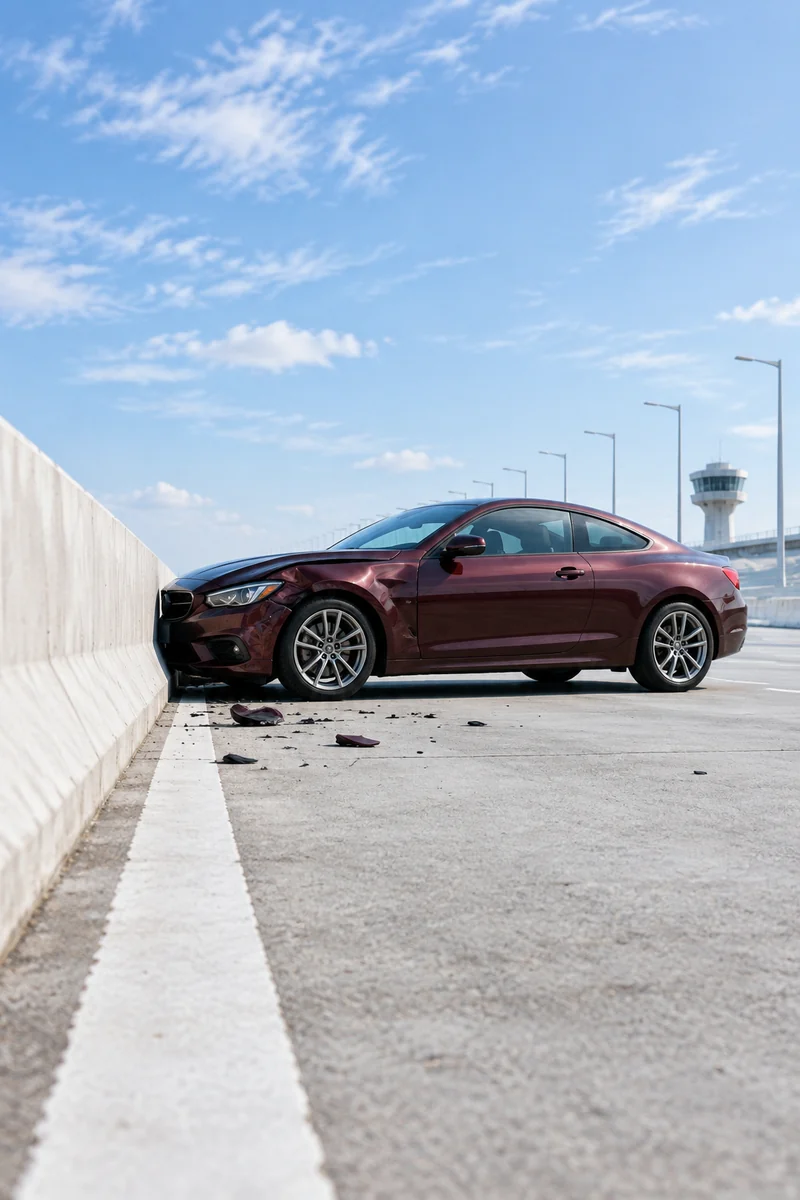 Cinematic Aftermath
A low-angle cinematic still on a closed pale-concrete bridge test facility: an unbranded burgundy fictional coupe stopped sideways beside a low safety wall, one crumpled fender, sparse harmless debris, bright cool sky, bold leading lines, restrained suspense without showing impact.
Try This Prompt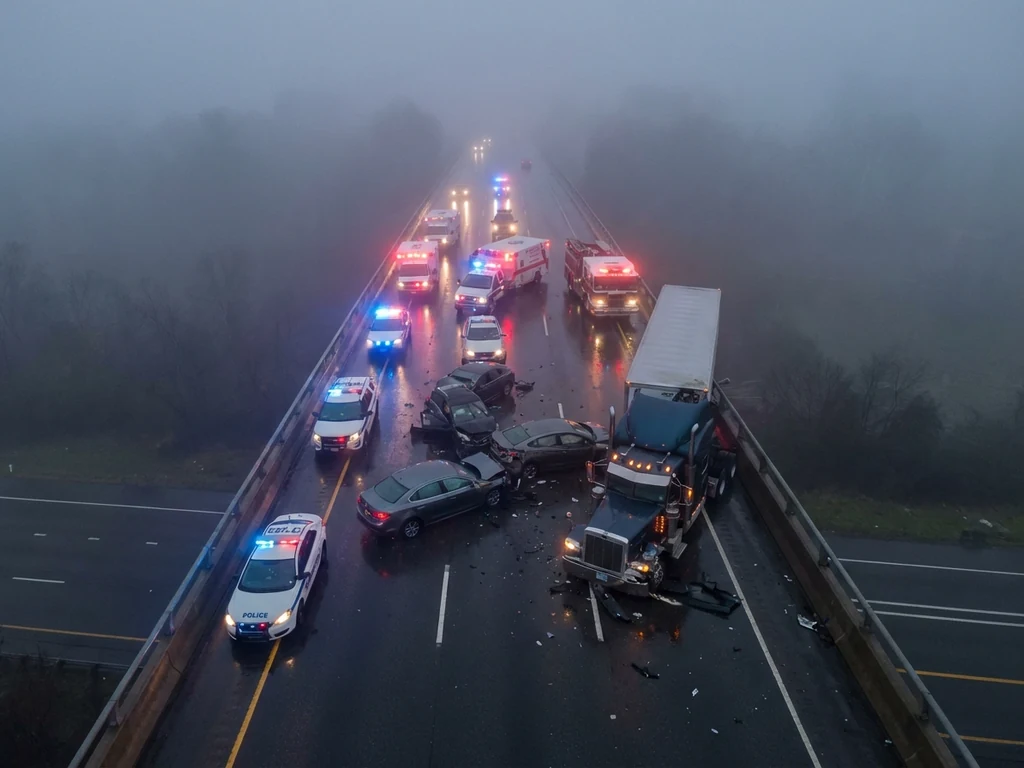 Road Collisions
Elevated wide view of a fictional multi-vehicle collision on a foggy divided highway, emergency lights reflected on wet pavement, clear road layout, stopped vehicles, moody blue atmosphere, no visible injuries.
Create a Scene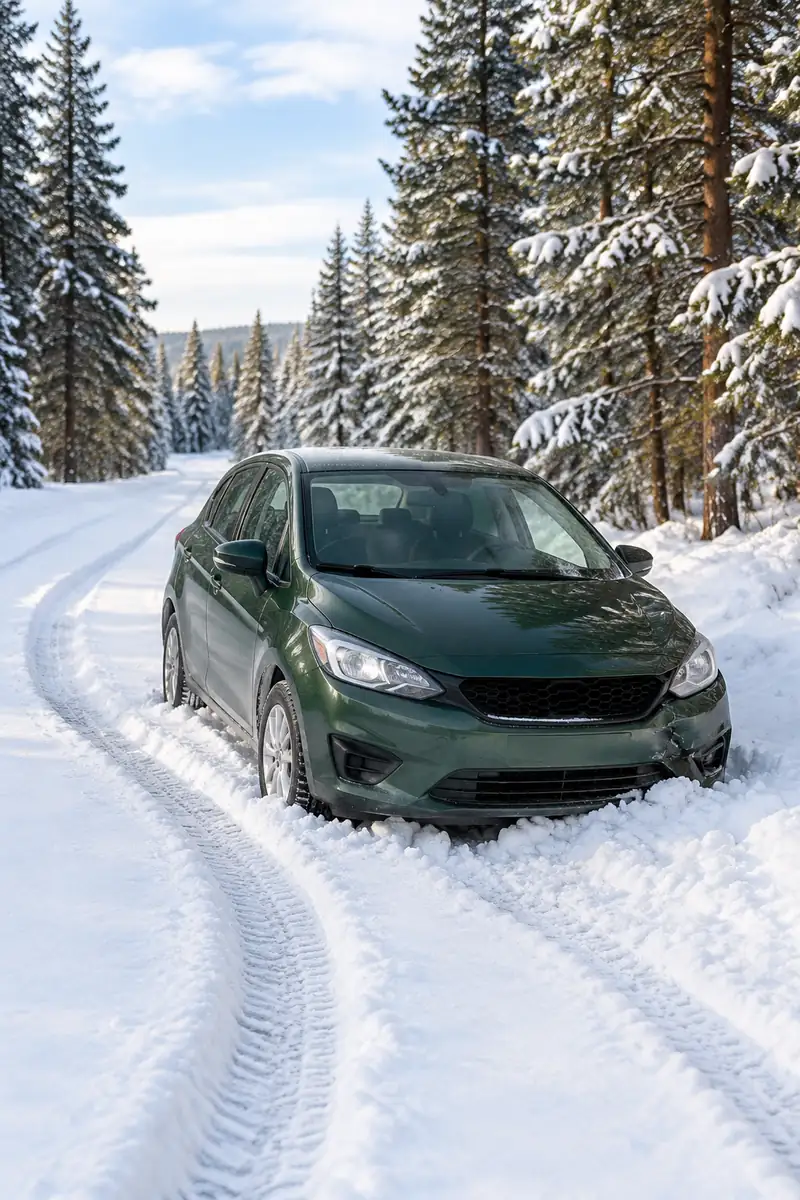 Weather
An unbranded forest-green compact car stationary in a shallow snowbank on a closed winter-testing road, two curved tire tracks in fresh snow, lightly bent bumper and nothing else damaged, tall pines, soft bright winter daylight, quiet factual automotive photography.
Try This Prompt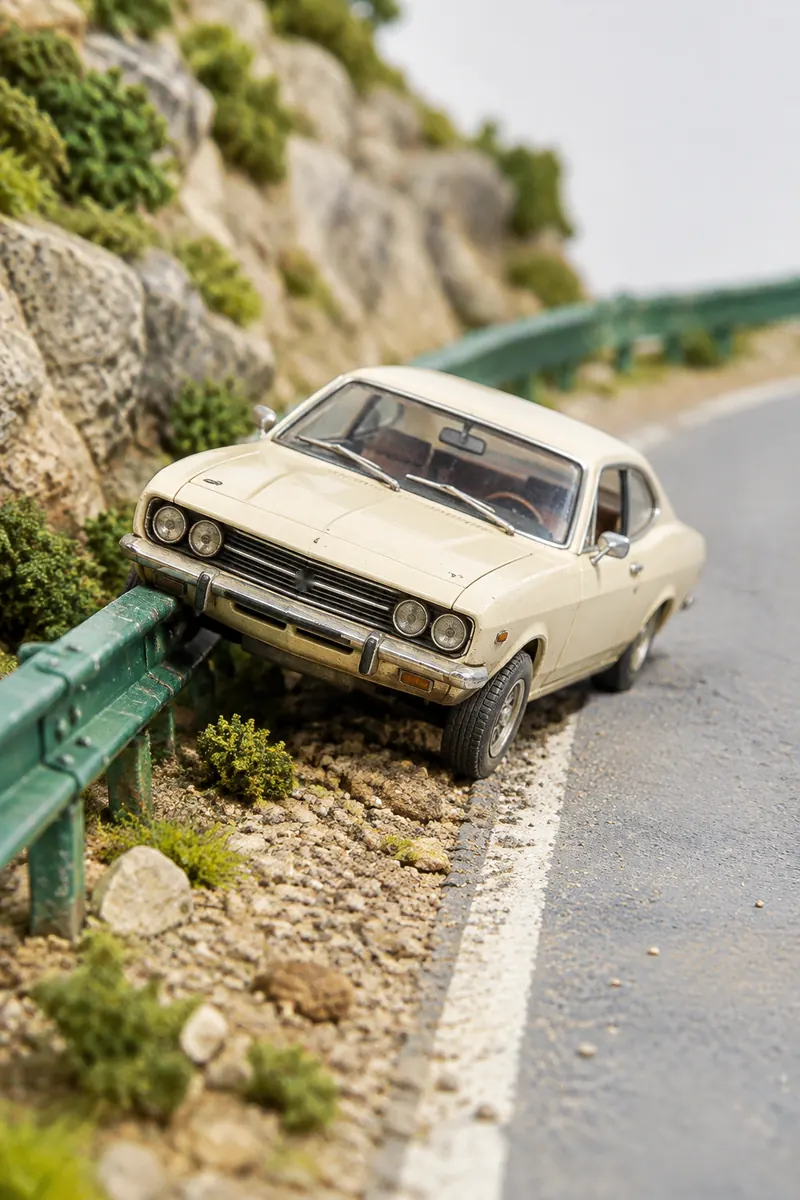 Practical Effects
An artisanal scale-model film diorama: a tiny cream 1970s-inspired fictional coupe tilted against a miniature green roadside barrier, visible handcrafted plaster and gravel textures, soft bright studio light, macro lens depth, tasteful practical cinema miniature rather than a toy advertisement.
Try This Prompt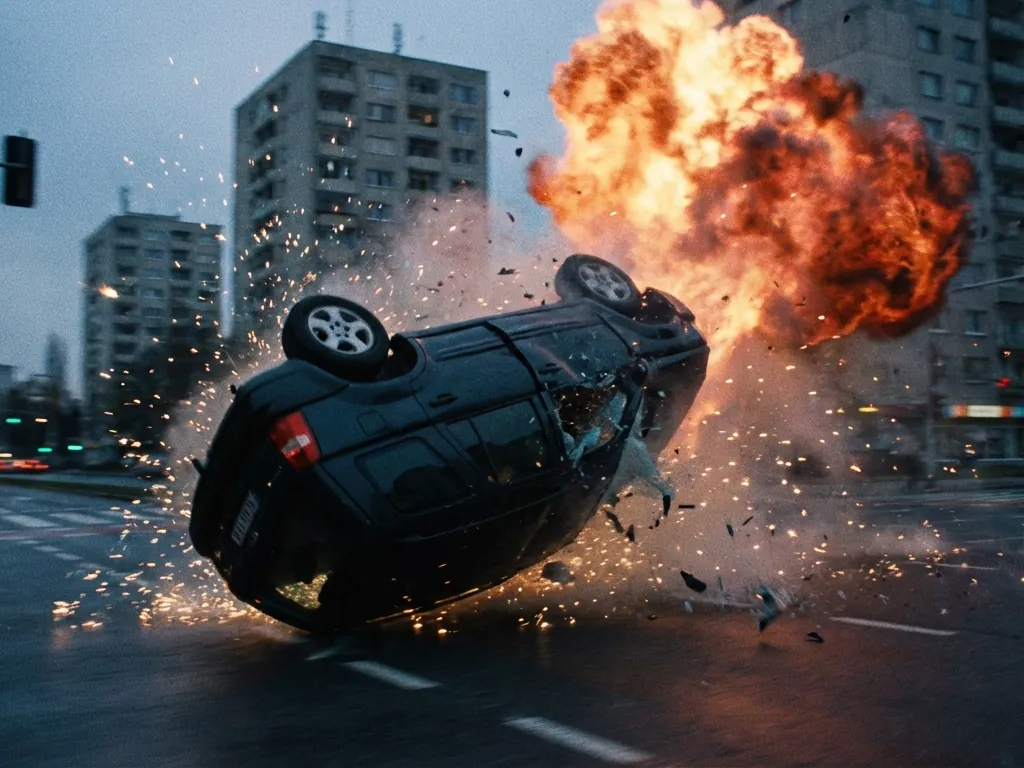 Screen Stunts
A deliberately stylized fictional movie frame showing a car rolling across an empty city intersection with a dramatic background fireball, suspended fragments, wide readable action composition, no people in the scene.
Create a Scene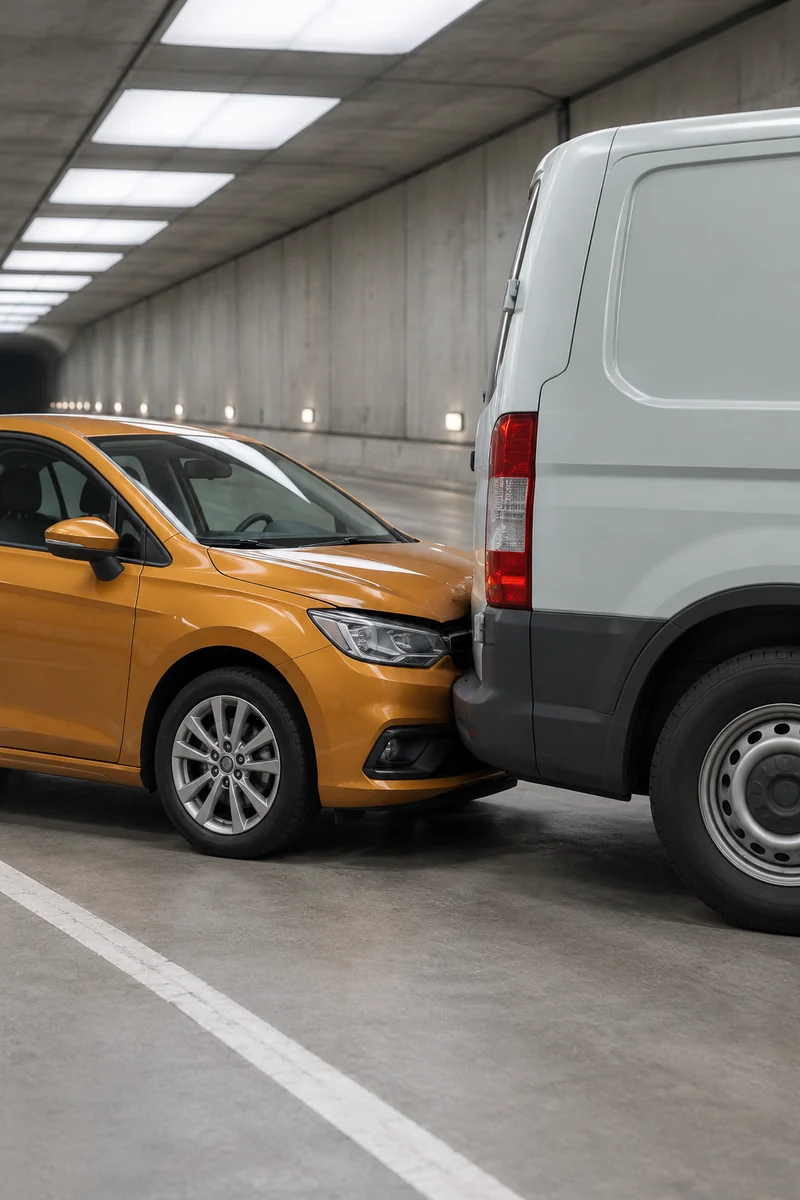 Storyboard Scenes
A closed tunnel film set with bright diffuse ceiling lights and an unbranded amber hatchback stationary behind a pale fictional van, small controlled bumper contact, clean concrete and clear perspective, cinematic telephoto compression, no visible occupants.
Try This Prompt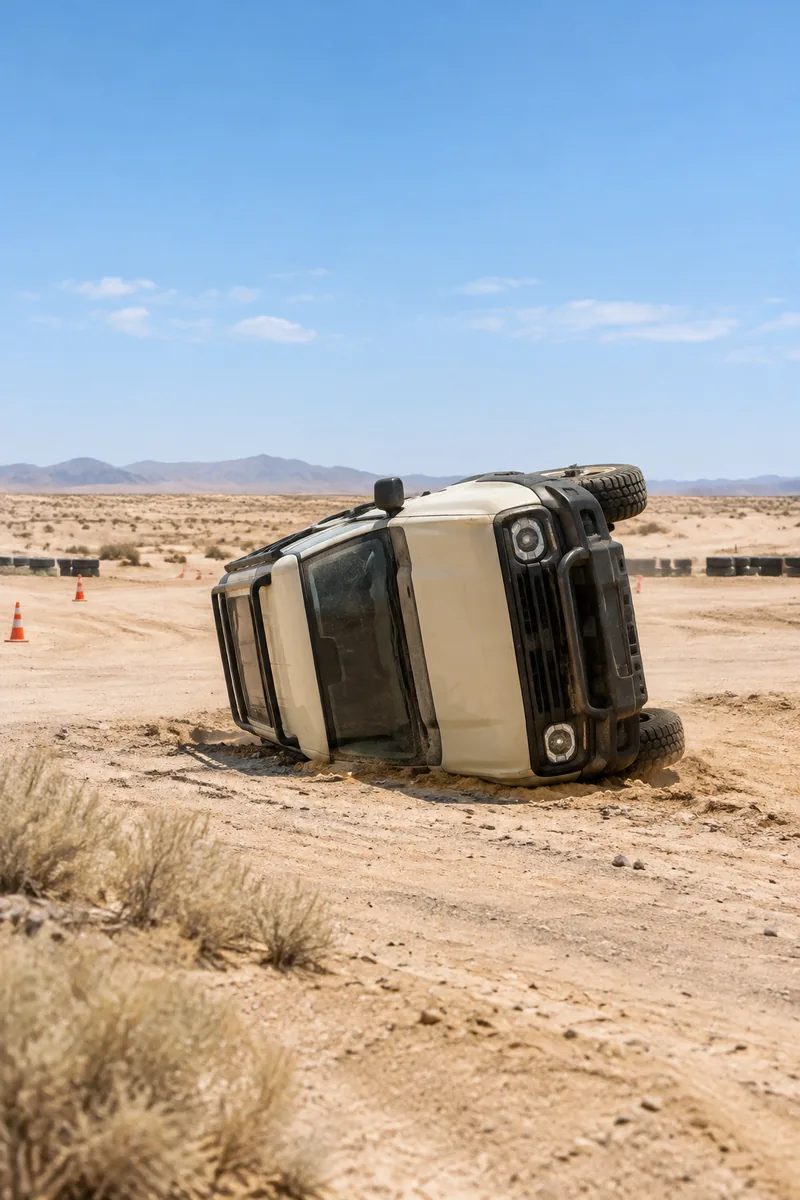 Test Tracks
A fictional cream off-road vehicle resting on its side on a sandy closed desert vehicle-testing course, stable physically plausible geometry, no occupants, dust settling in bright noon light, wide negative space and camera-real cinematic depth, no fire.
Try This Prompt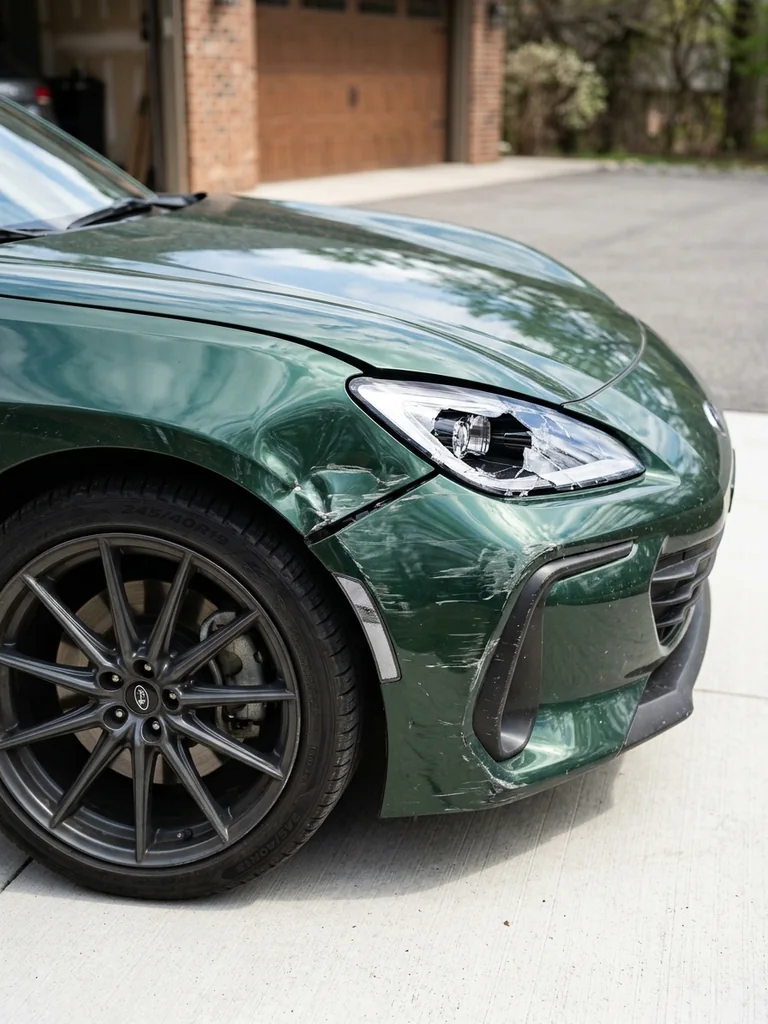 Damage Details
3:4 portrait close automotive photograph: front-left corner of a forest-green unbranded coupe showing a dented fender, scratched bumper and cracked headlamp after a fictional minor parking impact. Bright clean outdoor garage apron, clear natural reflections, keep front wheel, hood edge and specific damage fully visible; precisely focused tactile scratches, no smoke. Photorealistic fictional automotive concept image, bright clear daylight, even exposure, crisp natural materials, coherent vehicle anatomy, no visible people, no blood, no injuries, no readable text, no logos, no watermark, no UI.
Create a Scene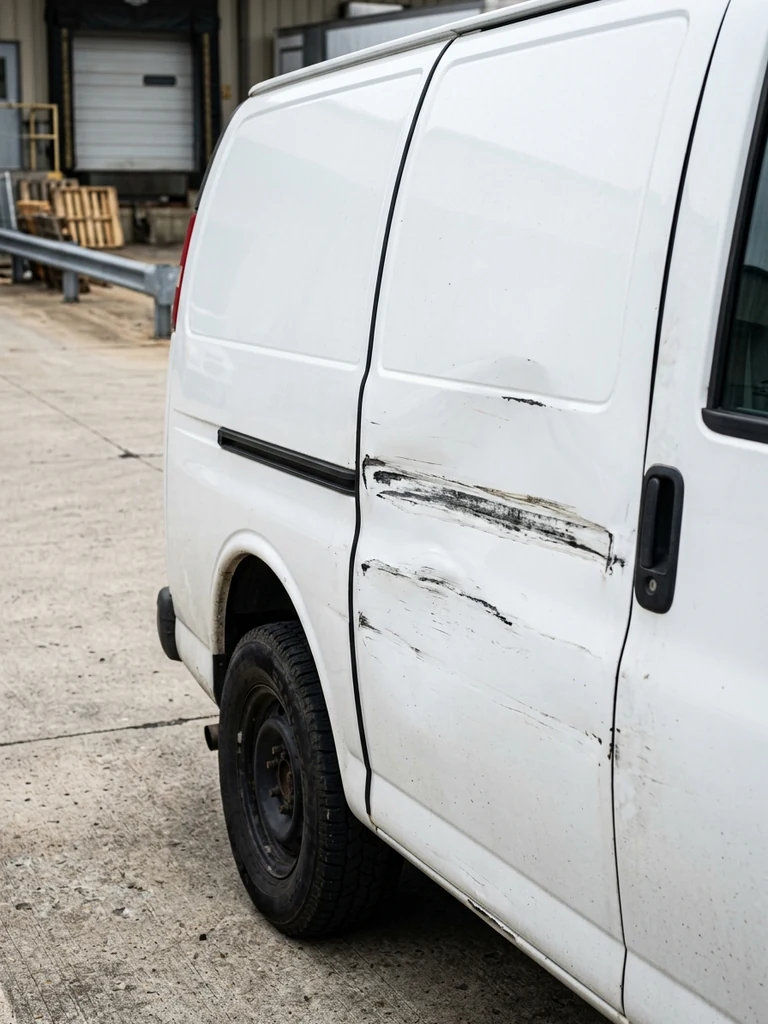 Damage Details
3:4 portrait automotive detail photo of an unbranded white delivery van showing a localized long horizontal scrape and shallow dent across its sliding door after a fictional sideswipe. Side-rear angle, sliding-door seam and rear wheel visible and aligned, bright industrial loading court, realistic paint scuffing and restrained deformation, no lettering. Photorealistic fictional automotive concept image, bright clear daylight, even exposure, crisp natural materials, coherent vehicle anatomy, no visible people, no blood, no injuries, no readable text, no logos, no watermark, no UI.
Create a Scene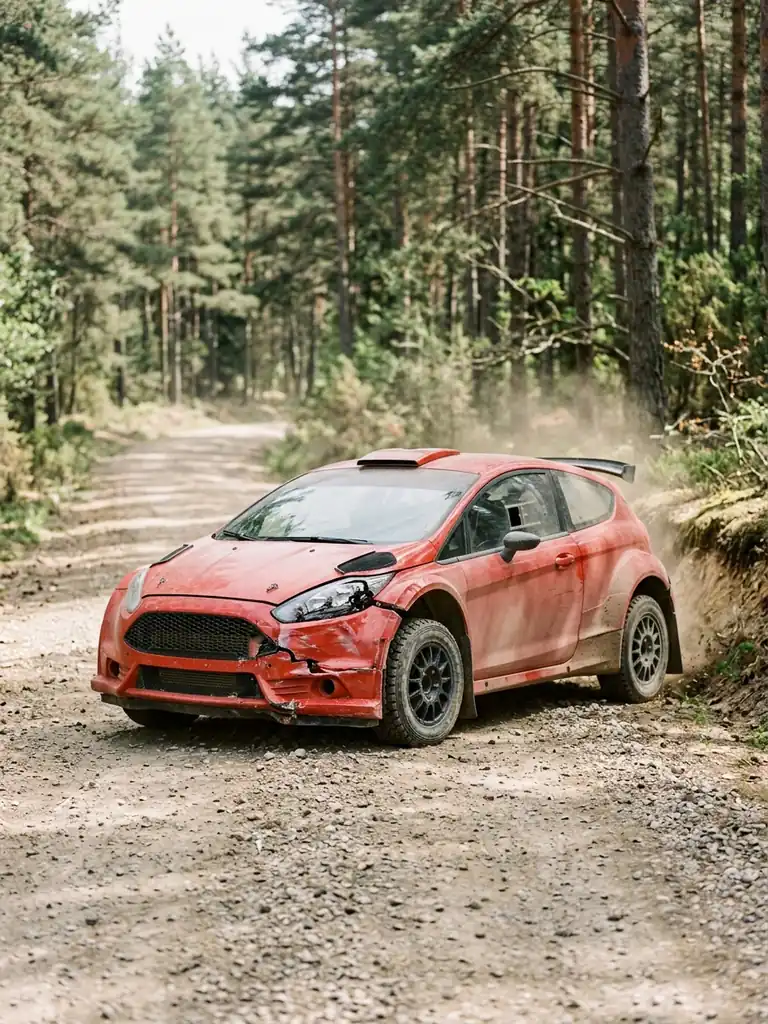 Motorsport
3:4 portrait fictional rally concept still of an unbranded red rally hatchback stopped beside a low earthen bank on a wide sunlit forest rally track, crumpled front bumper, one cracked headlamp, light dust settling in daylight, full car visible including all tires and roof with generous room, pine trees in background, no sponsor decals or racing numbers, no flames. Photorealistic fictional automotive concept image, bright clear daylight, even exposure, crisp natural materials, coherent vehicle anatomy, no visible people, no blood, no injuries, no readable text, no logos, no watermark, no UI.
Create a SceneStart with overhead blocking, a low angle or a compressed tunnel view so the composition has a clear production purpose.
Show bodywork, tire tracks and controlled aftermath with no occupants, victims or injury detail.
Compare lighting, road texture and vehicle spacing when planning a fictional shot or briefing a VFX artist.
Fictional examples of how someone might use the workflow; not verified customer reviews.
An overhead blocking frame is a useful starting point for explaining vehicle spacing to a storyboard artist.
I would use the studio damage study to discuss the look of a fictional fender before choosing an effects approach.
The miniature scene gives me another way to think about a shot without asking for graphic impact imagery.
this generator creates fictional still-image concepts for film storyboards, VFX planning, cinematic thumbnails and controlled automotive scenes.
Do not treat generated images as accident reconstruction, insurance evidence or a factual record. The model can invent geometry and damage that do not match physical events.
Describe the camera height, lens feel, vehicle orientation, road geometry and focal point. Keep the scene simple, then adjust one variable per iteration.
Yes. Specify no people, no visible occupants, no blood or injury, fictional unbranded vehicles and a closed set. Review every result before sharing.
This workspace generates still images. The Hero shows a separate motion concept; use a dedicated video workflow if you need an animated shot.