Log in

The All-in-One AI Platform for 100+ Models and Tools

GlobalGPT brings chat, reasoning, image, video, audio, speech-to-text, research agents, PDF chat, AI detection, CLI and MCP workflows into one all-in-one AI platform.

Use the live catalogue to find the right model or tool for each task, from writing and coding to image generation, video creation, transcription, research, automation and content review.

What Makes an AI Platform Truly All-in-One?

“All-in-one AI” is easy to claim and harder to prove. A useful platform needs to cover the full work pattern, not just a small set of chat models.

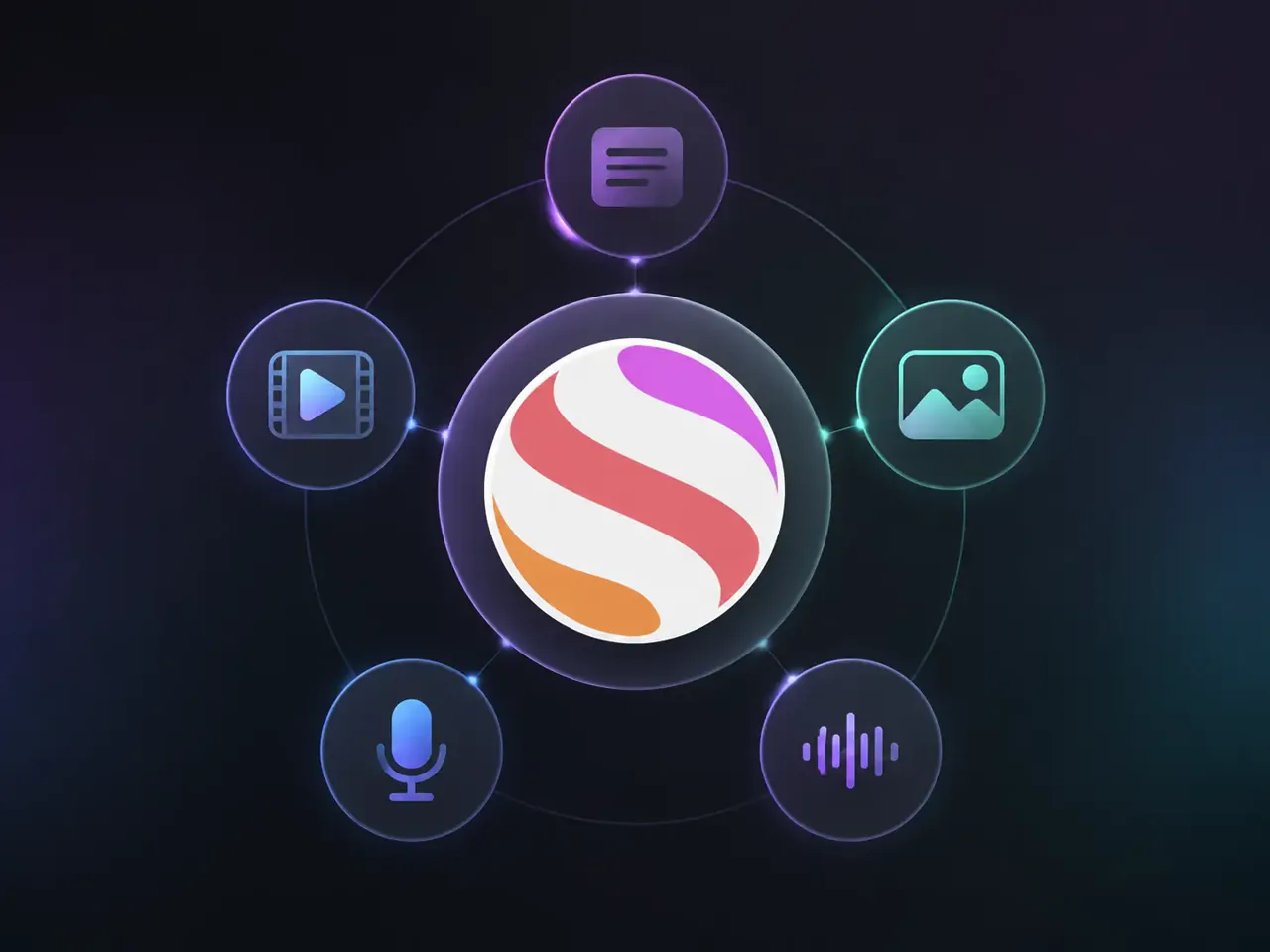
GlobalGPT connects text, image, video, audio and speech-to-text models in one platformOne GlobalGPT account covers Text, Image, Video, Audio, Speech-to-text.
  • Multiple modalities, not just chat.

    Text, image, video, audio and speech-to-text should live close together. If every new output type sends you to another product, the workflow is still fragmented.

    TextImageVideoAudioSTT
  • Multiple model families, not one provider.

    OpenAI, Anthropic, Google, xAI, Meta, Alibaba, ByteDance, Moonshot and DeepSeek all lead on different tasks at different times. The point is choice, not loyalty to one lab.

    OpenAIAnthropicGooglexAIAlibaba
  • One account, fewer billing decisions.

    BYOK platforms still leave you managing provider accounts and usage limits. A true all-in-one AI subscription should reduce that operational overhead.

    One subscriptionNo BYOKLess provider juggling
  • A catalogue built around real tasks.

    Users should be able to start from the job they need done, then choose the right model category without hunting across separate products.

    One accountTask filtersModel choice

GlobalGPT is built around this multi-model workflow.Browse all models

All-in-One AI for Different Kinds of Work

CCreator workflow
DraftImageVideoVoiceoverTranslate

For content creators and marketers

Draft the concept with a chat model, generate the hero image, turn it into a short video, add a voiceover, then localize it with Video Translator. One workflow, one account.

Start creating
RResearch toolkit
InvestigateRead PDFsTranscribeVerify

For researchers and students

Deep Research supports multi-step investigations with source checking. ChatPDF turns papers and reports into conversations. AI Note Taker transcribes lectures and meetings. AI Detector helps review AI-generated content across formats.

Open research tools
TTeam usage
More usageBetter ratesTeam needs

For teams with higher AI usage

Teams that use AI every day may need larger usage packages and better pricing than an individual plan. Tell us your team size, expected usage and main model categories, and we will help you find a suitable GlobalGPT plan.

Email us

All-in-One AI vs. Separate Subscriptions

Comparison of separate AI subscriptions versus a single GlobalGPT subscription
CategorySeparate subscriptionsGlobalGPT
Chat modelsChatGPT Plus + Claude Pro + Gemini AdvancedIncluded
Image modelsMidjourney + Ideogram + FLUXIncluded
Video modelsSora + Veo + Kling + RunwayIncluded
Audio / TTSElevenLabsIncluded
TranscriptionSeparate toolIncluded
Entry priceMultiple paid plansFrom US$5.8/month
Logins to manage8+1
API keys requiredSomeNone

GlobalGPT pricing shown as of September 2026. Model availability and third-party provider pricing may change over time.

All-in-One AI: Frequently Asked Questions

What is an all-in-one AI platform?

An all-in-one AI platform gives you access to models from multiple providers and across multiple modalities, including text, image, video, audio and speech-to-text, through a single account. Instead of switching between separate products for each task, you work from one interface and one subscription.

Which AI models does GlobalGPT include?

GlobalGPT includes 100+ models and tools across chat, reasoning, image generation, video generation, audio, speech-to-text, research, PDF chat, AI detection, CLI and MCP workflows. The live catalogue is the source of truth because model availability changes as new AI models launch.

Do I need API keys?

No. GlobalGPT includes model access directly, so you do not need to bring separate provider API keys for normal use. This is different from BYOK platforms, where you still sign up with each provider and track usage separately.

How do I choose the right AI model?

Start with the task category. Use chat and reasoning models for writing, coding and analysis; image models for visual generation and editing; video models for clips and motion; audio and speech tools for voice, music and transcription; and purpose-built tools for research, PDF reading, detection and workflow tasks.

Is an all-in-one AI subscription cheaper than buying tools separately?

It can be cheaper if you regularly use several categories, such as chat, image, video, audio and research tools. If you only use one single AI product, a standalone subscription may be enough; GlobalGPT is built for people who need multiple models in one workflow.

What can I do beyond chat?

You can generate and edit images, create videos, translate and reframe video content, generate voice or music, transcribe meetings, chat with PDFs, run research workflows, use CLI and MCP workflows, and review AI-generated content across text, image, audio and video.

How does GlobalGPT help developers?

Developers can use GlobalGPT from the browser and through CLI or MCP workflows, then choose coding-focused models for refactoring, debugging, code review, documentation and agent-style tasks. The main benefit is keeping model access close to the development workflow without managing separate provider dashboards.

Does GlobalGPT offer plans for teams?

Teams with heavier AI usage can contact productsupport@glbgpt.com to discuss larger usage packages and better pricing. Share your team size, expected usage and main model categories so the support team can recommend a suitable plan.